Introduzione
Has your eMachine been running slow lately? Ready to upgrade to a higher memory size? This guide will show you how to remove the built-in Samsung random access memory (RAM) disks and install two DDR4 SDRAM memory disks.
Note that the size of your memory disks will need to be in DDR4 SDRAM bandwidth.
I will be using the Phillips #1 Screwdriver from my iFixit Pro Tech Toolkit.
Cosa ti serve
-
Attrezzo utilizzato in questo passaggio:Anti-Static Wrist Strap$7.95
-
Shut down the computer.
-
Disconnect all cables from the computer.
-
-
Attrezzo utilizzato in questo passaggio:Phillips #1 Screwdriver$5.49
-
Place the computer upright at standing position.
-
Using a Phillips #1 Screwdriver:
-
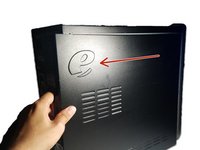
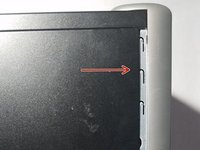
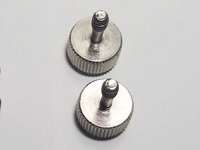
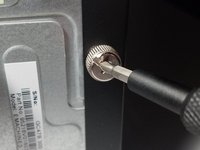
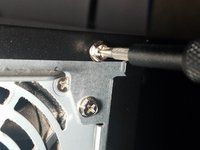
Remove the two 1cm combination screws located on the right of the casing.
-
-
-
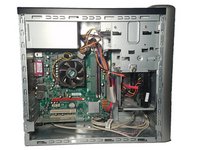
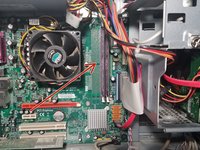
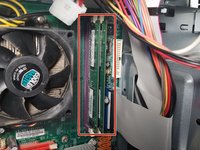
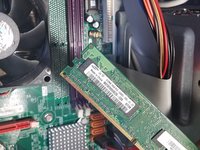
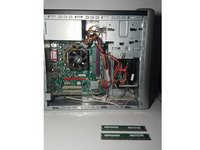
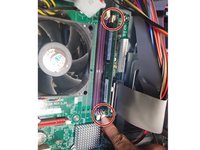
With the case panel open, locate the two RAM disk slots on the right side of the motherboard.
-
-
-
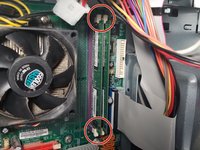
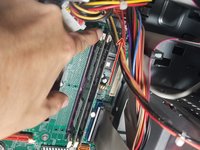
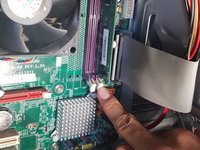
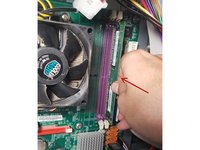
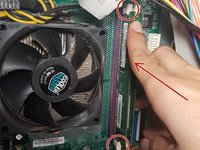
Locate the tabs on the RAM disks.
-
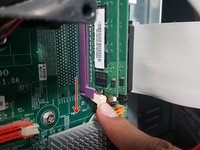
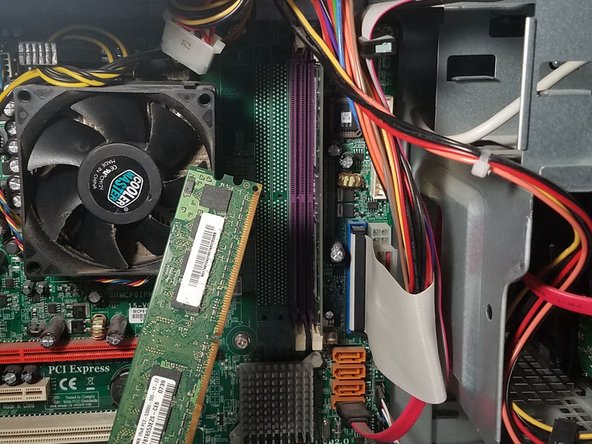
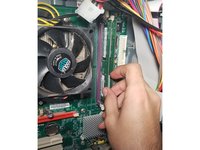
Use your index finger to release the tab at the bottom of the left RAM disk slot.
-
-
-
-
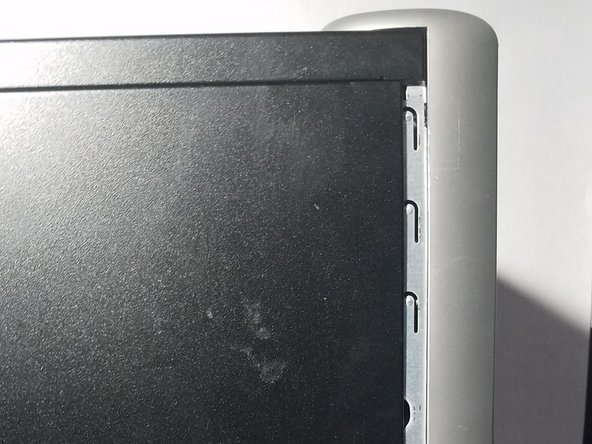
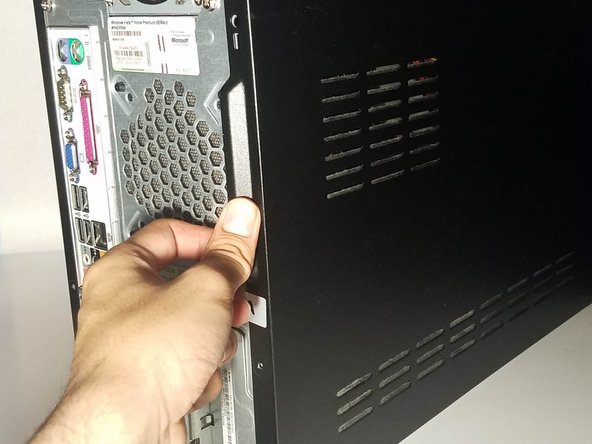
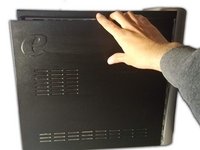
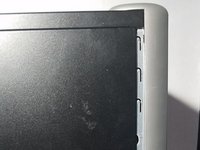
Use both hands to align the case panel to the case frame.
-
Once in place, push the case panel forward until it secures in place.
-
-
Attrezzo utilizzato in questo passaggio:Phillips #1 Screwdriver$5.49
-
Using your Phillips #1 Screwdriver:
-
Screw the two 1cm combination screws back into place on the right side of the case panel.
-







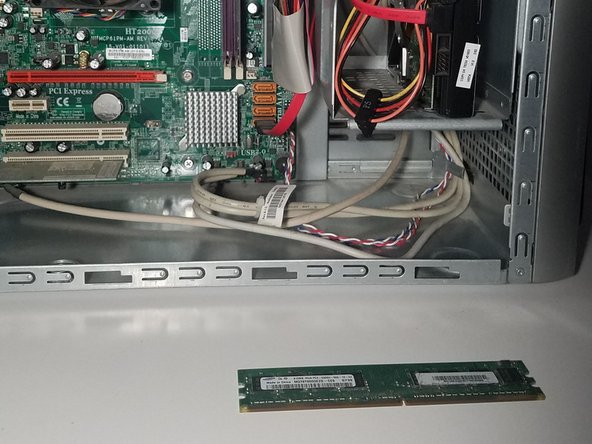
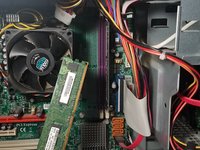









And that’s all there is to it! Make sure to dispose your old RAM disks properly at your local recycling center.



