Introduzione
Is your Xbox controller analog stick moving on its own? This common issue, known as "stick drift," is often caused by dirt, wear and tear, or physical damage.
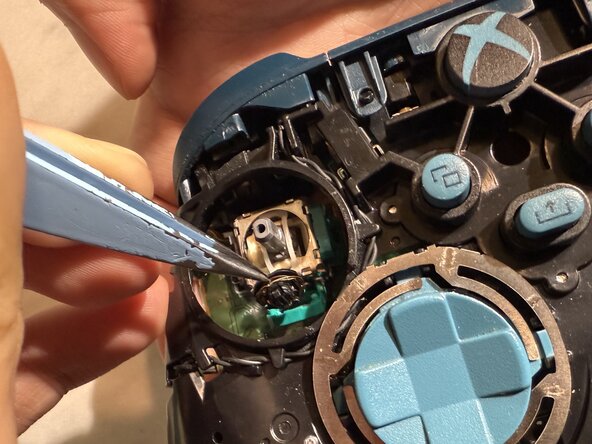
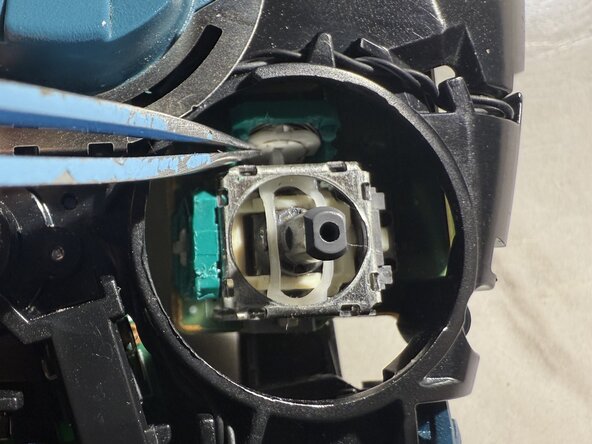
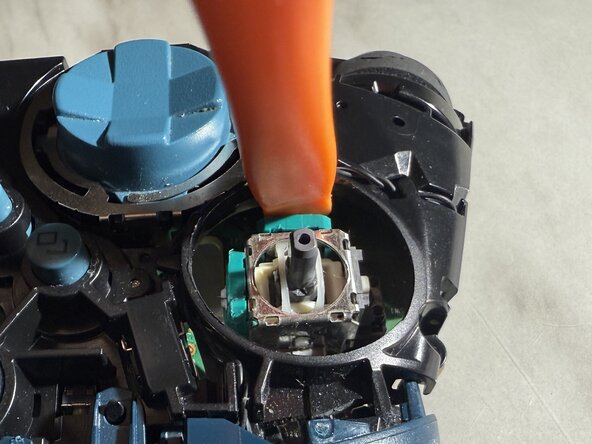
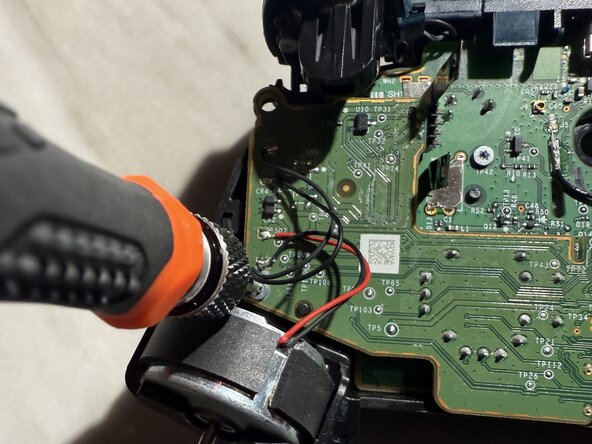
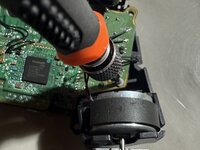
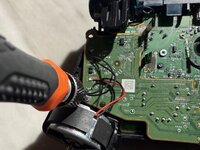
The first step is always to clean around the analog stick. If the drift persists, this guide will show you how to replace the internal potentiometer—the sensor that detects stick movement—without requiring any soldering.
This video provides detailed information about the components of the trimmer potentiometer sensor, including the wiper.
In this guide, the model of the Xbox Series controller used was model 1914, but this process also works for previous models.
Before you begin this repair, make sure the controller is off and remove the batteries from the back of the device.
Cosa ti serve
-
-
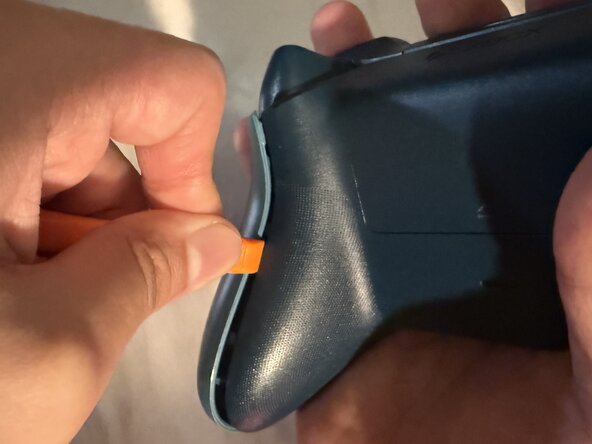
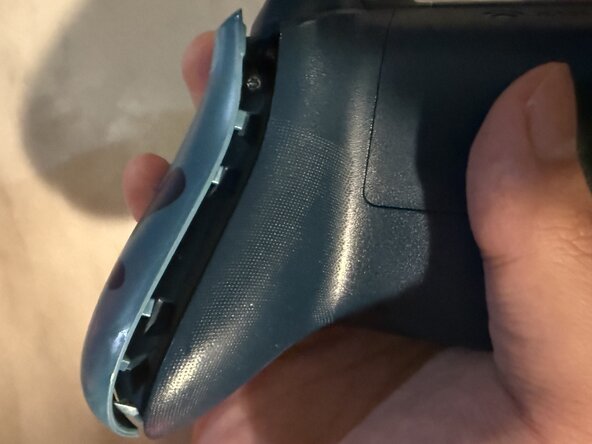
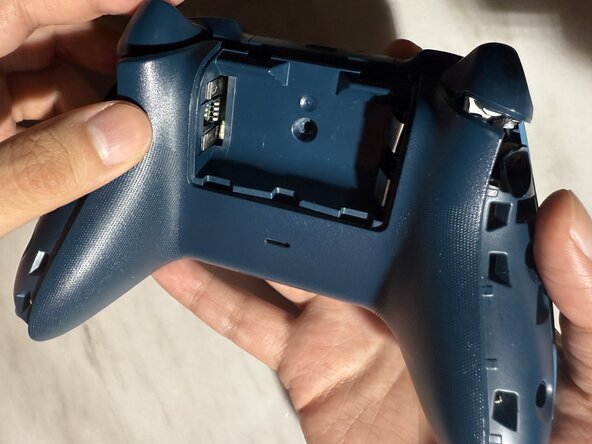
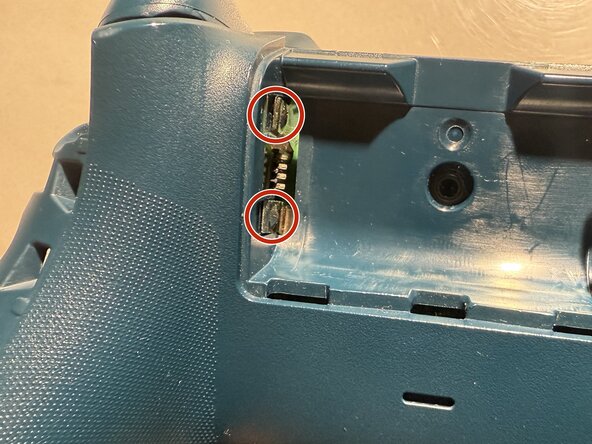
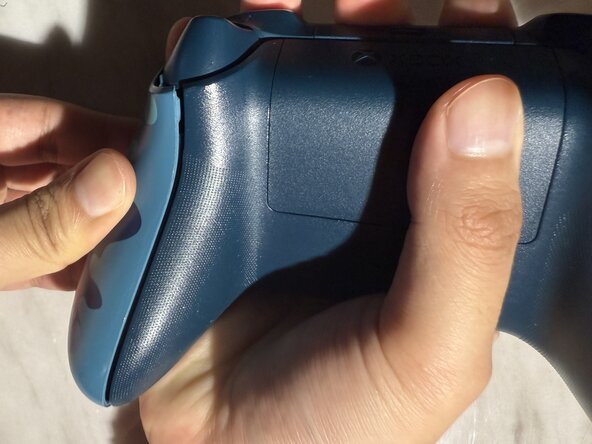
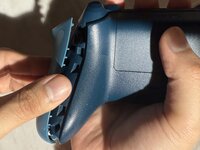
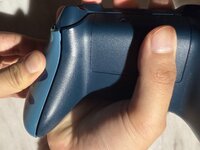
Wedge your spudger into the seam between the back and side panels.
-
Grip the controller firmly and pry the side panel away by moving the spudger back and forth. Work your way around the entire seam using this motion.
-
-





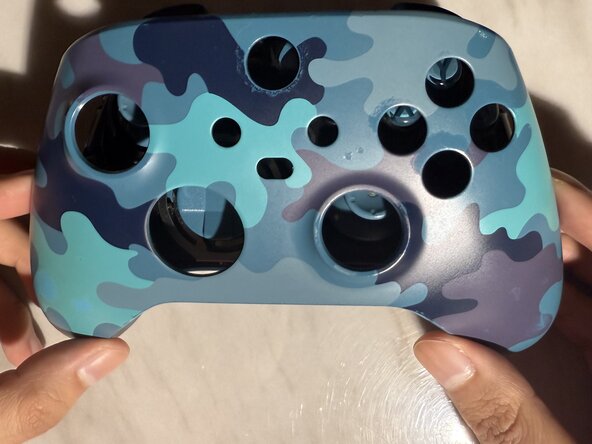
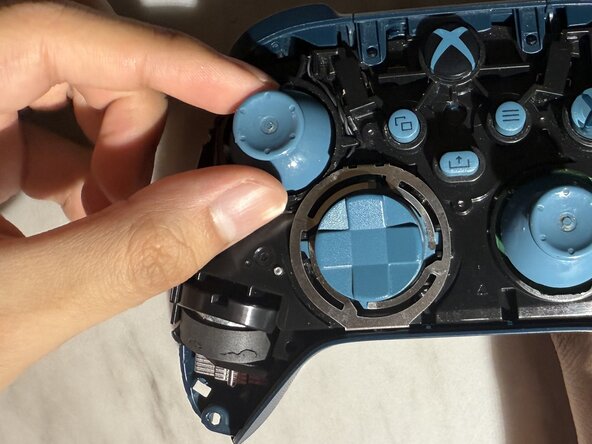
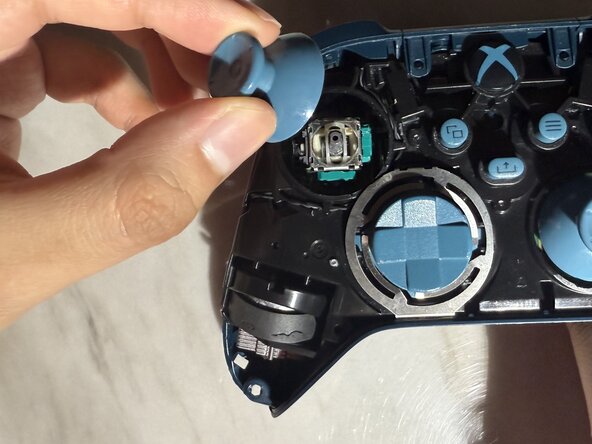
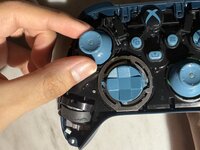
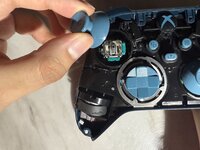

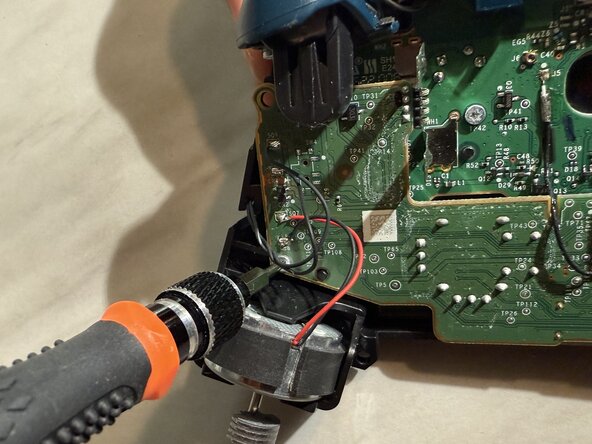
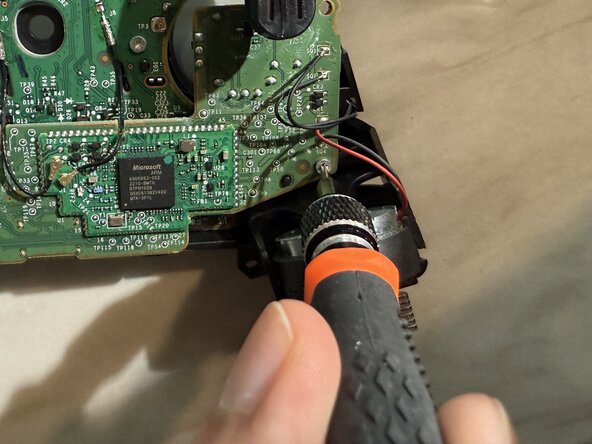
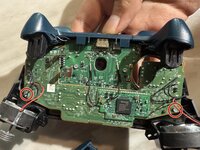
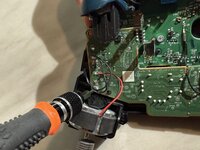
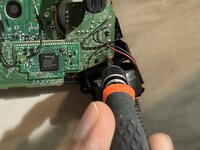

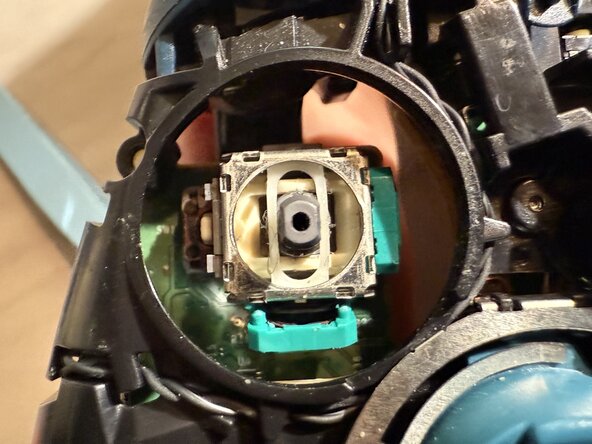








I hope this guide has been helpful!
Annulla: non ho completato questa guida.
Altre 2 persone hanno completato questa guida.



Team

CSU Los Angeles, Team 5-22, Harris Spring 2025 Membro di CSU Los Angeles, Team 5-22, Harris Spring 2025
CSULA-HARRIS-S25S5G22
1 Membro
2 Guide realizzate
1Commento della guida
Es no funciona ya que directamente los contactos de carbono de los potecimetros son los que están ya desgastados debido a la friccion de funcionamiento, directamente se debe de reemplazar los potecimetros completos, no únicamente el sensor de contacto.
