Introduzione
Cosa ti serve
Panoramica Video
-
-
Switch off the laptop and remove the battery
-
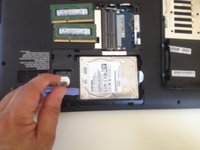
Remove the HDD / Memory cover, secured by one Phillips screw.
-
-
-
-
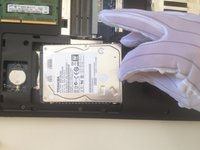
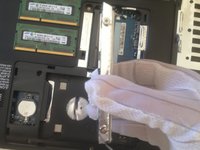
Remove the metal folio secured by 4 Phillips screws and transfer it to the new HDD.
-
.
-



Conclusione
To reassemble your device, follow these instructions in reverse order.
Annulla: non ho completato questa guida.
Altre 4 persone hanno completato questa guida.



Team

5Commenti sulla guida
hi what is the maximum amount of memory this laptop will take
16 GB but some older version of this model(C850) takes up only up to 8 GB max
@stephenmell u can find the details and specs about the laptop here:
