Introduzione
At some point during your driving experience, your key fob battery is bound to run out, necessitating a replacement. If you experience dim LED light, weak signal, and requires multiple clicks to function, or not functioning at all, it is likely due to a drained battery. The lifespan of the battery should typically range from 3 to 5 years, depending on usage patterns and environmental factors.
The key in use belongs to a 2009 Subaru Legacy, and I believe Subaru Legacy and Outback models from 2010 to 2014 also make use of the same key. Prior to initiating the process, ensure that your key fob corresponds to this specific model. The model information is imprinted on the case beneath the Subaru emblem where the screw reside.
FCC ID: CWTWBU766
IC: 1788D-FWBU766
Cosa ti serve
-
-
Use a Phillips #00 screwdriver to remove a 5.0 mm screw from the base of the key fob.
-
-


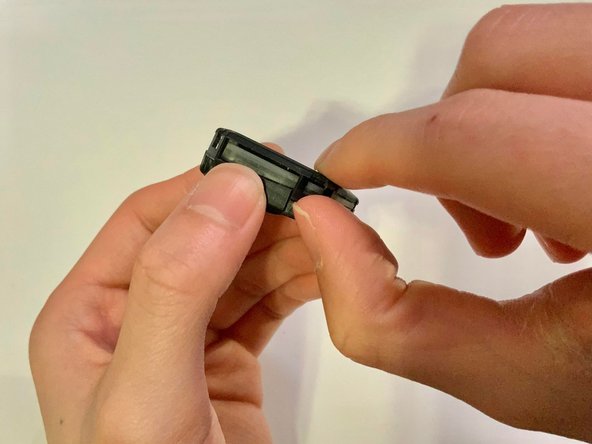
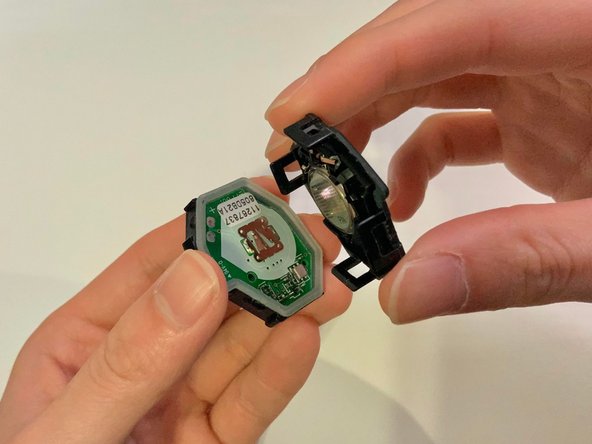

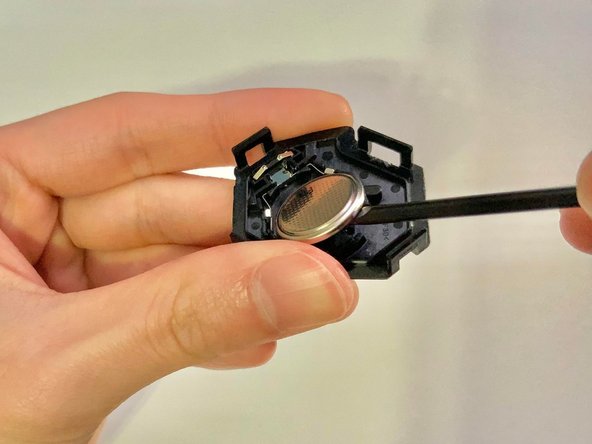
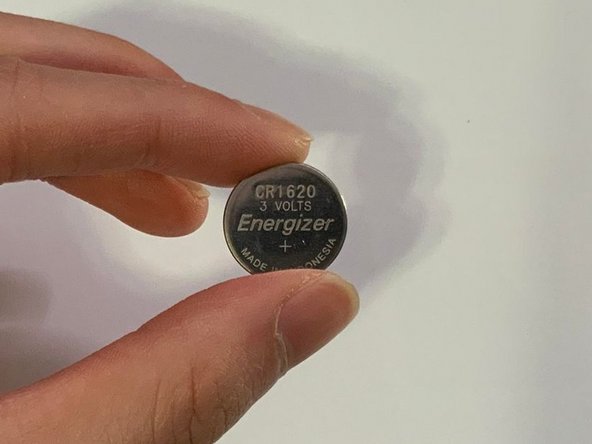
To reassemble your device, follow these instructions in reverse order.
To reassemble your device, follow these instructions in reverse order.


Team

York University, Team 2-19, O'Regan Winter 2024 Membro di York University, Team 2-19, O'Regan Winter 2024
YORK-O'REGAN-W24S2G19
1 Membro
1 Guida realizzata
