Questa traduzione è stata generata automaticamente e non è stata ancora revisionata da una persona. Parli questa lingua? Dai un’occhiata.

Sostituzione hard drive Dell Inspiron 15R 5520

zAj e
Ultimo aggiornamento il 2 ago 2026
Visualizzazioni: 3161
Visualizza statistiche:
- Ultime 24 ore:
- 5
- Ultimi 7 giorni:
- 16
- Ultimi 30 giorni:
- 85
- Tutti i Tempi:
- 3.161
Commenti: 2
2 commenti sulla guida.
Vai ai commenti della guidaCompletato: 3 4
3 persone hanno contrassegnato questa guida come "completata". Sarai il prossimo?
4 persone hanno contrassegnato questa guida come "completata". Compreso te, ottimo lavoro!
Preferiti: 1 2
1 persona ha aggiunto ai preferiti (e si è iscritta a) questa guida. Sarai il prossimo?
2 persone hanno aggiunto ai preferiti (e si sono iscritte a) questa guida, incluso te!
Introduzione
Vai al passo 1 ↓Sostituire o aggiornare l'hard drive del tuo portatile è un ottimo modo per dare nuova vita al tuo dispositivo.
Cosa ti serve
Strumenti

-
-
-
Posiziona un dito su entrambi i fermi e spingi verso l'esterno.
-
Afferra il bordo e tira verso l'alto per rimuovere la batteria.
-
-
-
-
-
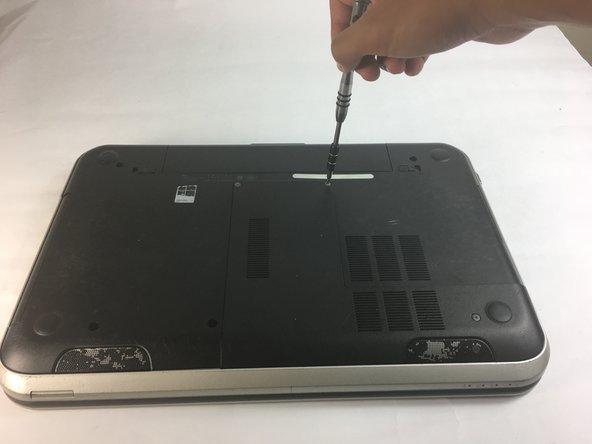
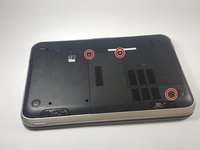
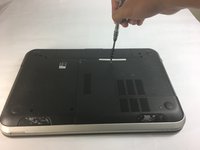
Individua e allenta le tre viti da 3 mm.
-
Rimuovi la copertura in plastica con le viti attaccate.
-
-
-
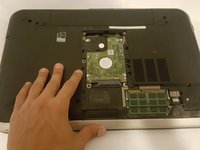
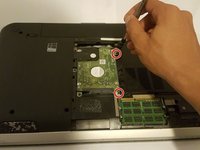
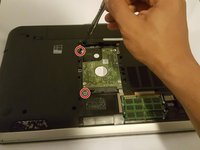
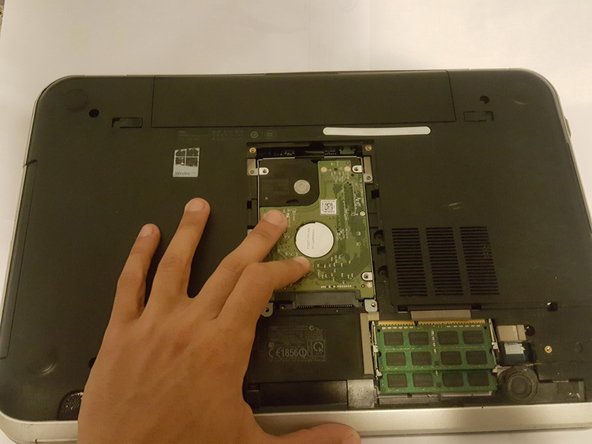
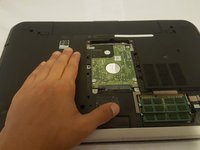
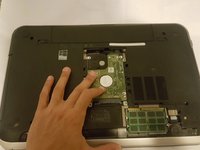
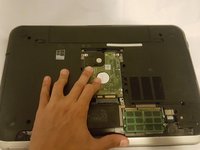
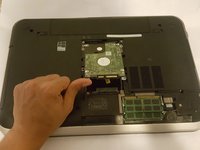
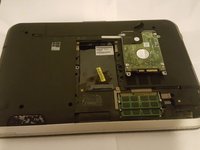
Individua e rimuovi le quattro viti da 4 mm che fissano l'hard drive.
-
-

 Chiedi a FixBot







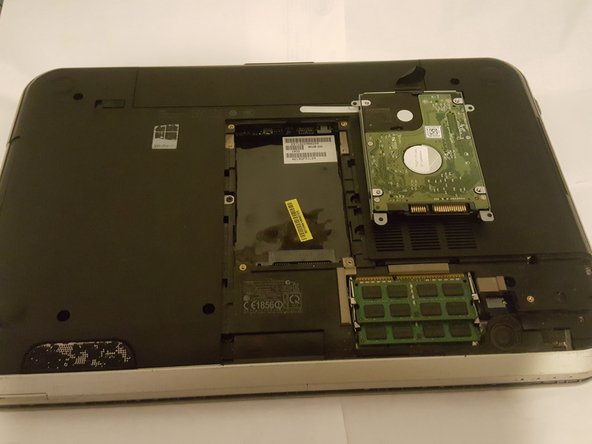
Per rimontare il dispositivo, segui queste istruzioni in ordine inverso.
Annulla: non ho completato questa guida.
Altre 3 persone hanno completato questa guida.

Team

USF Tampa, Team 18-1, Blackwell Fall 2016 Membro di USF Tampa, Team 18-1, Blackwell Fall 2016
USFT-BLACKWELL-F16S18G1
3 Membri
60 guide realizzate
2Commenti sulla guida
I have a Dell 15R 5537. The drive removal is about the same. There are only two screws holding the drive, though. They’re located at the back of the drive. Push the drive back to clear the connector and pull up aided by a clear plastic pull tab on the drive.
It worked and was well worth installing an SSD.
