Questa traduzione è stata generata automaticamente e non è stata ancora revisionata da una persona. Parli questa lingua? Dai un’occhiata.
Introduzione
Un uso eccessivo della funzione di messaggistica o email può usurare il tastierino e persino danneggiarlo, a seconda della pressione esercitata. Questa procedura è considerata moderatamente difficile, ma con un po' di pazienza può essere completata con ottimi risultati.
Ricorda che stai maneggiando componenti elettronici sensibili, quindi non affrettare i passaggi e presta particolare attenzione al punto 4. Una pressione eccessiva o una fretta eccessiva possono causare la rottura delle piccole clip di plastica durante la rimozione della cover posteriore, impedendo una chiusura ermetica durante il rimontaggio del telefono.
Cosa ti serve
-
-
-
Usa i pollici per tirare verso il basso la cover posteriore per rimuoverla ed esporre la batteria.
 Chiedi a FixBot
-
-
-
Individua l'incavo nel case sotto la batteria (vedi quadrato rosso).
-
Posiziona il dito nell'incavo e tira verso l'alto la batteria per rimuoverla.
-
-
-
-
-
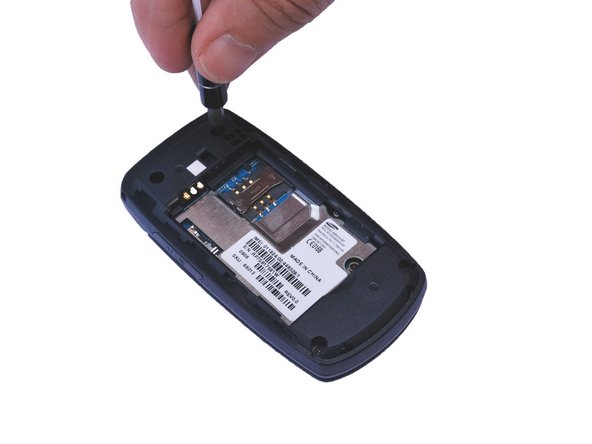
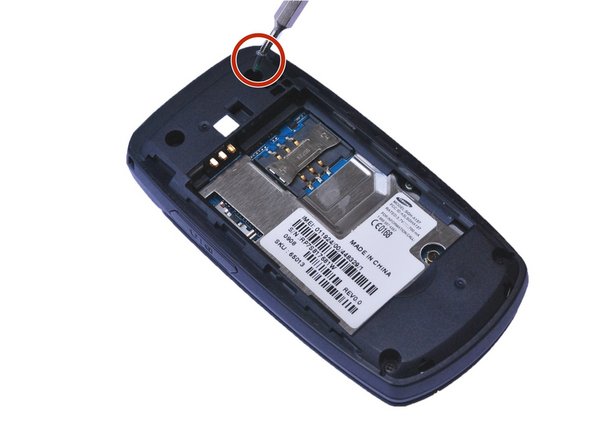
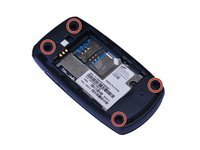
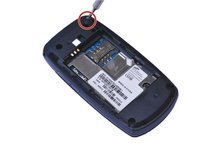
Individua i 4 fori delle viti e rimuovi le viti a croce Phillips da 0,4 mm usando un cacciavite a croce Phillips #000. (Vedi i cerchi rossi)
-
-
-
-
Utilizzando uno strumento di apertura in plastica, fai delicatamente leva per aprire il retro del telefono lungo la giuntura.
-
-
-
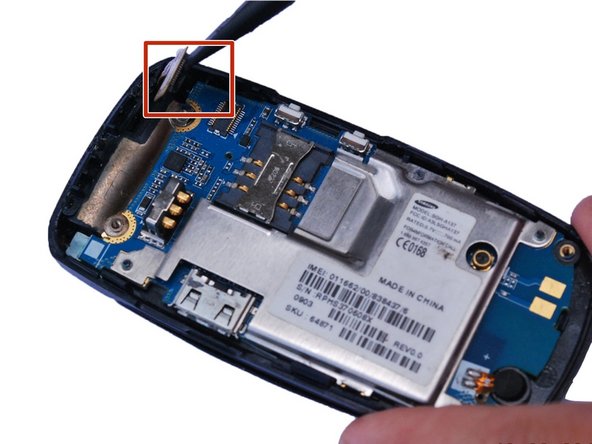
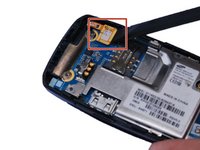
Posiziona l'estremità piatta di uno spudger sotto il bordo del connettore a pressione e fai leva delicatamente verso l'alto per estrarre il connettore dalla sua presa. (Evidenziato dal quadrato rosso)
-
-
-
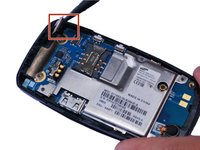
Utilizzando uno strumento di apertura in plastica, fai delicatamente leva sulla scheda madre.
-
-
-






Per rimontare il dispositivo, segui queste istruzioni in ordine inverso.
Annulla: non ho completato questa guida.
Un'altra persona ha completato questa guida.

Team

USF Sarasota-Manatee, Team 1-1, Stewart Fall 2015 Membro di USF Sarasota-Manatee, Team 1-1, Stewart Fall 2015
USFSM-STEWART-F15S1G1
5 Membri
120 guide realizzate
