Introduzione
My power button had become unresponsive and seeing as the device is no longer covered by warranty I decided to replace it myself, if you're in the same situation I hope that this guide will help you out!
Cosa ti serve
-
-
If your power button is malfunctioning this is what you need to replace it!
-
A replacement power flex cable
-
A small philips heads screwdriver
-
A platsic opening tool
-
A tweezer (Not necessary but can come in handy)
-
-
-
Attrezzo utilizzato in questo passaggio:Tweezers$4.99
-
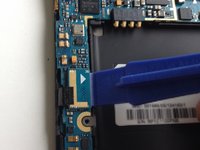
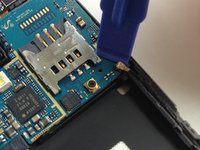
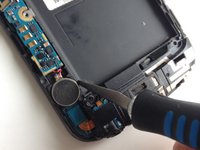
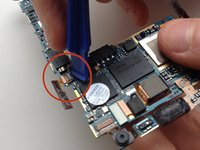
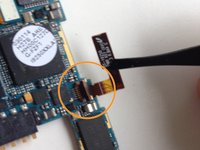
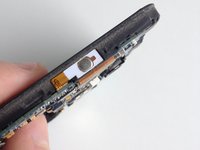
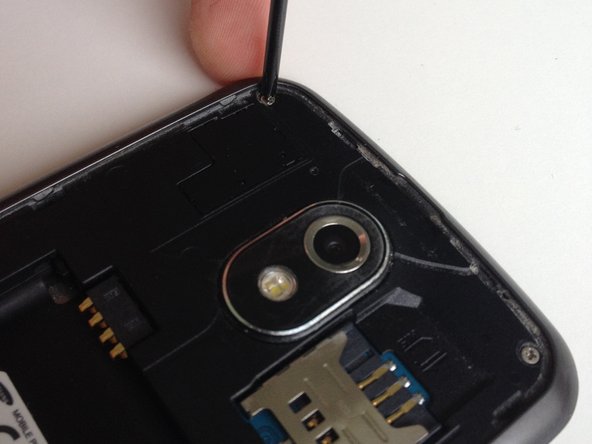
Use your opening tool to open the latch that holds the power button flex cable in place.
-
Make sure you open the black part of the latch, I tried prying at the brown part thinking that would open it, it didn't. No harm done though.
-
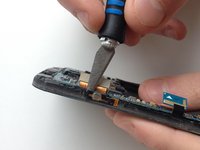
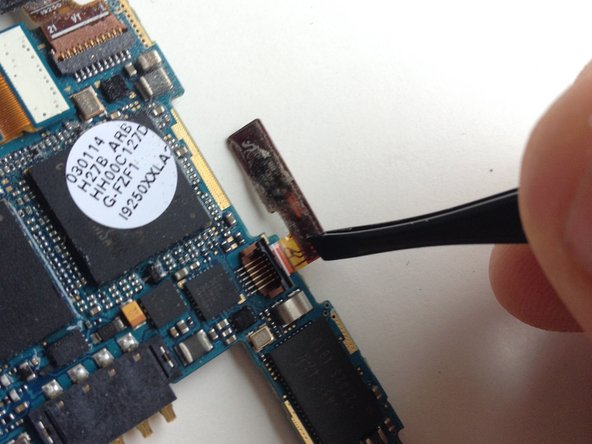
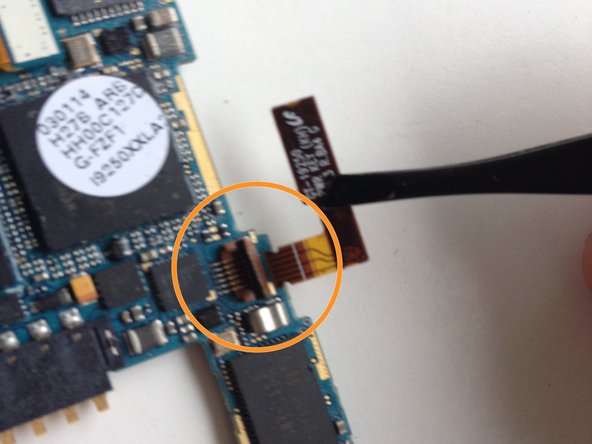
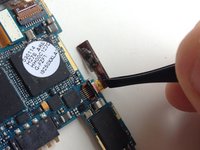
Use your tweezers to take the old flex cable out and out the new one in, this can probably be done by hand but it takes a bit of precision.
-
Don't forget to put that latch back down! (and sorry about the blurry picture)
-
-
-
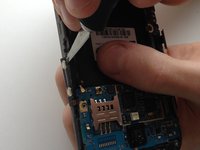
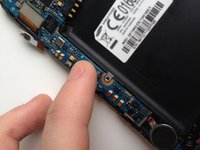
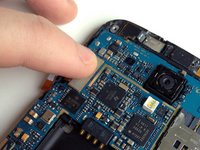
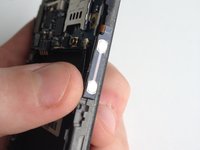
Use your fingers to put the flex cables back. There should be some glue left on there; if there isn't, then use a tiny bit of glue from a glue stick.
-
Make sure they look aligned.
-
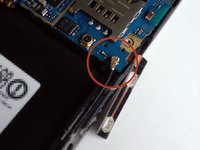
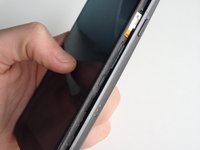
Don't worry too much if the cables threaten to pop off the side; once the phone is reassembled, the case will hold the cables in place.
-


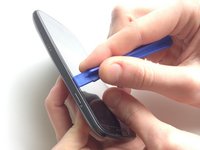
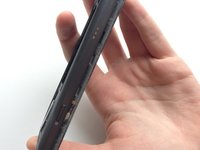
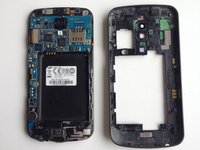


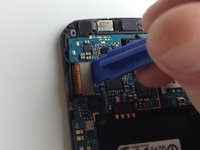




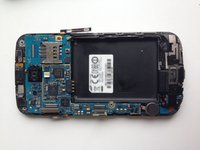
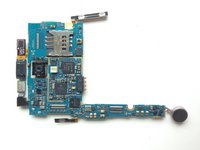
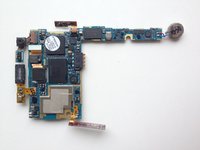








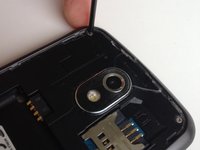
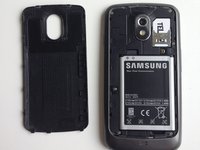

You're all done, hope it worked out for you! :)
Annulla: non ho completato questa guida.
Altre 12 persone hanno completato questa guida.



5Commenti sulla guida
Thanks! Very helpful guide.
Thanks much. Bought the replacement button input on eBay and followed your guide, no hitches, I have a power button again!
Thank you for your guide. Made it without any problems. Got the phone working again thanks to you.
kindly tell me if i lose power button Socket. then what can i do to, get back power button.. any Short cut..
