Introduzione
Follow this guide to replace the entire motherboard in a Samsung Galaxy Core Plus.
Cosa ti serve
-
-
Insert the flat side of a spudger into the gap next to the power button.
-
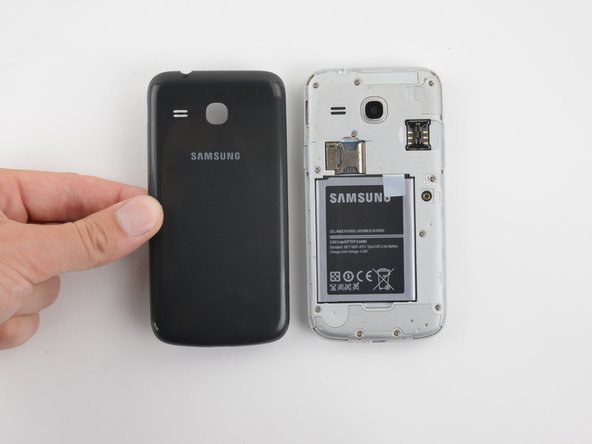
The back cover is held by plastic clips. Pry the cover away from the phone until the clips release.
-
-
-
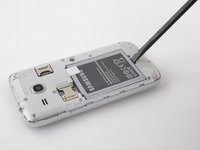
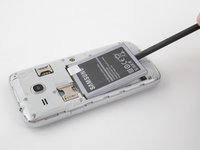
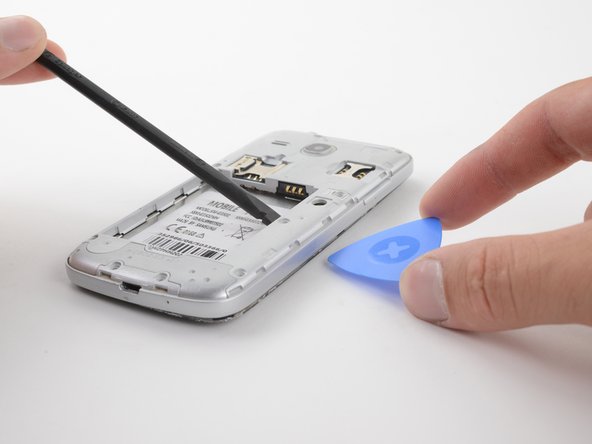
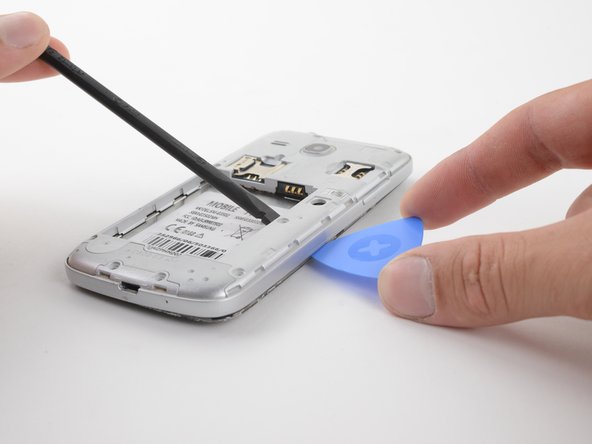
Insert the flat end of a spudger into the gap at the bottom of the battery.
-
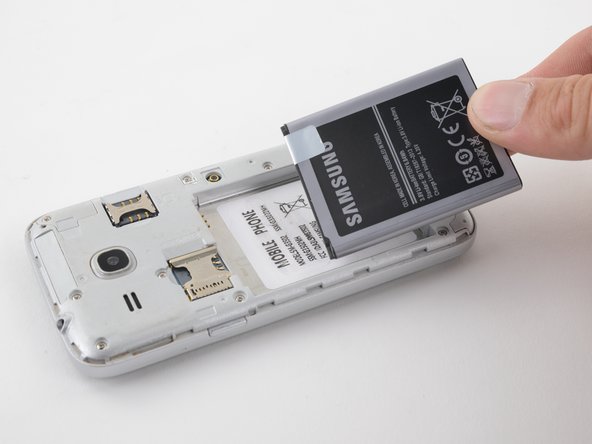
Pry the battery up and away from the phone.
-
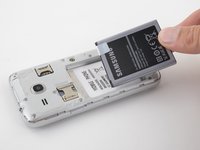
Grab the battery and lift it out of the phone.
-
-
-
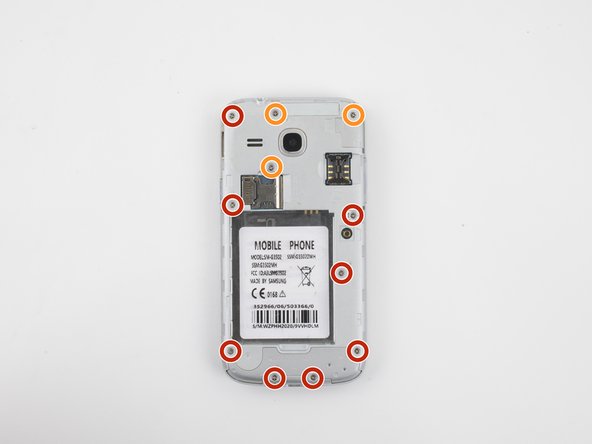
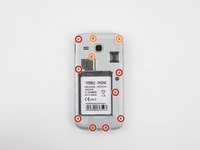
Use a Phillips #00 screwdriver to remove eleven T3 screws from the midframe.
-
There are eight 4mm screws on the left and bottom of the midframe.
-
There are three 3.9mm screws in the upper right of the midframe.
-
-
-
-
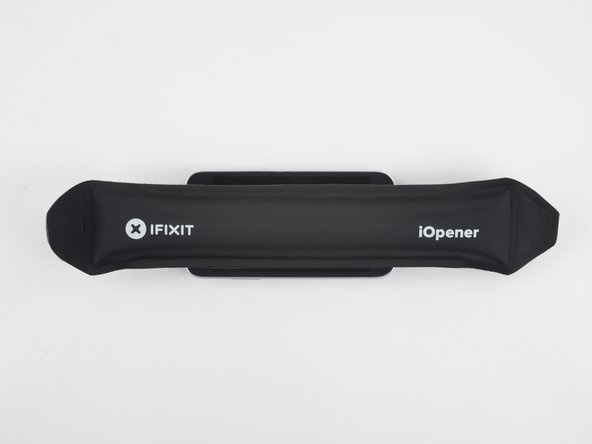
Heat an iOpener and apply it to the front of the device for two minutes. This will loosen the adhesive around the perimeter of the screen.
-
-
-
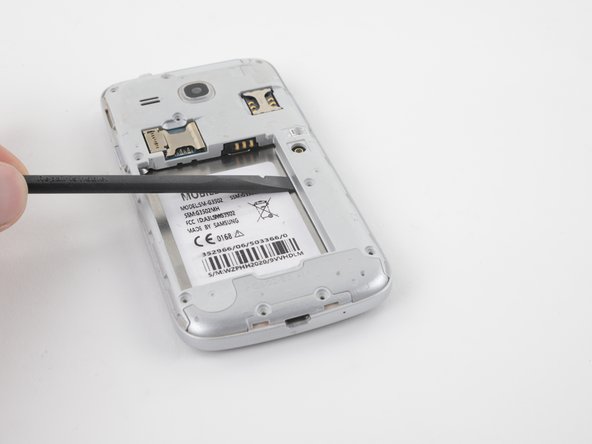
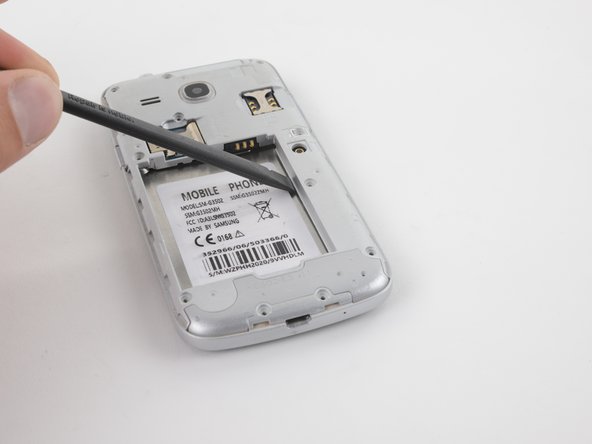
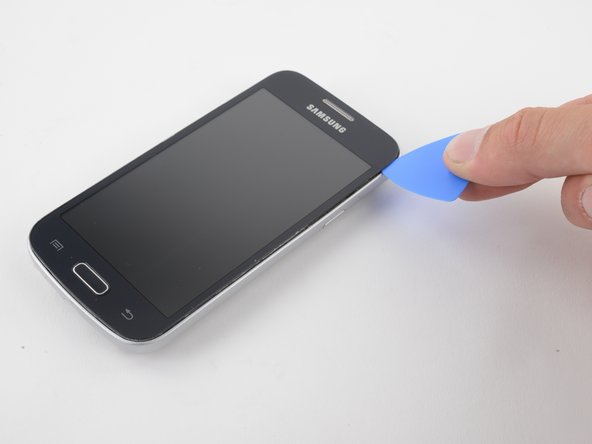
Insert a spudger under the midframe and pry upward.
-
You may pry along any side of the battery recess. The right side and top side will be the easiest.
-
-
-
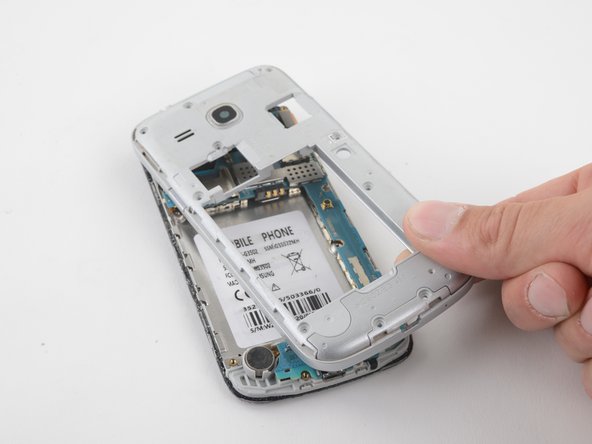
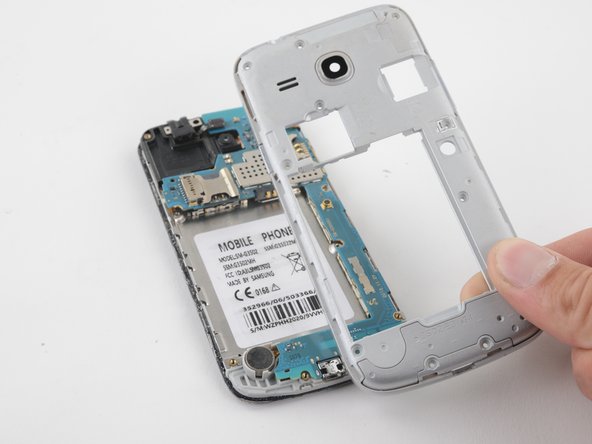
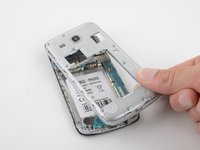
Once the adhesive between the midframe and screen has been cut, the midframe will be free.
-
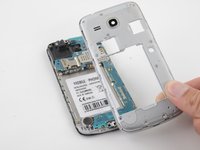
Grab and pull the midframe away from the phone.
-
-
-
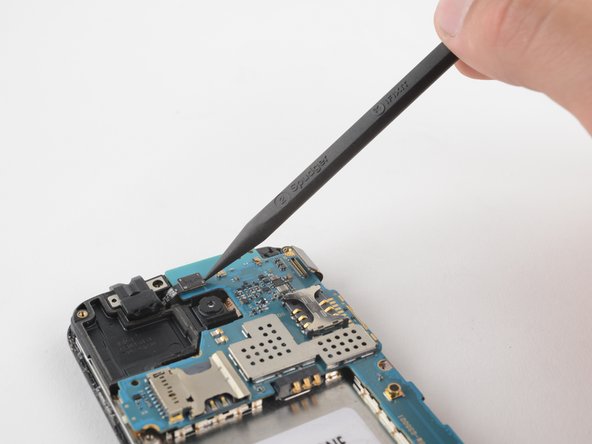
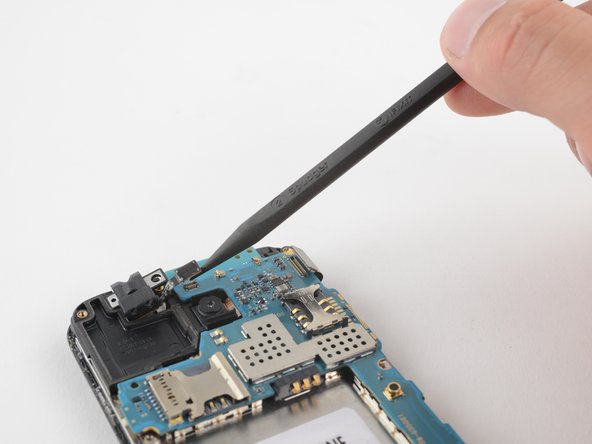
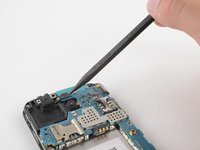
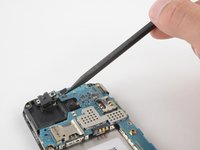
Use a spudger to release the press-fit connector from the motherboard.
-
-
-
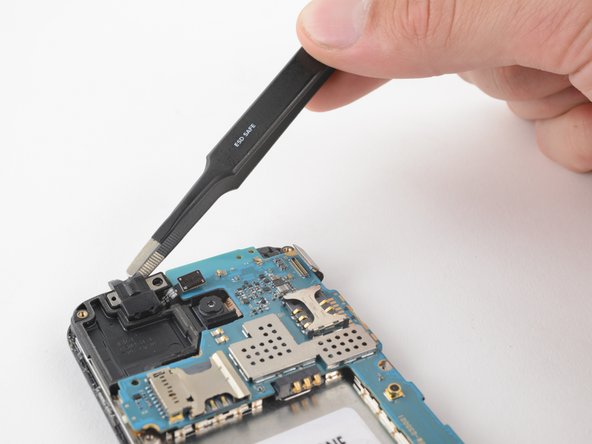
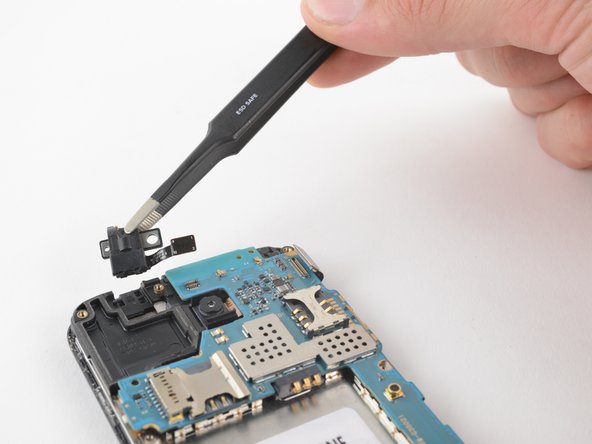
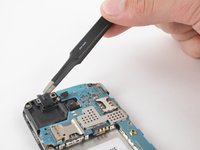
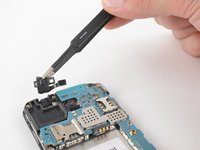
Using a pair of blunt-nose tweezers or your fingers, remove the headphone jack.
-
-
-
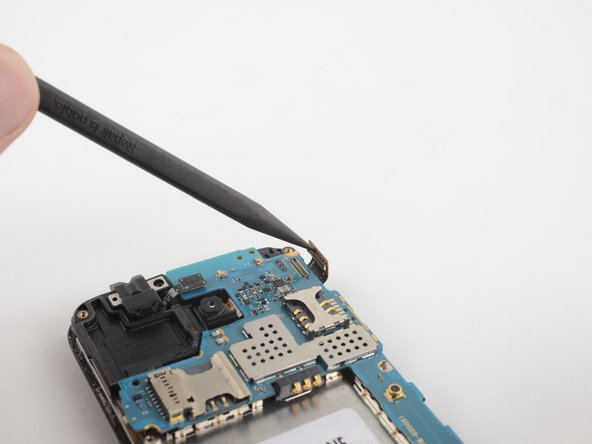
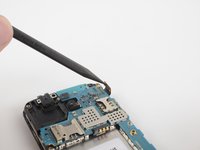
Use a spudger to flick open the press-fit connector located in the upper right of the phone.
-
-
-
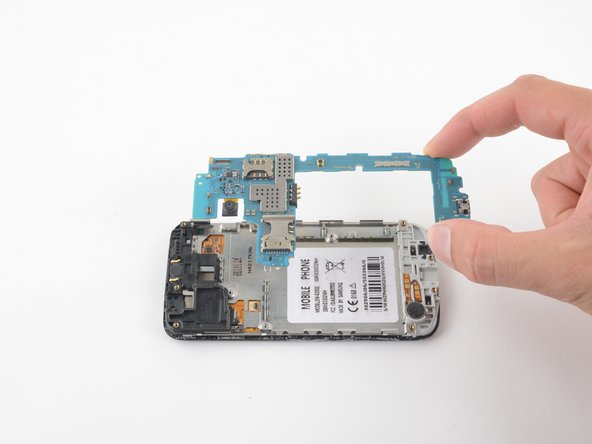
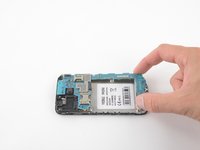
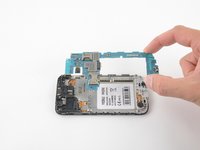
Simply grab and lift the motherboard from the phone. There are no screws or cables holding it in place.
-




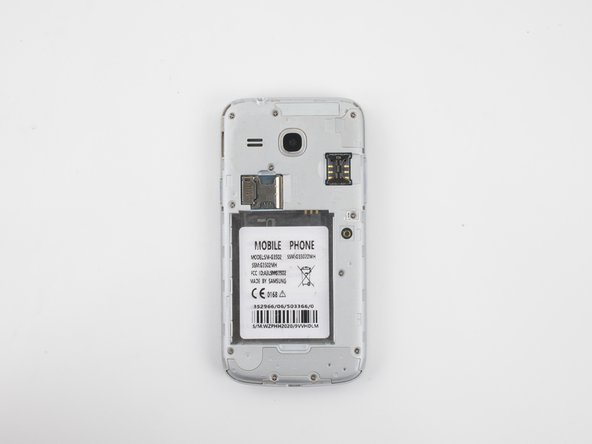






To reassemble your device, follow these instructions in reverse order.
Annulla: non ho completato questa guida.
Un'altra persona ha completato questa guida.



