Introduzione
Here is a tutorial on how to replace your back cover on the Galaxy A52s 5G. You can use this guide for just opening the device.
Cosa ti serve
-
-
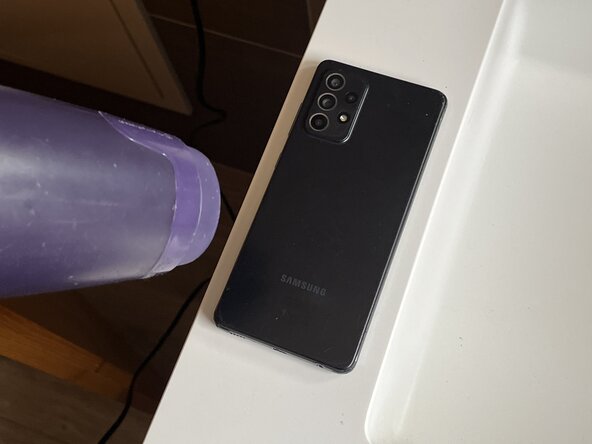
With a hair dryer, heat gun or heat back heat the back cover evenly.
-
Be careful with hair dryers/heat guns as if you heat the device for too long, you might cause serious harm to the phone.
-
Heat the device for around 4 minutes, or until you feel you can open it
-
-
-
-
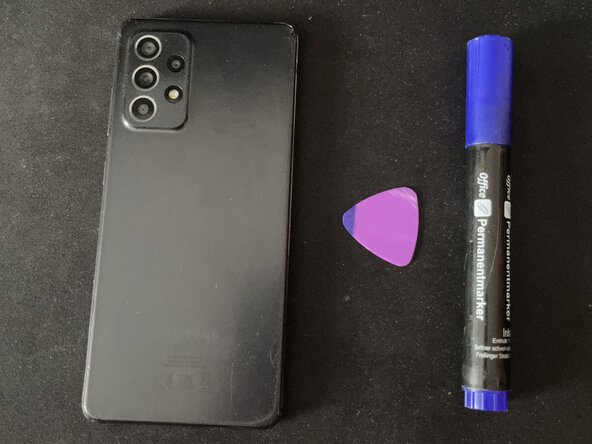
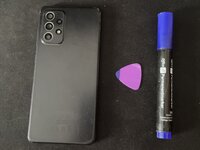
Mark 5 milimeters on your pick with a marker. This is the most you can go without damaging internal components like the camera.
-
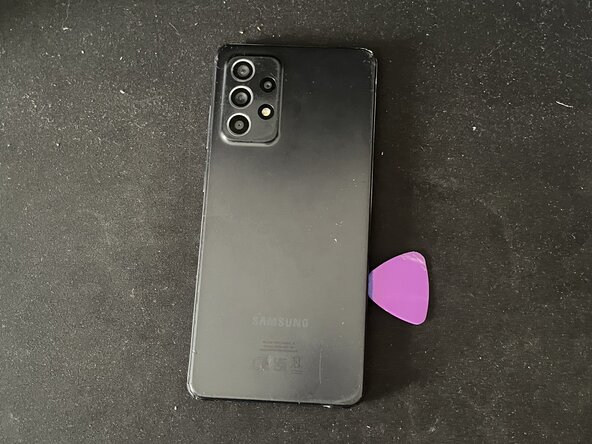
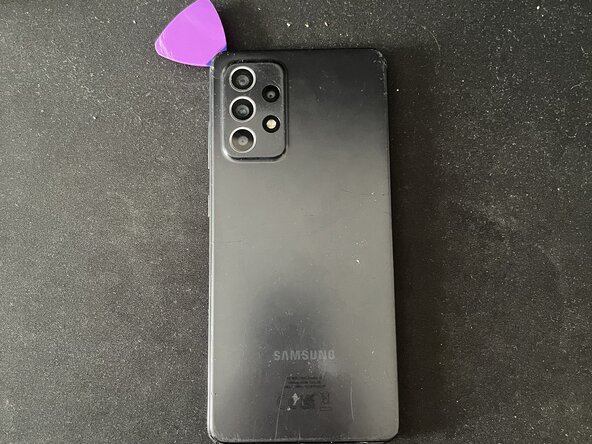
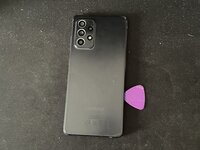
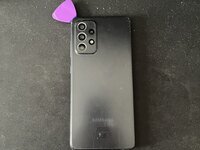
Put the pick between the back cover and the frame, and go around the phone to loosen the adhesive.
-
-
-
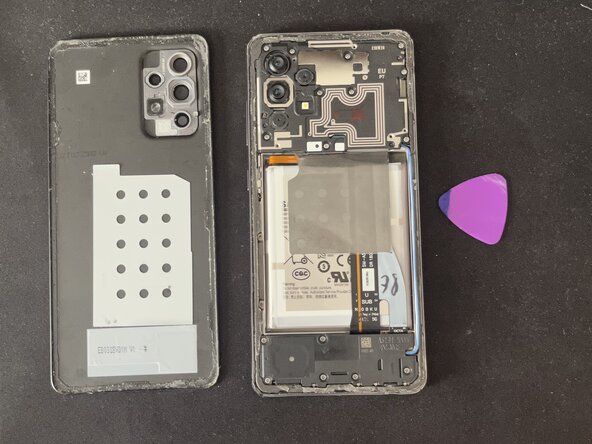
Your A52s 5G is now open. You can put the new back cover on the device (apply glue or just stick it on if there is glue already applied on the brand new cover)
-
To reassemble the device, either re-apply glue or just press on the back cover while it is put on the device.
Annulla: non ho completato questa guida.
Un'altra persona ha completato questa guida.



