Introduzione
If your charger port is broken, this guide will teach you how to take apart your Chromebook and replace the faulty port.
Cosa ti serve
-
-
Lay the Chromebook down so that the bottom cover is facing up.
-
Remove the rubber feet on the four corners of the Chromebook in order to get to the screws underneath. They are stuck on with an adhesive.
-
-
-
-
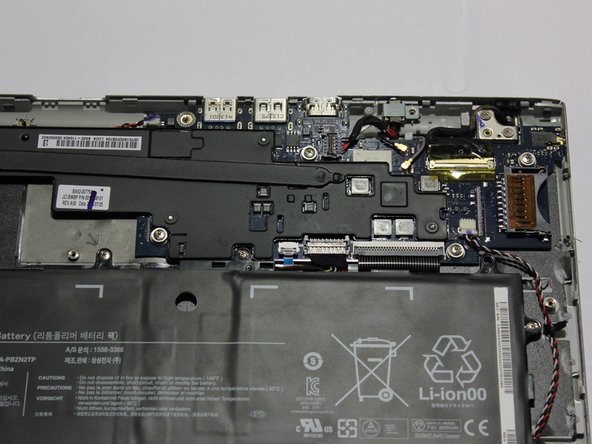
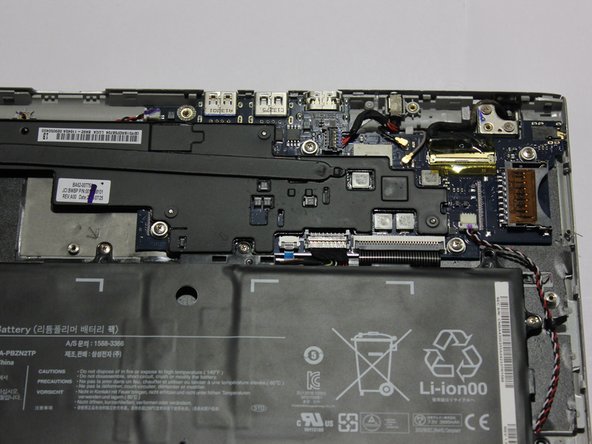
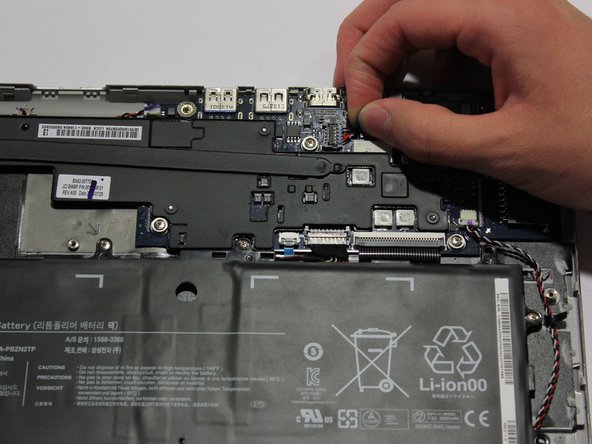
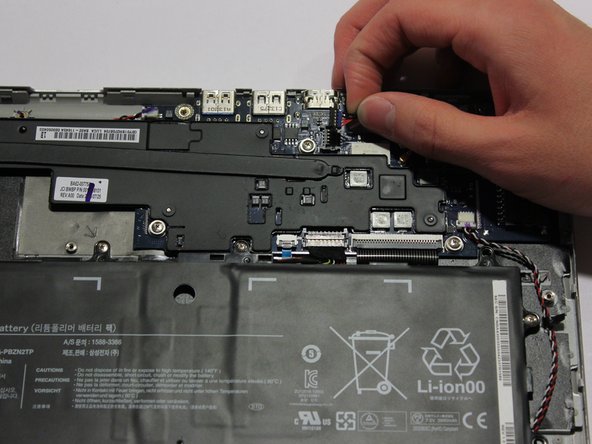
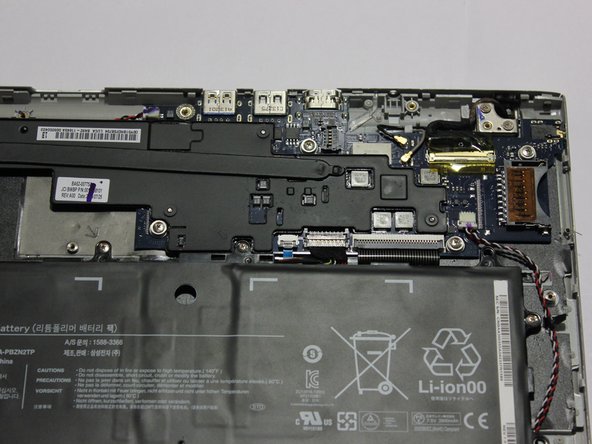
Unscrew the 3.4 mm screw holding down the charging port module using a Phillips #00 screwdriver.
-





To reassemble your device, follow these instructions in reverse order.
To reassemble your device, follow these instructions in reverse order.
Annulla: non ho completato questa guida.
Altre 10 persone hanno completato questa guida.



Team

2 Commenti
If you search "Samsung Chromebook XE303C12" together with "Charge Port" or "Charging Port" or "DC Jack" you should be able to find it! :)
