Introduzione
If your SPOT X SPOT XB Satellite Messenger isn't charging correctly or not turning on, you can replace its battery to maintain proper operation and extend the life of the device. This guide will walk you through a few simple steps to safely remove your old battery and install a new one.
Cosa ti serve
-
-
Turn off the device completely by holding the power button for 10-20 seconds to force a shutdown.
-
-
-
-
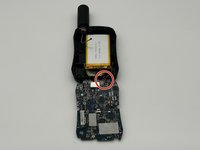
Desolder the battery cables from the motherboard.
-
Remove the battery from the device.
-


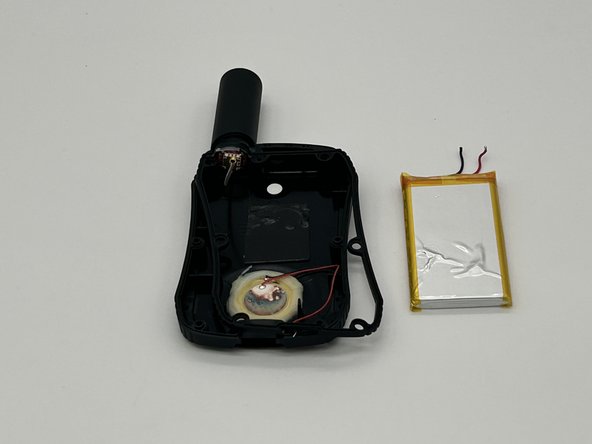
To reassemble your device, follow these instructions in reverse order.
Annulla: non ho completato questa guida.
Un'altra persona ha completato questa guida.


Team

University of North Texas, Team 4-2, Harold Fall 2024 Membro di University of North Texas, Team 4-2, Harold Fall 2024
UNT-HAROLD-F24S4G2
4 Membri
4 Guide realizzate
