Introduzione
If your Spot X SPOTXB's antenna is damaged, it will affect the device's functionality by losing signal connection. It's essential to replace the faulty antenna as the entire device relies on it, and for that, you might require opening up the device. The steps are relatively easy, but you need to be cautious while opening the device, and you should remember to unplug the device from any external power sources to avoid electrical hazards.
Cosa ti serve
-
-
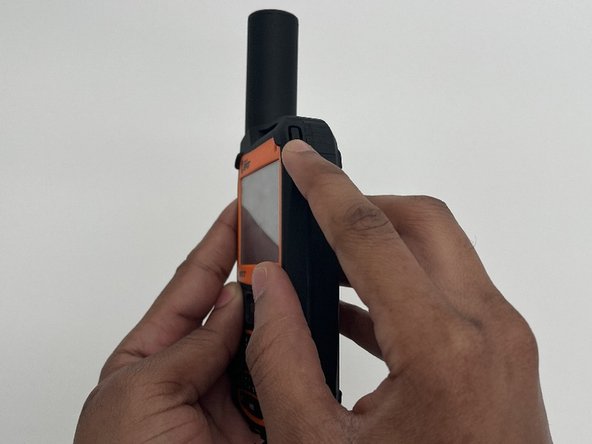
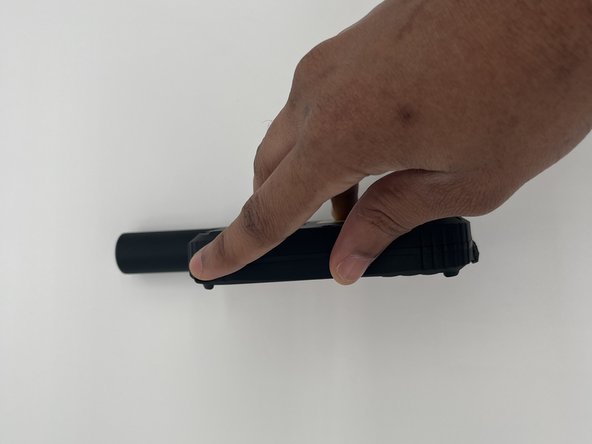
Turn off the device completely by holding the power button for 10-20 seconds to force a shutdown.
-
-



To reassemble your device, follow these instructions in reverse order.
Annulla: non ho completato questa guida.
Altre 2 persone hanno completato questa guida.


Team

University of North Texas, Team 4-2, Harold Fall 2024 Membro di University of North Texas, Team 4-2, Harold Fall 2024
UNT-HAROLD-F24S4G2
4 Membri
4 Guide realizzate
