Introduzione
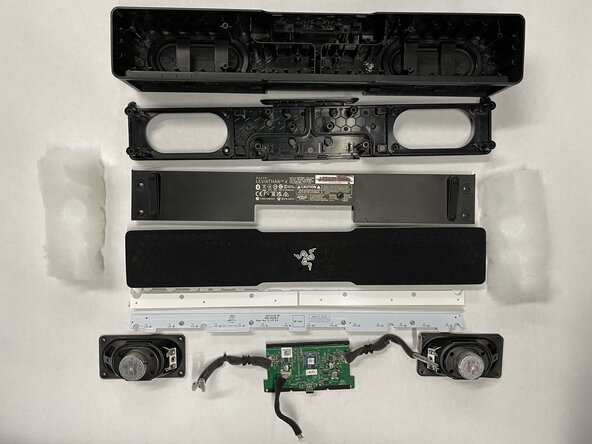
Repairability rating 8/10. Easy for beginners, great speaker housing for modders. Overall Razer did a quite good job making this decently easy to disassemble.
Cosa ti serve
-
-
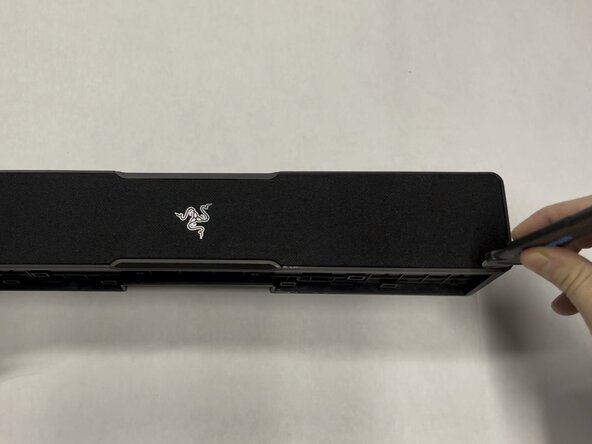
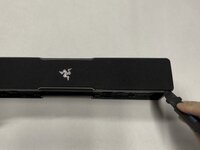
Using a flat metal "Jimmy" tool, gently work out the front metal screen and mesh.
-
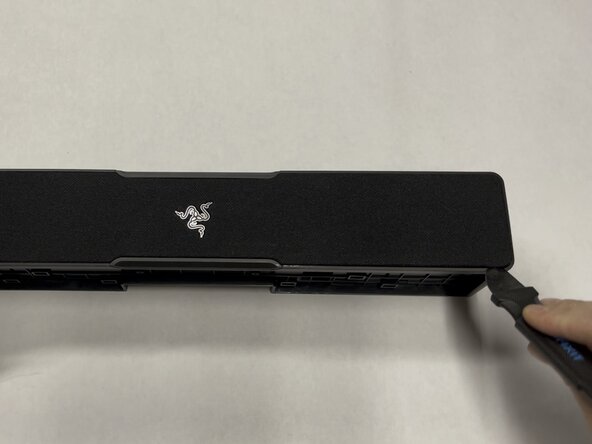
Insert the tool vertically ~3-5mm (~1/8-1/4in), then pry gently away from the mesh screen. The screen should slowly start to come out directly vertical.
-
Repeat this every few cms/inches, working in a loop around the outside edge one or two times until you get the metal/mesh screen off.
-
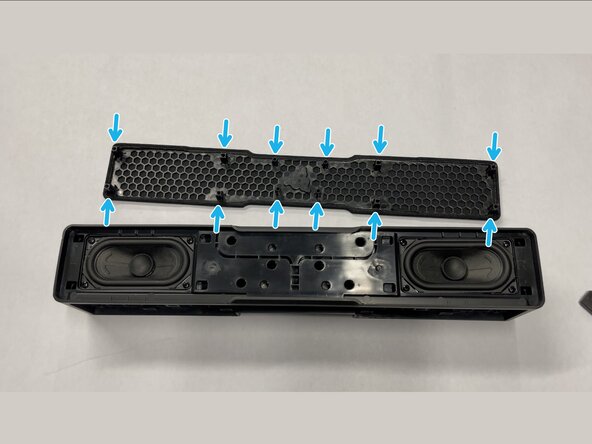
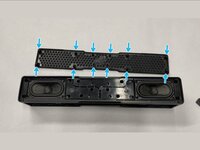
On the bottom of the metal/mesh screen there are 12 protruding plastic tabs that are inserted ~2cm into the body of the speaker.
-
-
-
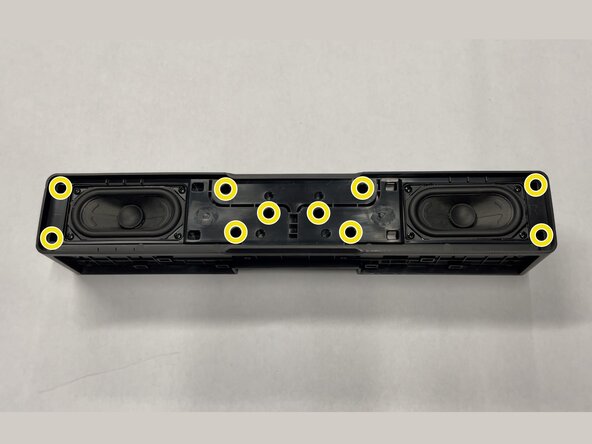
Use a Philips #2 screwdriver to remove the ten 14 mm-long screws mounting the inner frame to the body.
-
-
-
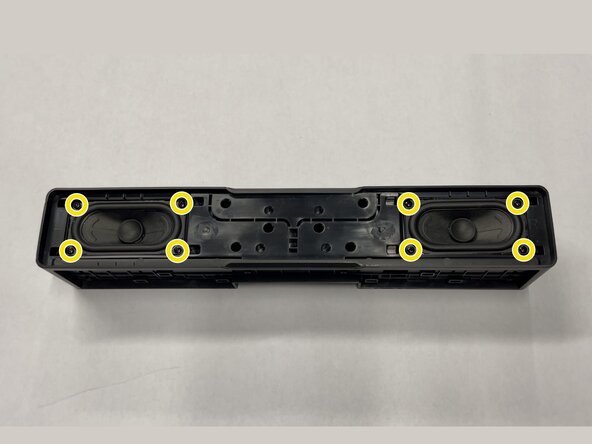
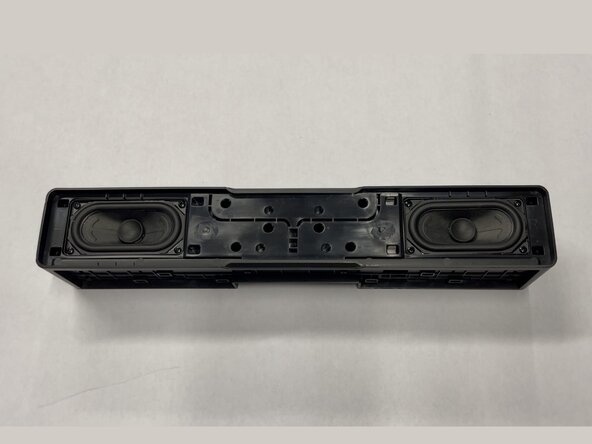
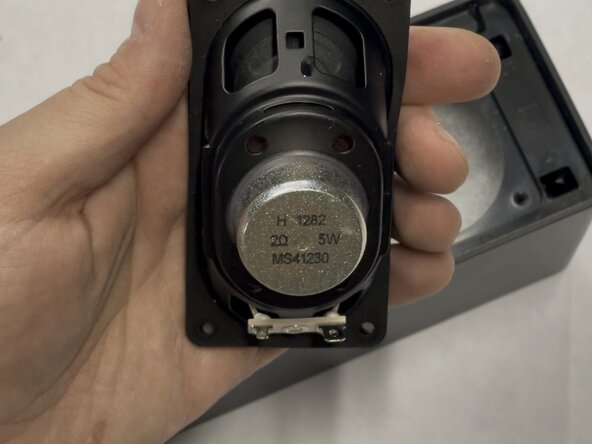
Use a Philips #2 screwdriver to remove the eight 14 mm-long screws holding in the two speakers.
-
-
-
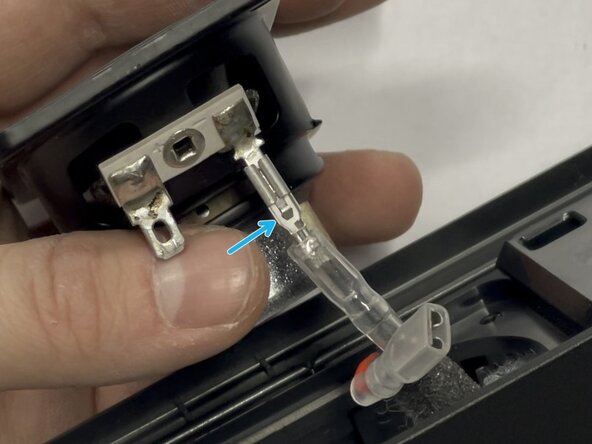
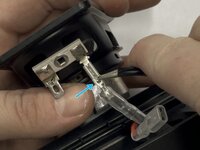
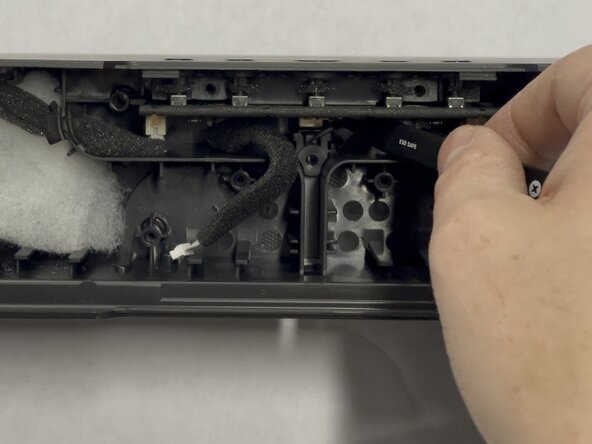
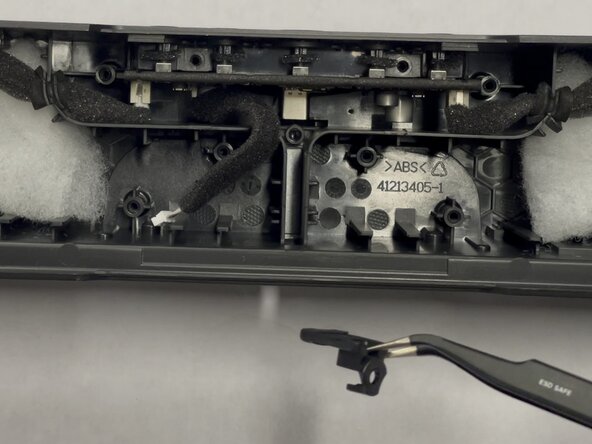
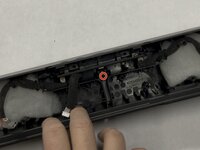
Slip the plastic cover downward off the connector
-
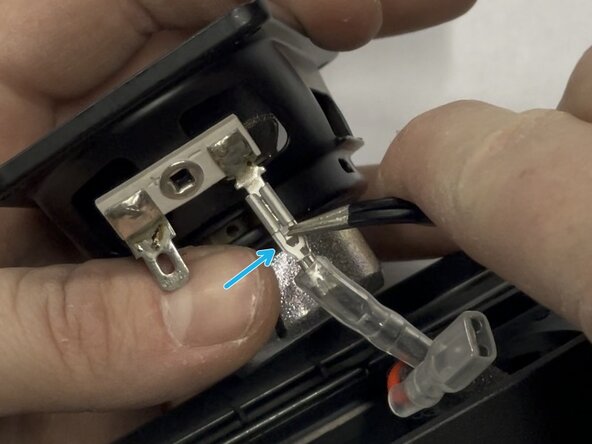
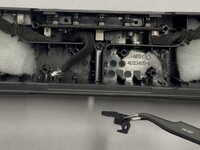
Use metal tweezers or a tiny driver bit to press down the tab in the center of the connector.
-
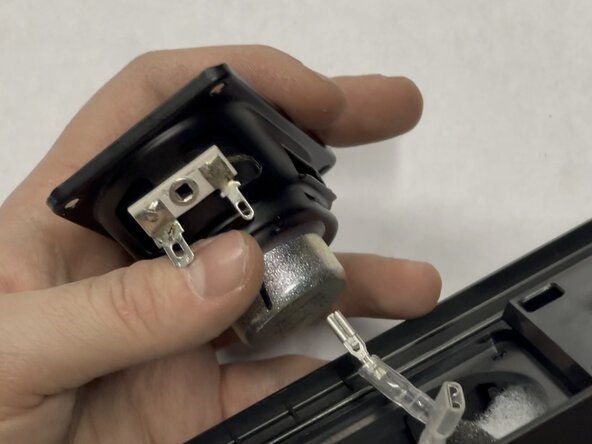
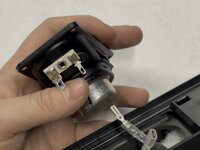
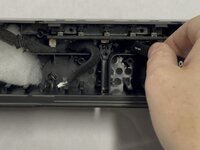
Gently pull downward on the connector to disconnect it from the body.
-
-
-
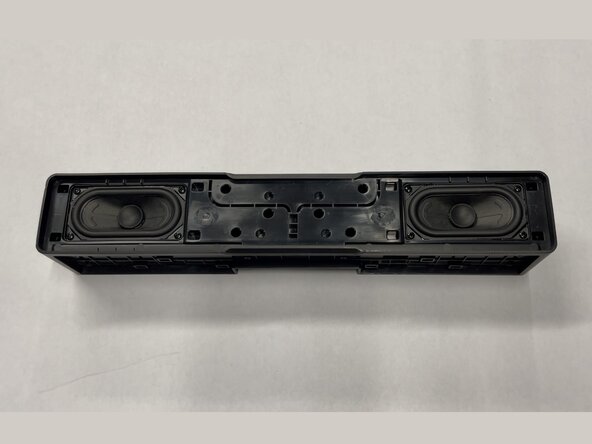
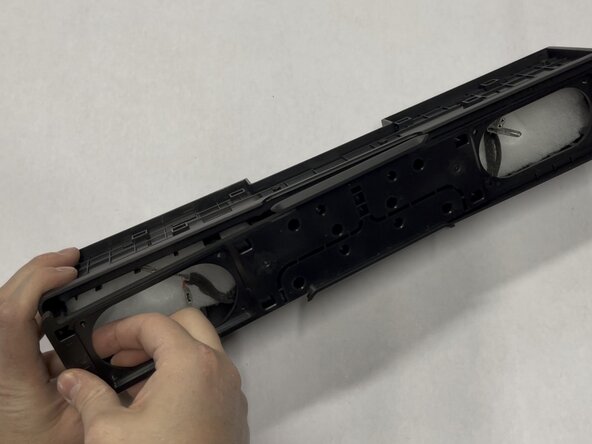
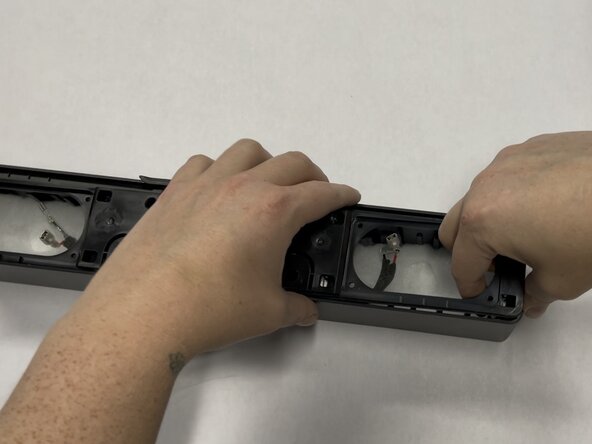
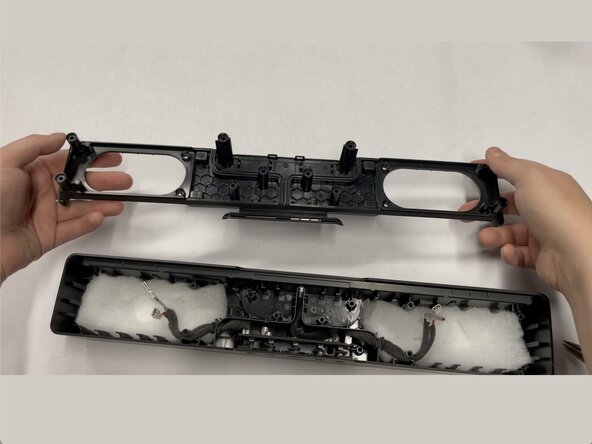
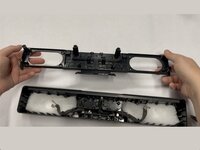
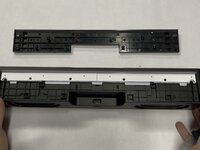
Pull on each side of the inner plastic frame vertically to slide it out of the body.
-
-
-
-
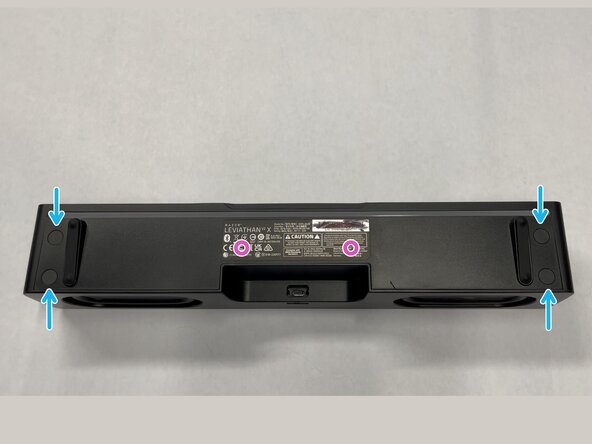
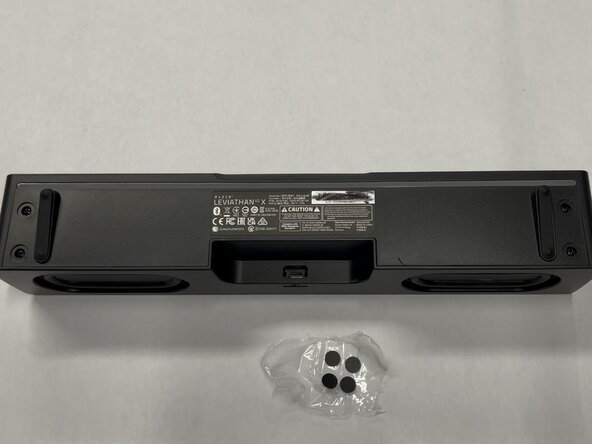
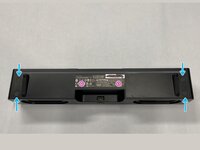
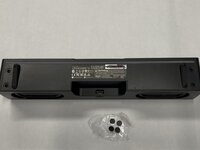
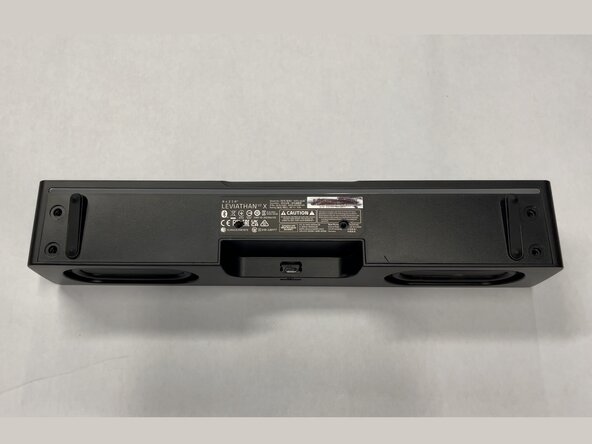
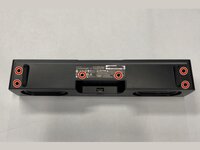
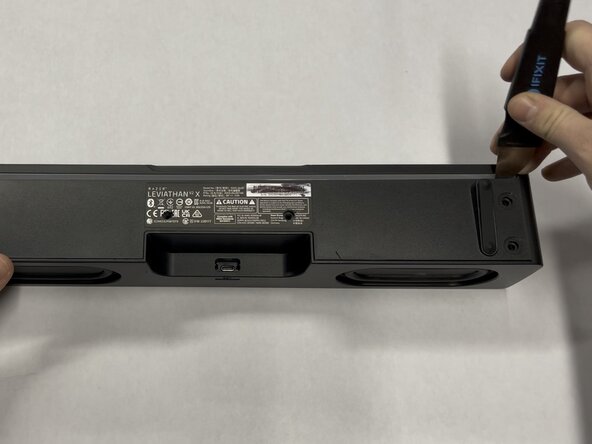
Remove the 4 sticky screw covers from the bottom of the speaker
-
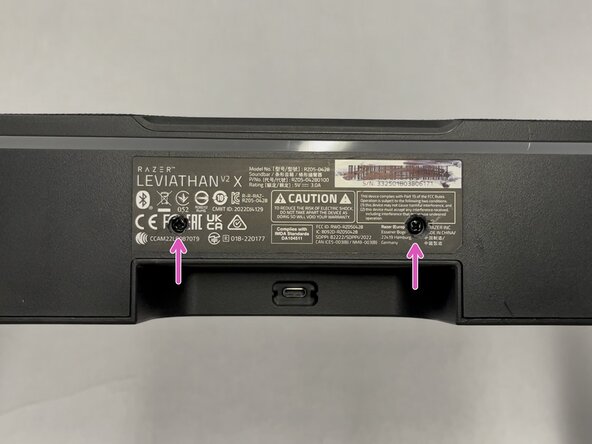
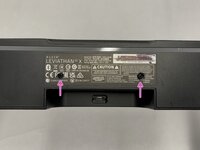
Use a Knife to cut through the sticker to reveal two more hidden screws. See image #3
-
-
-
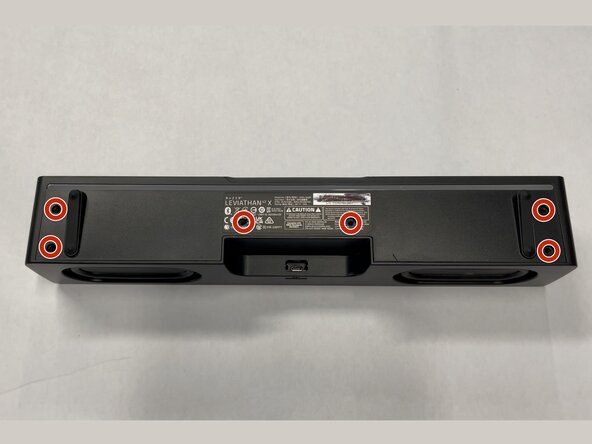
Use a Philips #2 screwdriver to remove the six 10 mm-long screws holding the bottom cover in place
-
-
-
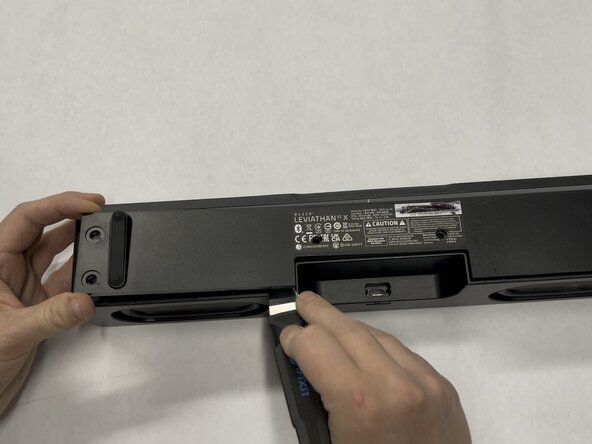
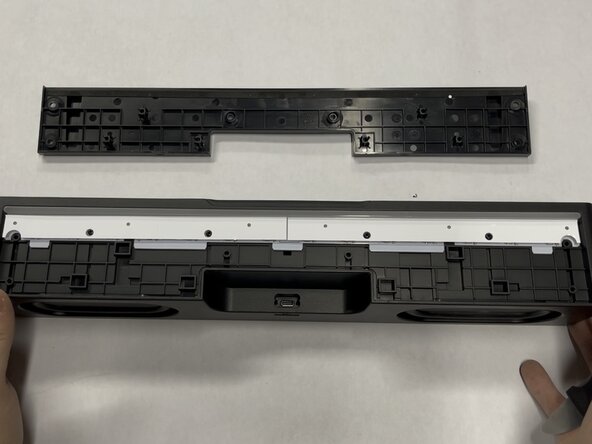
Use the Jimmy tool to remove the bottom cover, again working slowly around outside of the part. It should come off with little force needed.
-
-
-
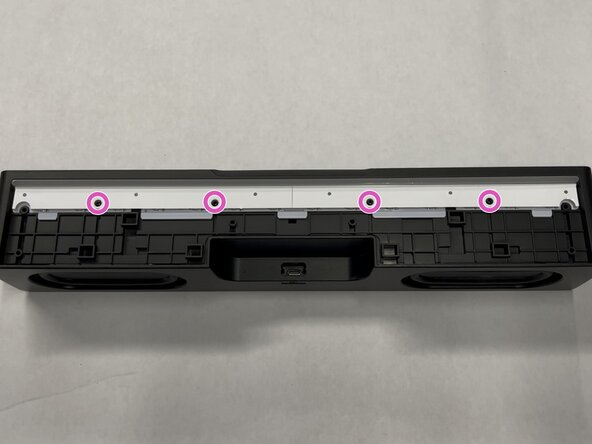
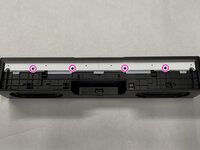
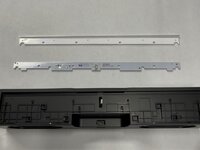
Use a Philips #1 screwdriver to remove the four 8 mm-long screws holding in the RGB diffuser and board
-
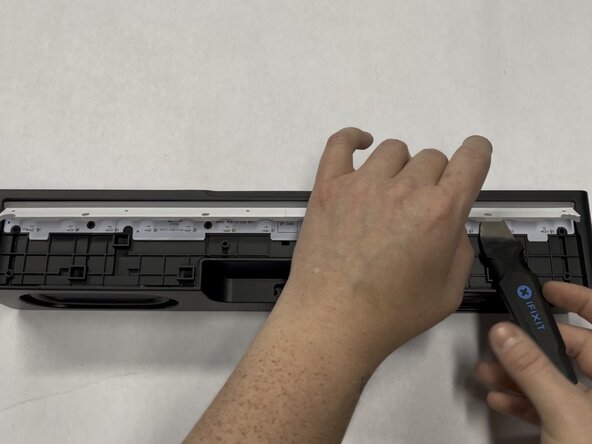
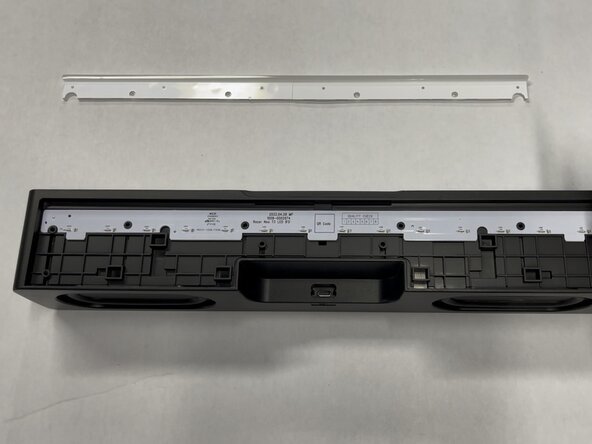
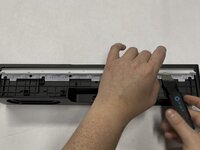
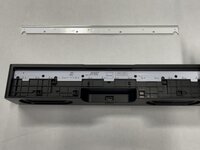
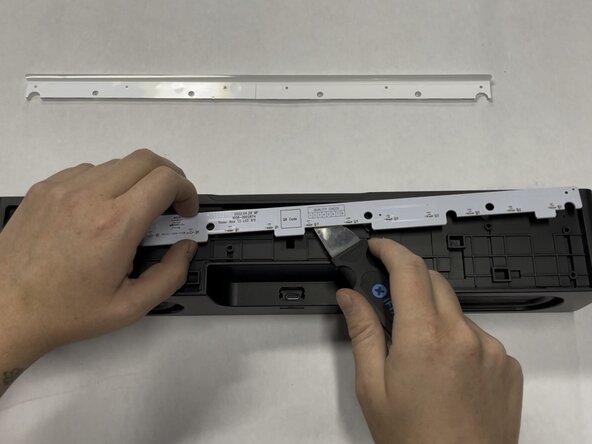
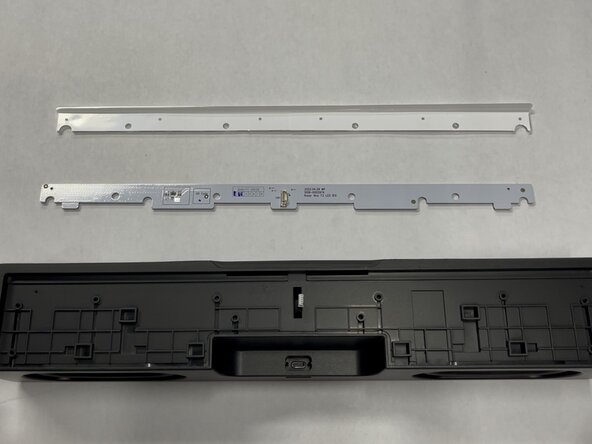
Slip Jimmy tool between the light bar diffuser and PCB then lift gently upward, then remove the light bar diffuser and set aside
-
-
-
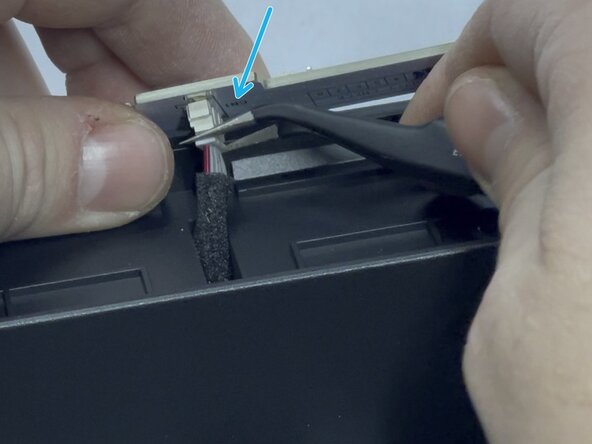
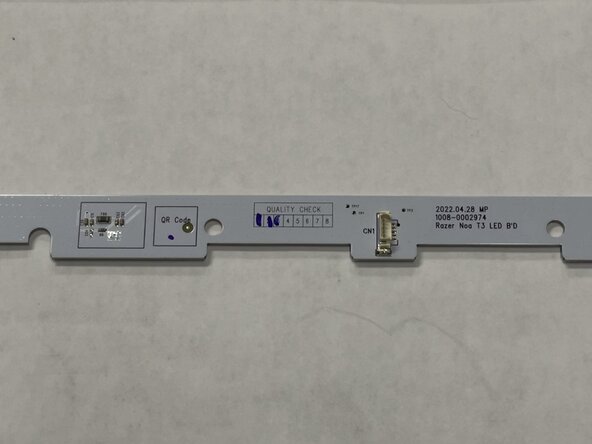
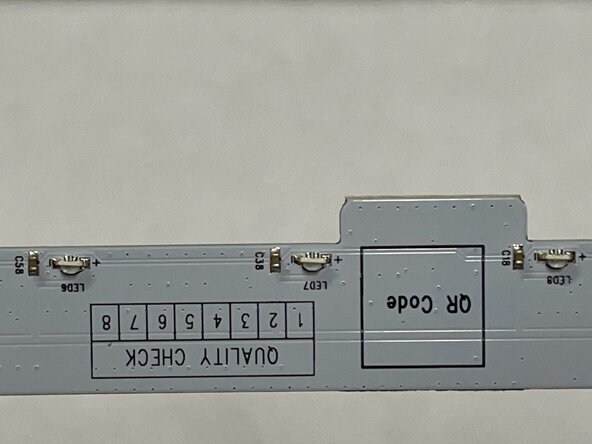
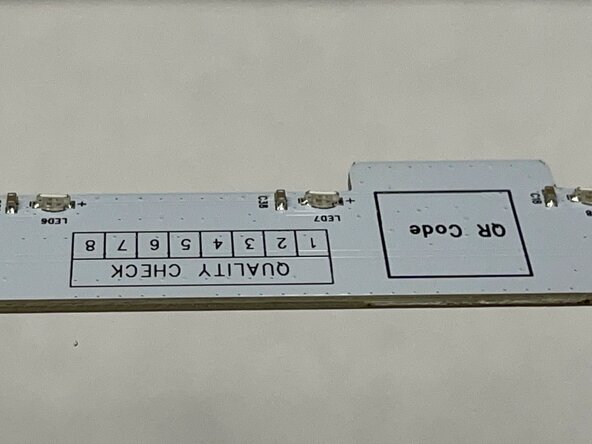
Gently pry the RGB board free using the jimmy tool and lift it upwards and away from the bottom.
-
Disconnect: Using a tool or your fingers, unplug the connector on the RGB board, then set it aside
-
-
-
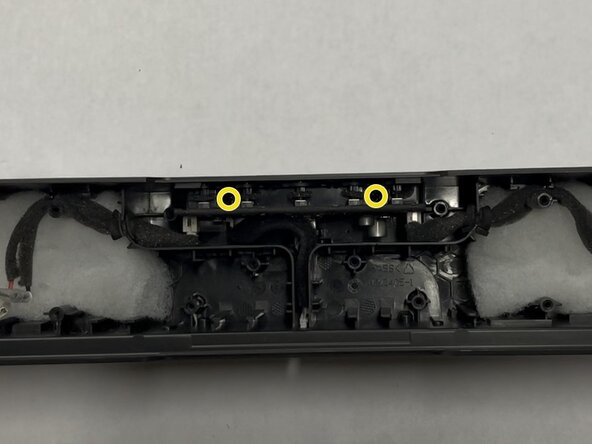
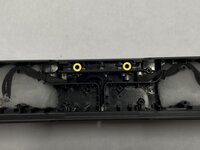
Use a Philips #2 screwdriver to remove the two 14 mm-long screws holding in the main board.
-
-
-
Pull on the cable for the RGB board and move it to the side to expose the bracket
-
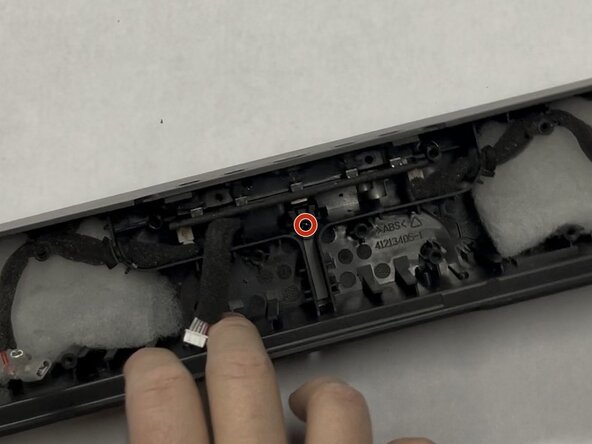
Use a Philips #2 screwdriver to remove the single 10 mm-long screw holding the USB-C bracket in place
-
Lift and remove plastic bracket covering USB-C Port
-
-
-
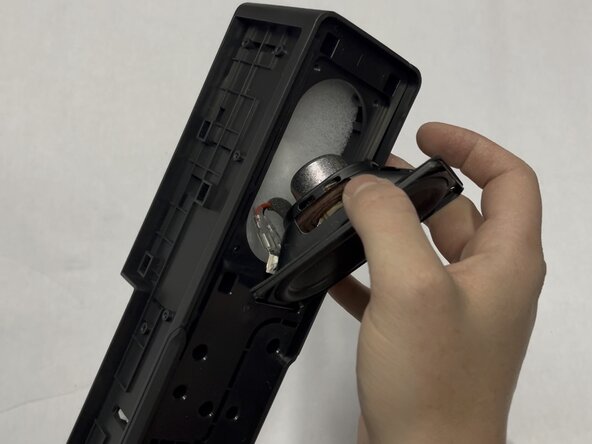
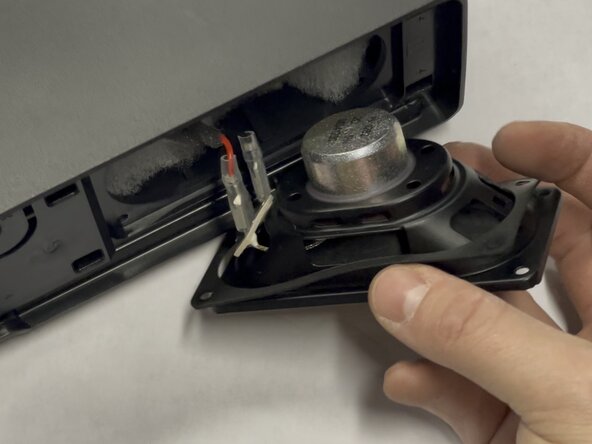
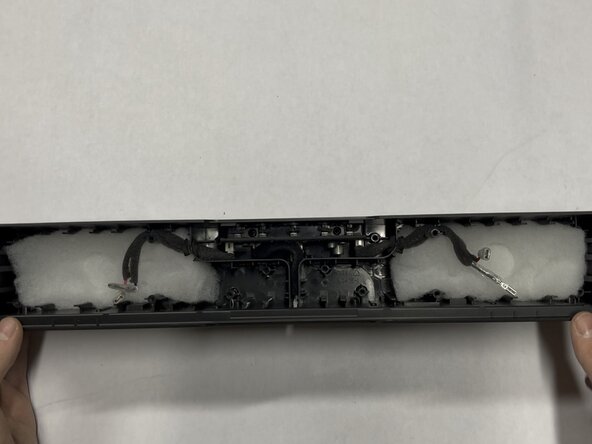
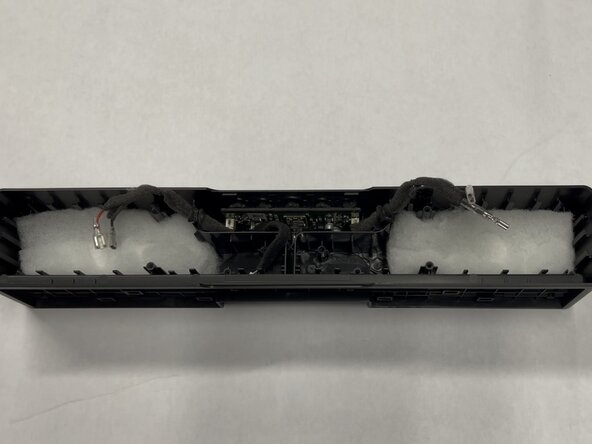
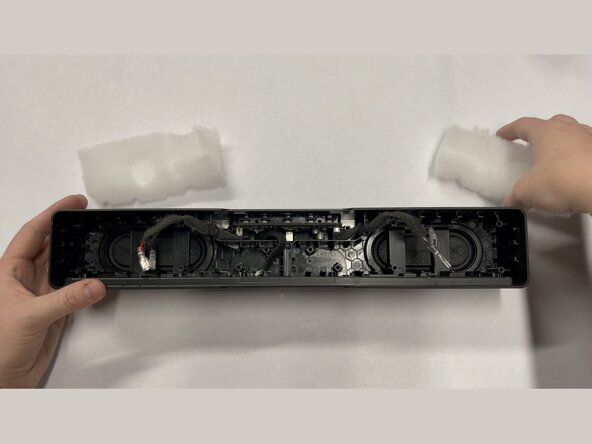
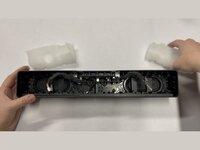
Slip the speaker cables from their wedged positions and remove the white polyester batting that was behind the two speakers
-
-
-
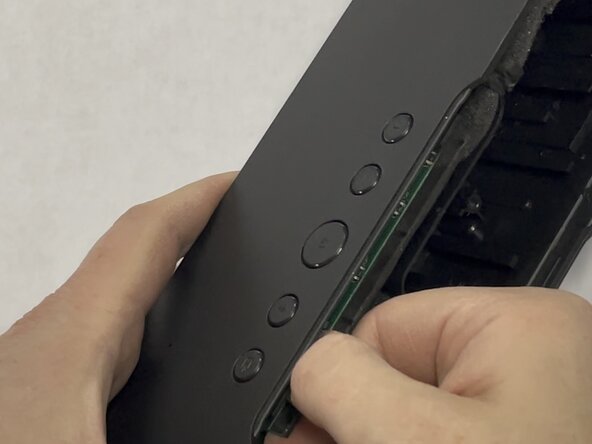
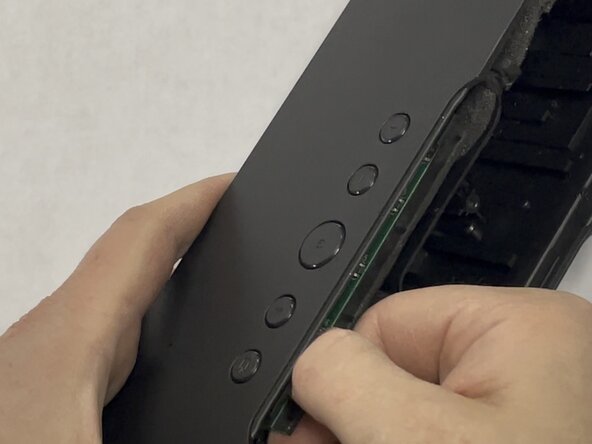
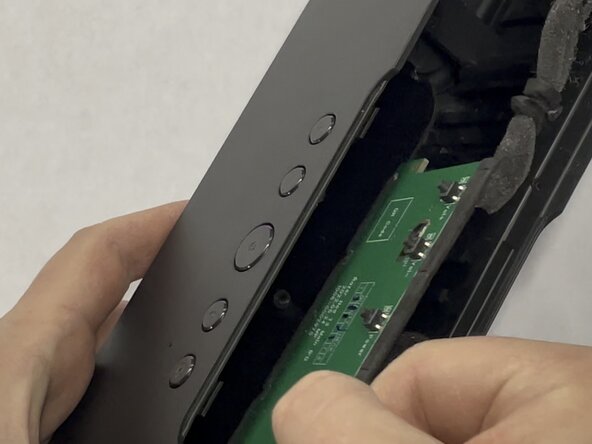
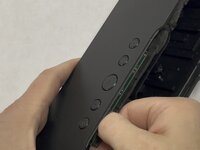
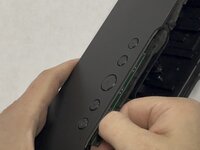
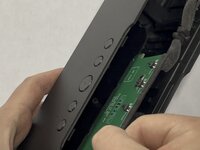
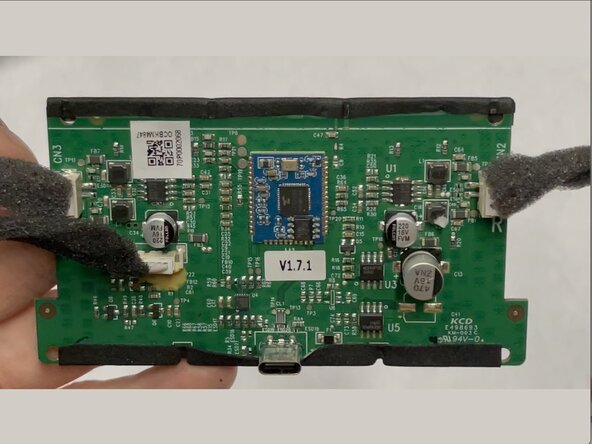
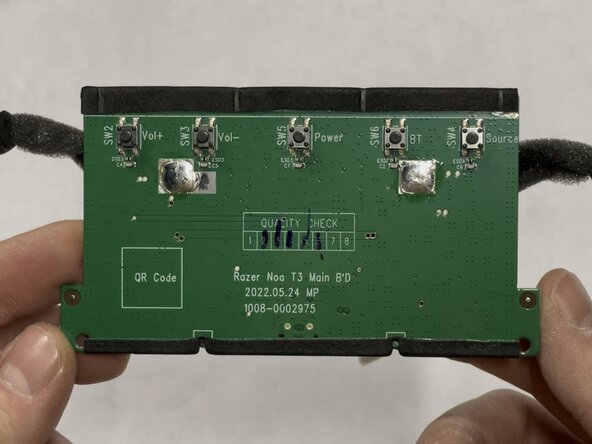
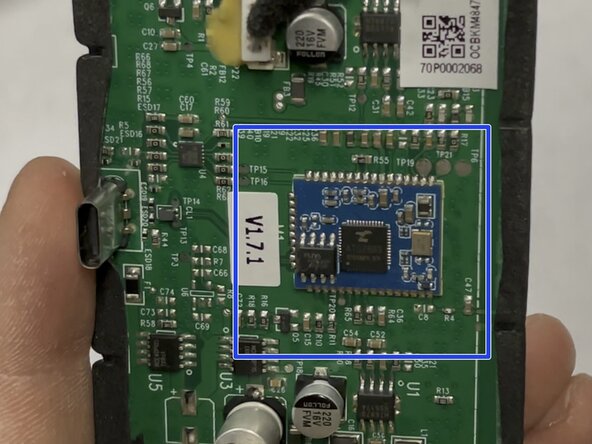
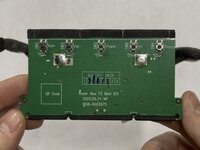
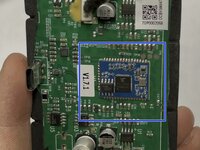
Firmly grasp the main board with your fingers and gently wiggle back and forth while pulling the board firmly outward.
-
Additionally pull at a slight angle downward and away from the buttons to help dislodge the USB-C port.
-
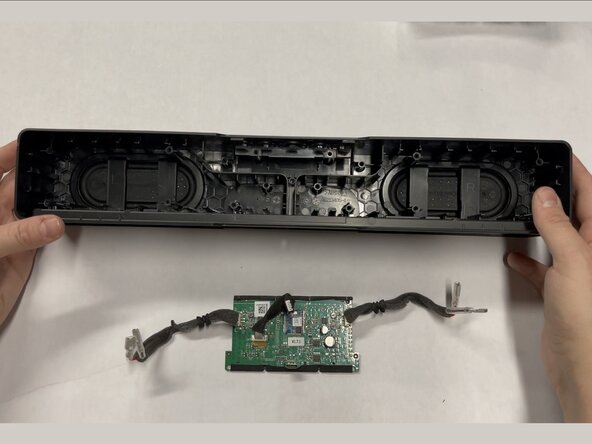
Continue this wiggling motion until you have gently worked the board out of it's place.
-
🎉 Complete! 🎉 Hope this guide helped you! 🤩



