Introduzione
This is a guide on how to take off the Razer Kishi v2 pro Front panel. Use this guide as a prerequisite for all other replacement guides related to this device.
Cosa ti serve
-
-
Put the device down with the bottom facing up.
-
Remove the eight 12 mm screws from the back of the controller using a T5 screwdriver.
-
-


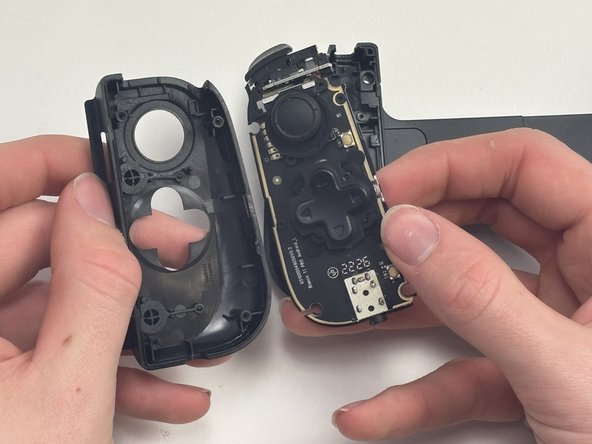
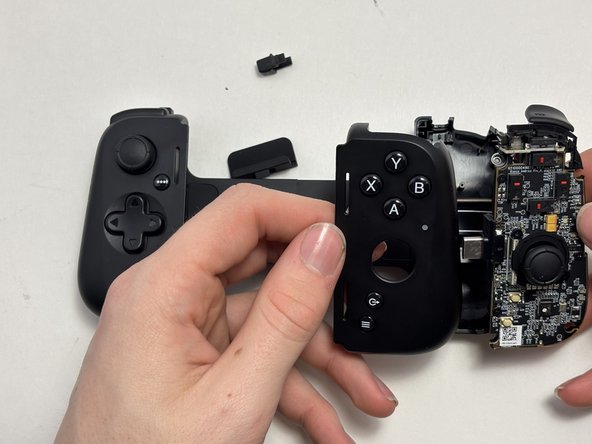


To reassemble your device, follow these instructions in reverse order.
Annulla: non ho completato questa guida.
Un'altra persona ha completato questa guida.


Team

Austin Community College, Team 1-1, Watkins Spring 2025 Membro di Austin Community College, Team 1-1, Watkins Spring 2025
AUSTINCC-WATKINS-S25S1G1
4 Membri
5 Guide realizzate
