Salta al contenuto principale

Razer Blade Stealth 2017 Display Assembly Replacement

Cosa ti serve

  1. Razer Blade Stealth 2017 Display Assembly Replacement, Battery: passo 1, immagine 1 di 2 Razer Blade Stealth 2017 Display Assembly Replacement, Battery: passo 1, immagine 2 di 2
    • Before you begin, be sure to turn off your laptop and discharge the battery down to 25%.

    • Use a Torx T5 screwdriver to remove the eight, 3mm screws on the bottom cover of the laptop.

    • Whenever you remove screws from the device, remember to save and label them.

  2. Razer Blade Stealth 2017 Display Assembly Replacement: passo 2, immagine 1 di 1
    • Remove the bottom cover of the laptop by sliding it away from the hinge.

    • Do not force the cover up!

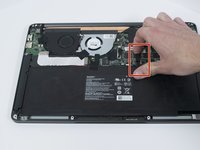
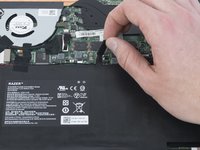
  3. Razer Blade Stealth 2017 Display Assembly Replacement: passo 3, immagine 1 di 2 Razer Blade Stealth 2017 Display Assembly Replacement: passo 3, immagine 2 di 2
    • Use your fingernail to pry up and disconnect the battery from the motherboard.

  4. Razer Blade Stealth 2017 Display Assembly Replacement: passo 4, immagine 1 di 1
    • Use a Phillips #00 screwdriver to remove the six, 5mm screws securing the battery.

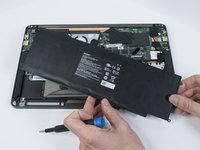
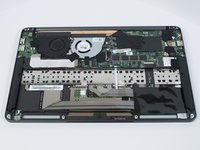
  5. Razer Blade Stealth 2017 Display Assembly Replacement: passo 5, immagine 1 di 2 Razer Blade Stealth 2017 Display Assembly Replacement: passo 5, immagine 2 di 2
    • Remove any tape attached to the battery.

    • Use the plastic spudger to pry out the battery.

  6. Razer Blade Stealth 2017 Display Assembly Replacement, Display Assembly: passo 6, immagine 1 di 2 Razer Blade Stealth 2017 Display Assembly Replacement, Display Assembly: passo 6, immagine 2 di 2
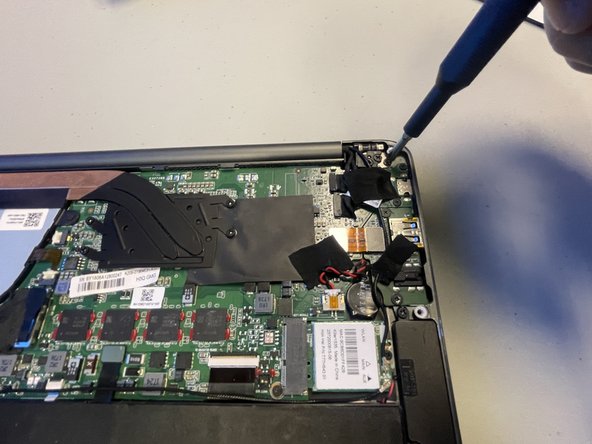
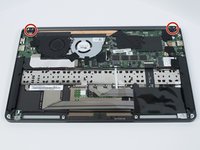
    • Use a Phillips #00 screwdriver to remove the six 4 mm screws securing the display assembly.

  7. Razer Blade Stealth 2017 Display Assembly Replacement: passo 7, immagine 1 di 3 Razer Blade Stealth 2017 Display Assembly Replacement: passo 7, immagine 2 di 3 Razer Blade Stealth 2017 Display Assembly Replacement: passo 7, immagine 3 di 3
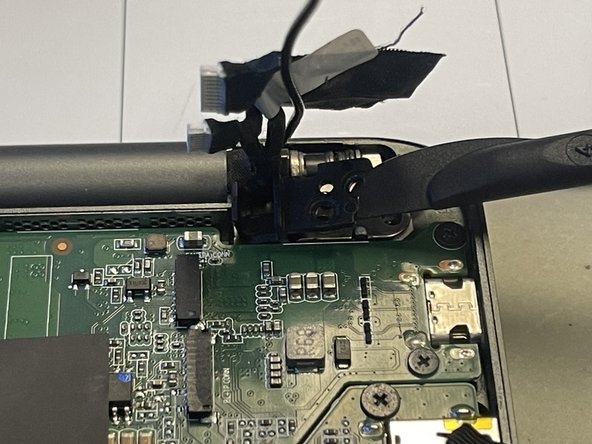
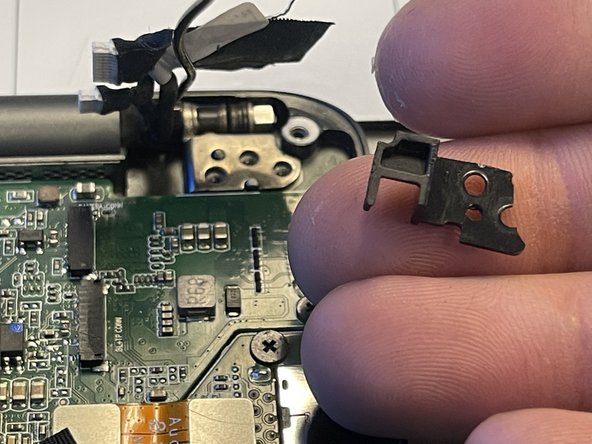
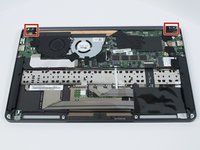
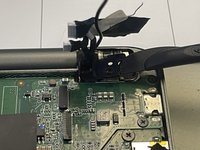
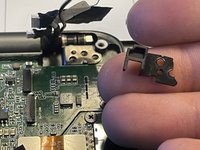
    • Use the plastic spudger to remove the plastic brackets beneath the hinges.

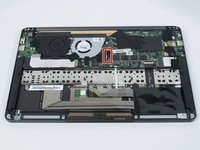
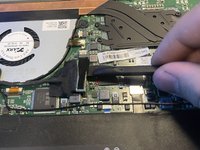
  8. Razer Blade Stealth 2017 Display Assembly Replacement: passo 8, immagine 1 di 2 Razer Blade Stealth 2017 Display Assembly Replacement: passo 8, immagine 2 di 2
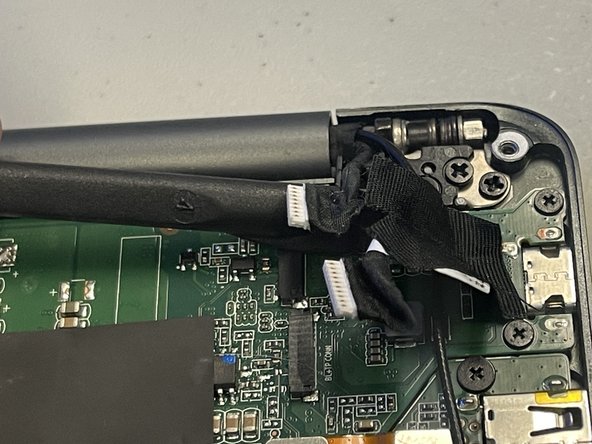
    • Remove any tape attached to the wires.

    • Use the plastic spudger to slide the connectors to the right to disconnect them.

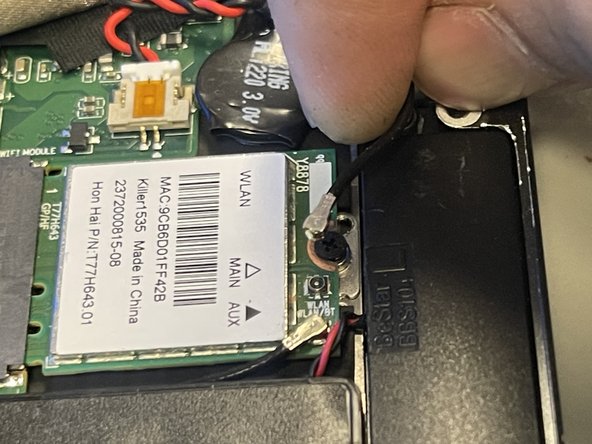
  9. Razer Blade Stealth 2017 Display Assembly Replacement: passo 9, immagine 1 di 2 Razer Blade Stealth 2017 Display Assembly Replacement: passo 9, immagine 2 di 2
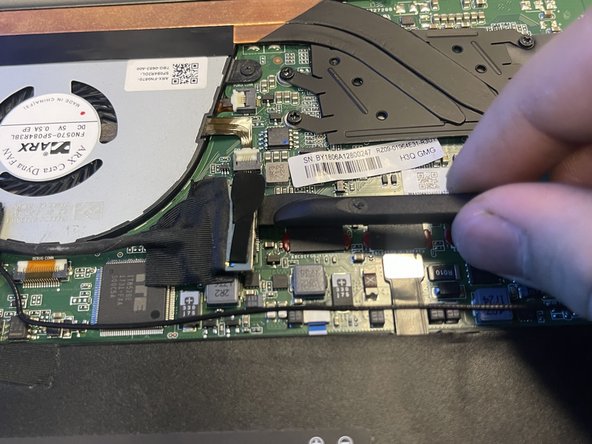
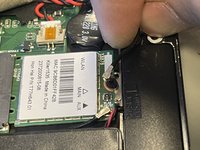
    • Use the plastic spudger to lift the connector off of the socket.

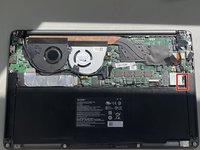
  10. Razer Blade Stealth 2017 Display Assembly Replacement: passo 10, immagine 1 di 2 Razer Blade Stealth 2017 Display Assembly Replacement: passo 10, immagine 2 di 2
    • Use your fingers to lift connectors off of their sockets.

  11. Razer Blade Stealth 2017 Display Assembly Replacement: passo 11, immagine 1 di 2 Razer Blade Stealth 2017 Display Assembly Replacement: passo 11, immagine 2 di 2
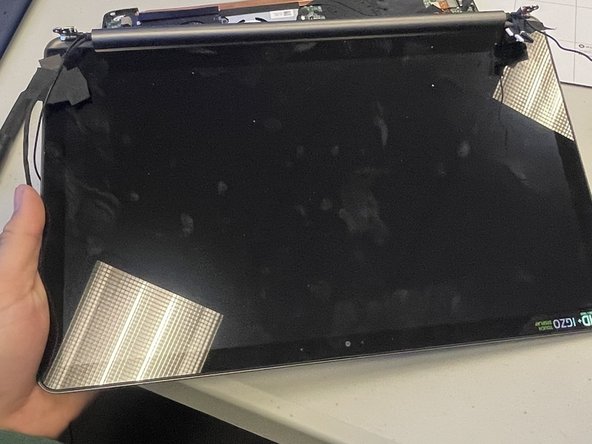
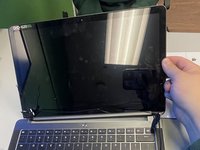
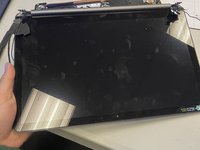
    • Lift the screen to the open position.

    • Remove the display assembly by sliding it away from the keyboard.

    • Do not force the display assembly off!

Conclusione

To reassemble your device, follow these instructions in reverse order.

Un'altra persona ha completato questa guida.

Kris Ritter

Membro da: 02/08/24

173 Reputazione

1 Guida realizzata

0Commenti sulla guida

Aggiungi Commento

Visualizza Statistiche:

Ultime 24 Ore: 0

Ultimi 7 Giorni: 1

Ultimi 30 Giorni: 19

Tutti i Tempi: 394