Introduzione
This guide is a walk-through for replacing the tuning wheel on your RCA RP3715A. If the radio station is not changing on your alarm radio, the problem is likely with the motherboard.
Cosa ti serve
-
-
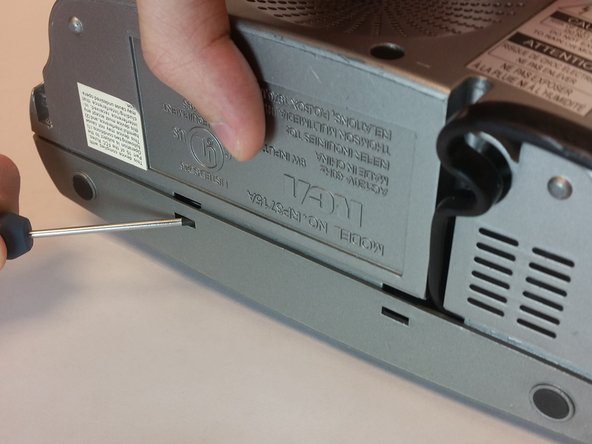
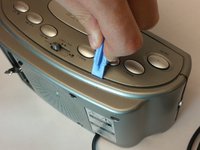
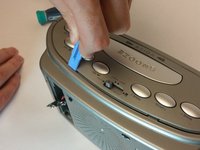
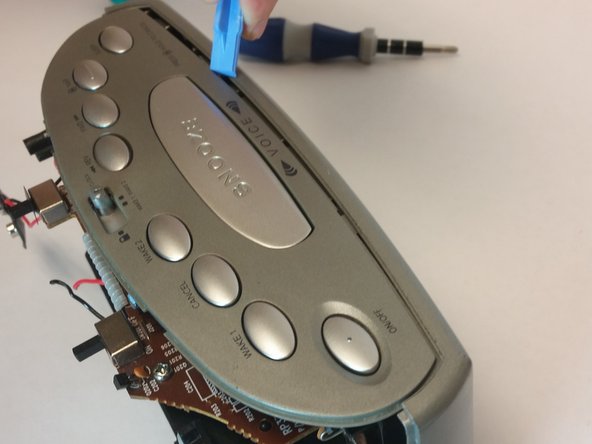
Push down on the clip to release pressure. The pull off the plastic cover.
-
-
-
Take out the six screws located on the back of the device.
-
The red screws are 10 mm Phillip's #1. The orange screws are 13 mm Phillips #1.
-
Three screws are located on the back panel. One is located inside the battery carriage.
-
Two screws are located on the on the back panel on the bottom left and right side.
-
-
-
Remove the 10 mm Phillip's #1 screw.
-
Then remove the metal reinforcement.
-
-
-
Remove the two 10mm Phillip's #1 screws. Also remove the two reinforcements holding the speaker in place.
-
-
-
Remove the top 5 10mm Phillips #1 screws holding the top part of the motherboard
-
-
-
Remove the 5 10mm Phillip's #1 screws that holding side part of the motherboard
-
-
-
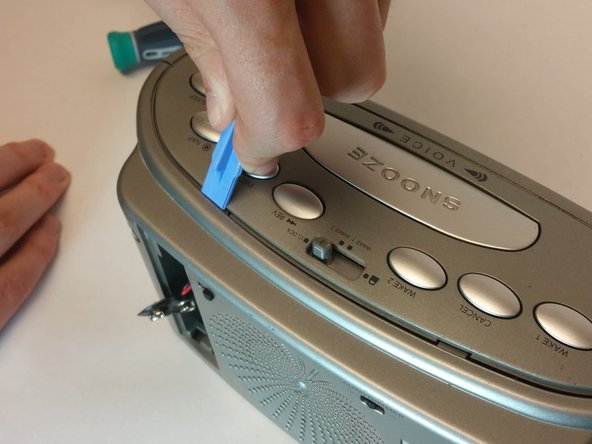
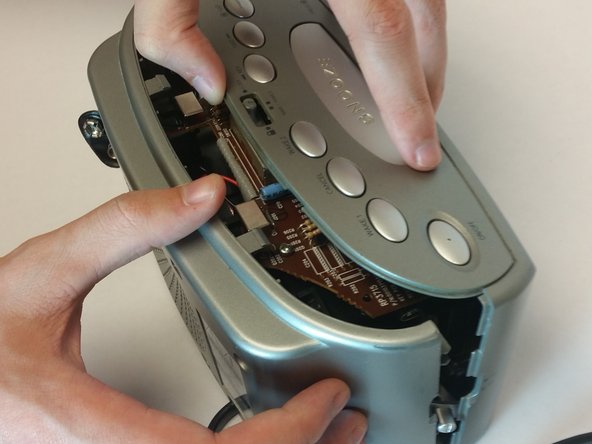
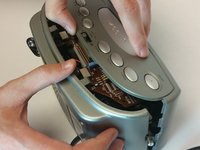
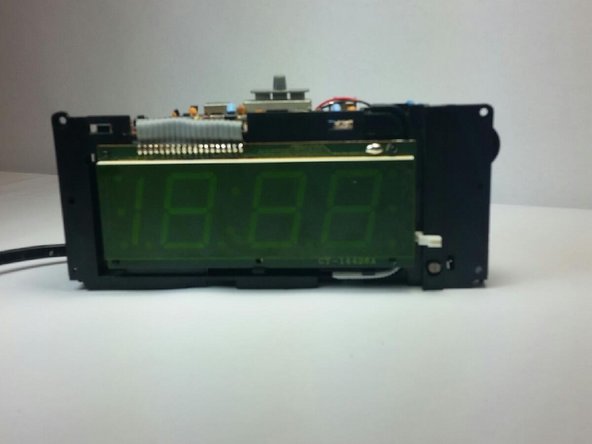
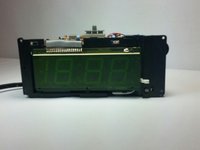
First release the latch highlighted in the picture. Then grab the screen by the bottom and lift it up.
-
-
-
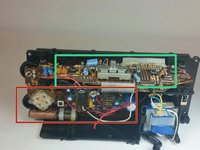
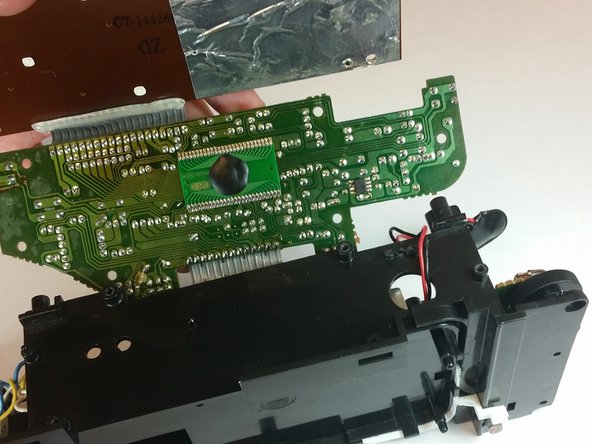
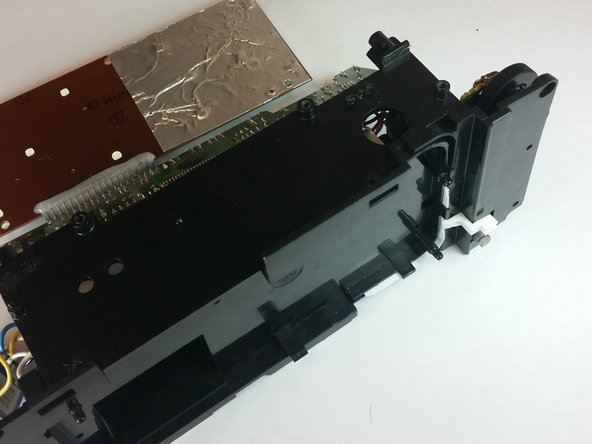
Remove the motherboard from the frame using the illustration shown.
-
-
-
Lift up the gray tuning wheel and replace it with the new one.
-








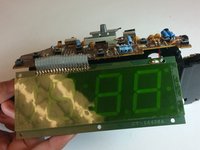
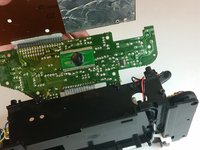
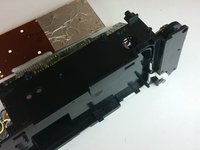

To reassemble your device, follow these instructions in reverse order.



Team

USF Tampa, Team 10-5, Brown Fall 2014 Membro di USF Tampa, Team 10-5, Brown Fall 2014
USFT-BROWN-F14S10G5
3 Membri
5 Guide realizzate
