Introduzione
You can easily remove the floppy drive in order to repair or upgrade it.
-
-
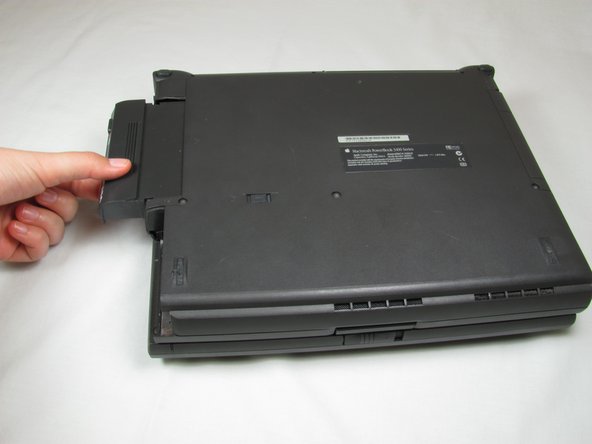
Close the screen and turn the PowerBook over, orienting the computer upside down, using the label to guide you.
-
-
-
-
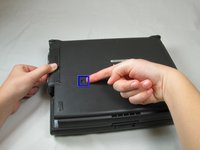
First, slide the switch on the back of the computer to the left.
-
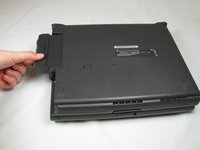
Then pull the floppy drive out of the computer.
-


To reassemble your device, follow these instructions in reverse order.
Annulla: non ho completato questa guida.
Un'altra persona ha completato questa guida.



Team

Cal Poly, Team 24-59, Amido Spring 2011 Membro di Cal Poly, Team 24-59, Amido Spring 2011
CPSU-AMIDO-S11S24G59
4 Membri
9 Guide realizzate
