Introduzione
How to remove the processor from the logic board.
Cosa ti serve
-
-
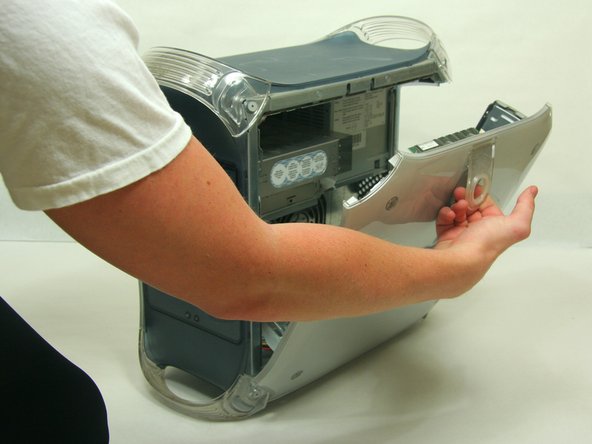
Pull on outer latch.
-
Lower door until it is level with your work surface.
-
-
-
Use the spudger to pry the clips horizontally off of the heat sink.
-
Fully remove the clips by lifting upwards.
-
-
-
-
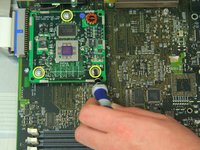
Remove the 3 screws attaching the processor to the logic board using the Phillips #2 screwdriver.
-
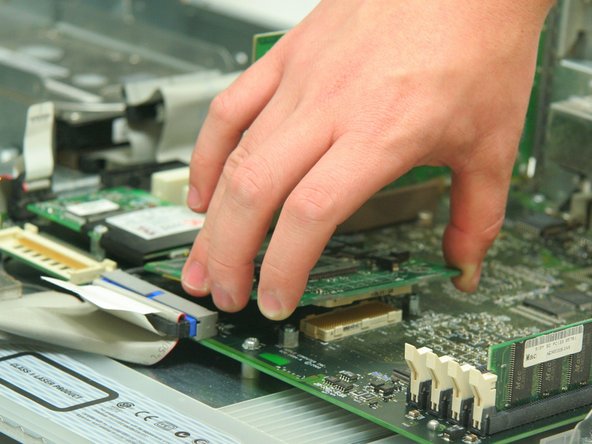
Remove processor by pulling vertically upwards.
-



Annulla: non ho completato questa guida.
Altre 13 persone hanno completato questa guida.



Team

Cal Poly, Team 13-24, Maness Winter 2010 Membro di Cal Poly, Team 13-24, Maness Winter 2010
CPSU-MANESS-W10S13G24
4 Membri
37 Guide realizzate
2Commenti sulla guida
anyone still sell the replacement processor?
Anyone who has upgraded their CPU’s manage to flash from MacPro1,1 to MacPro2,1? And If so How?
