Introduzione
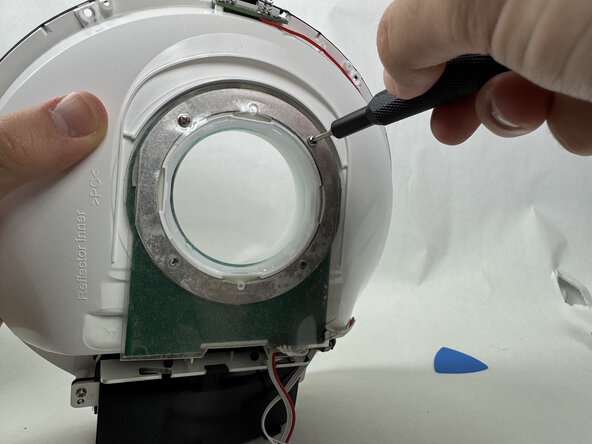
If your Philips Somneo light is faulty or not working, access the LED with this guide. For this guide, you will need a plastic opening tool/pick, a plastic and metal spudger, and a Phillips #00 screwdriver head. You will not need to do any difficult steps, but when removing the motherboard, be sure to disconnect the cables carefully.
Cosa ti serve
-
-
Remove the four silicone feet on the bottom plate.
-
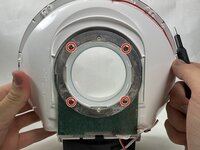
Remove the following Phillips screws from the bottom plate:
-
Two 9 mm screws
-
Two 13 mm screws
-
-
-
-
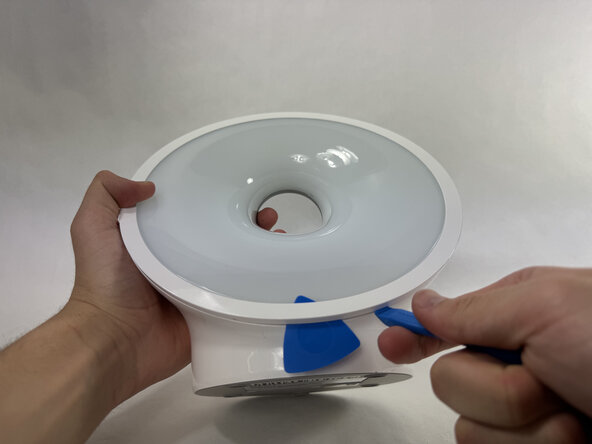
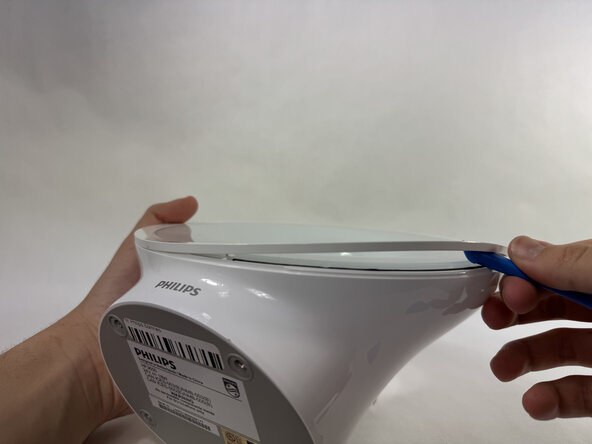
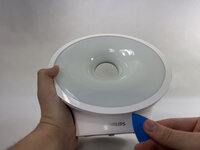
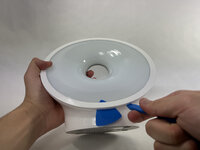
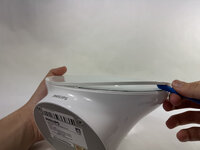
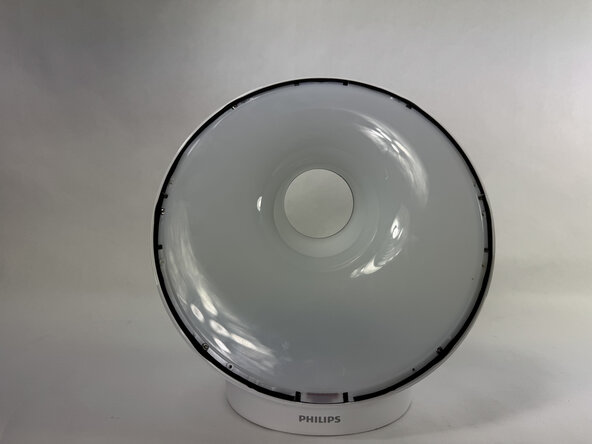
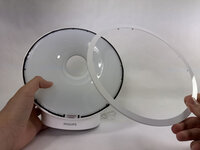
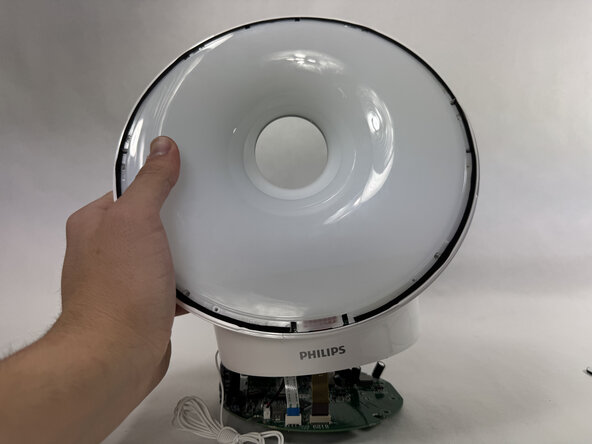
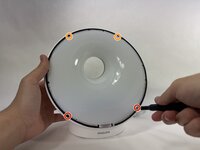
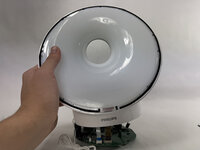
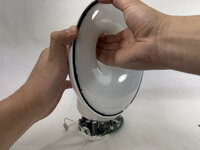
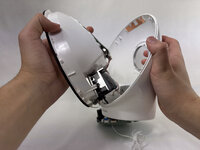
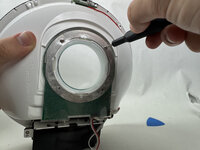
Use an opening pick to pry underneath the plastic covering the edges of the screen.
-
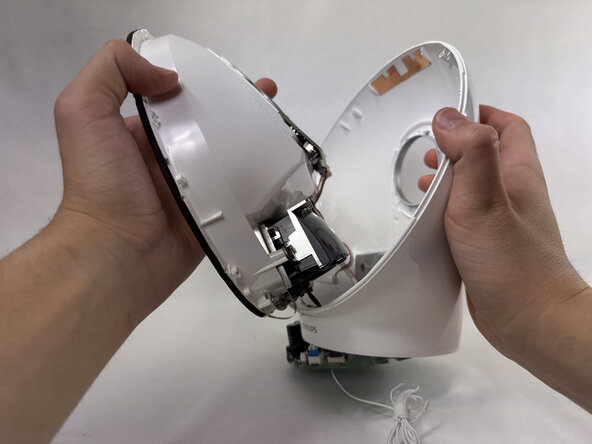
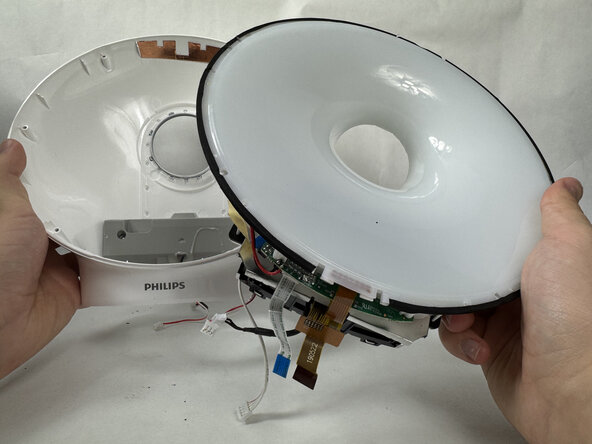
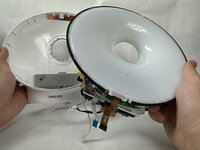
Place an opening tool in the space made between the screen and this plastic piece and pry up, working around the length of this circular piece to significantly loosen it.
-


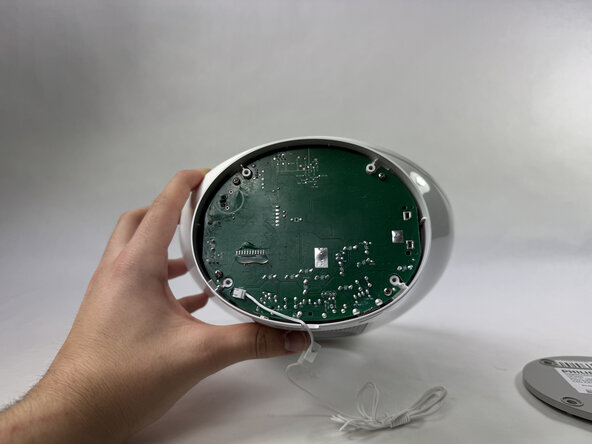


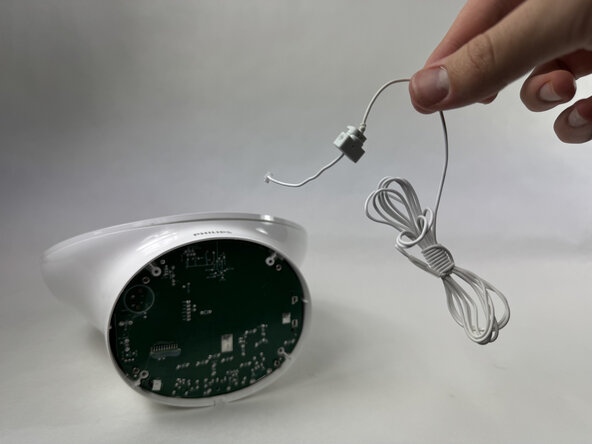
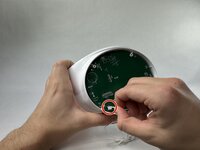

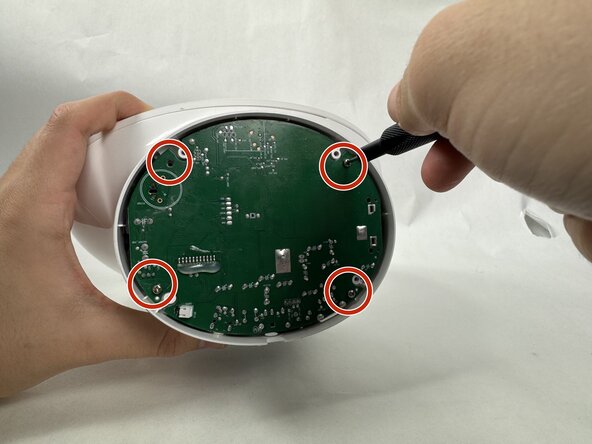

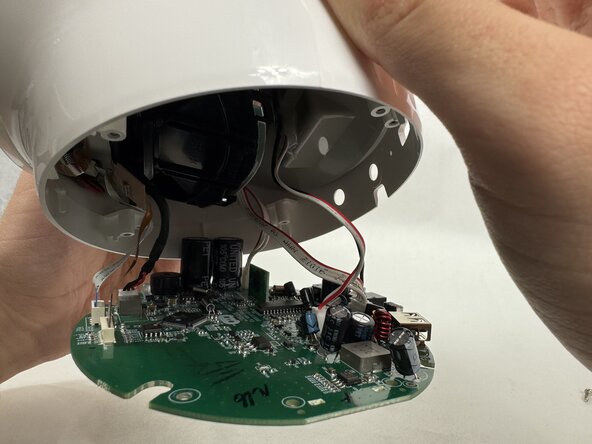
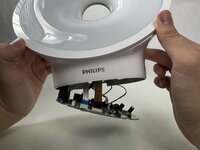
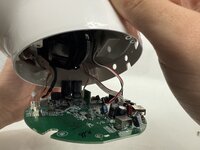

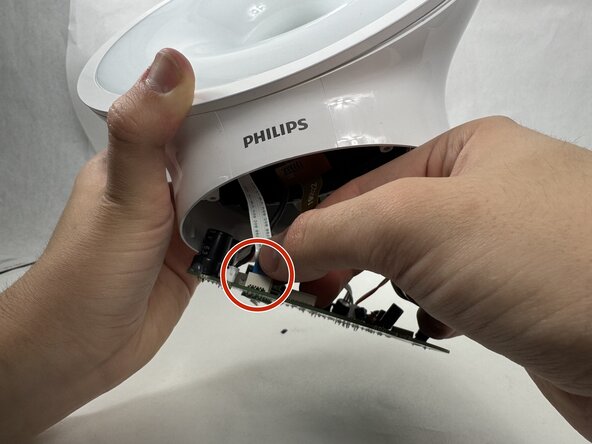
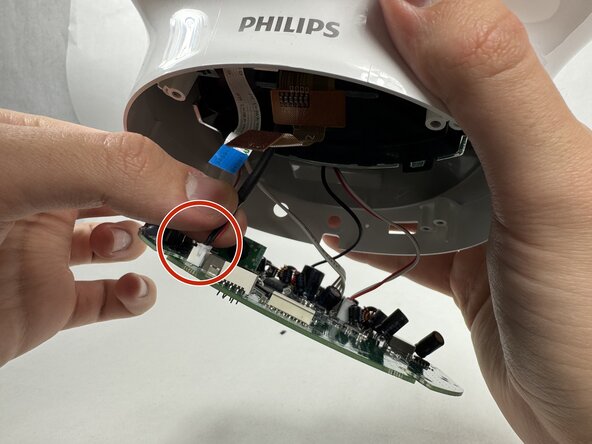
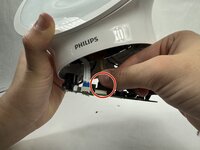
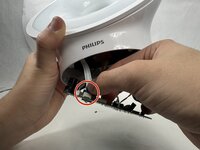
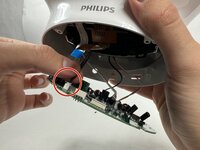

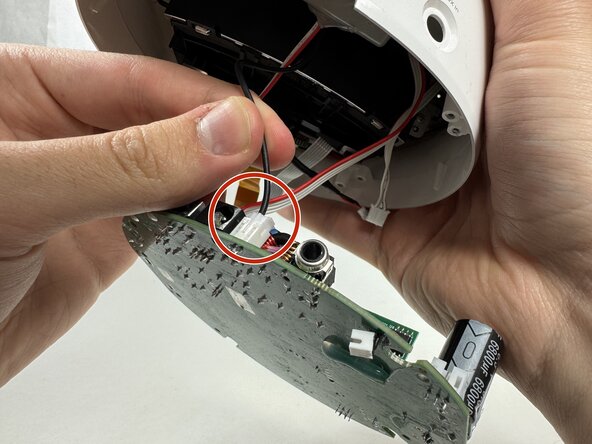
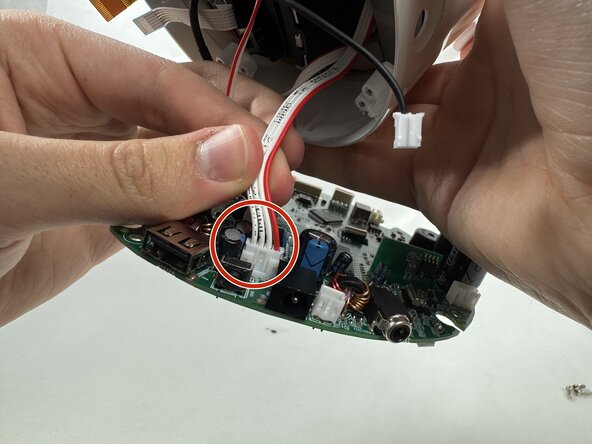

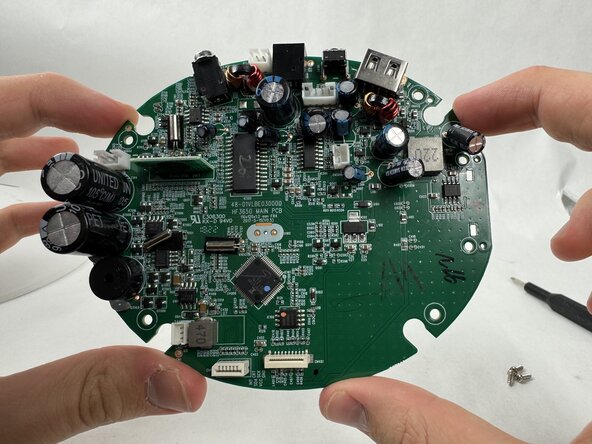
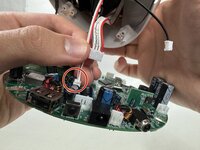





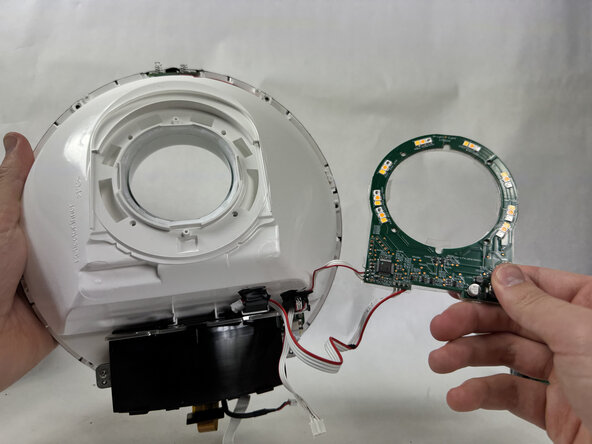
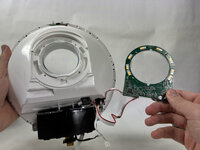

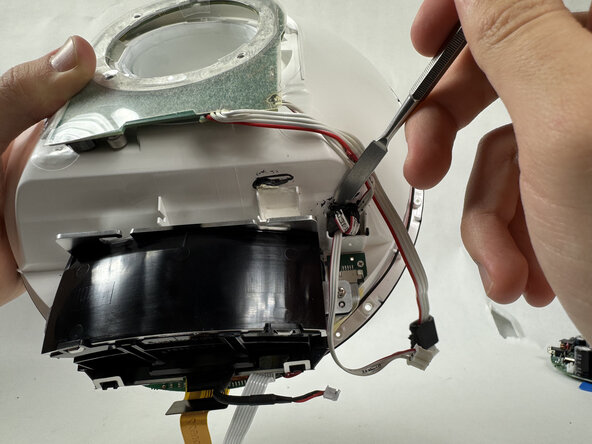
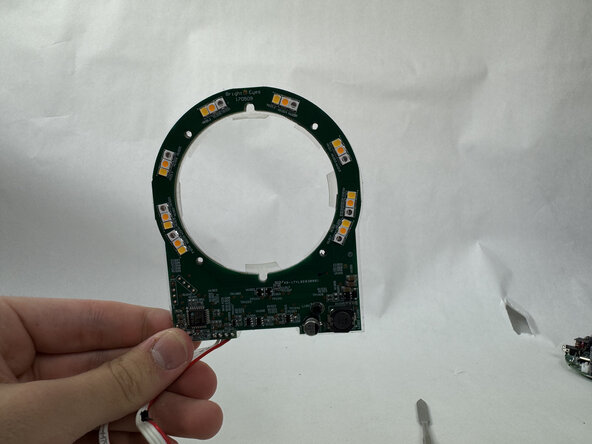
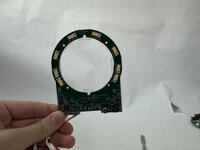
To reassemble your device, follow the above steps in reverse order.
Take your e-waste to an R2 or e-Stewards certified recycler.
Repair didn’t go as planned? Try some basic troubleshooting or ask our Answers community for help.
Annulla: non ho completato questa guida.
Un'altra persona ha completato questa guida.


Team

UMass Dartmouth, Team 6-1, Botvin Spring 2025 Membro di UMass Dartmouth, Team 6-1, Botvin Spring 2025
UMASSD-BOTVIN-S25S6G1
4 Membri
5 Guide realizzate
