Introduzione
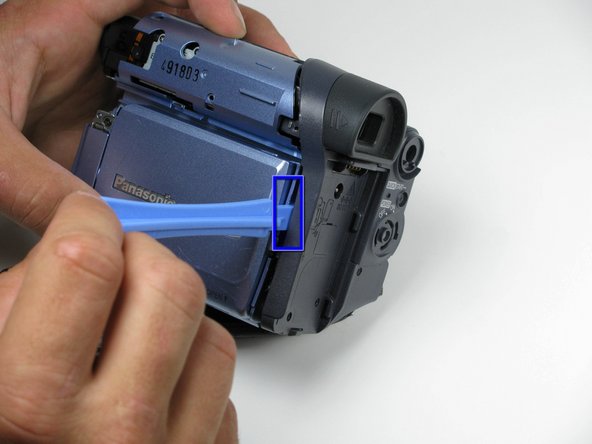
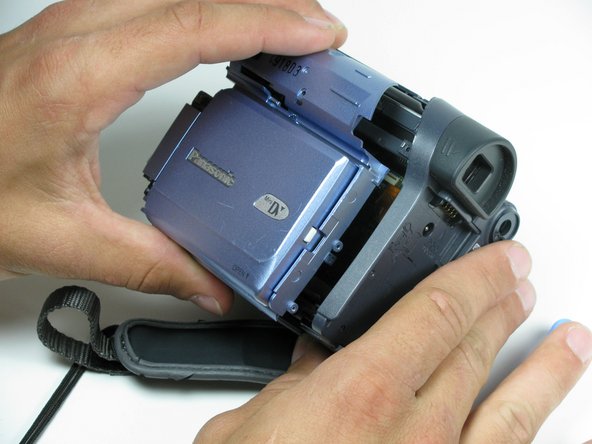
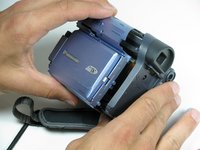
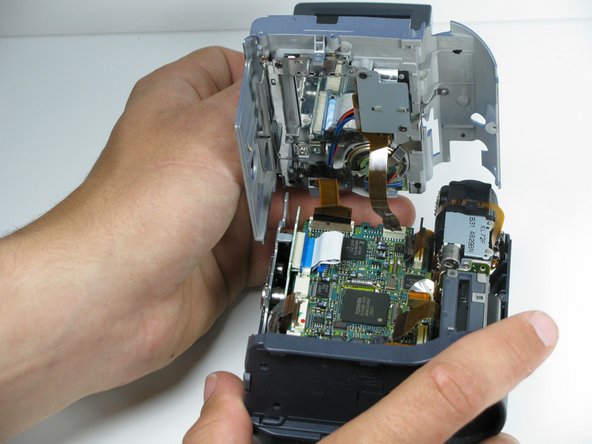
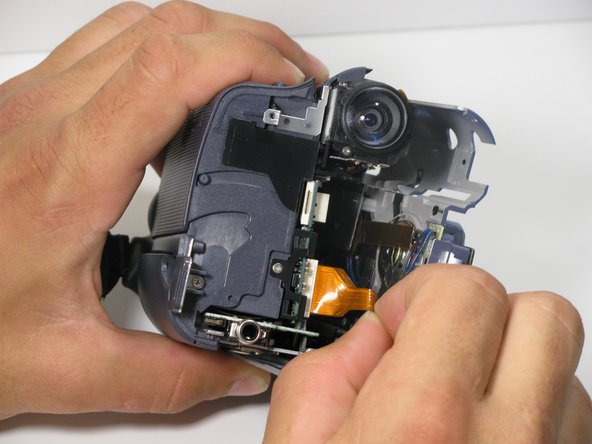
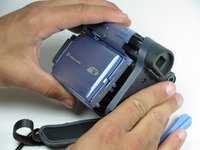
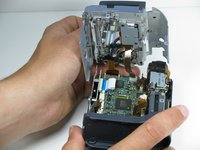
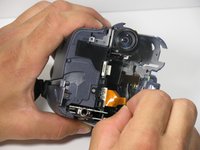
This guide shows how to remove the side panel containing the LCD viewing screen and speakers to gain access to other parts of the camera.
Cosa ti serve
-
-
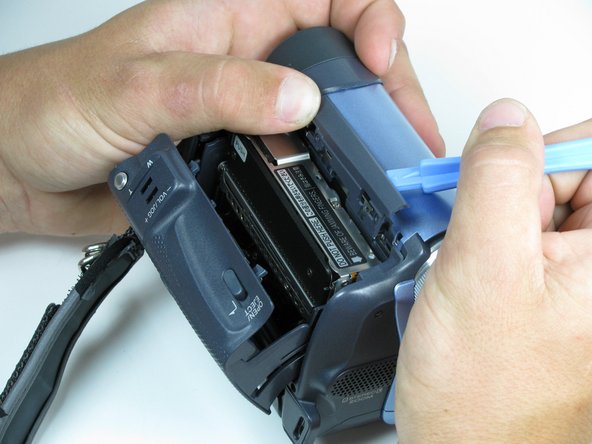
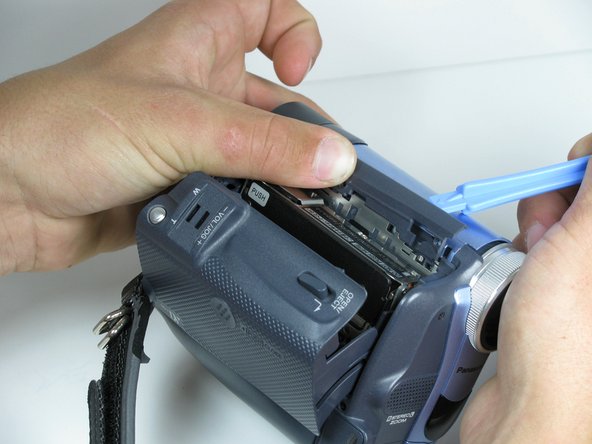
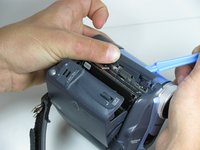
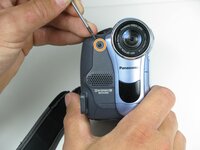
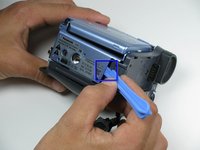
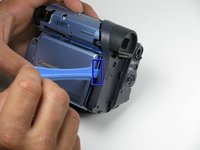
Locate the blue plastic tool opener, then remove both the round record/playback and record/power control knobs by prying it open from the camcorder.
-
-
-
-
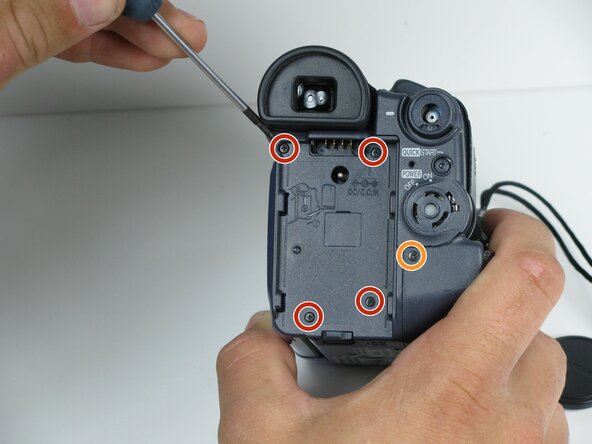
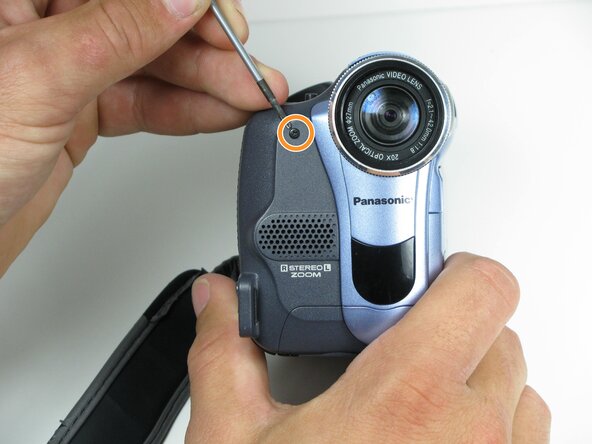
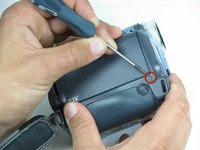
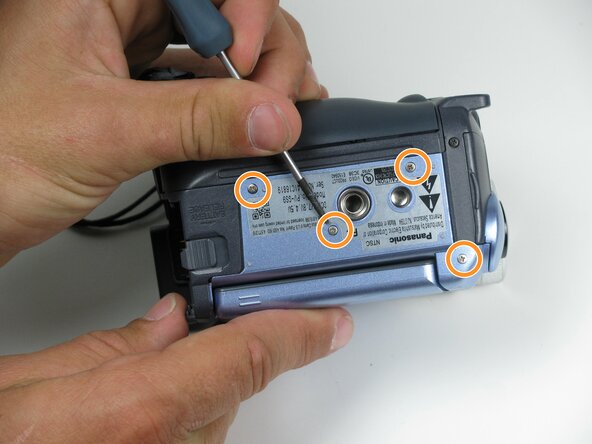
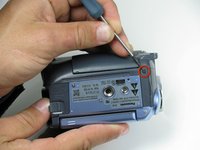
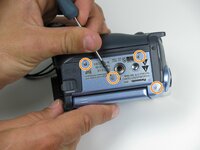
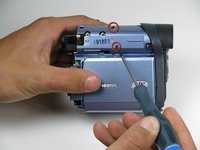
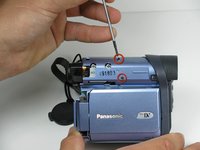
Remove the indicated 4.5mm screws from the LCD side of the camera.
-






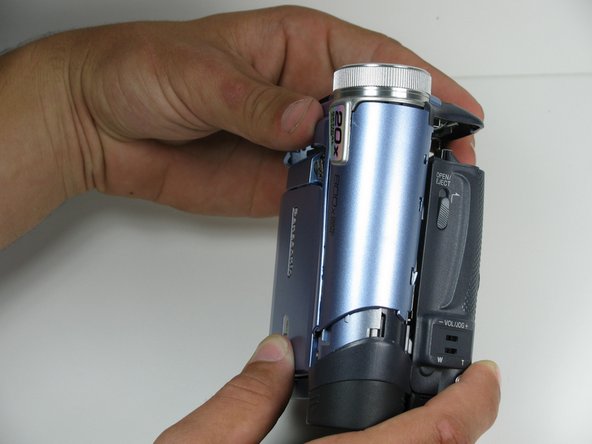
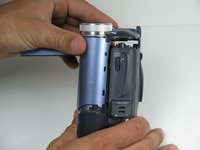
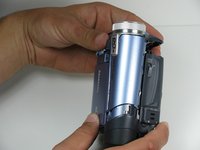
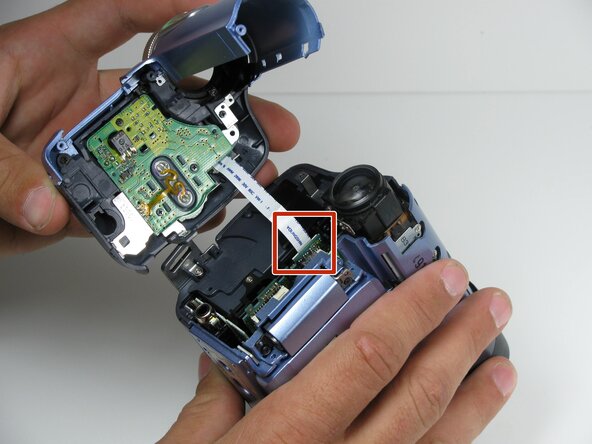
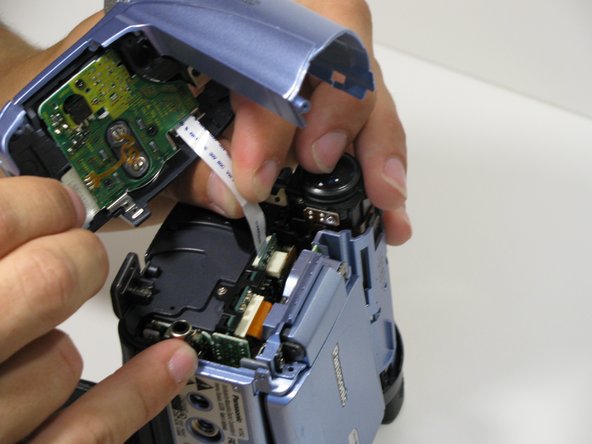
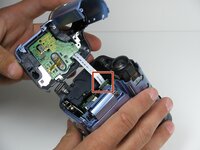
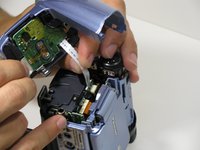




To reassemble your device, follow these instructions in reverse order.
Annulla: non ho completato questa guida.
Un'altra persona ha completato questa guida.



Team

Cal Poly, Team 7-9, Maness Spring 2010 Membro di Cal Poly, Team 7-9, Maness Spring 2010
CPSU-MANESS-S10S7G9
4 Membri
15 Guide realizzate
