Introduzione
Use this guide to replace the LCD screen which is housed in the camera's back cover.
Cosa ti serve
-
-
-
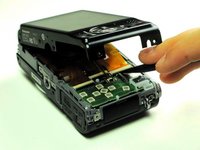
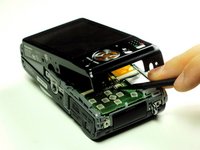
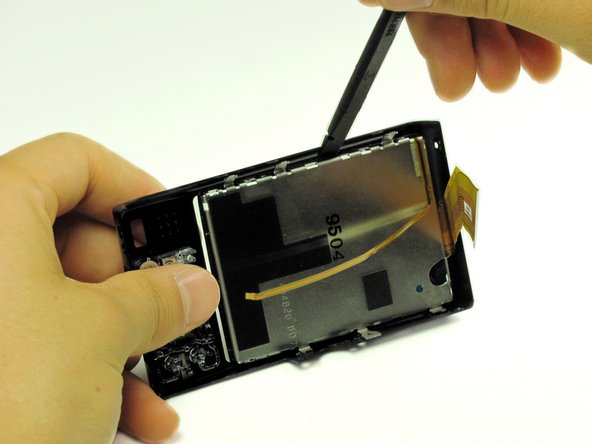
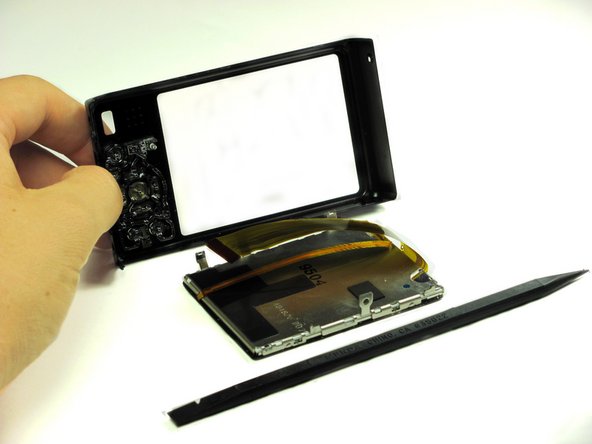
Take the back panel and use the flat end of the spudger to pry the LCD screen from the back cover.
-




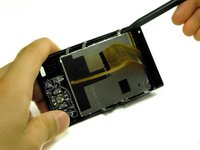
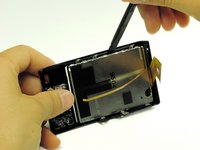
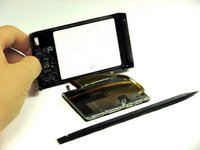
To reassemble your device, follow these instructions in reverse order.
Annulla: non ho completato questa guida.
Altre 3 persone hanno completato questa guida.



Team

Cal Poly, Team 13-60, Johann Spring 2013 Membro di Cal Poly, Team 13-60, Johann Spring 2013
CPSU-JOHANN-S13S13G60
3 Membri
10 Guide realizzate
2Commenti sulla guida
It would be helpful if images of an inoperating screen were included. My screen shows many multi-colored lines - is it a broken screen or a bad board. The camera still shoots pictures.
Really useful guide. However, it's not quite complete: you do have to take the screen assembly apart once you've removed it from the back cover. It's not that difficult to do with the spudger, as all the metal bits around the screen just prise apart, but the 10-15 minutes quoted turned into an hour or so for me once I'd got it all back together again.
