Introduzione
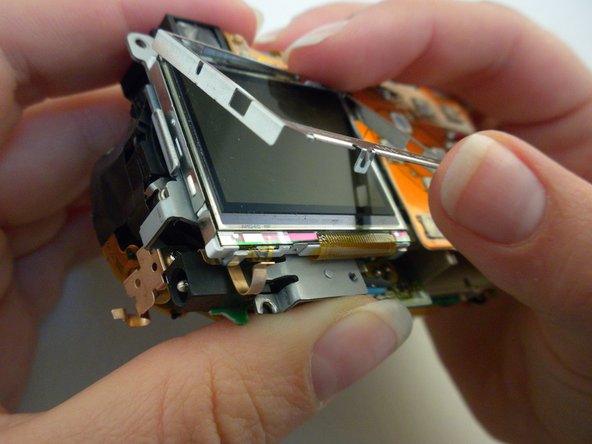
Is your camera still working but you can't see the pictures due to a broken screen? Follow this guide to replace the broken display on your Olympus Stylus 410. The Olympus Stylus 410 uses a 1.8-inch LCD panel, which was commonly found in cameras of this type from the early 2000s. Olympus cameras using the same 1.8-inch LCD display include the Olympus Stylus Epic and the Olympus Mju.
If the display on your camera is shattered or broken, follow the shattered glass displays guide to safely prepare the camera before repair, ensuring you avoid any risk of injury from broken glass.
Before you begin, remove the battery and SD (memory) card.
Cosa ti serve
-
-
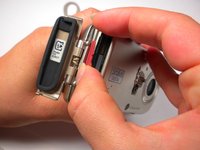
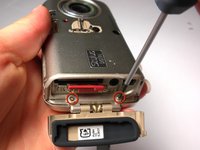
Locate the 2 screws on the bottom of the slider.
-
Remove both screws with a #00 Phillips screwdriver.
-
-
-
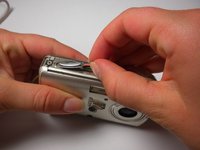
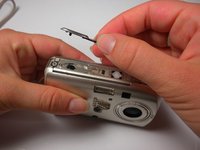
Locate the 3 screws on the outer metal band and remove them with a #00 Phillips screwdriver.
-
-





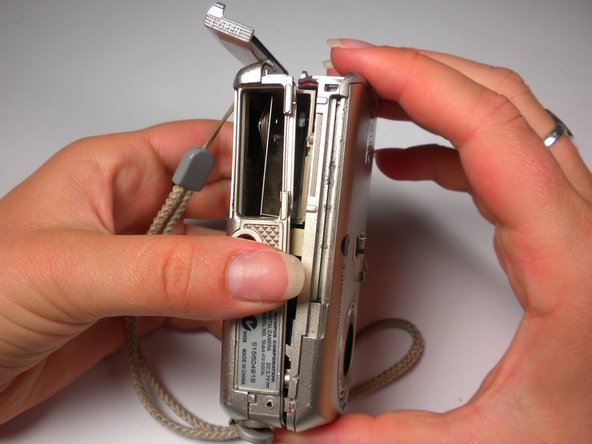
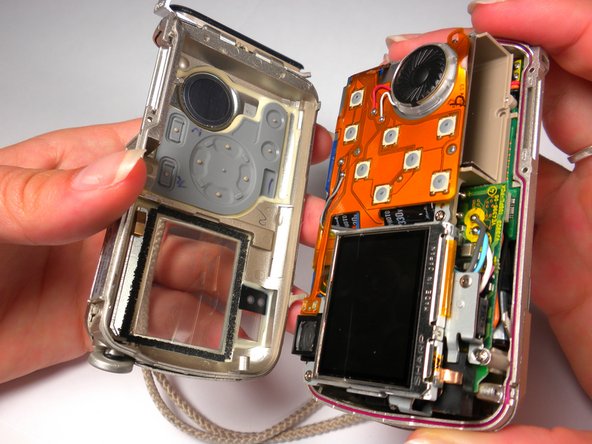
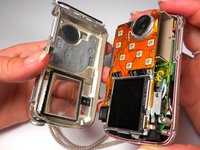


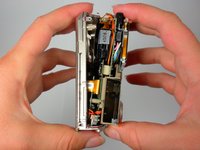
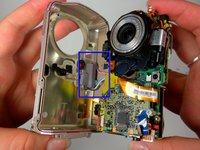

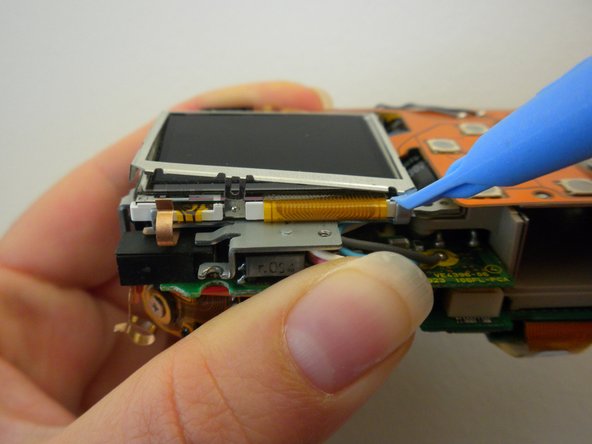

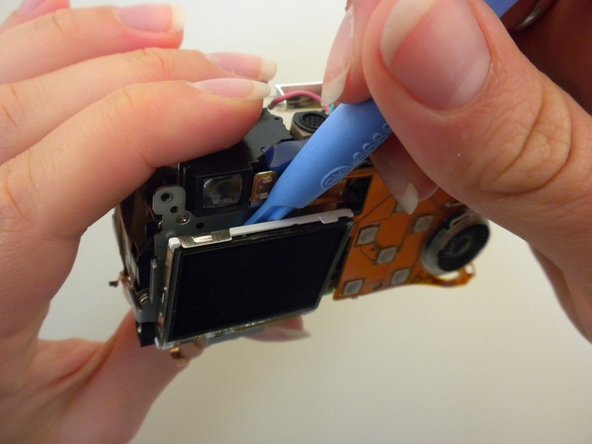
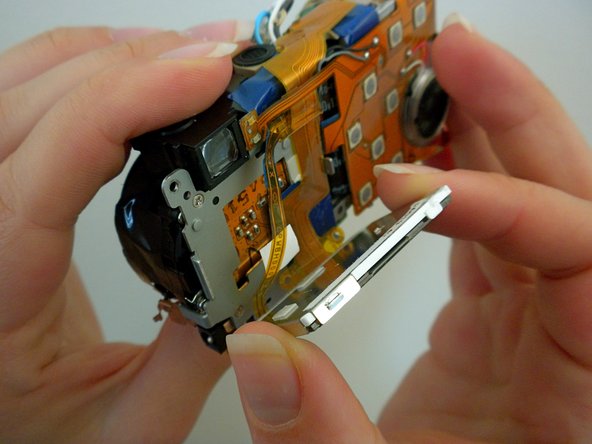
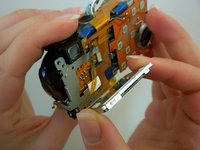

To reassemble your device, follow these instructions in reverse order.


Team

Cal Poly, Team 6-13, Maness Spring 2010 Membro di Cal Poly, Team 6-13, Maness Spring 2010
CPSU-MANESS-S10S6G13
5 Membri
17 Guide realizzate
