Salta al contenuto principale

Motorola Edge (2021) Front-Facing Camera module Replacement

Cosa ti serve

  1. Motorola Edge (2021) Front-Facing Camera module Replacement, Front-Facing Camera: passo 1, immagine 1 di 1
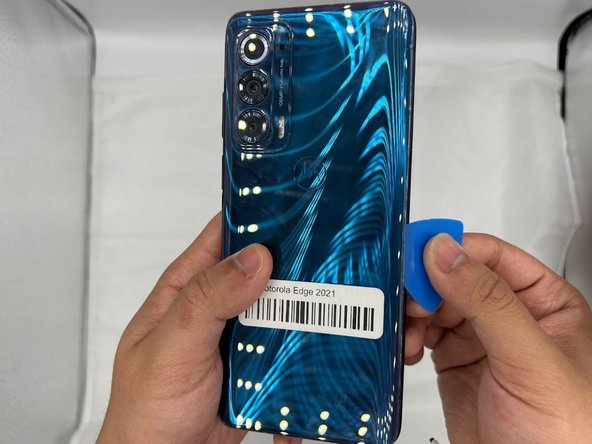
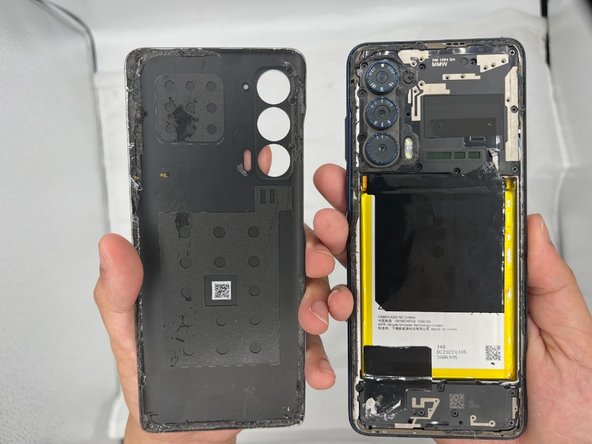
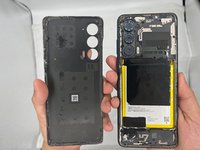
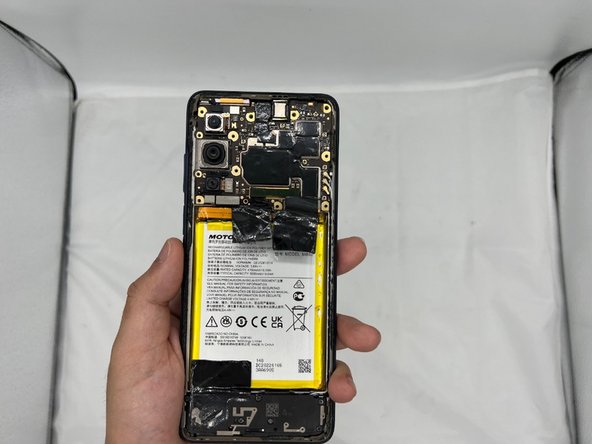
    • Remove the back cover of the smartphone.

  2. Motorola Edge (2021) Front-Facing Camera module Replacement: passo 2, immagine 1 di 1
    • Use two iOpeners to heat up the glue beneath the back-plate.

  3. Motorola Edge (2021) Front-Facing Camera module Replacement: passo 3, immagine 1 di 3 Motorola Edge (2021) Front-Facing Camera module Replacement: passo 3, immagine 2 di 3 Motorola Edge (2021) Front-Facing Camera module Replacement: passo 3, immagine 3 di 3
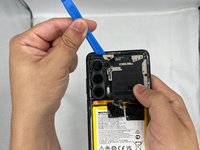
    • Wedge the iFixit Opening Pick in between the cracks of the smartphone's backplate.

    • Slide the opening tool along the sides of the phone until the glue is separated from the back-plate.

  4. Motorola Edge (2021) Front-Facing Camera module Replacement: passo 4, immagine 1 di 2 Motorola Edge (2021) Front-Facing Camera module Replacement: passo 4, immagine 2 di 2
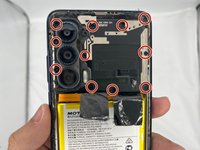
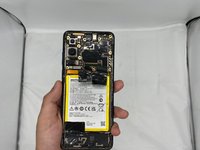
    • Next, use the Phillips #00 Screwdriver to unscrew the motherboard/camera casing. Be sure to check under the glue for any unseen screws.

  5. Motorola Edge (2021) Front-Facing Camera module Replacement: passo 5, immagine 1 di 2 Motorola Edge (2021) Front-Facing Camera module Replacement: passo 5, immagine 2 di 2
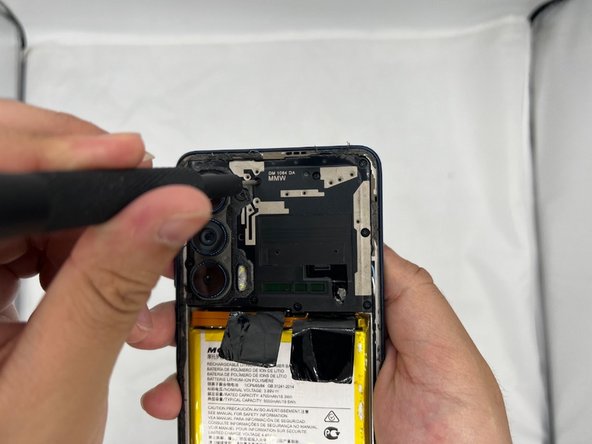
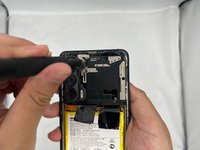
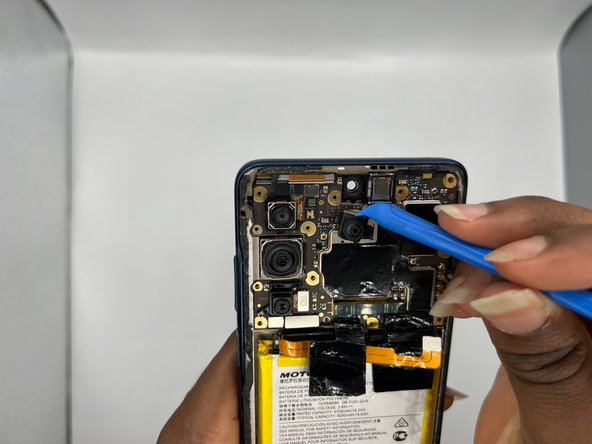
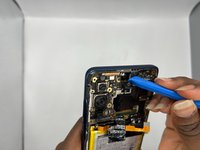
    • After you're done unscrewing, use the iFixit Opening Tool to carefully pry open the casing.

  6. Motorola Edge (2021) Front-Facing Camera module Replacement: passo 6, immagine 1 di 1
    • This is the front facing camera module.

  7. Motorola Edge (2021) Front-Facing Camera module Replacement: passo 7, immagine 1 di 2 Motorola Edge (2021) Front-Facing Camera module Replacement: passo 7, immagine 2 di 2
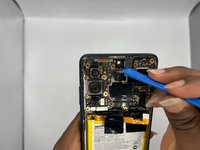
    • Using the iFixit Opening Tool, carefully remove the camera module.

  8. Motorola Edge (2021) Front-Facing Camera module Replacement: passo 8, immagine 1 di 1
    • Congratulations, you have successfully removed the front facing camera module for your Motorola Edge.

Conclusione

To reassemble your device, follow these instructions in reverse order.

0Commenti sulla guida

Aggiungi Commento

Visualizza Statistiche:

Ultime 24 Ore: 1

Ultimi 7 Giorni: 3

Ultimi 30 Giorni: 10

Tutti i Tempi: 270