Introduzione
The Mac Pro includes a small speaker on the IO board. Use this guide to remove and replace this speaker.
Before beginning any work on your Mac Pro: Unplug the computer and press and hold the power button for ten seconds to discharge the power supply's capacitors.
Be very careful not to touch the capacitor leads or any exposed solder joints on the back of the power supply. Only handle the board by the edges.
Cosa ti serve
-
-
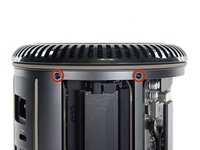
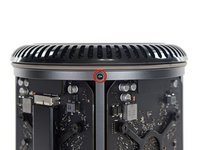
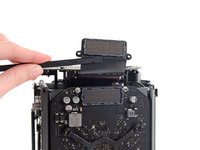
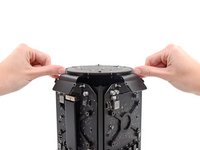
Remove five 5.1 mm T10 Torx screws from around the outer perimeter of the fan assembly.
-
-
-
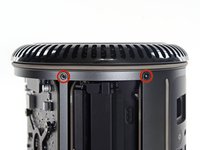
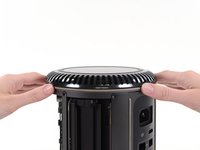
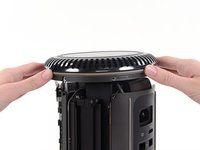
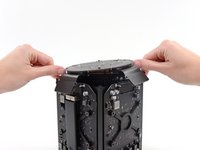
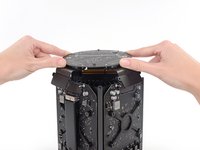
Remove five 5.1 mm T10 Torx screws from the outer perimeter of the lower case.
-
-
-
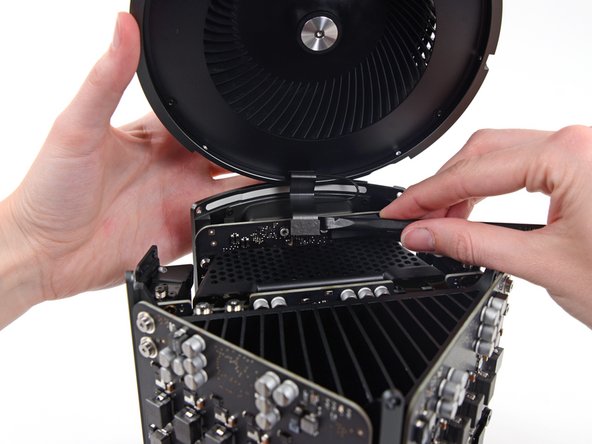
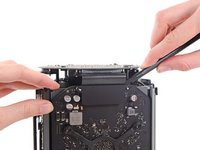
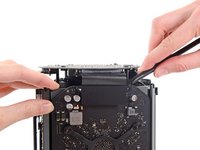
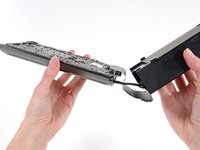
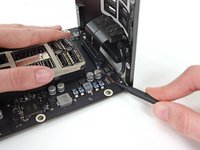
Use the flat end of a spudger and a twisting motion to gently separate one side of the graphics card data connection.
-
-
-
-
Flip the Mac Pro back over and set it gently on a flat surface.
-
-
-
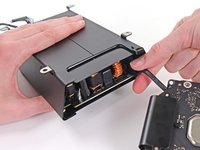
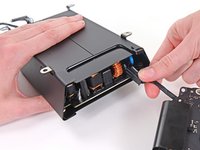
Use the flat end of a spudger to disconnect the power supply DC-Out connector from its socket on the IO board.
-
Use the tip of a spudger to disconnect the power supply data cable from its socket on the IO board.
-
-
-
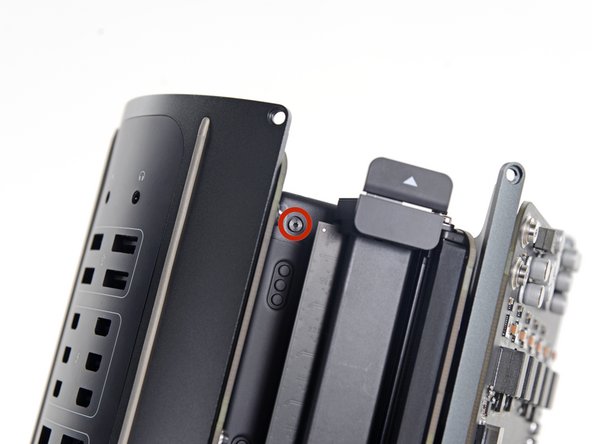
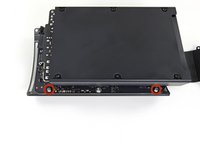
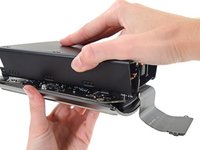
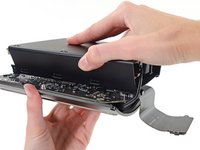
Remove the two 9 mm silver T10 Torx screws securing the IO Board to the IO shield.
-
-
-
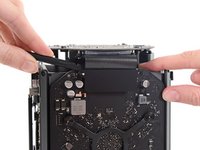
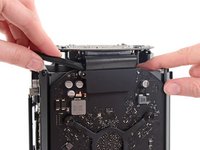
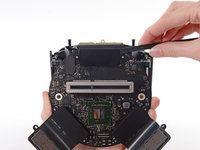
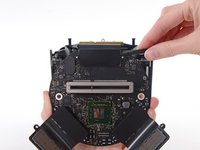
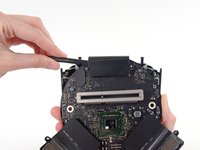
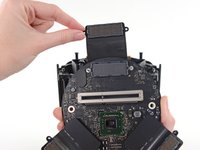
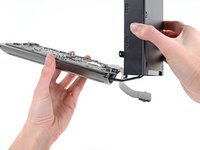
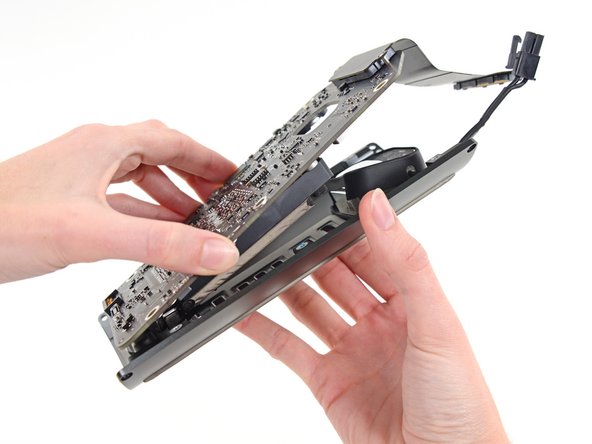
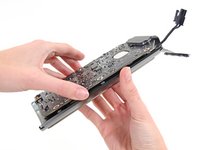
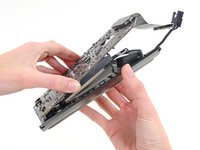
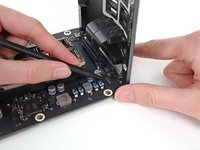
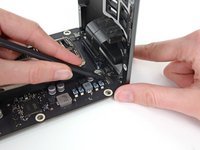
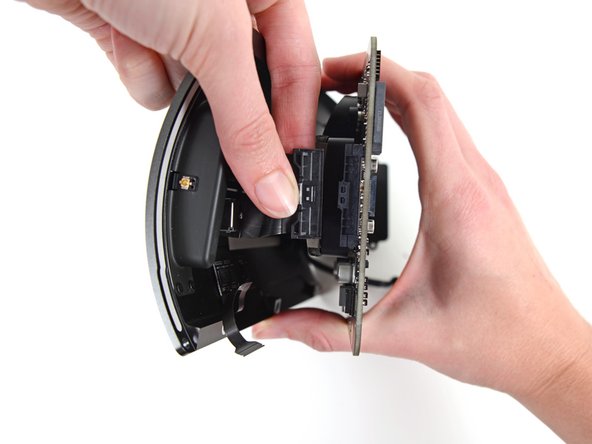
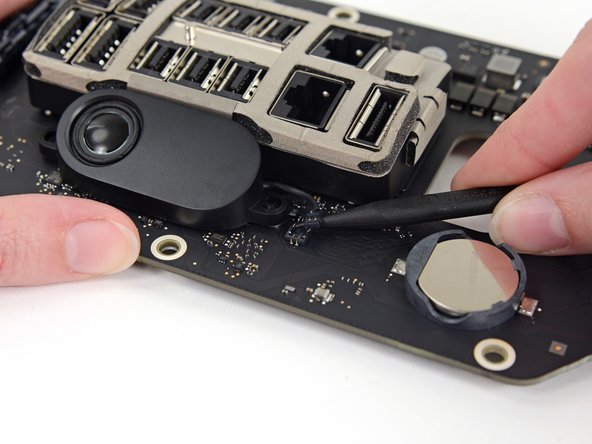
Use the tip of a spudger to disconnect the speaker cable from its socket on the IO board.
-
Be careful to pry up on the connector and not the socket.
-




































To reassemble your device, follow these instructions in reverse order.
Annulla: non ho completato questa guida.
Altre 5 persone hanno completato questa guida.




2Commenti sulla guida
Do you sell this speaker parts ?
Recommend to add at the top of the instructions…since this is a 10-year-old Mac, the BIOS battery is on the same board as the speaker and is not readily available in stores..the BR2032 (yes, with a “B”). Should order battery at same time as order a replacement speaker, since very involved to get to this board. (The common CR2032 would work, but not made to last as long or handle the heat inside the computer as well…and since so involved to replace it, do it right the first time with the correct part.)
