Introduzione
Touch Screen POS machine from ORACLE / MICROS.
By default, these 310 models use soldered eMMC storage (ours were only 50gb). this is the process i used to add an ssd
Cosa ti serve
-
-
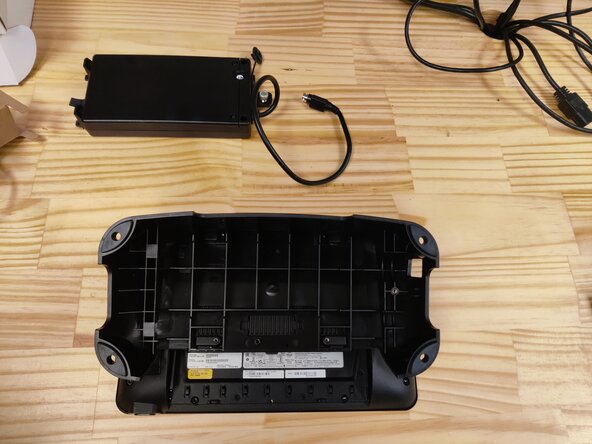
flip the device over and remove the power adapter hidden in the stand by unscrewing the thumbscrew, then remove the base by unscrewing the single hex screw
-
-
-
-
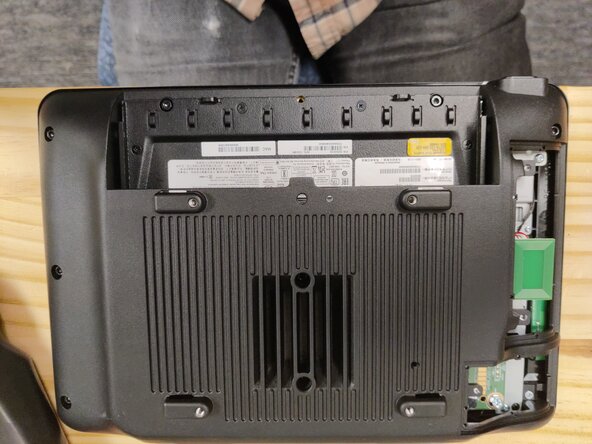
remove the covers for on the left side gently and disconnect the cables from the motherboard
-
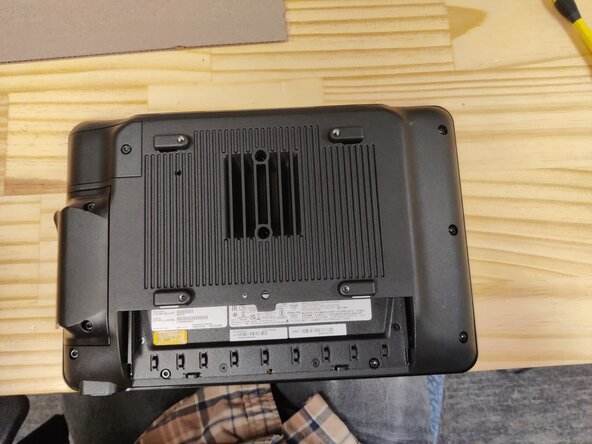
unscrew the back cover. there are 8 captured hex head screws, and two loose Phillips screws. the Philips are under where the coveres were that you removed
-
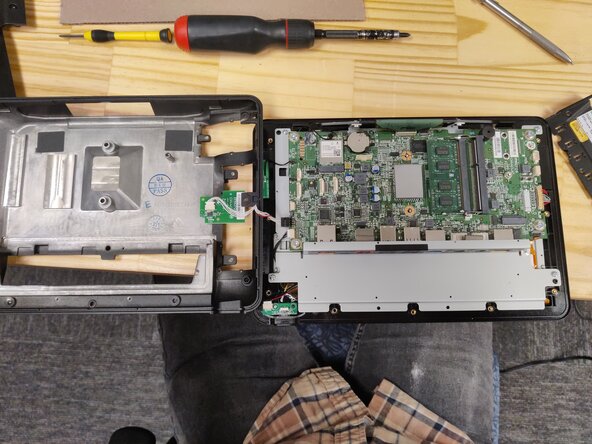
flip the back cover over to the left and disconnect the cable from the motherboard
-
-
-
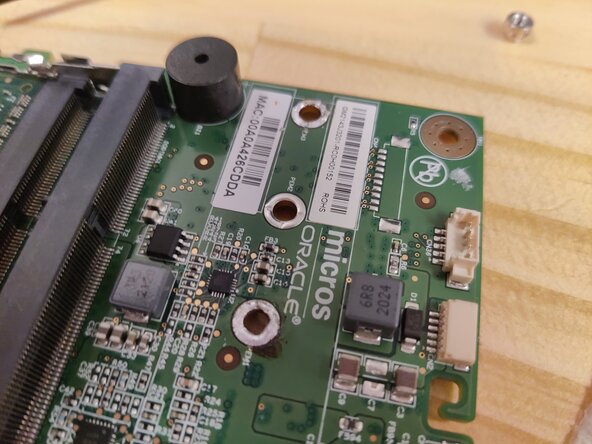
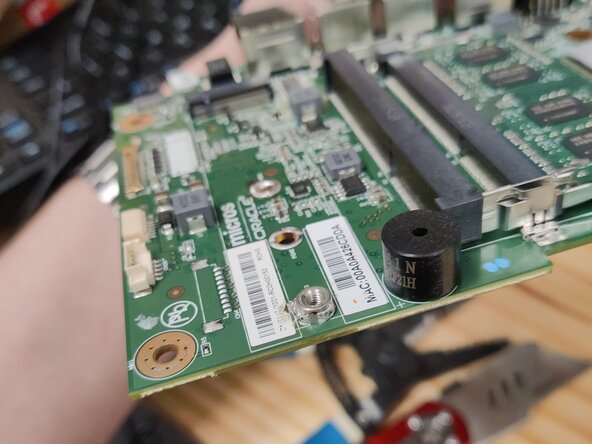
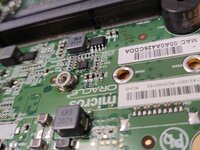
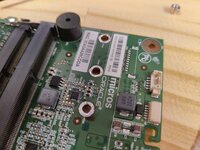
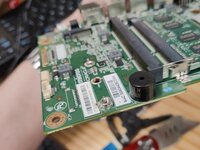
At this point you can insert your sata m.2 drive into the connector and screw it down, if your drive is a 2230. we only had 2280's in stock, to i had to desolder the screw terminal and move it to the 2280 position. note that we found not every ssd worked for this machine. we had good luck with Samsung 860 Pros
-





To reassemble your device, follow these instructions in reverse order.


