Cosa ti serve
-
-
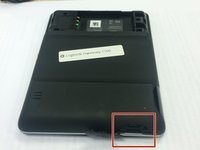
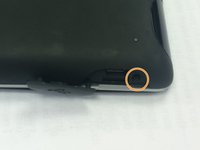
Remove the battery cover by pushing down on the circled areas and pushing outward.
-
Remove the battery by lifting up the battery on the corner exposed by the indent in the case
-
-
-
-
Pop out the plastic screen backing on front of device.
-
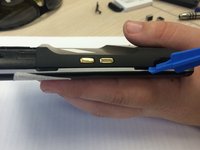
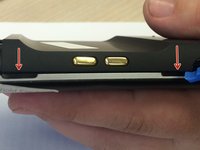
Loosen the screen backing by pushing back on the plastic clips that hold the screen backing in place.
-
-
-
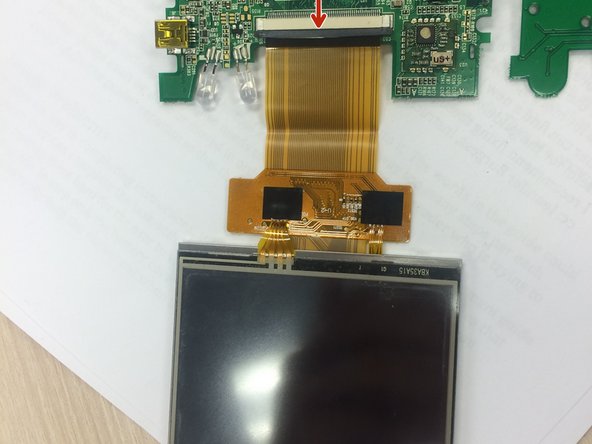
Push grey bar away from the beige bar
-
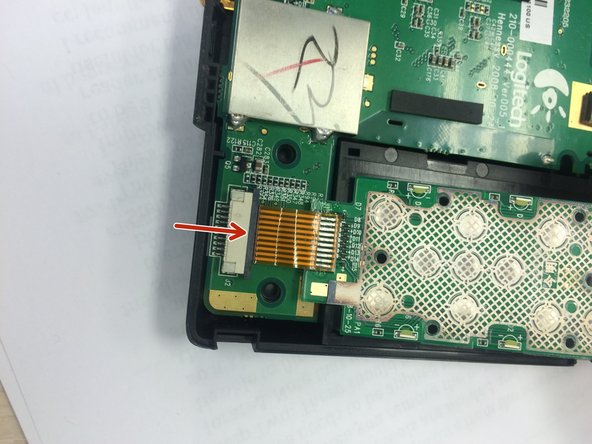
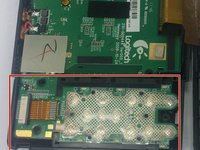
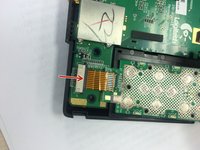
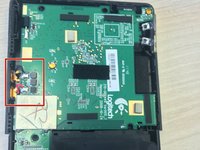
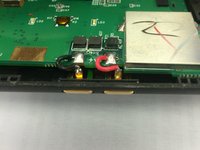
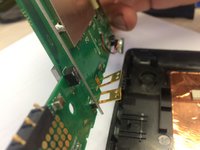
Remove button tab wire from logic board
-









Linea Traguardo



Team

Ohio State, Team 1-5, Burgess Spring 2016 Membro di Ohio State, Team 1-5, Burgess Spring 2016
OSU-BURGESS-S16S1G5
4 Membri
2 Guide realizzate
