Introduzione
This guide will walk you through the simple process of replacing the battery in your Levoit LVAC-200 canister. Follow the directions provided below to get your canister back to action!
-
-
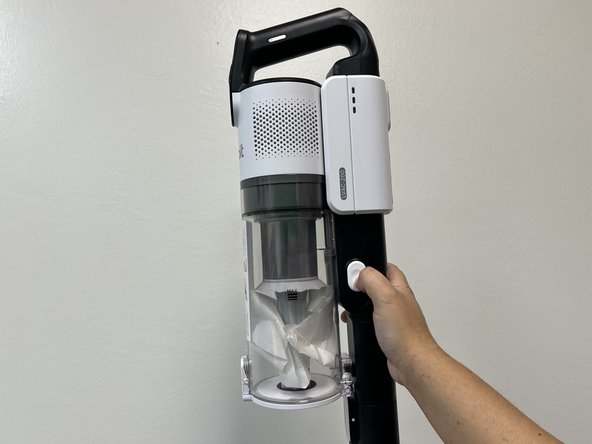
Press down on the white button located on the side of the vacuum.
-
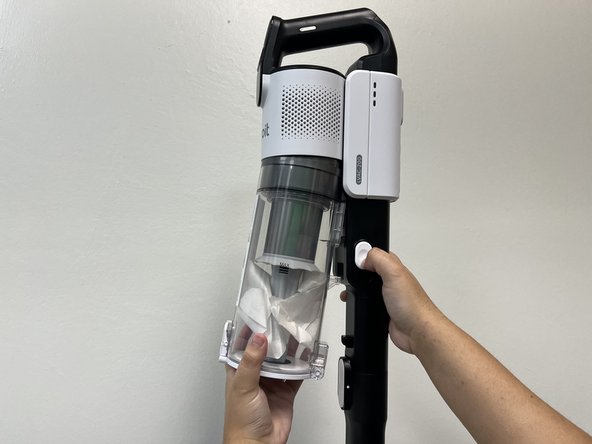
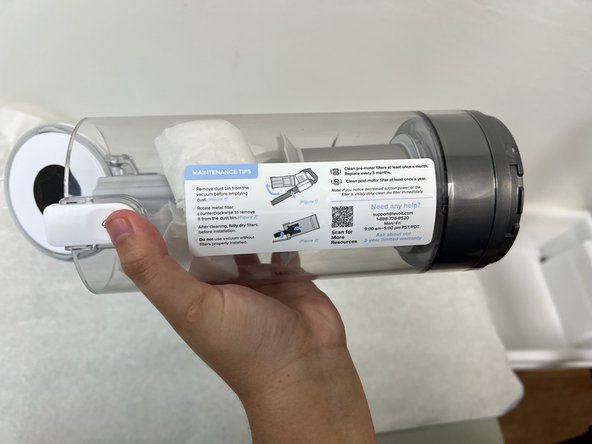
Gently pull on dust bin to remove it from vacuum body.
-
-





Conclusione
To reassemble your device, follow these instructions in reverse order.


Team

University of North Texas, Team 1-3, Kilpatrick Fall 2024 Membro di University of North Texas, Team 1-3, Kilpatrick Fall 2024
UNT-KILPATRICK-F24S1G3
4 Membri
4 Guide realizzate
