Introduzione
The daughterboard is a crucial component that works along with the motherboard, handling tasks like power distribution and additional ports. This guide will show you the proper steps to safely remove the daughterboard.
Cosa ti serve
-
-
Begin by taking the back plate off of your device. Using a Phillips head screw driver, take out the highlighted screws for your device.
-
-
-
-
Once you have the battery removed, locate the cable for your new battery and connect it on the same port from your old battery. Secure it onto the laptop by using the screws. After this step is complete, complete step 1 in reverse order to secure the plate cover over your motherboard.
-


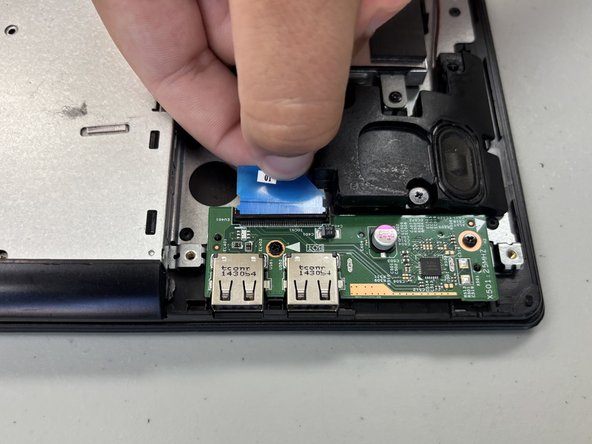
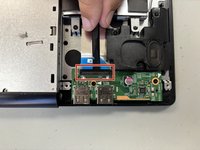
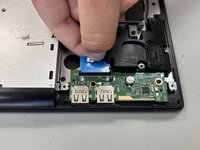

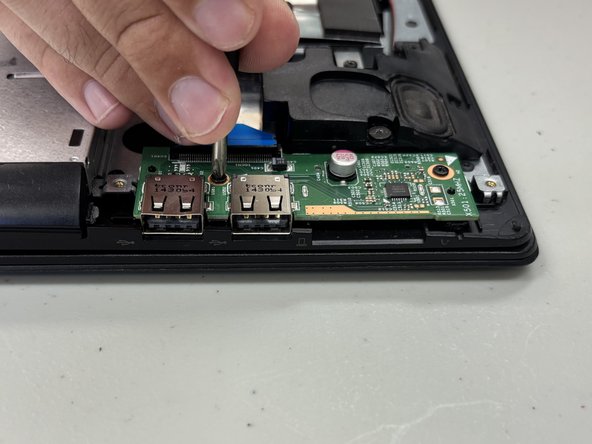
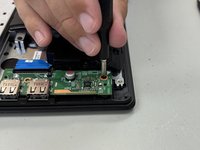
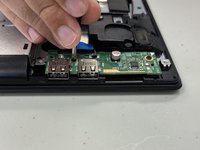

To reassemble your device, follow these instructions in reverse order.


Team

University of North Texas, Team 3-6, Coppersmith Fall 2024 Membro di University of North Texas, Team 3-6, Coppersmith Fall 2024
UNT-COPPERSMITH-F24S3G6
4 Membri
4 Guide realizzate
