Introduzione
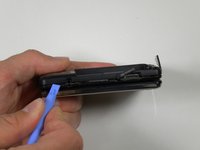
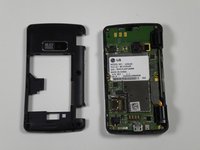
In this guide you will be taking off the back panel to access and remove the side volume and camera buttons.
Cosa ti serve
-
-
Place the phone face down on the table.
-
Pull down the tab below the battery with your fingernail or an opening tool.
-
Lift the battery out.
-
-
-
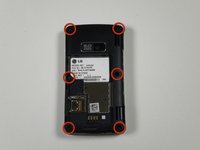
Locate the five rubber covers on the back panel of the phone.
-
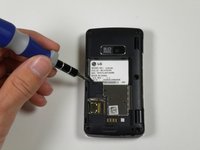
Use a metal probe to remove each rubber cover and expose the screws underneath.
-
-
-
-
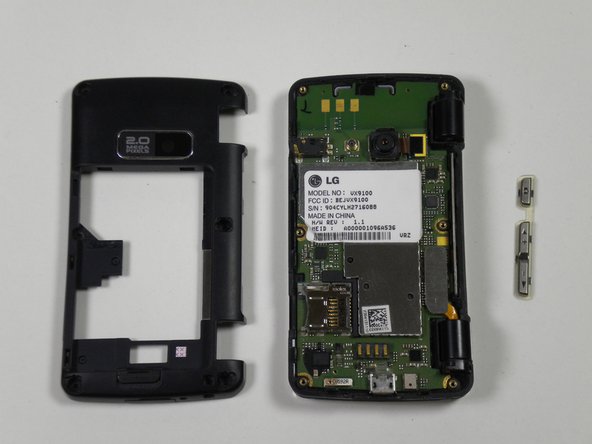
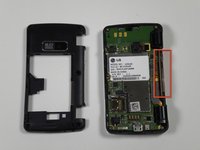
Locate the volume and camera buttons on the right side of the phone.
-
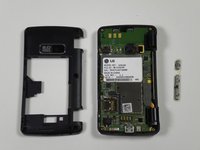
Lift up on the buttons to slide them out of the phone.
-





To reassemble your device, follow these instructions in reverse order.



Team

Cal Poly, Team 16-55, Forte Fall 2012 Membro di Cal Poly, Team 16-55, Forte Fall 2012
CPSU-FORTE-F12S16G55
5 Membri
14 Guide realizzate
