Salta al contenuto principale

Korg ToneWorks AX1500G Pedal Switch Replacement

Cosa ti serve

  1. Korg ToneWorks AX1500G Pedal Switch Replacement, Pedal Switch: passo 1, immagine 1 di 1
    • Remove the black 8.0mm Phillips screws from the back of the Pedal Board.

    • Be careful when working with small electronics, as many of the components are fragile.

  2. Korg ToneWorks AX1500G Pedal Switch Replacement: passo 2, immagine 1 di 3 Korg ToneWorks AX1500G Pedal Switch Replacement: passo 2, immagine 2 di 3 Korg ToneWorks AX1500G Pedal Switch Replacement: passo 2, immagine 3 di 3
    • Remove the back panel of the board.

  3. Korg ToneWorks AX1500G Pedal Switch Replacement: passo 3, immagine 1 di 1
    • Unscrew the five golden 8.0mm Phillips screws holding down the left circuit board.

    • Be careful not to hit to metal parts on the circuit board, this could cause sparks and failure.

  4. Korg ToneWorks AX1500G Pedal Switch Replacement: passo 4, immagine 1 di 3 Korg ToneWorks AX1500G Pedal Switch Replacement: passo 4, immagine 2 di 3 Korg ToneWorks AX1500G Pedal Switch Replacement: passo 4, immagine 3 di 3
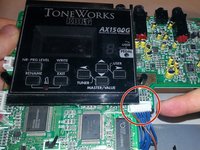
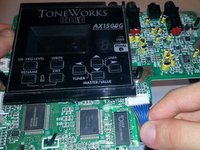
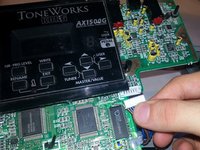
    • Carefully unplug three wires connecting the left circuit board to the right circuit board.

    • The wires may be stuck and difficult to remove. Try to pull from the plastic part.

  5. Korg ToneWorks AX1500G Pedal Switch Replacement: passo 5, immagine 1 di 3 Korg ToneWorks AX1500G Pedal Switch Replacement: passo 5, immagine 2 di 3 Korg ToneWorks AX1500G Pedal Switch Replacement: passo 5, immagine 3 di 3
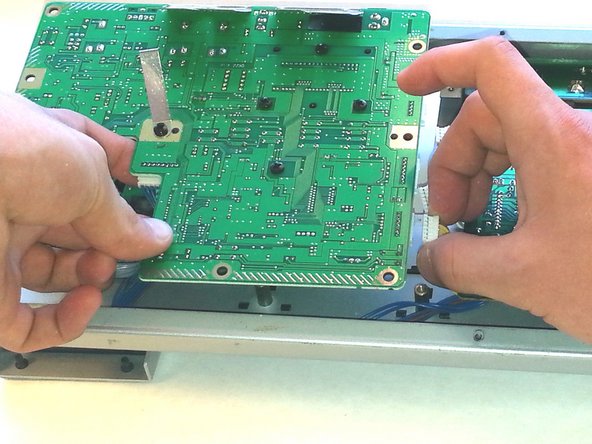
    • The circuit board is still connected at this point.

    • Carefully pull out the circuit board and turn it over.

    • Unplug the last cable connecting it to the other large circuit board.

  6. Korg ToneWorks AX1500G Pedal Switch Replacement: passo 6, immagine 1 di 1
    • Unscrew the two 8.0 mm black Phillips screws from the small circuit board.

  7. Korg ToneWorks AX1500G Pedal Switch Replacement: passo 7, immagine 1 di 3 Korg ToneWorks AX1500G Pedal Switch Replacement: passo 7, immagine 2 di 3 Korg ToneWorks AX1500G Pedal Switch Replacement: passo 7, immagine 3 di 3
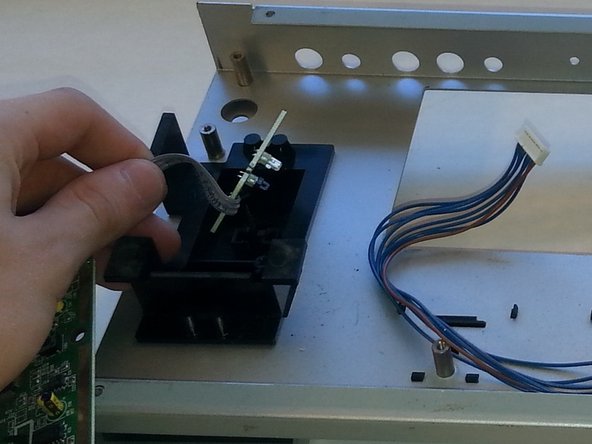
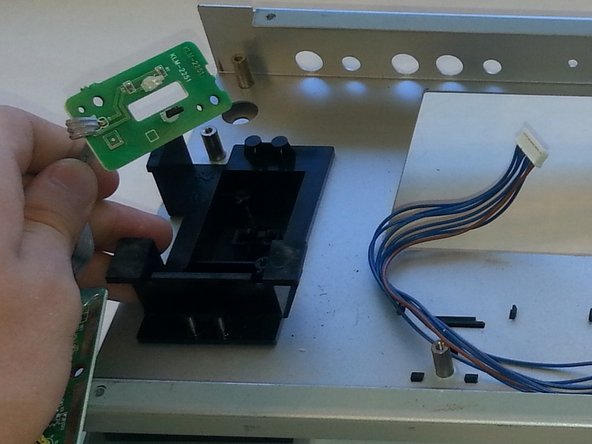
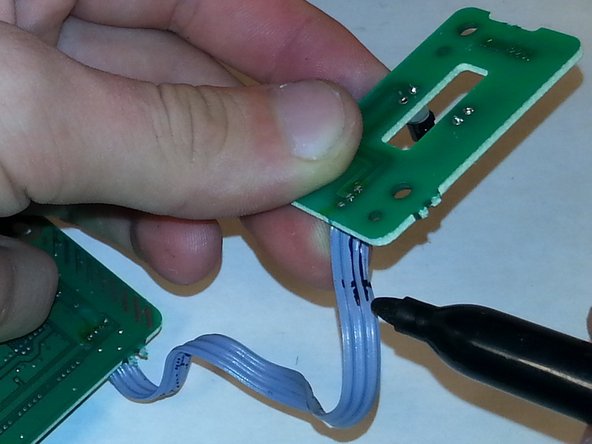
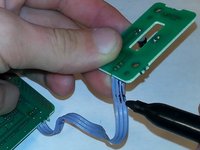
    • Gently pull out the small circuit board by the purple wire.

  8. Korg ToneWorks AX1500G Pedal Switch Replacement: passo 8, immagine 1 di 3 Korg ToneWorks AX1500G Pedal Switch Replacement: passo 8, immagine 2 di 3 Korg ToneWorks AX1500G Pedal Switch Replacement: passo 8, immagine 3 di 3
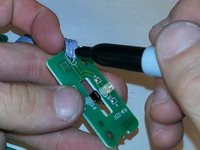
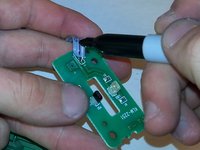
    • Mark the wire connected to the small circuit board so for future reference.

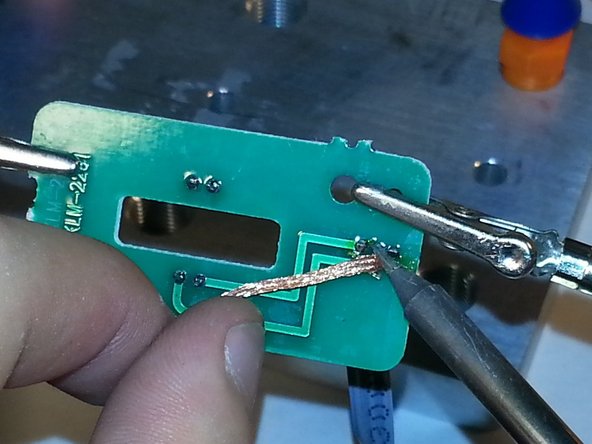
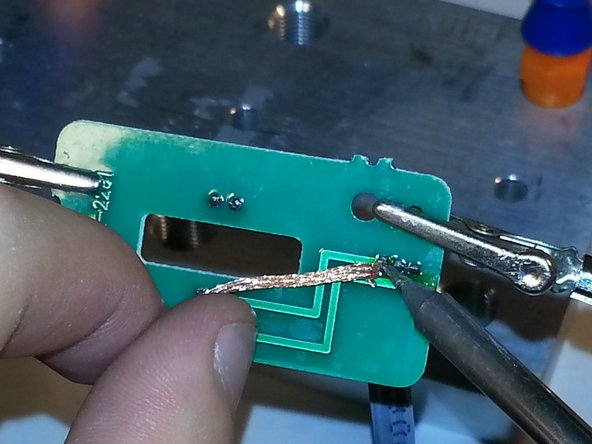
  9. Korg ToneWorks AX1500G Pedal Switch Replacement: passo 9, immagine 1 di 3 Korg ToneWorks AX1500G Pedal Switch Replacement: passo 9, immagine 2 di 3 Korg ToneWorks AX1500G Pedal Switch Replacement: passo 9, immagine 3 di 3
    • Soldering Irons can be very dangerous if you are inexperienced.

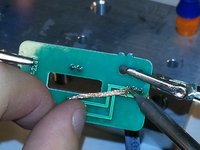
    • Desolder the wires connecting to the board and remove the board.

    • Solder the new foot switch circuit on

Conclusione

To reassemble your device, follow these instructions in reverse order.

Altre 3 persone hanno completato questa guida.

Team

Cal Poly, Team 14-6, Green Fall 2015 Membro di Cal Poly, Team 14-6, Green Fall 2015

CPSU-GREEN-F15S14G6

5 Membri

6 Guide realizzate

4Commenti sulla guida

Thanks! My Ax1500g's pedal switch volume is failing, and not reaching the 100% volume, not even 50%. I've opened the pedalboard and removed the pedal switch, but I notice It doesn't have any true connection to the switchboard but an LED with a PhotoSensor that may be blocked by a plastic in the pedal itself, is that how it works? I was expecting a Potenciometer.

Where can I buy the pedal switch board replacement?

309001200 PHOTO TR RPM-22PB N OR P KLM-2251 AX150 1

312051900 PHOTO SENSOR SIM-22ST Q OR R KLM-2251 AX150 1

Thanks

Martin Jofre - Replica
Bro

Thers is some noise comeing when i connect the cable

I give to one shop

3 times. I took the shop he is cheater i lost my money

I need to fix it bro

I need ur help

Samuel Arun - Replica
My friend briought me his AX1500G, the expression pedal isn't working, nor volume or wah,...

I can't buy the interuptor, I check voltages on the three cables connection, it's ok. I think something wrong happened with the IR coupple, touching the cable ends on the main pcb while pressing the pedal, it sounding whooaa.. , that signal is working.

I think the IR sensor( reciever) is receiving the IR led (transmitter) but the value of resistance of the sensor had decreased and voltage output increase. Maybe by the age, maybe by long time using. I put a resistor (100k, I put this resistor due to resistance of my finger tip ) to jumps the output to ground for decreasing signal. It's works. The pedal can be using again.

sergei zappatta - Replica

Aggiungi Commento

Visualizza Statistiche:

Ultime 24 Ore: 0

Ultimi 7 Giorni: 16

Ultimi 30 Giorni: 46

Tutti i Tempi: 5,562