Introduzione
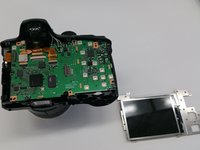
Is the screen on your Kodak Easyshare Z981 camera malfunctioning, or not working at all? Need to replace the LCD screen entirely? LCD screens often need replacing when they contain visible cracks, exhibit display issues, or are generally unresponsive. Utilize this guide to save the trouble of a repair shop or new camera altogether, no special skills required.
Cosa ti serve
-
-
Open the battery cover and remove batteries from the camera if any are inserted.
-
-
Attrezzo utilizzato in questo passaggio:Phillips #00 Screwdriver$5.49
-
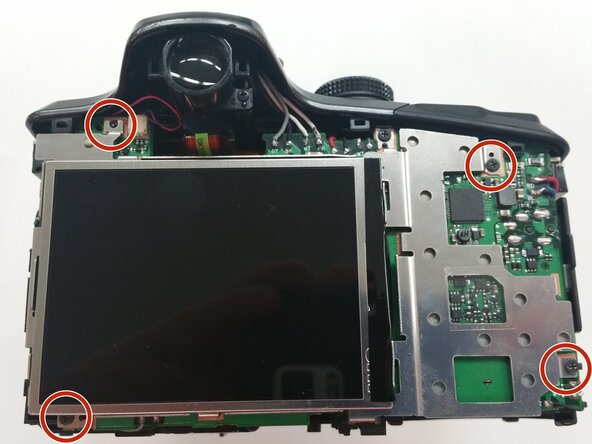
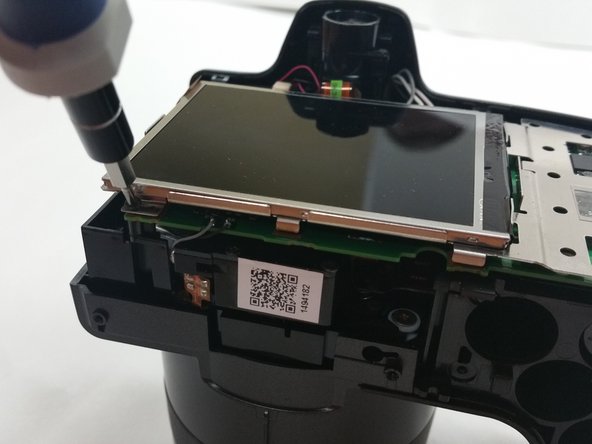
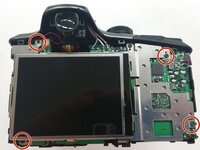
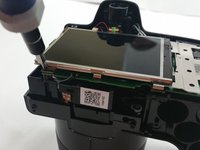
Use a 00 Phillips-Head screwdriver to remove screws:
-
Remove the 3 mm screws from the camera
-
Four (4) screws are in the bottom of the device
-
Four (4) screws are inside the battery cover
-
-
Attrezzo utilizzato in questo passaggio:Phillips #00 Screwdriver$5.49
-
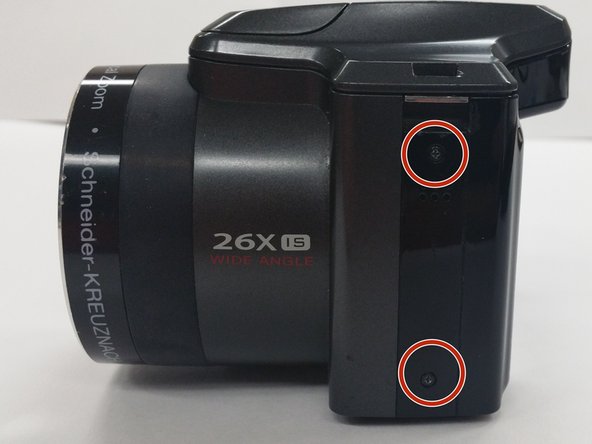
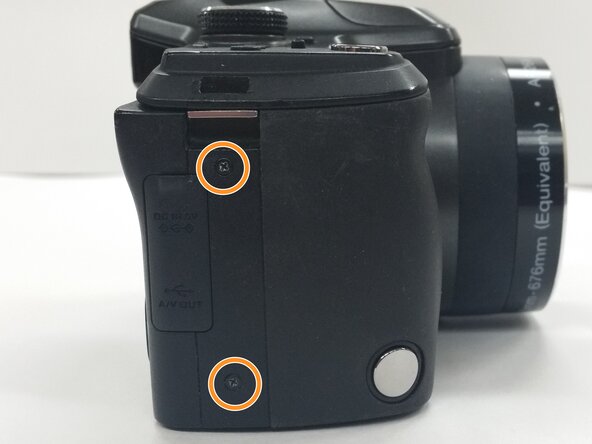
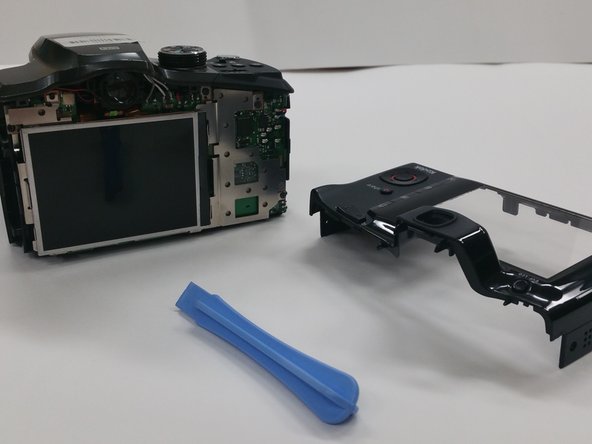
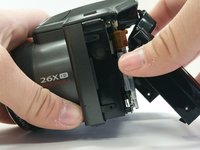
Use a Phillips #00 Screwdriver to remove the 4 mm screws from each side of the back cover of the camera.
-
Two (2) screws are located in the left side of the device
-
Two (2) screws are locatecd in the right side of the device
-



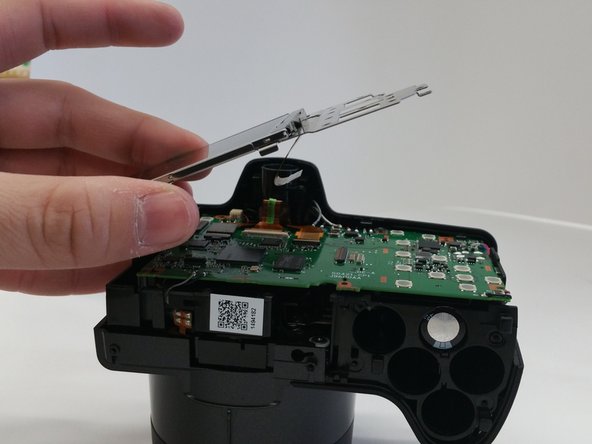
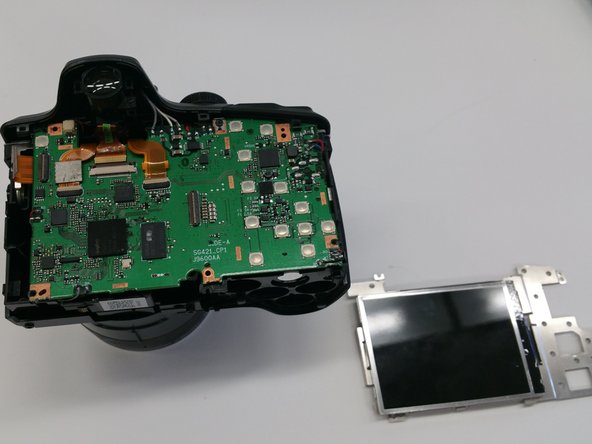

To reassemble your device, follow these instructions in reverse order.
Annulla: non ho completato questa guida.
Un'altra persona ha completato questa guida.



Team

Sam Houston State, Team 13-6, Blackburne Winter 2015 Membro di Sam Houston State, Team 13-6, Blackburne Winter 2015
SHSU-BLACKBURNE-W15S13G6
3 Membri
10 Guide realizzate
