Introduzione
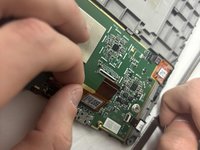
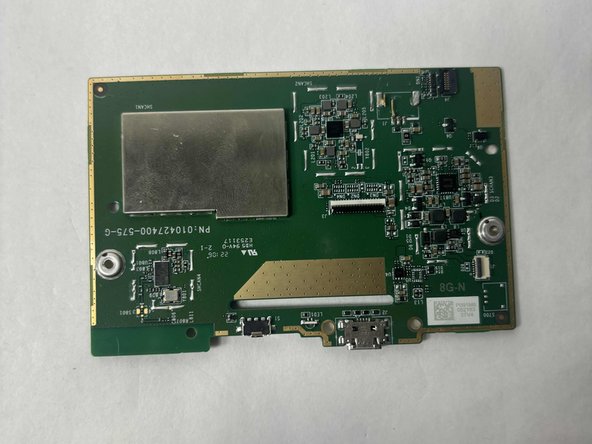
If you have complications with your Kindle 10, including heating issues, unresponsiveness, or the device not turning on, this may indicate that you need to replace the motherboard.
Cosa ti serve
-
-
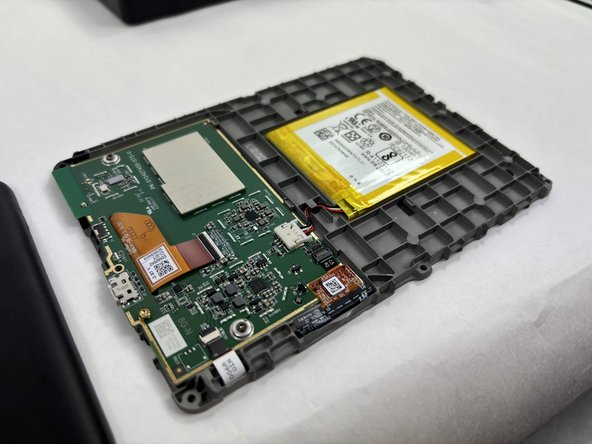
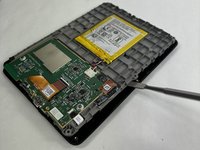
Gently use a metal spudger to pry, twist, and lift the bezel away from the display.
-
-
-
-
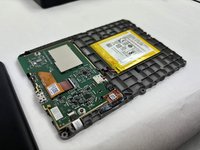
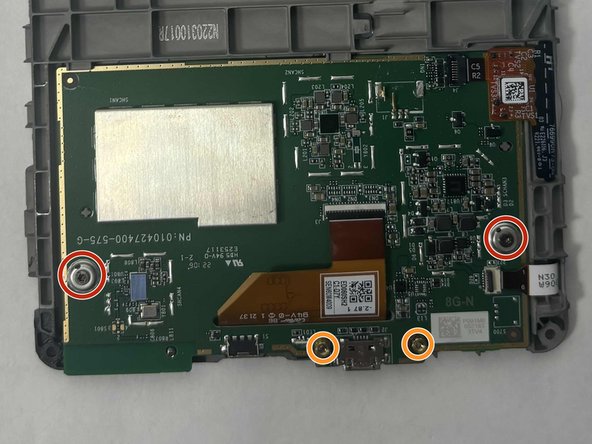
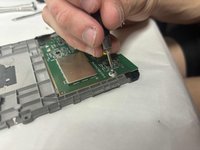
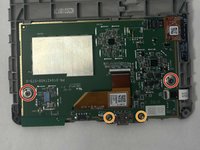
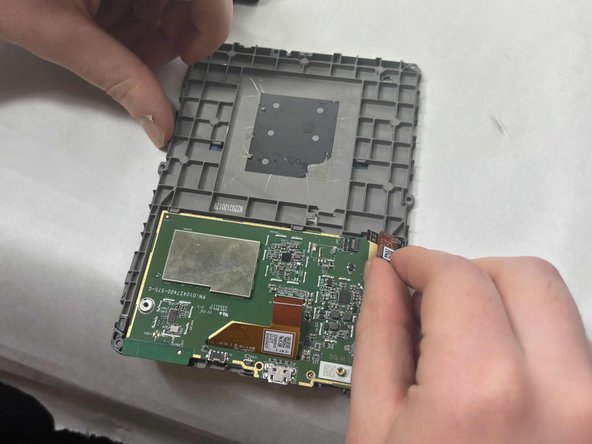
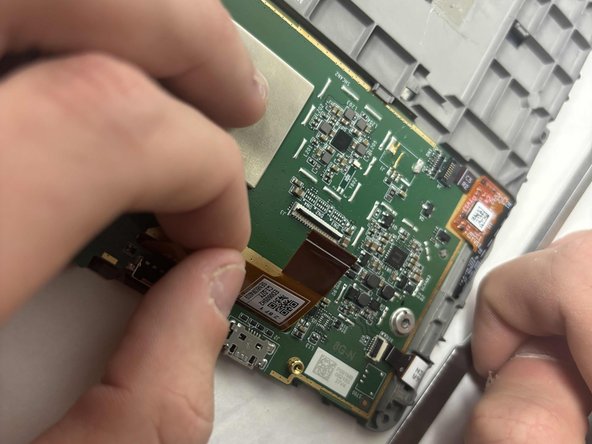
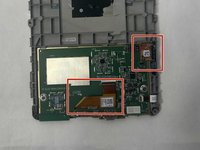
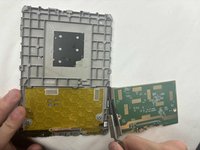
Remove the two outer silver screws with a T5 Torx screwdriver.
-
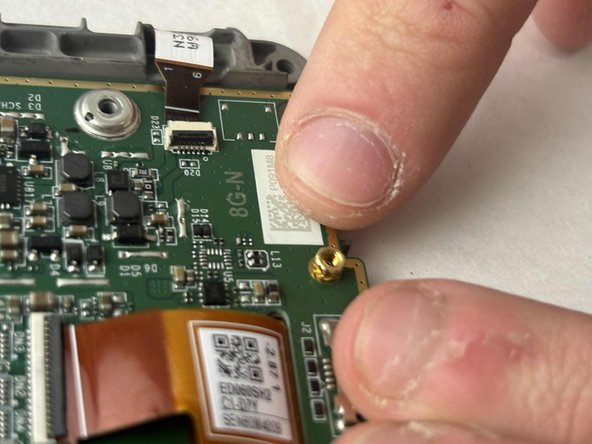
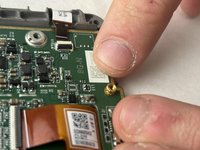
Use your fingers to remove the two gold screws in the middle.
-






Conclusione
To reassemble your device, follow these instructions in reverse order.


Team

UMass Dartmouth, Team 1-2, Konn Fall 2024 Membro di UMass Dartmouth, Team 1-2, Konn Fall 2024
UMASSD-KONN-F24S1G2
3 Membri
5 Guide realizzate
