Introduzione
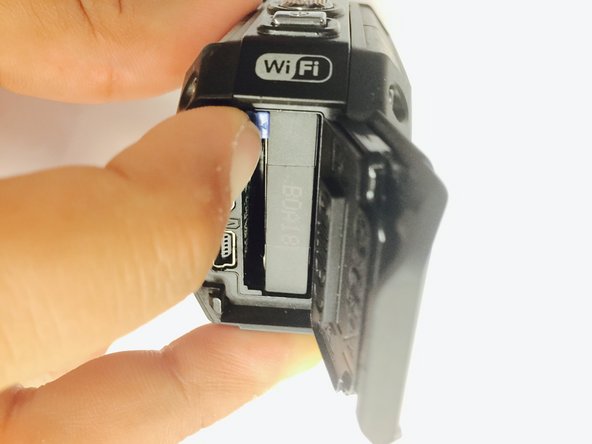
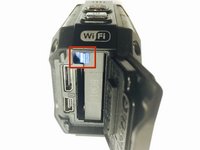
To complete this guide, you will need to purchase a new battery compartment cover and make sure that you have the tools listed. While it is not necessary to remove the battery to be able to remove the battery cover, it is always good practice to make sure that the device is completely powered off before attempting any repairs.
Cosa ti serve
-
-
Remove the two Phillips screws (4mm x 3mm) using the Phillips #00 screwdriver.
-




To reassemble your device, follow these instructions in reverse order.
Annulla: non ho completato questa guida.
Un'altra persona ha completato questa guida.



Team

USF Tampa, Team 1-2, Tanski Winter 2015 Membro di USF Tampa, Team 1-2, Tanski Winter 2015
USFT-TANSKI-W15S1G2
4 Membri
8 Guide realizzate
