Introduzione
Before diving into the repair process, let’s take a moment to understand why you might need to fix the button board on your JBL Flip 4. Maybe the power button no longer responds, the volume or Bluetooth pairing buttons are sticking, or perhaps none of the controls are working at all. Whatever the issue, don’t worry—this guide is here to help. With the right tools, a steady hand, and a bit of patience, you’ll be well on your way to restoring full functionality to your speaker’s controls.
Repairing the button board requires careful handling and close attention to small components. As with any electronic repair, there are inherent risks—such as damaging internal connections or shorting out the board—so it’s important to work in a clean, well-lit area. Be sure to power off your JBL Flip 4 completely and disconnect it from any power source before starting the repair.
This guide will walk you through the entire process step by step, with clear instructions and detailed images to guide you along the way. Whether you're replacing a worn-out button board or troubleshooting connectivity and control issues, we’ve got you covered.
Remember, take your time, and follow each step carefully. By the end of this guide, your JBL Flip 4 will be responsive once again—and ready to bring your favorite music back to life!
Cosa ti serve
-
-
Power off the device before doing any repairs.
-
Hold the power button for 3+ seconds to power down the device.
-
-
-
-
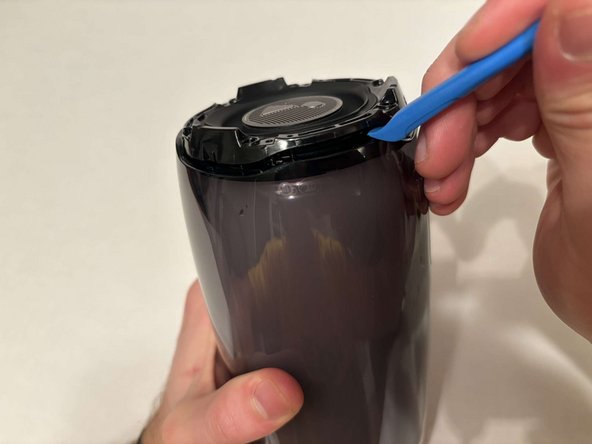
Place the speaker on the table with the button board side down.
-
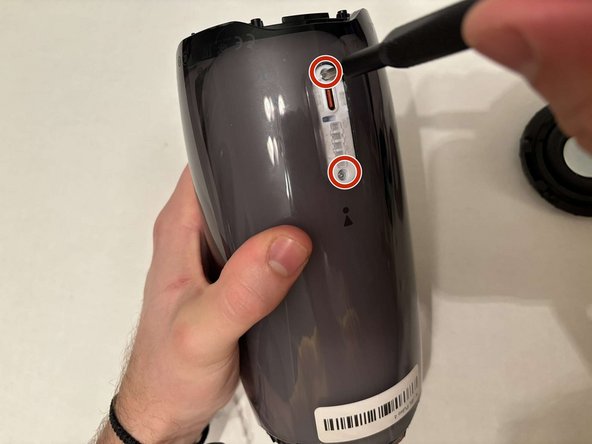
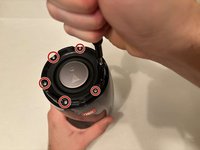
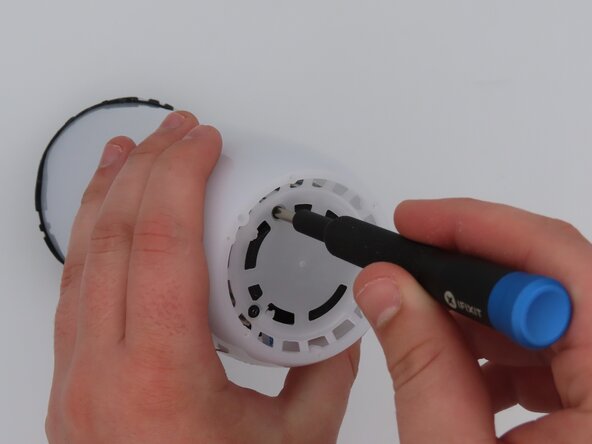
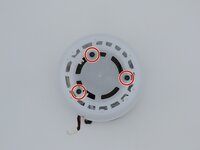
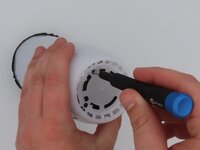
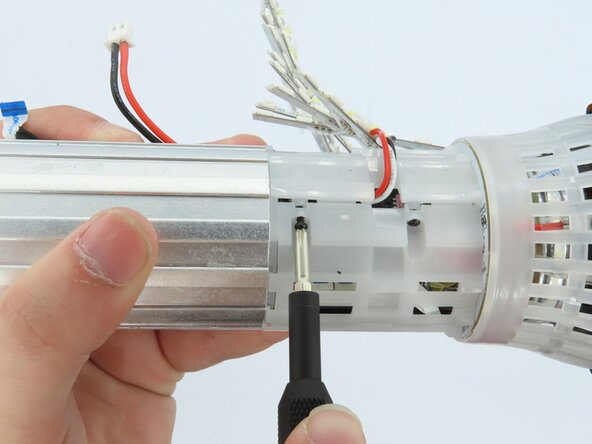
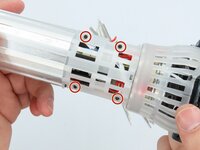
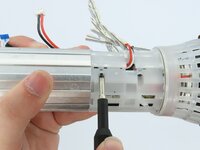
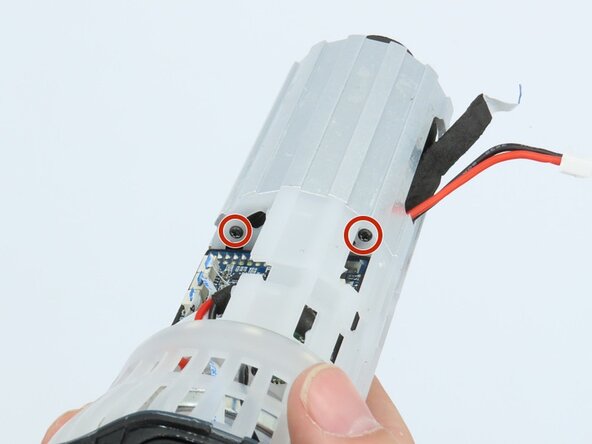
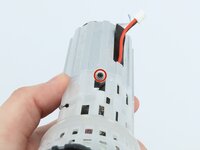
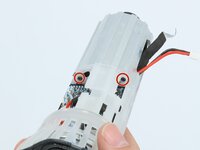
Remove the three black 5 mm screws using a Phillips #1 screwdriver.
-
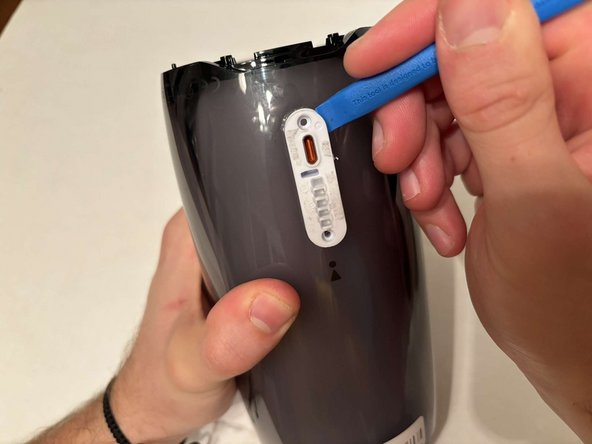
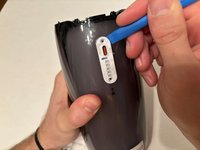
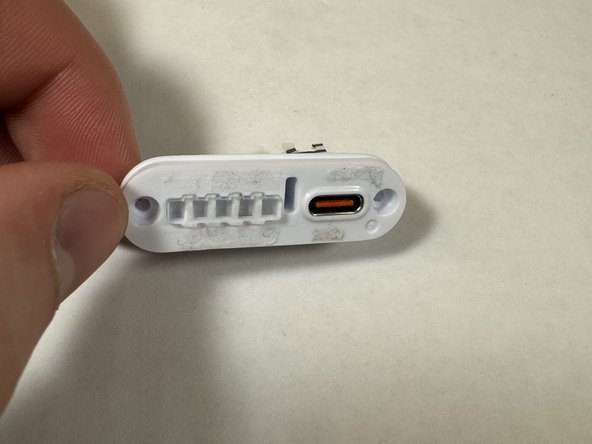
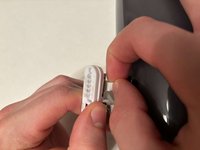
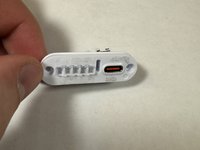
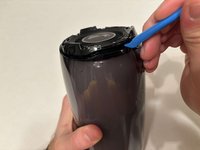
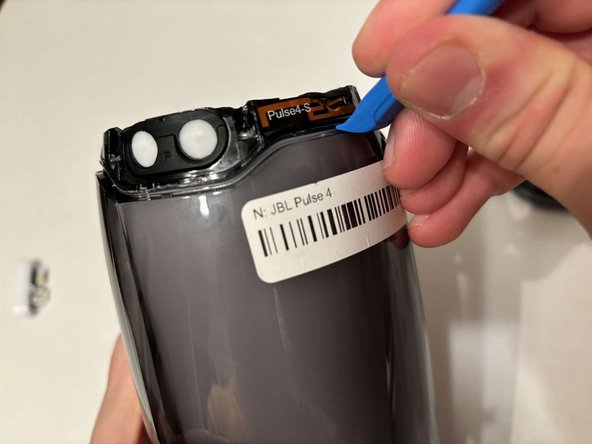
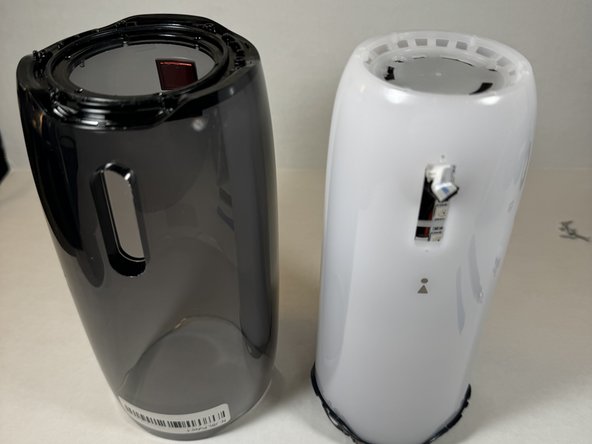
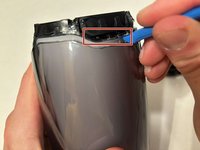
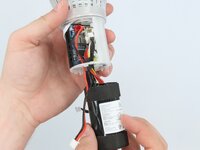
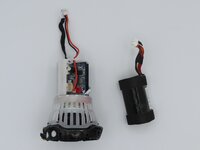
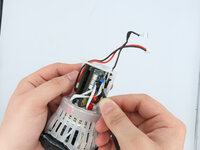
Remove the white casing by pulling it away from the button board.
-
-
Attrezzo utilizzato in questo passaggio:Tweezers$4.99
-
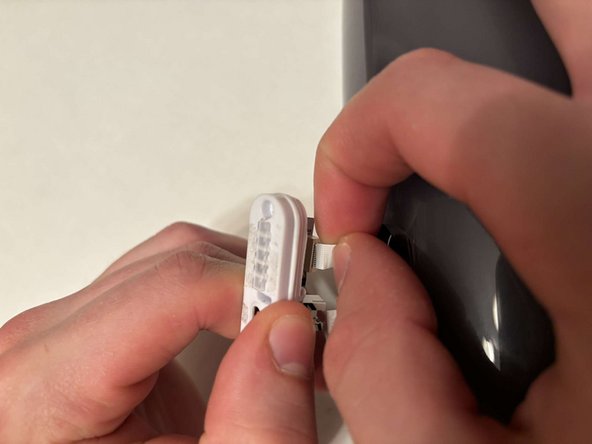
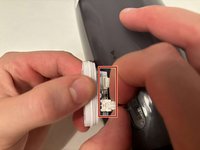
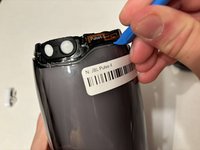
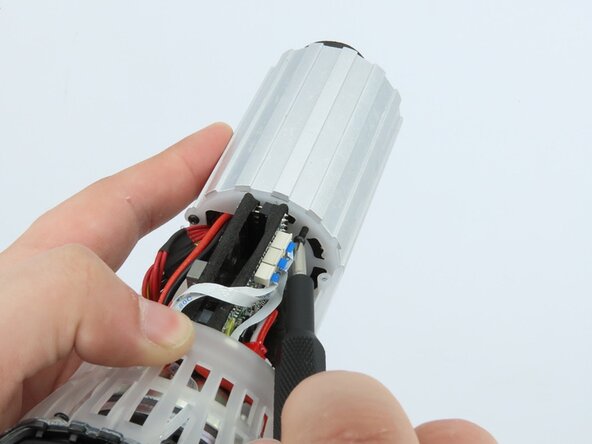
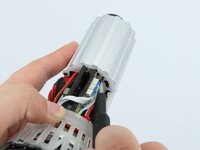
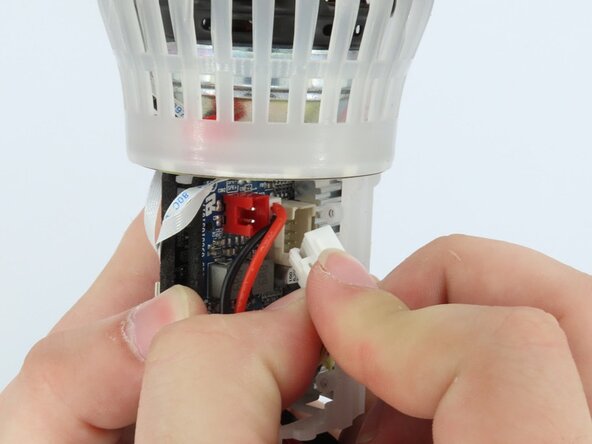
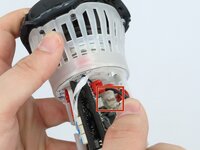
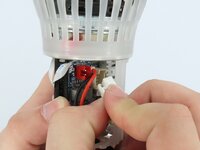
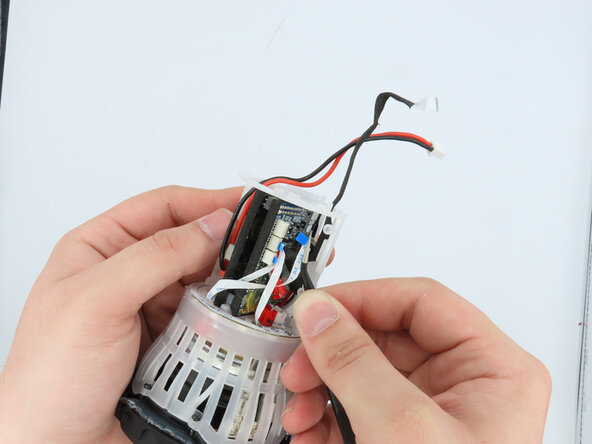
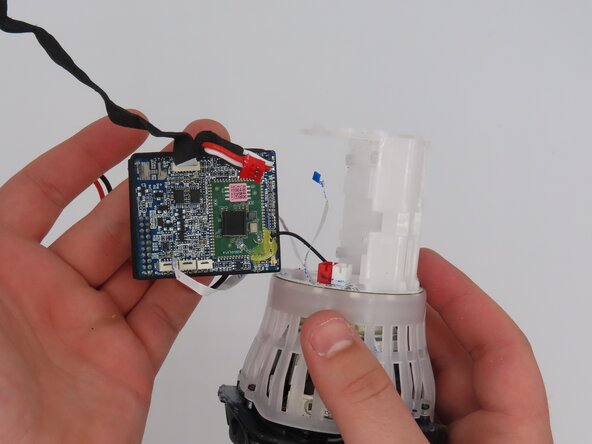
Using the tweezers, gently unplug the three connections attached to the motherboard.
-
-
-
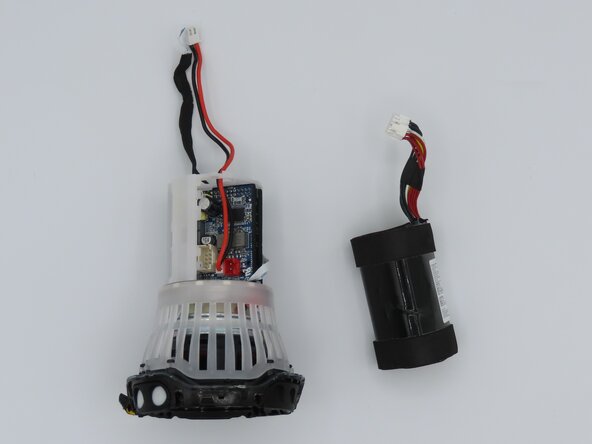
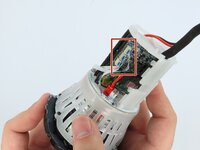
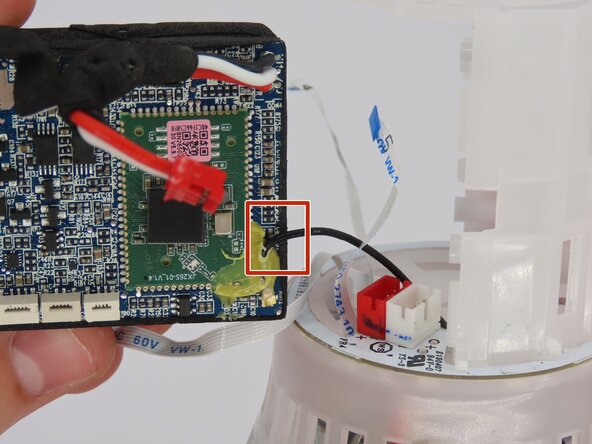
Cut the black cable off the motherboard using cutters to remove the button board.
-


















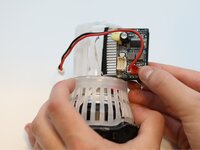
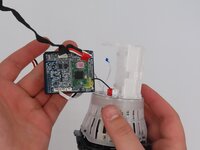
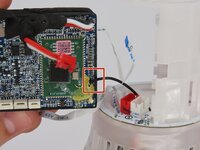

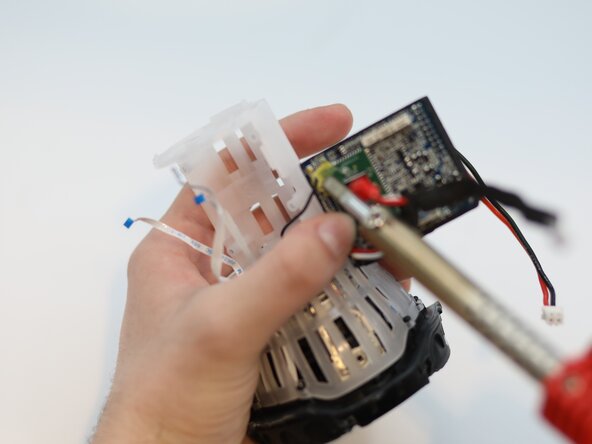
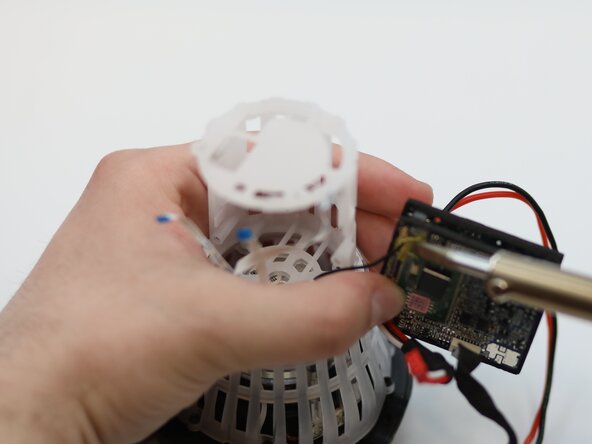
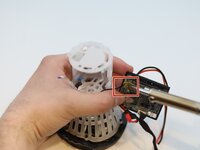
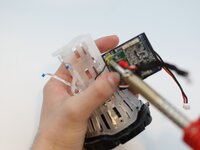
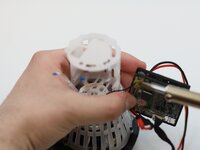

To reassemble your device, follow these instructions in reverse order.



Team

University of Kentucky, Team 1-6, Frey Spring 2025 Membro di University of Kentucky, Team 1-6, Frey Spring 2025
UKY-FREY-S25S1G6
5 Membri
5 Guide realizzate
