Salta al contenuto principale

How to change a SIM card

Cosa ti serve

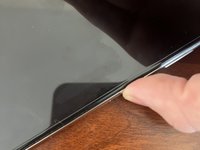
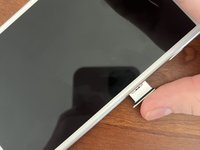
  1. How to change a SIM card, How to change a SIM card: passo 1, immagine 1 di 2 How to change a SIM card, How to change a SIM card: passo 1, immagine 2 di 2
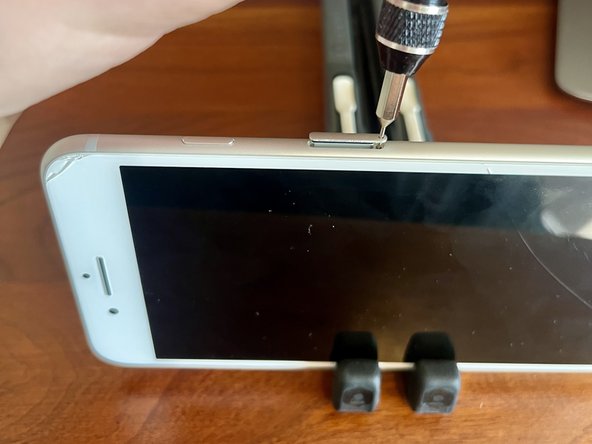
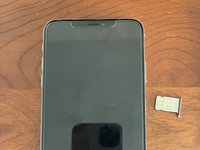
    • Locate your phone’s SIM tray. It could be on any of the 4 sides, but it’s usually on the right or left. Very old models have it on the top. Some non-apple phones have it on the bottom.

    • If there isn’t a SIM tray, your phone uses a Digital SIM.

  2. How to change a SIM card: passo 2, immagine 1 di 3 How to change a SIM card: passo 2, immagine 2 di 3 How to change a SIM card: passo 2, immagine 3 di 3
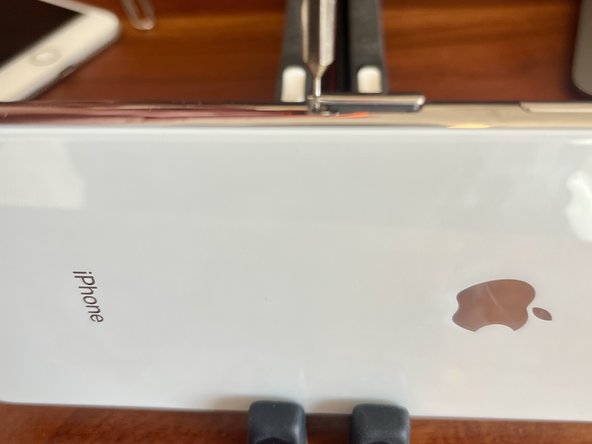
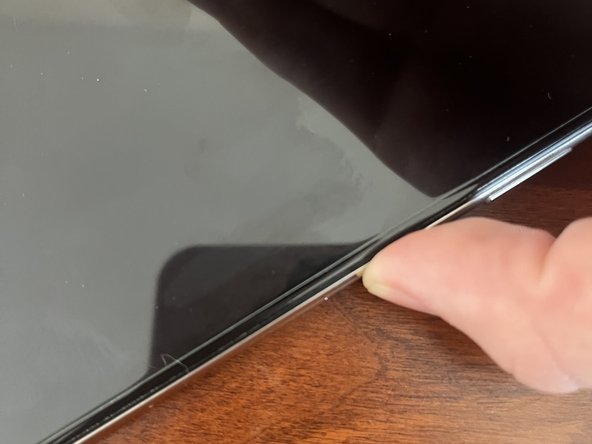
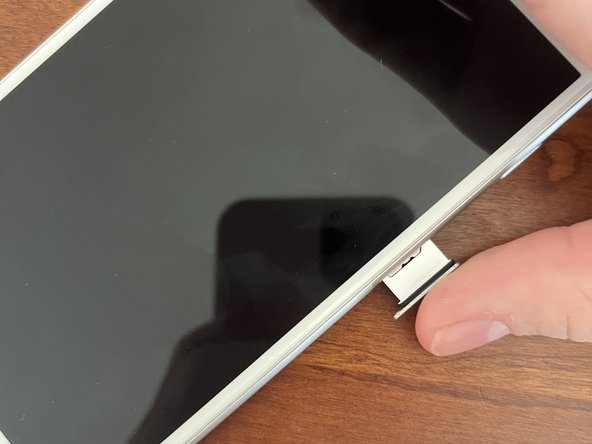
    • Use a SIM eject tool, a SIM driver bit, or a humble paperclip. Push it into the hole on the left side of the SIM tray. Apply pressure until the tray opens. Grab the tray with your fingers and gently remove it.

  3. How to change a SIM card: passo 3, immagine 1 di 2 How to change a SIM card: passo 3, immagine 2 di 2
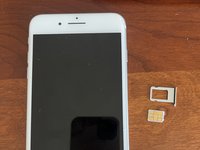
    • Now you can change the SIM card, check the model number (on some iPhones), or change out the tray!

  4. How to change a SIM card: passo 4, immagine 1 di 3 How to change a SIM card: passo 4, immagine 2 di 3 How to change a SIM card: passo 4, immagine 3 di 3
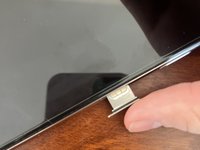
    • To close the tray, push it in with your finger until it clicks.

Conclusione

That’s it! Have a great day and God bless!

Team

Preston Tech Repair Membro di Preston Tech Repair

Business

1 Membro

3 Guide realizzate

0Commenti sulla guida

Aggiungi Commento

Visualizza Statistiche:

Ultime 24 Ore: 1

Ultimi 7 Giorni: 4

Ultimi 30 Giorni: 35

Tutti i Tempi: 476