Salta al contenuto principale

How to Replace the Xbox 360 Optical Drive Belt

Cosa ti serve
  1. How to Replace the Xbox 360 Optical Drive Belt, Optical Drive Belt: passo 1, immagine 1 di 2 How to Replace the Xbox 360 Optical Drive Belt, Optical Drive Belt: passo 1, immagine 2 di 2
    • Remove the hard drive.

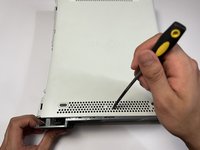
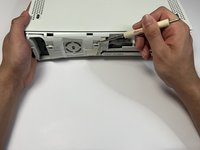
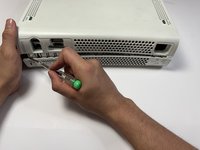
  2. How to Replace the Xbox 360 Optical Drive Belt: passo 2, immagine 1 di 3 How to Replace the Xbox 360 Optical Drive Belt: passo 2, immagine 2 di 3 How to Replace the Xbox 360 Optical Drive Belt: passo 2, immagine 3 di 3
    • Use a pry tool to gently remove the faceplate from the Xbox.

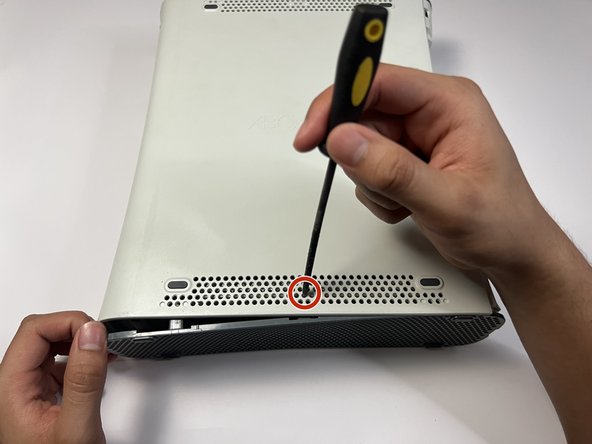
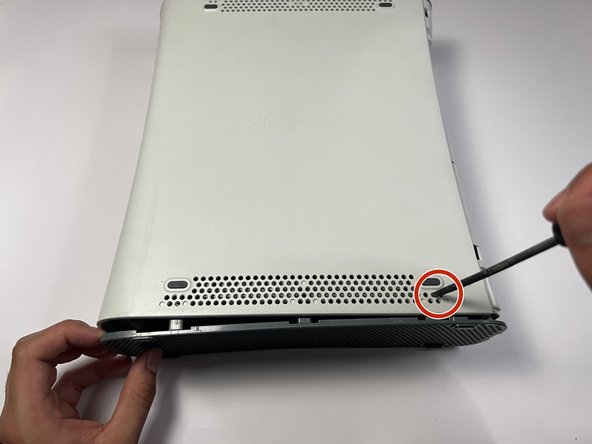
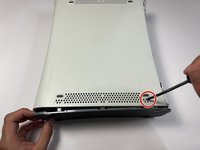
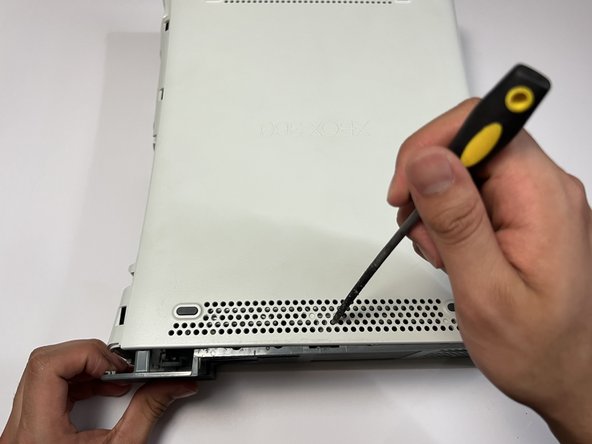
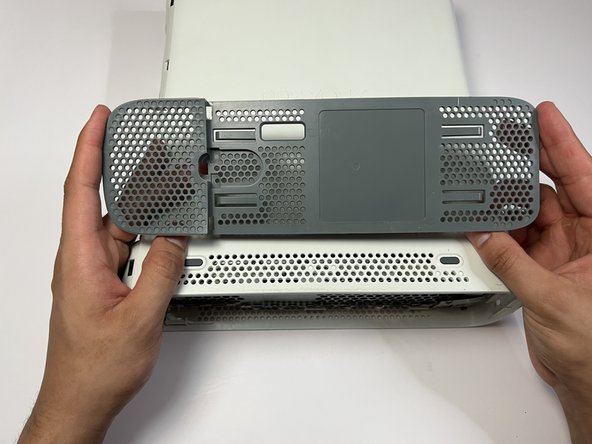
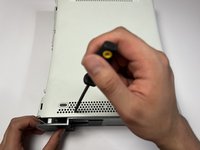
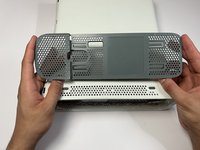
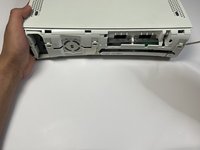
  3. How to Replace the Xbox 360 Optical Drive Belt: passo 3, immagine 1 di 3 How to Replace the Xbox 360 Optical Drive Belt: passo 3, immagine 2 di 3 How to Replace the Xbox 360 Optical Drive Belt: passo 3, immagine 3 di 3
    • Press down on the three holes as indicated to release the clips securing the base plate.

    • Remove the base plate.

    • Repeat this step on the other side.

  4. How to Replace the Xbox 360 Optical Drive Belt: passo 4, immagine 1 di 3 How to Replace the Xbox 360 Optical Drive Belt: passo 4, immagine 2 di 3 How to Replace the Xbox 360 Optical Drive Belt: passo 4, immagine 3 di 3
    • Repeat the previous step to remove the top plate of the Xbox.

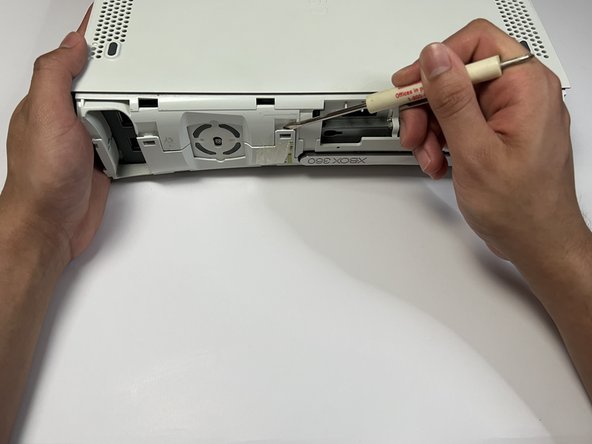
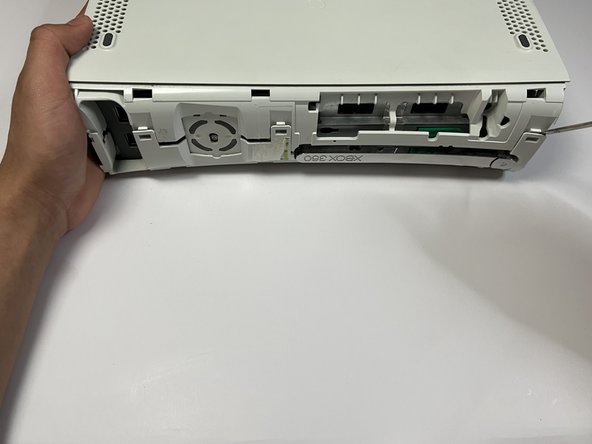
  5. How to Replace the Xbox 360 Optical Drive Belt: passo 5, immagine 1 di 3 How to Replace the Xbox 360 Optical Drive Belt: passo 5, immagine 2 di 3 How to Replace the Xbox 360 Optical Drive Belt: passo 5, immagine 3 di 3
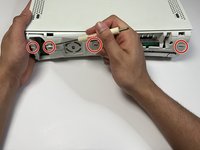
    • Gently unhook all four clips located on the front of the Xbox.

    • Take care not to break the plastic clips; it may be fragile.

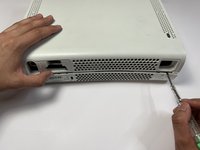
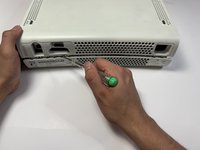
  6. How to Replace the Xbox 360 Optical Drive Belt: passo 6, immagine 1 di 3 How to Replace the Xbox 360 Optical Drive Belt: passo 6, immagine 2 di 3 How to Replace the Xbox 360 Optical Drive Belt: passo 6, immagine 3 di 3
    • Use the flathead screwdriver to gently press down on all of the indicated indents.

    • Remove the top casing from the Xbox.

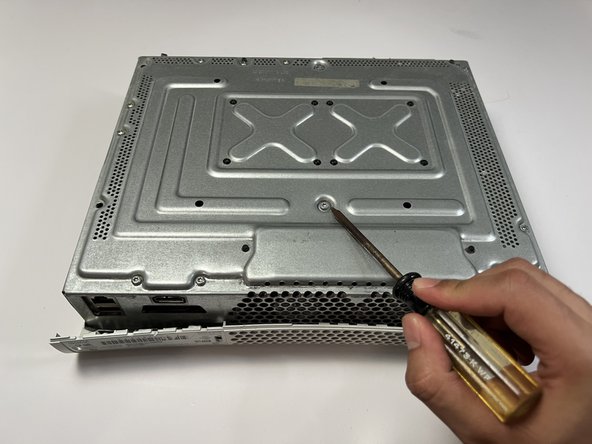
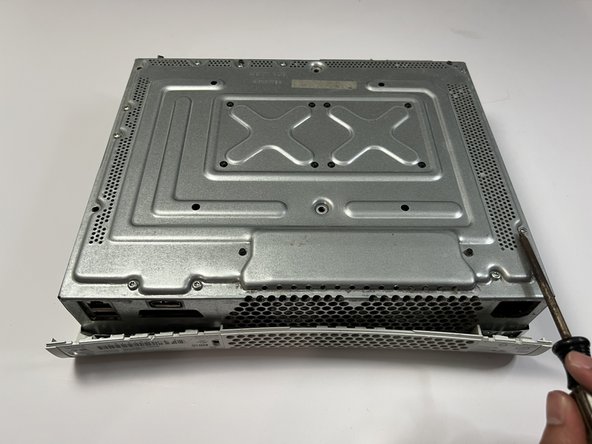
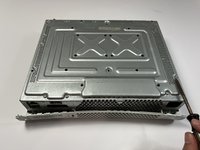
  7. How to Replace the Xbox 360 Optical Drive Belt: passo 7, immagine 1 di 3 How to Replace the Xbox 360 Optical Drive Belt: passo 7, immagine 2 di 3 How to Replace the Xbox 360 Optical Drive Belt: passo 7, immagine 3 di 3
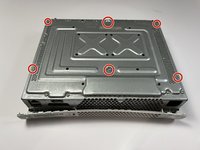
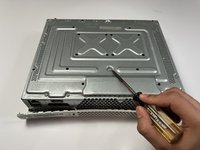
    • Use the T3 Torx screwdriver to remove all six screws.

  8. How to Replace the Xbox 360 Optical Drive Belt: passo 8, immagine 1 di 3 How to Replace the Xbox 360 Optical Drive Belt: passo 8, immagine 2 di 3 How to Replace the Xbox 360 Optical Drive Belt: passo 8, immagine 3 di 3
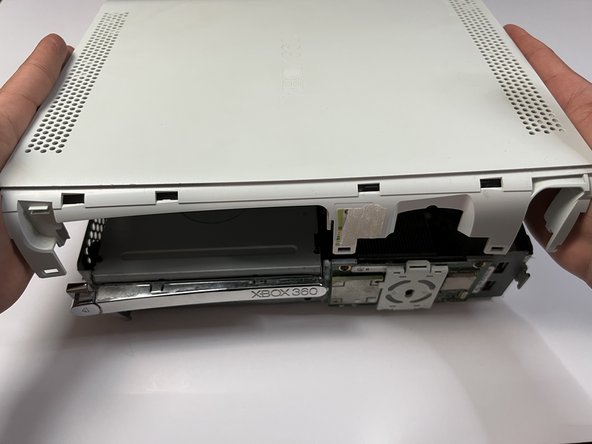
    • Carefully flip over the Xbox to the other side.

    • Lift the Xbox casing off.

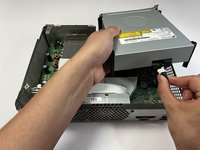
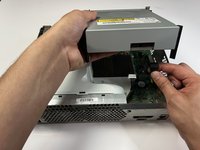
  9. How to Replace the Xbox 360 Optical Drive Belt: passo 9, immagine 1 di 3 How to Replace the Xbox 360 Optical Drive Belt: passo 9, immagine 2 di 3 How to Replace the Xbox 360 Optical Drive Belt: passo 9, immagine 3 di 3
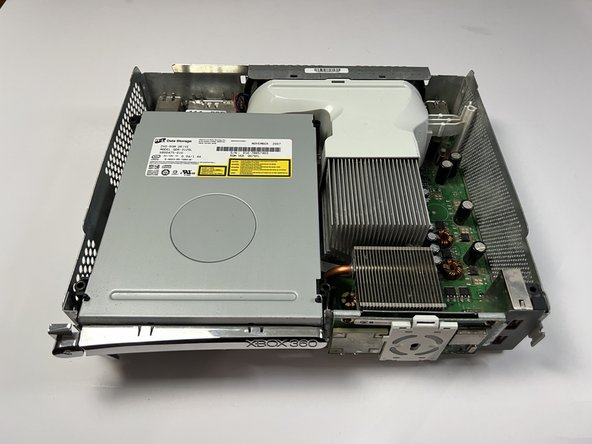
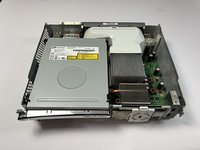
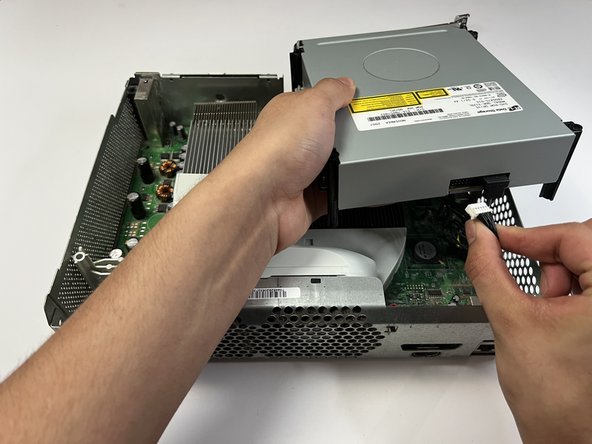
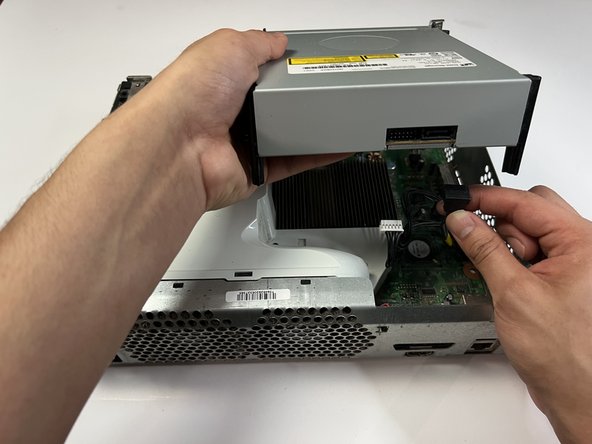
    • Unplug the two connections in the rear of the disk drive.

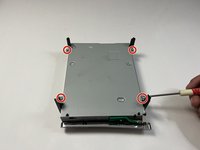
  10. How to Replace the Xbox 360 Optical Drive Belt: passo 10, immagine 1 di 3 How to Replace the Xbox 360 Optical Drive Belt: passo 10, immagine 2 di 3 How to Replace the Xbox 360 Optical Drive Belt: passo 10, immagine 3 di 3
    • Use a flat screwdriver to remove the four screws underneath the disc drive.

    • Flip over the DVD disc drive and remove the casing.

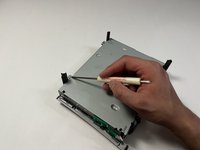
  11. How to Replace the Xbox 360 Optical Drive Belt: passo 11, immagine 1 di 3 How to Replace the Xbox 360 Optical Drive Belt: passo 11, immagine 2 di 3 How to Replace the Xbox 360 Optical Drive Belt: passo 11, immagine 3 di 3
    Attrezzo utilizzato in questo passaggio:
    Tweezers
    $4.99
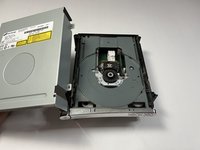
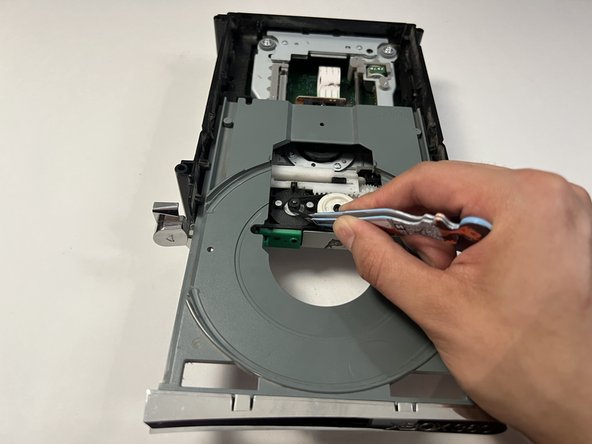
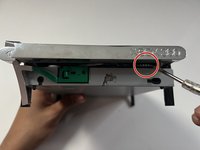
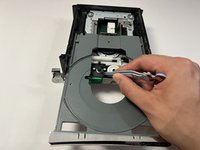
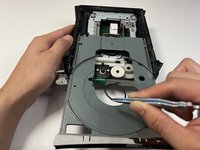
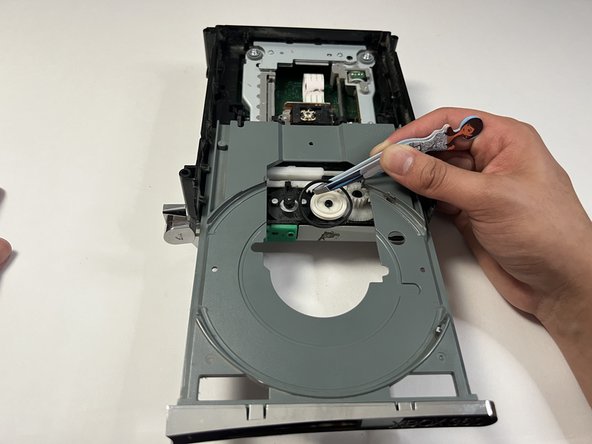
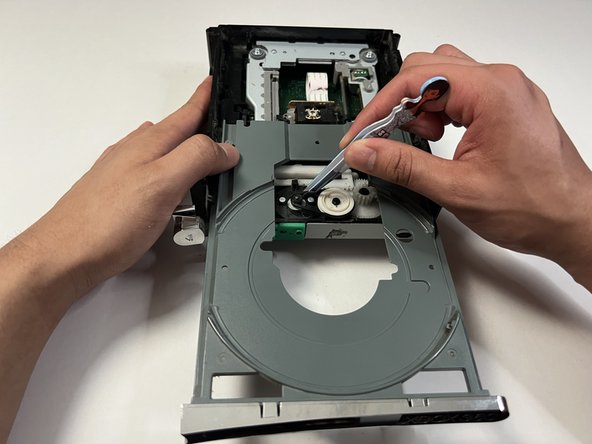
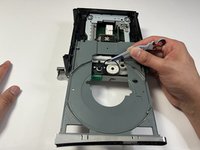
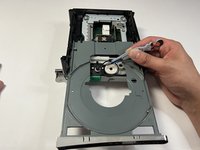
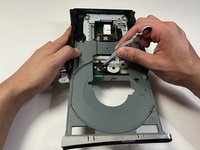
    • Spin the located area with the flathead screwdriver to open up the disc drive.

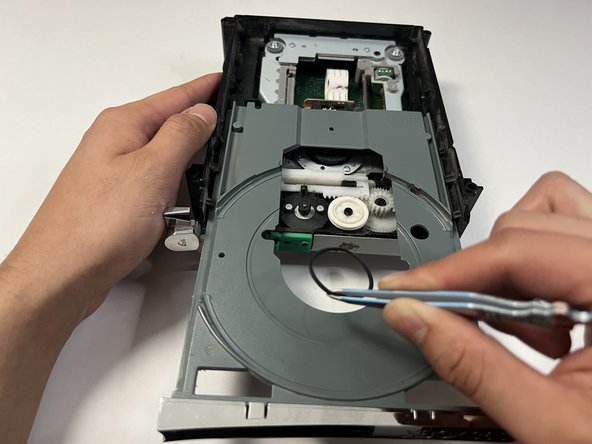
    • Use tweezers to remove the belt drive.

  12. How to Replace the Xbox 360 Optical Drive Belt: passo 12, immagine 1 di 3 How to Replace the Xbox 360 Optical Drive Belt: passo 12, immagine 2 di 3 How to Replace the Xbox 360 Optical Drive Belt: passo 12, immagine 3 di 3
    • Replace with a new drive belt.

Conclusione

To reassemble your device, follow these instructions in reverse order.

Altre 7 persone hanno completato questa guida.

3Commenti sulla guida

I CANNOT get past step six. No matter how hard I pry, the pieces are not coming apart. I have pressed and twisted my screwdriver so much that it is damaging the plastic around it yet the pieces still stay together. What do I do?

Spencer Fantastic - Replica

Gotta buy the available 360 opener tool, its dirt cheap on aliexpress. Attempting via a screwdriver will just trash your case and get you nowhere.

Bootleg Joe (Snapman) -

When I get to step 11, there is literally no opening to be able to spin the wheel manually to open it and replace the band. Step 12 shows 2 rectangular openings in the front of the DVD drive, mine is solid plastic with no open gaps. There must be different types of drives used. Right now I cannot get to the belt to replace it. Anyone see this other type of drive? Any thoughts?

Joe Heeney - Replica

Aggiungi Commento

Visualizza Statistiche:

Ultime 24 Ore: 15

Ultimi 7 Giorni: 130

Ultimi 30 Giorni: 518

Tutti i Tempi: 11,131