Salta al contenuto principale

Haute42 S13 Button and Switch Replacement

Cosa ti serve

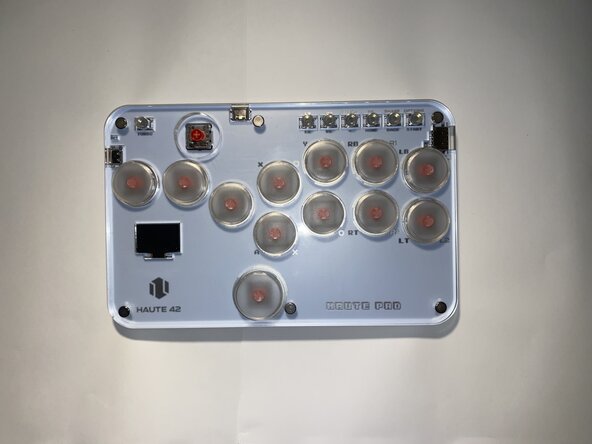
  1. Haute42 S13 Button and Switch Replacement, Button Switch: passo 1, immagine 1 di 1
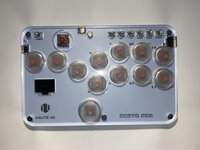
    • Unplug the controller from any device it is connected to and make sure it is powered off.

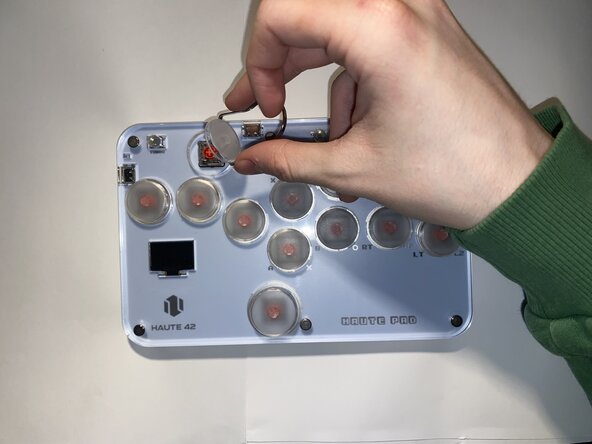
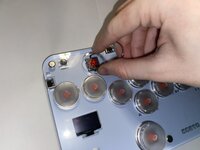
  2. Haute42 S13 Button and Switch Replacement: passo 2, immagine 1 di 3 Haute42 S13 Button and Switch Replacement: passo 2, immagine 2 di 3 Haute42 S13 Button and Switch Replacement: passo 2, immagine 3 di 3
    • Use a keycap puller to remove the keycap from its socket.

    • Avoid using excessive force to prevent damaging the device.

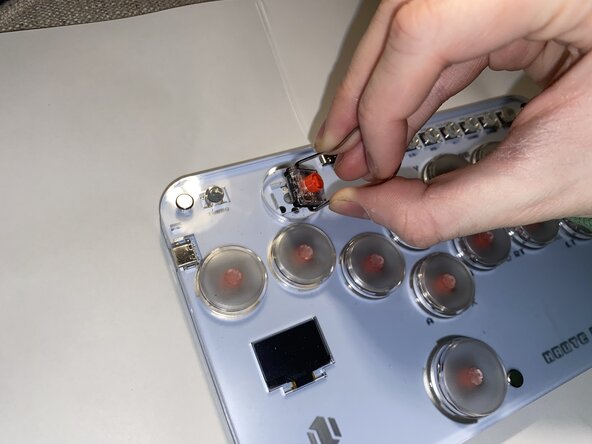
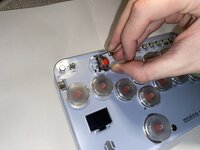
  3. Haute42 S13 Button and Switch Replacement: passo 3, immagine 1 di 3 Haute42 S13 Button and Switch Replacement: passo 3, immagine 2 di 3 Haute42 S13 Button and Switch Replacement: passo 3, immagine 3 di 3
    • Use the keycap/switch puller to remove the switch from its socket.

    • Be careful not to damage the controller while removing the switch.

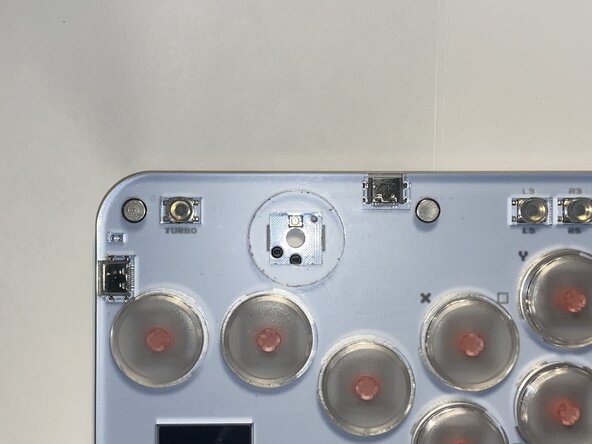
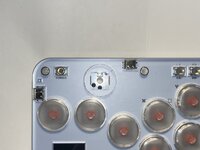
  4. Haute42 S13 Button and Switch Replacement: passo 4, immagine 1 di 2 Haute42 S13 Button and Switch Replacement: passo 4, immagine 2 di 2
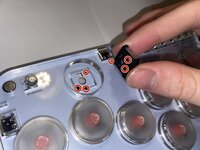
    • Align the pins of the new switch with the holes in the socket and replace the switch.

    • You will feel the pins slide into place.

    • Do not press the switch in until you know you have aligned it correctly, doing so may damage the pins on the switch.

  5. Haute42 S13 Button and Switch Replacement: passo 5, immagine 1 di 1
    • Use your finger to push the switch into place.

    • You should hear a click when it connects.

    • Try moving it to make sure it is firmly in place. It should not move at all when attached to the controller.

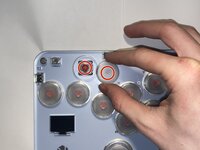
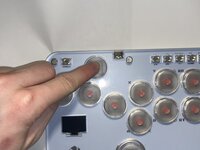
  6. Haute42 S13 Button and Switch Replacement: passo 6, immagine 1 di 3 Haute42 S13 Button and Switch Replacement: passo 6, immagine 2 di 3 Haute42 S13 Button and Switch Replacement: passo 6, immagine 3 di 3
    • Align the cross on the keycap and the cross on the switch and gently press the keycap onto the switch.

    • Avoid applying excessive pressure to prevent damaging the new switch.

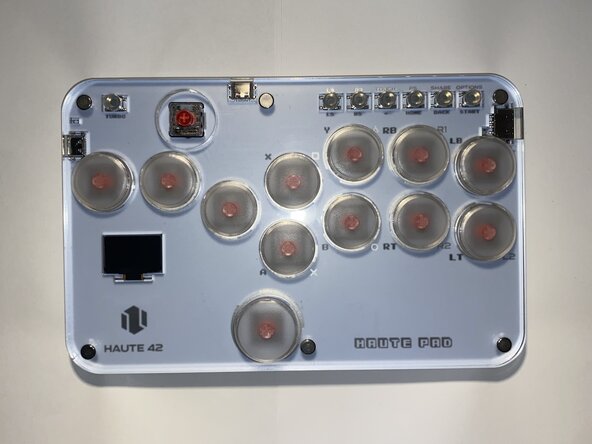
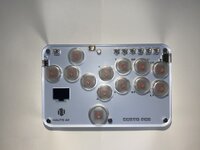
  7. Haute42 S13 Button and Switch Replacement: passo 7, immagine 1 di 1
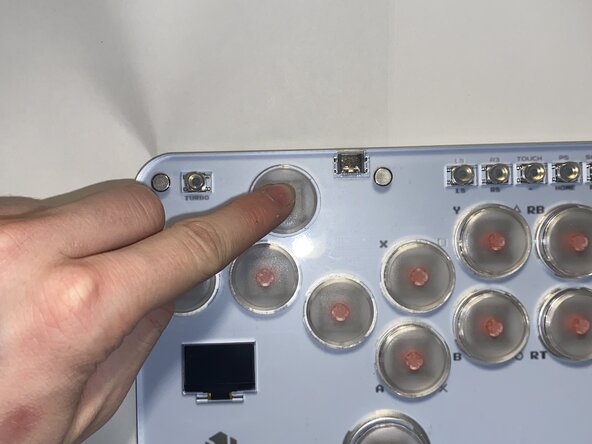
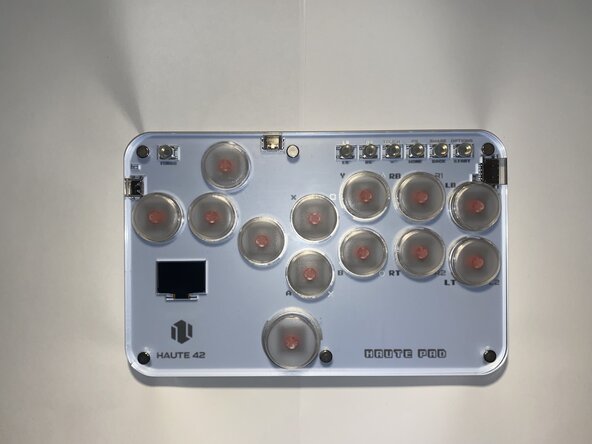
    • Take a look at the OLED input display on the controller while pressing it to check if the button is fully functional.

    • On the screen, the button should highlight itself and the input history should be displayed at the bottom. If it all works, congratulations! You have successfully replaced this button.

Linea Traguardo

Altre 2 persone hanno completato questa guida.

Owen Santin

Membro da: 02/01/25

175 Reputazione

1 Guida realizzata

Team

0Commenti sulla guida

Aggiungi Commento

Visualizza Statistiche:

Ultime 24 Ore: 4

Ultimi 7 Giorni: 34

Ultimi 30 Giorni: 131

Tutti i Tempi: 970