Introduzione
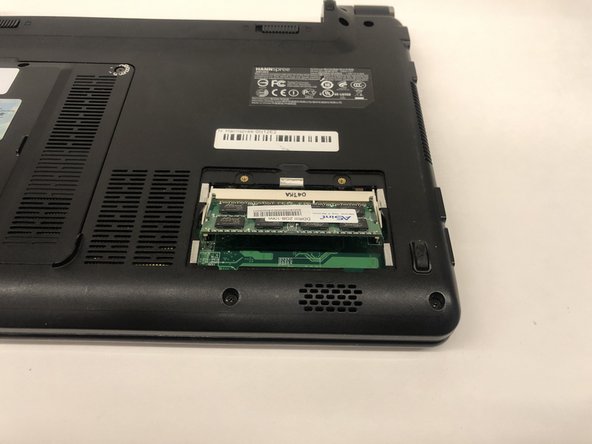
This guide will show you how to remove and replace the RAM in the Hannspree SN12E2 laptop. RAM is to run applications on your device if your device is stalling or running low or even crashing all together this may be the solution.
Cosa ti serve
-
-
-
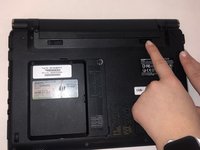
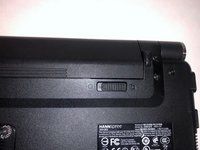
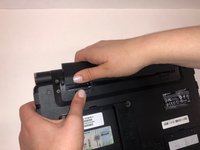
Remove the RAM access door.
-
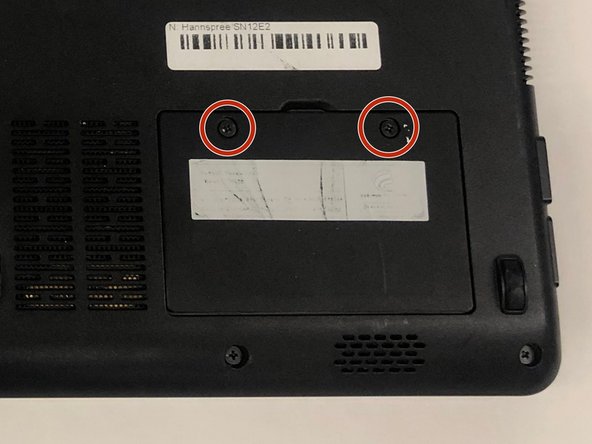
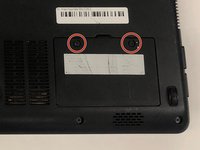
Remove the two 3mm screws using a Phillips #0 screwdriver.
-
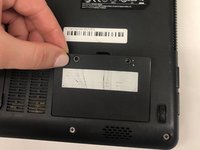
Gently lift on the door out of place.
-





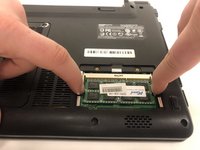
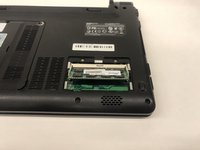
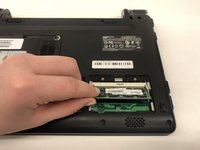
To reassemble your device, follow these instructions in reverse order.
Annulla: non ho completato questa guida.
Un'altra persona ha completato questa guida.



Team

UMass Dartmouth, Team S2-G2, Simcock Spring 2019 Membro di UMass Dartmouth, Team S2-G2, Simcock Spring 2019
UMASSD-SIMCOCK-S19S2G2
4 Membri
9 Guide realizzate
