Introduzione
If your HTC Wizard 200 is frequently restarting, not turning on, or not transferring data, you may need to replace the motherboard. The motherboard is the control panel of the phone.
Follow the below steps to replace your HTC Wizard 200 motherboard.
Note: The motherboard is a very delicate structure and must be handled with care.
Cosa ti serve
-
-
To expose the battery, remove the outer case with your fingernail.
-
Remove the battery by pulling the black tab.
-
-
Attrezzo utilizzato in questo passaggio:Spudger$3.99
-
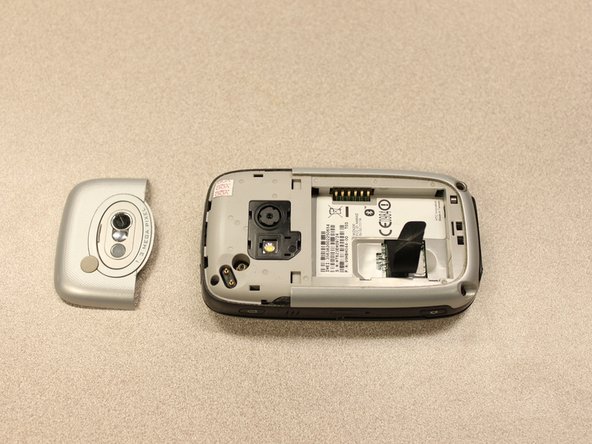
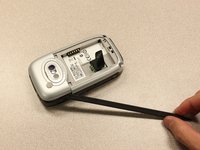
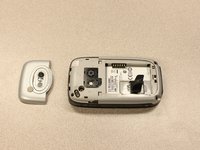
Insert the flat end of the spudger into the two notches on the back of the camera cover and pry them up.
-
-
Attrezzo utilizzato in questo passaggio:T5 Torx Screwdriver$5.49
-
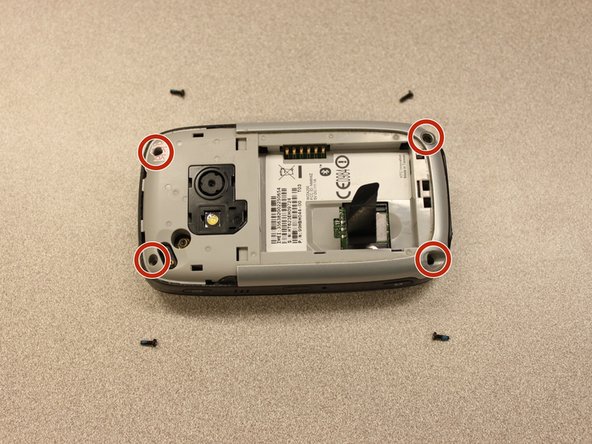
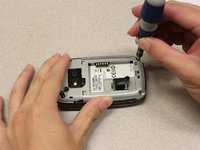
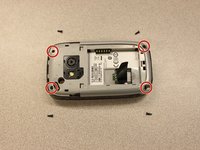
Remove the four 6 mm screws with the T5 Torx screwdriver.
-
-
Attrezzo utilizzato in questo passaggio:Spudger$3.99
-
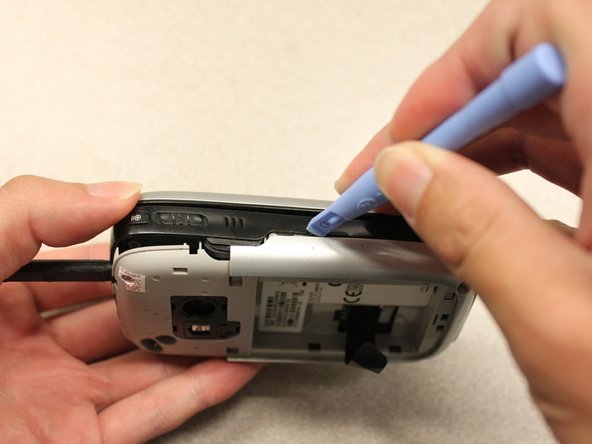
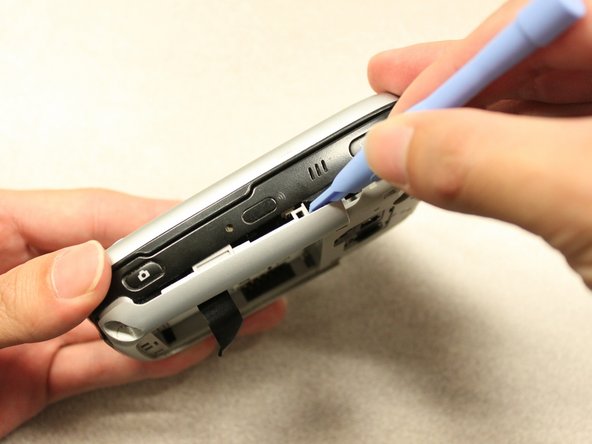
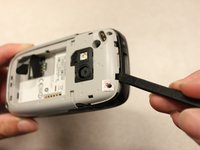
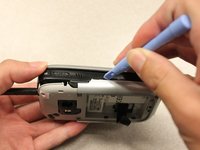
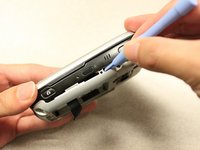
Use the spudger to pry the camera off.
-






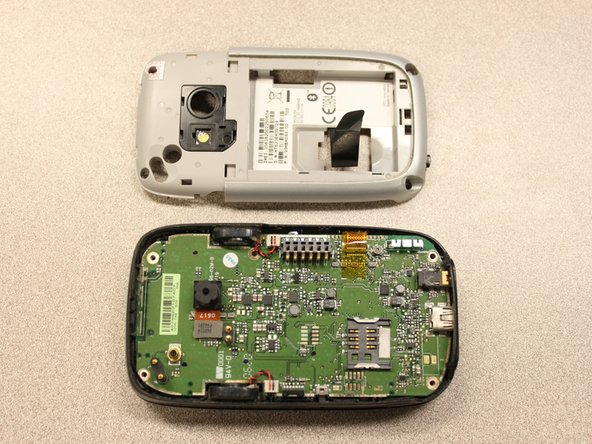
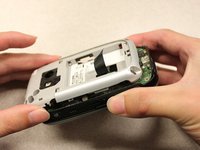
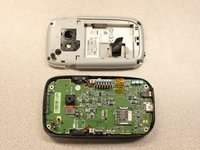


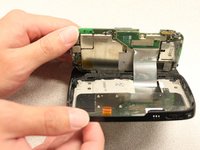


To reassemble your device, follow these instructions in reverse order.



Team

Cal Poly, Team 20-27, Maness Fall 2011 Membro di Cal Poly, Team 20-27, Maness Fall 2011
CPSU-MANESS-F11S20G27
4 Membri
24 Guide realizzate
