
Fujifilm FinePix S9500 Command Dial Replacement

Ultimo aggiornamento il 5 giu 2023
Visualizzazioni: 1039
Visualizza statistiche:
- Ultime 24 ore:
- 2
- Ultimi 7 giorni:
- 22
- Ultimi 30 giorni:
- 71
- Tutti i Tempi:
- 1.039
Commenti: 0
Nessuno ha lasciato commenti su questa guida. Sarai il primo?
Vai ai commenti della guidaCompletato: 1 2
1 persona ha contrassegnato questa guida come "completata". Sarai il prossimo?
2 persone hanno contrassegnato questa guida come "completata". Compreso te, ottimo lavoro!
Preferiti: 1 2
1 persona ha aggiunto ai preferiti (e si è iscritta a) questa guida. Sarai il prossimo?
2 persone hanno aggiunto ai preferiti (e si sono iscritte a) questa guida, incluso te!
Introduzione
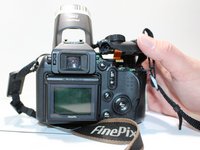
Vai al passo 1 ↓This is a guide for replacing the command dial on the Fujifilm FinePix S9500 camera. The command dial allows for the adjustment of shutter speed, and aperture. This guide will show you how to remove the case top, and the metal assembly connected to the command dial for the purpose of replacement.
Cosa ti serve
Strumenti

-
-
-
Locate and remove two screws. They are M1.7 x 5.0 in size.
-
The first screw is below and to the left of the command dial on the back of the camera.
-
The second screw is on the right side of the camera, to the right of the strap mount.
 Chiedi a FixBot
-
-
-
To access the flash on the camera, locate the button on the left side and press it to open.
-
-
-
-
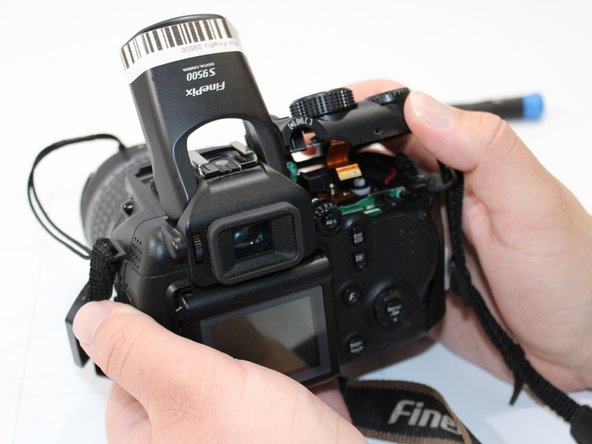
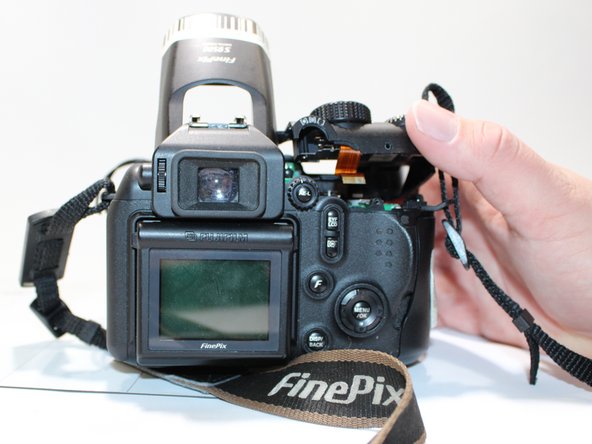
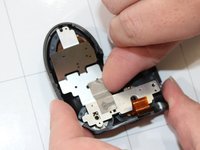
To open the case, gently push upward in the area just below the command dial with your thumb.
-
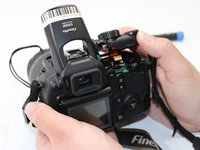
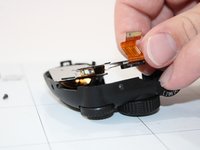
To release the catch located on the left of the command dial and at the base of the flash, place your thumb to the right of the command dial and push upwards at a 45° angle towards the flash.
-
-
-
-
-
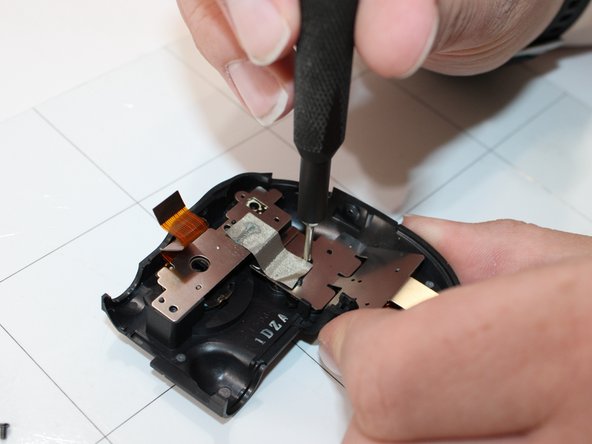
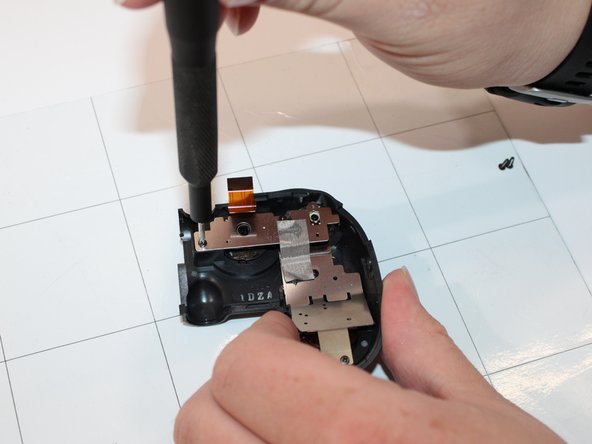
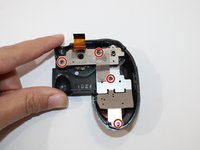
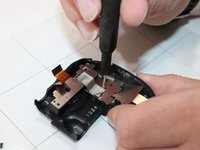
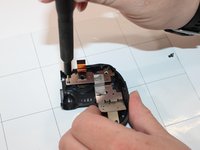
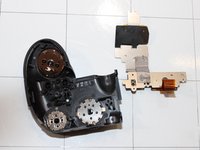
Remove the four Phillips screws (M1.7 x 5.0) on the back of the metal bracket.
-
-




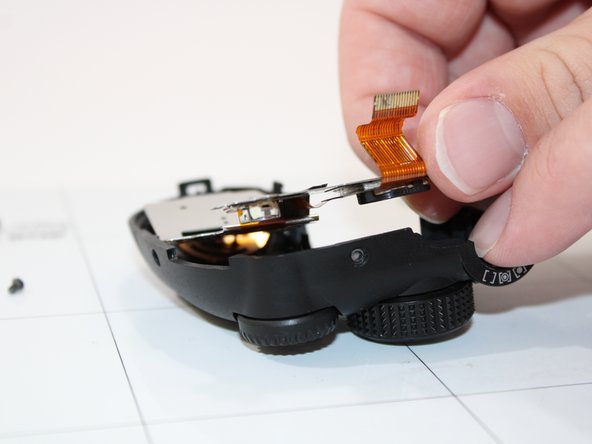
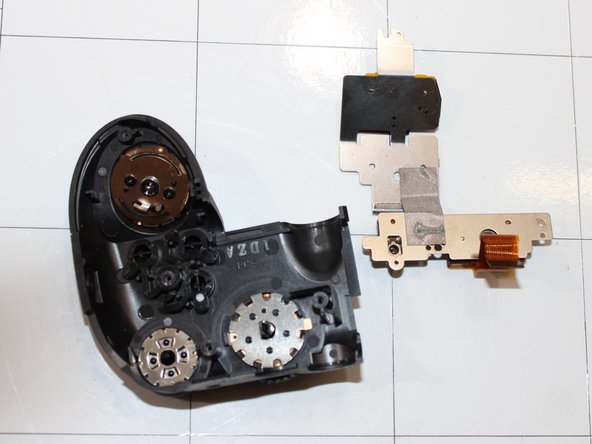
To reassemble your device, follow these instructions in reverse order.
Annulla: non ho completato questa guida.
Un'altra persona ha completato questa guida.

Team

Casper College, Team 1-1, Lareau Spring 2023 Membro di Casper College, Team 1-1, Lareau Spring 2023
CASC-LAREAU-S23S1G1
3 Membri
48 guide realizzate
