Introduzione
This guide is for the Euhomy IM-06D icemaker. This guides purpose is to replace the top cover of the ice maker. This part covers the ice that is made and holds the buttons for controlling the device. Symptoms of this piece needing to be replaced is if there is a crack or break anywhere on the piece. Please make sure to unplug the device before starting all guides.
Cosa ti serve
-
-
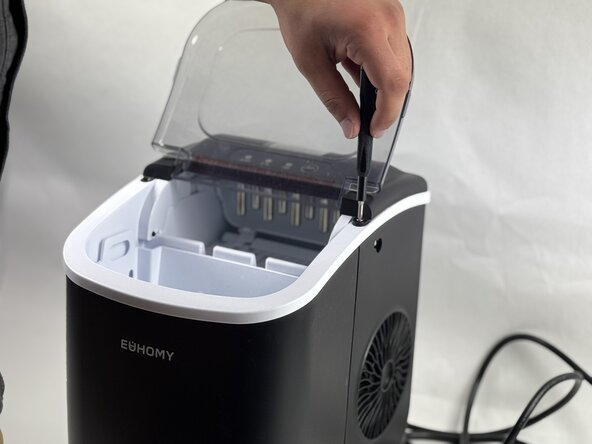
Open the lid.
-
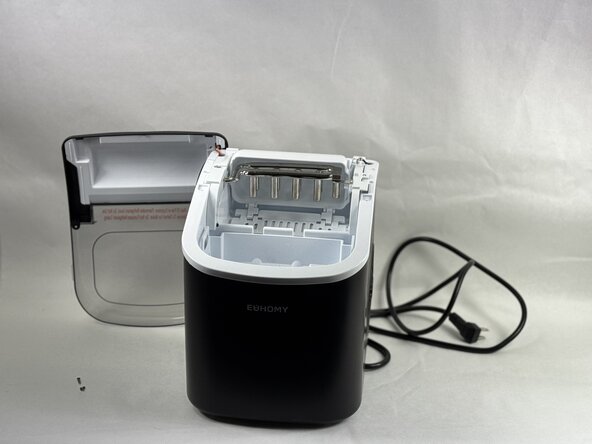
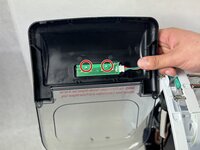
Remove the two 5 mm Phillips screws that secure the lid.
-
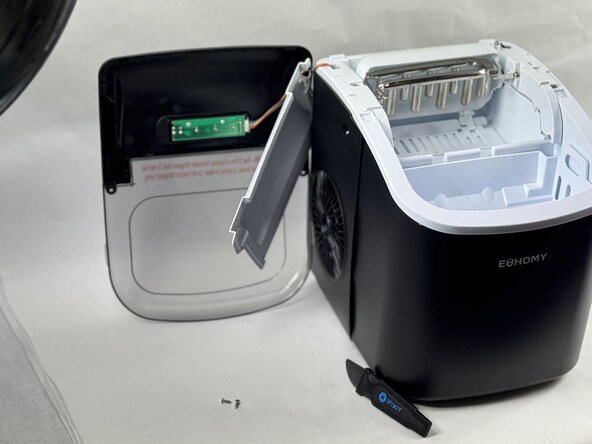
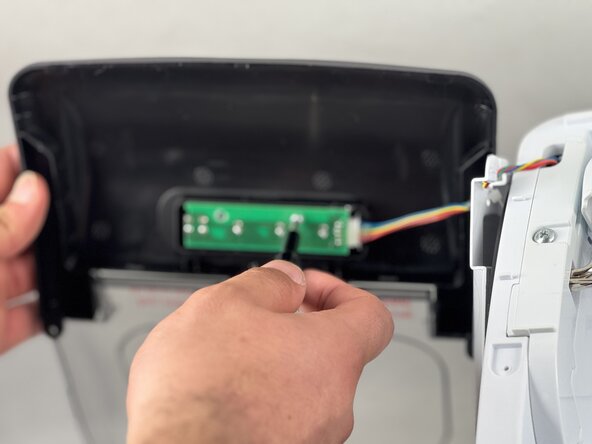
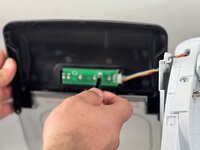
Gently lift the lid off, with care not to damage or strain the attached cable.
-
-





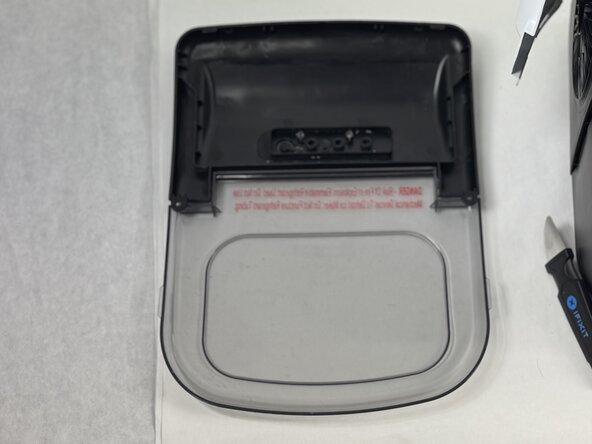
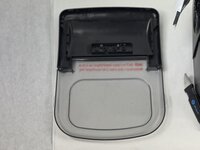
To reassemble your device, follow these instructions in reverse order.
Annulla: non ho completato questa guida.
Altre 2 persone hanno completato questa guida.


Team

UMass Dartmouth, Team 2-5, Botvin Spring 2025 Membro di UMass Dartmouth, Team 2-5, Botvin Spring 2025
UMASSD-BOTVIN-S25S2G5
3 Membri
5 Guide realizzate
