Introduzione
This guide will show you how to replace a broken or cracked screen on your tablet.
Cosa ti serve
-
-
Power down your device.
-
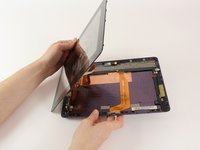
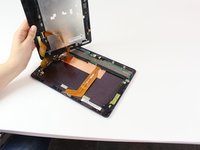
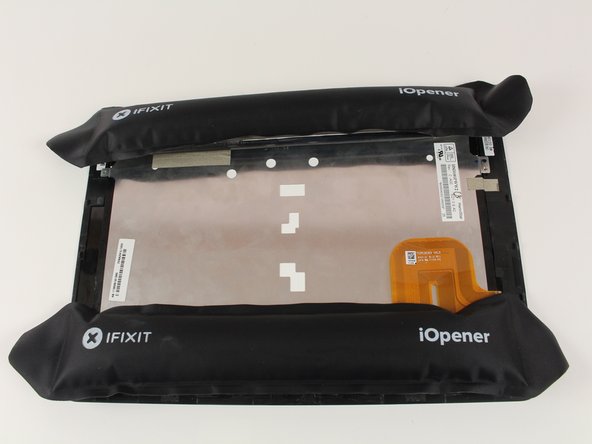
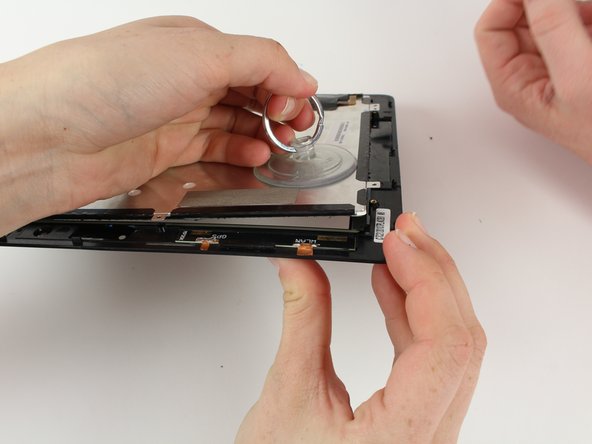
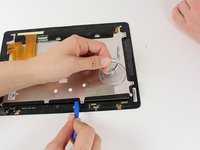
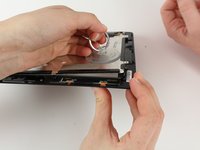
Place the small suction cup on a corner of the screen and lightly pull up to expose a seam between the screen and case.
-
-
-
-
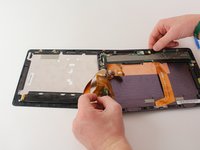
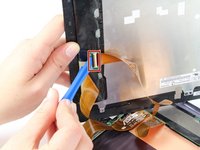
Remove the battery (secured by six screws and a white wire connector) by following the removal portion of this battery replacement guide.
-









Conclusione
To reassemble your device, apply glue to the screen and press it to the LCD, then follow these instructions in reverse order.



Team

Cal Poly, Team 10-1, Livingston Fall 2016 Membro di Cal Poly, Team 10-1, Livingston Fall 2016
CPSU-LIVINGSTON-F16S10G1
2 Membri
12 Guide realizzate
