Salta al contenuto principale

EasySMX ESM-9110 Vibration Motor Replacement

Cosa ti serve

  1. EasySMX ESM-9110 Vibration Motor Replacement, Handle Covers: passo 1, immagine 1 di 2 EasySMX ESM-9110 Vibration Motor Replacement, Handle Covers: passo 1, immagine 2 di 2
    • Use a Phillips #000 screwdriver to remove the two 10 mm screws from the back of controller.

  2. EasySMX ESM-9110 Vibration Motor Replacement: passo 2, immagine 1 di 1
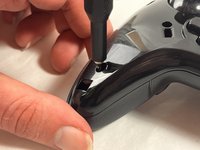
    • Insert a plastic opening tool into the slit on the side of controller.

    • Wiggle the tool until the cover becomes loose.

    • Repeat this on the other side of Controller.

    • Go slow. Take your time removing the handle covers.

  3. EasySMX ESM-9110 Vibration Motor Replacement: passo 3, immagine 1 di 1
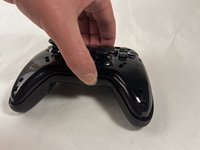
    • Remove the faceplate.

    • Repeat on the other side of the controller.

  4. EasySMX ESM-9110 Vibration Motor Replacement, Vibration Motor: passo 4, immagine 1 di 3 EasySMX ESM-9110 Vibration Motor Replacement, Vibration Motor: passo 4, immagine 2 di 3 EasySMX ESM-9110 Vibration Motor Replacement, Vibration Motor: passo 4, immagine 3 di 3
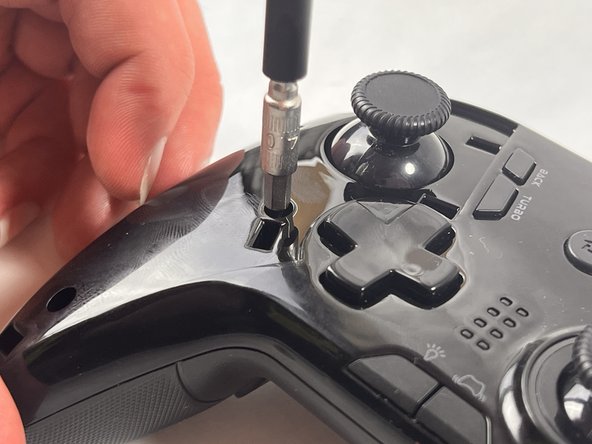
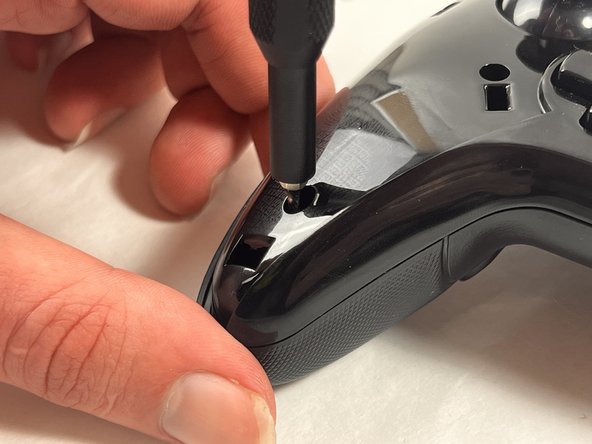
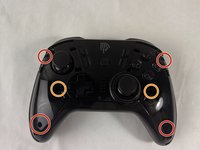
    • Use a Phillips #000 screwdriver to remove the four 20 mm screws from the controller's faceplate.

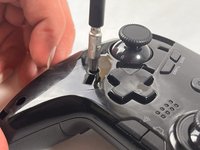
    • Use a Phillips #000 screwdriver (a screwdriver bit extension may be needed) to remove the two 20 mm screws from the controllers faceplate.

    • The screw extender should only be used to unscrew two of the six screws. Do not use it for all six.

  5. EasySMX ESM-9110 Vibration Motor Replacement: passo 5, immagine 1 di 2 EasySMX ESM-9110 Vibration Motor Replacement: passo 5, immagine 2 di 2
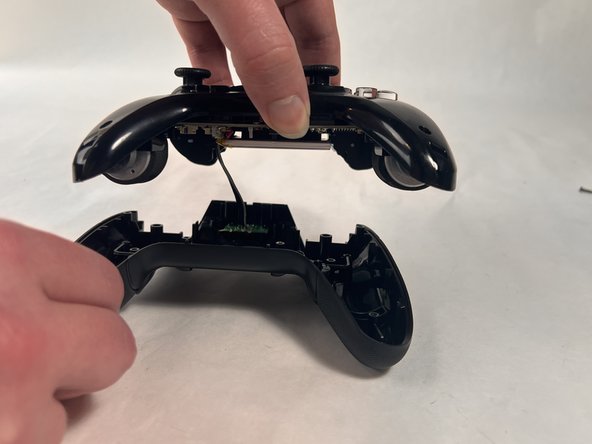
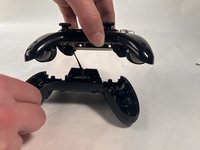
    • Remove the faceplate of the controller by lifting it directly up from the backplate.

    • Be gentle, the controller's backplate is still attached. Do not move the controller too roughly.

  6. EasySMX ESM-9110 Vibration Motor Replacement: passo 6, immagine 1 di 2 EasySMX ESM-9110 Vibration Motor Replacement: passo 6, immagine 2 di 2
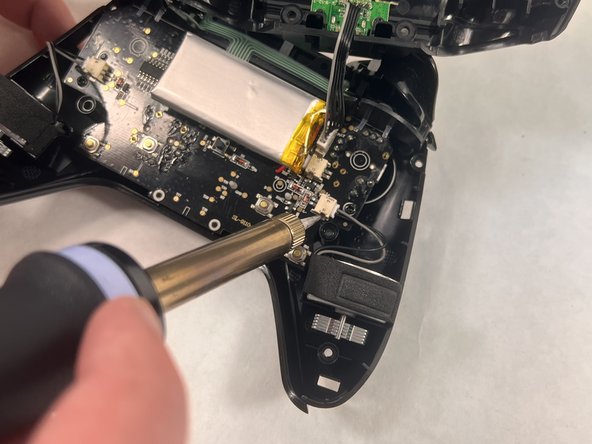
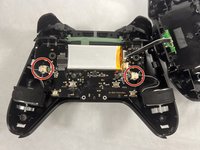
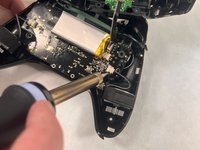
    • Locate the parts of the vibration motor that are connected to the motherboard

    • Solder these parts of the vibration motor to remove them.

    • There should be two connectors present in your controller, one for each vibration motor.

Conclusione

To reassemble your device, follow these instructions in reverse order.

Team

0Commenti sulla guida

Aggiungi Commento

Visualizza Statistiche:

Ultime 24 Ore: 0

Ultimi 7 Giorni: 2

Ultimi 30 Giorni: 11

Tutti i Tempi: 280