Questa traduzione è stata generata automaticamente e non è stata ancora revisionata da una persona. Parli questa lingua? Dai un’occhiata.

Sostituzione perno di sicurezza maniglia

Elias Moseri e un altro collaboratore
Ultimo aggiornamento il 12 giu 2026
Visualizzazioni: 951
Visualizza statistiche:
- Ultime 24 ore:
- 4
- Ultimi 7 giorni:
- 26
- Ultimi 30 giorni:
- 143
- Tutti i Tempi:
- 951
Commenti: 0
Nessuno ha lasciato commenti su questa guida. Sarai il primo?
Vai ai commenti della guidaCompletato: 0 1
Nessuno ha contrassegnato questa guida "completata". Sarai il primo?
1 persona ha contrassegnato questa guida come "completata". Sei tu, ottimo lavoro!
Preferiti: 0 1
Nessuno ha preferito (e si è iscritto) questa guida. Sarai il primo?
1 persona ha aggiunto ai preferiti (e si è iscritta a) questa guida, e sei tu!
Introduzione
Vai al passo 1 ↓Che il perno di sicurezza della tua maniglia sia rotto, bloccato o semplicemente mancante, sostituirlo è una comune operazione di manutenzione domestica che può ripristinare la sicurezza e la funzionalità della tua porta.
Questa guida ti accompagnerà rapidamente attraverso i semplici passaggi per sostituire quel vecchio perno con uno nuovo. Tutto ciò di cui hai bisogno è un cacciavite e un nuovo perno di sicurezza per porta.
Cosa ti serve
Ricambi
Strumenti

-
-
-
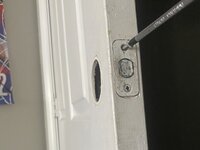
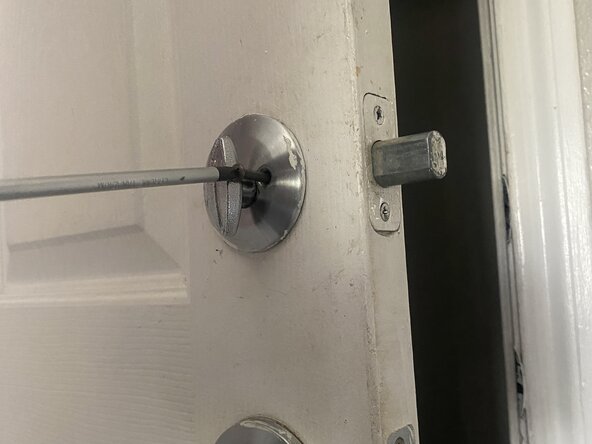
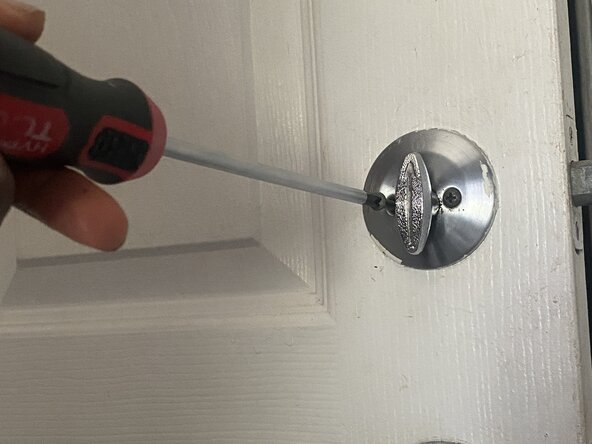
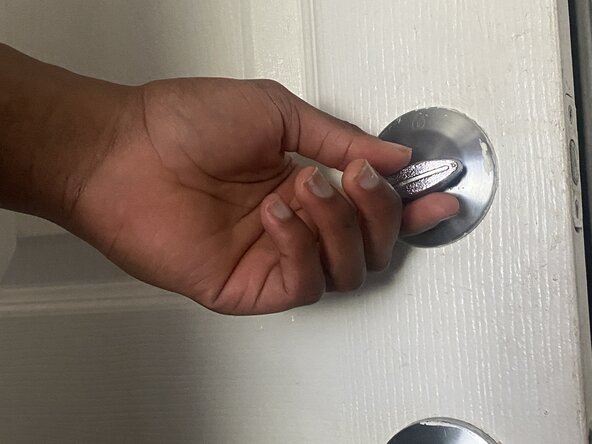
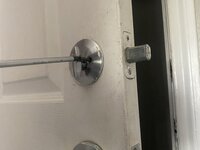
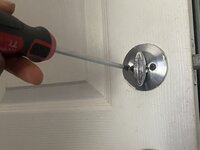
Usa un cacciavite Phillips #1 per rimuovere le due viti che tengono unite le metà interna ed esterna della maniglia.
 Chiedi a FixBot
-
-
-
-
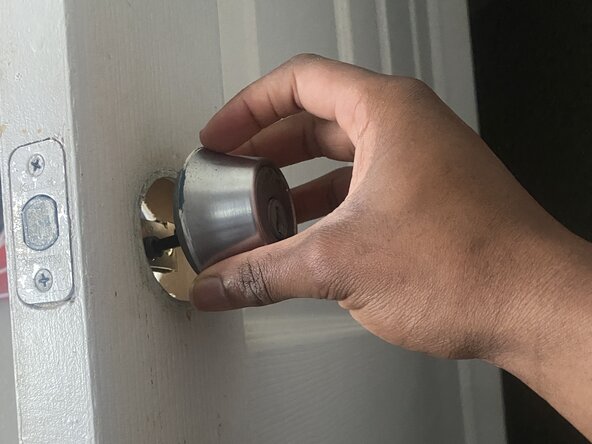
Allinea il perno con il meccanismo di chiusura, quindi riavvicina le due metà della maniglia.
-
-
-
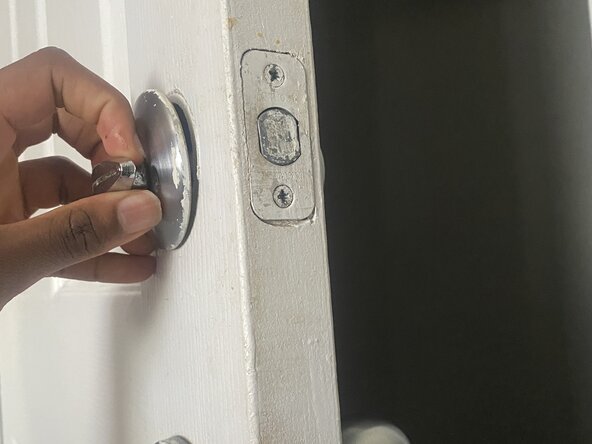
Fissa saldamente le due viti con il cacciavite Phillips #1.
-
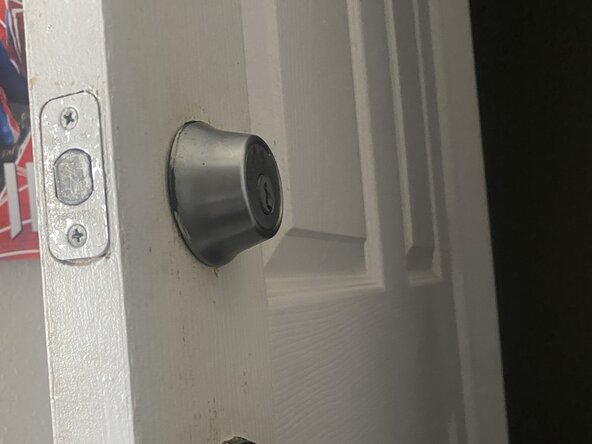
Riposiziona le coperture decorative facendole scattare in sede (se applicabile).
-
-

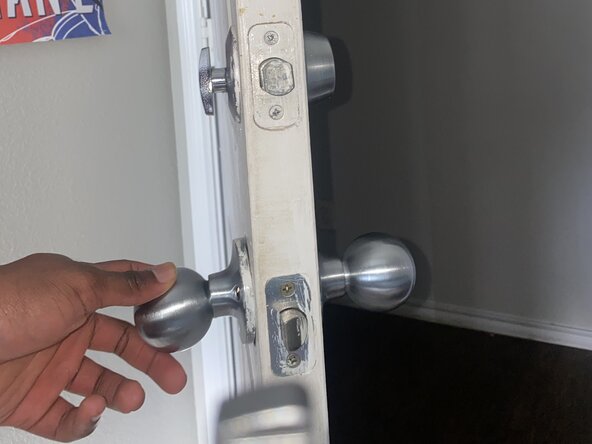
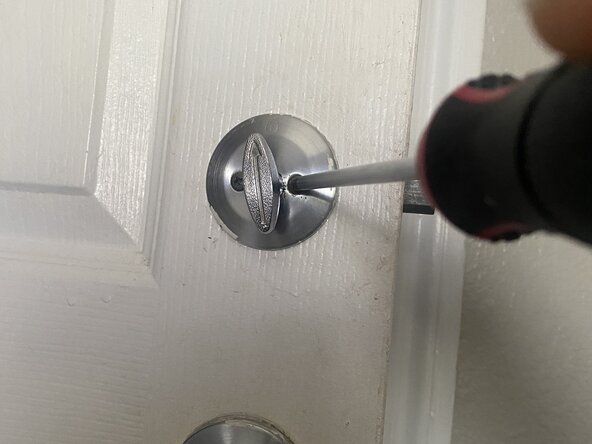
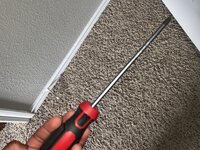


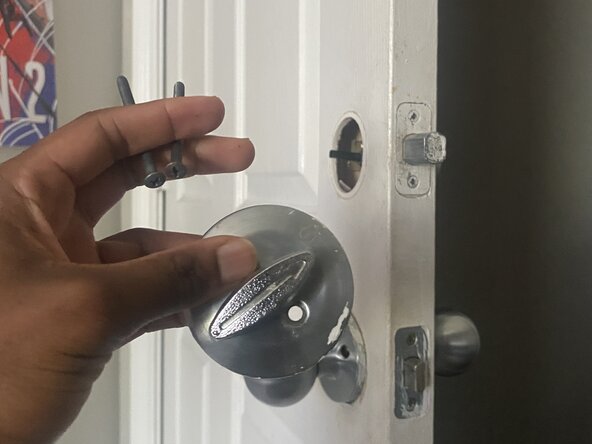
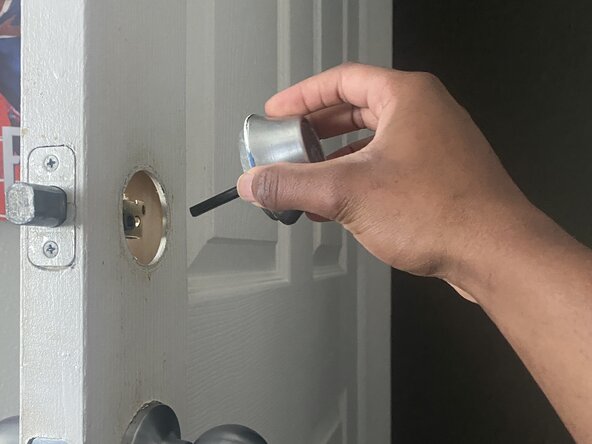

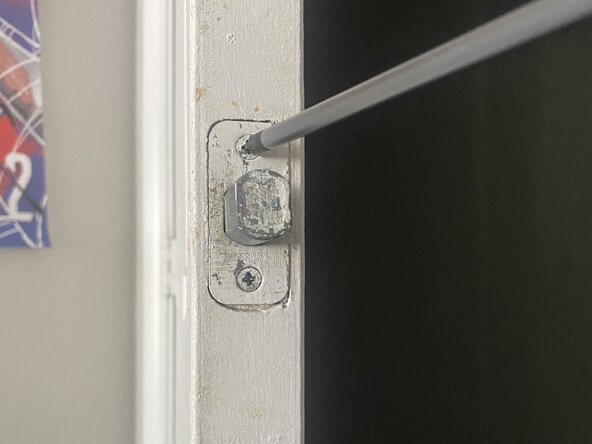
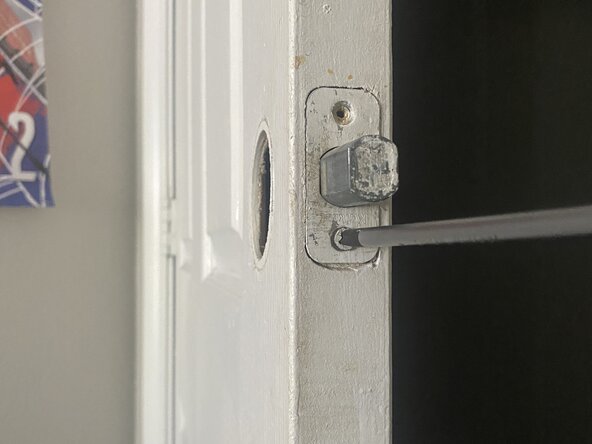
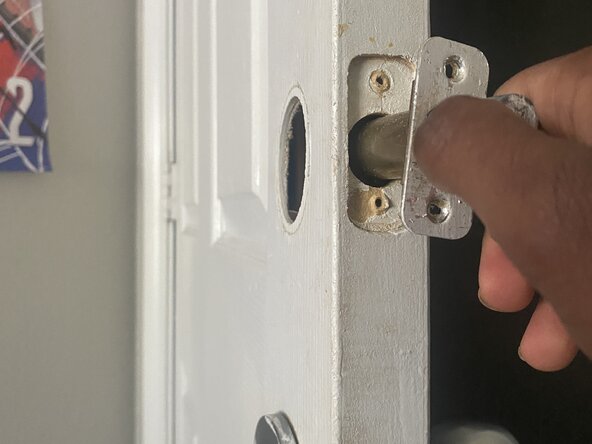

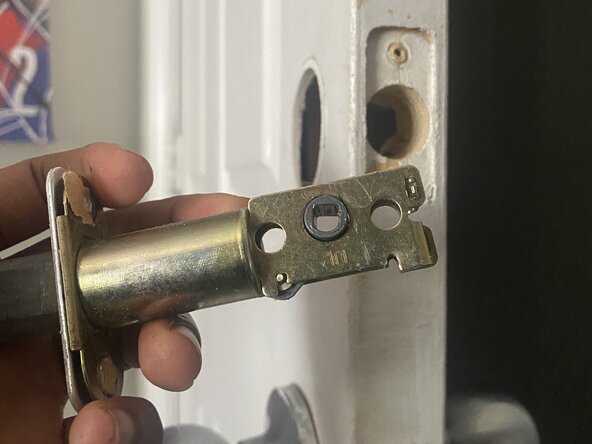
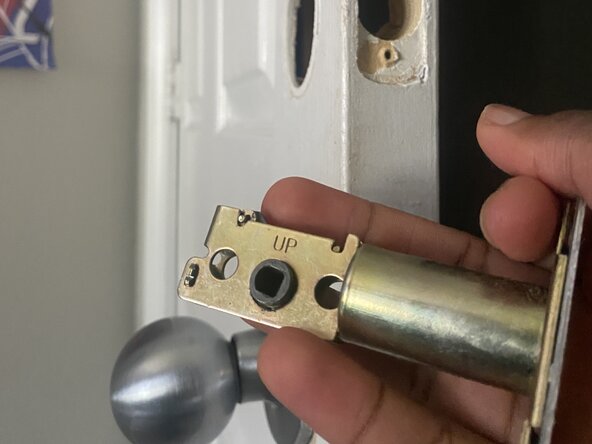
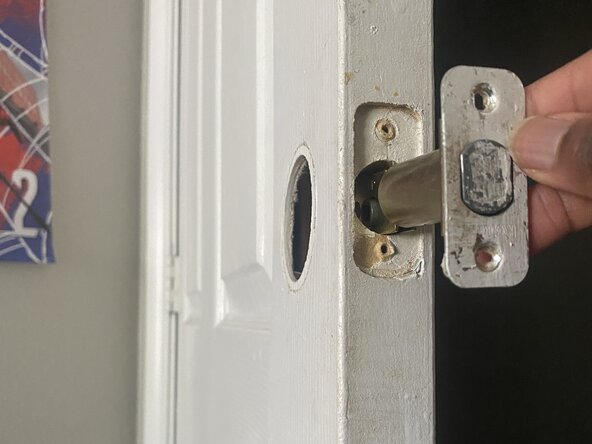
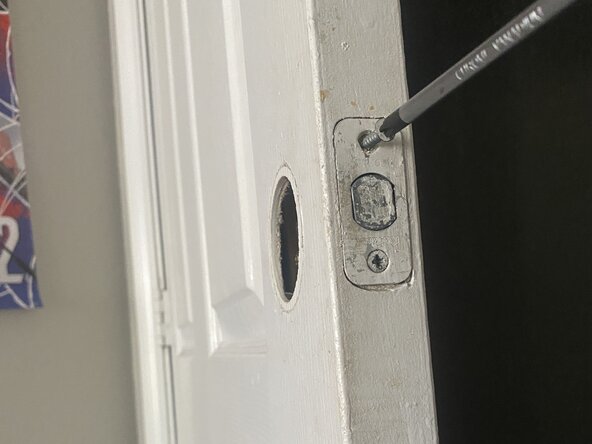

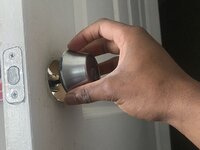
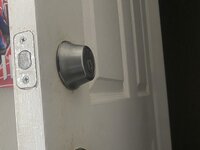


Per rimontare il dispositivo, segui queste istruzioni in ordine inverso.

Team

University of North Texas, Team 40-15, Kilpatrick Summer 2025 Membro di University of North Texas, Team 40-15, Kilpatrick Summer 2025
UNT-KILPATRICK-SU25S40G15
Membro di 1
12 guide realizzate
