Salta al contenuto principale

Disassembling Unbranded Robot Vacuum (full disassembly)

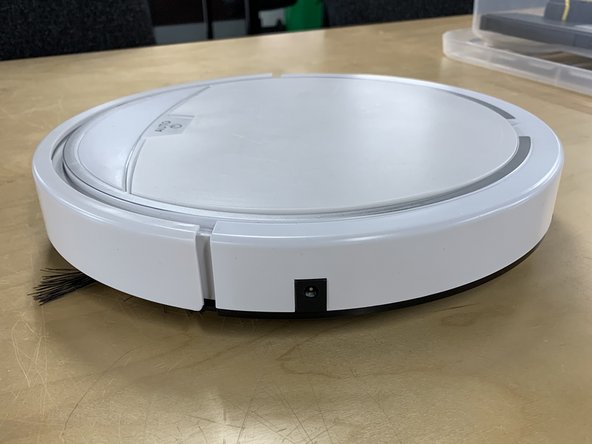
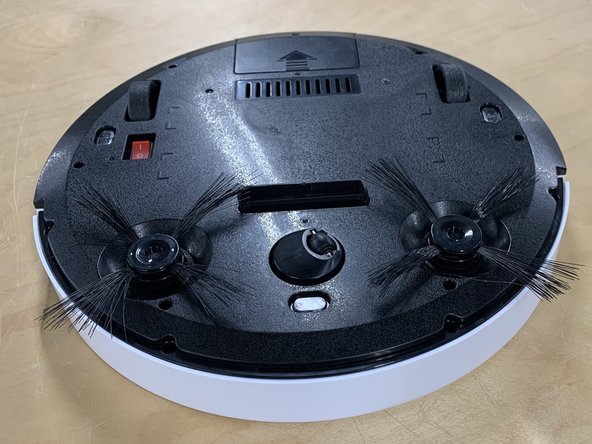
  1. Disassembling Unbranded Robot Vacuum (full disassembly), Full disassembly: passo 1, immagine 1 di 3 Disassembling Unbranded Robot Vacuum (full disassembly), Full disassembly: passo 1, immagine 2 di 3 Disassembling Unbranded Robot Vacuum (full disassembly), Full disassembly: passo 1, immagine 3 di 3
    • You will need a PH0 screwdriver.

    • First make sure the power is turned off. (this is the red switch on the bottom.)

    • This then can be followed by removing the side brush.

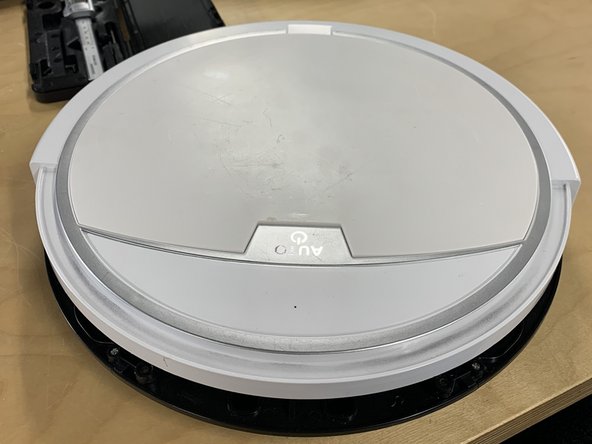
  2. Disassembling Unbranded Robot Vacuum (full disassembly): passo 2, immagine 1 di 2 Disassembling Unbranded Robot Vacuum (full disassembly): passo 2, immagine 2 di 2
    • Next remove the screws connecting the top of the bumper to the bottom.

    • Then remove the top of the bumper. By lifting and pulling the plate towards yourself.

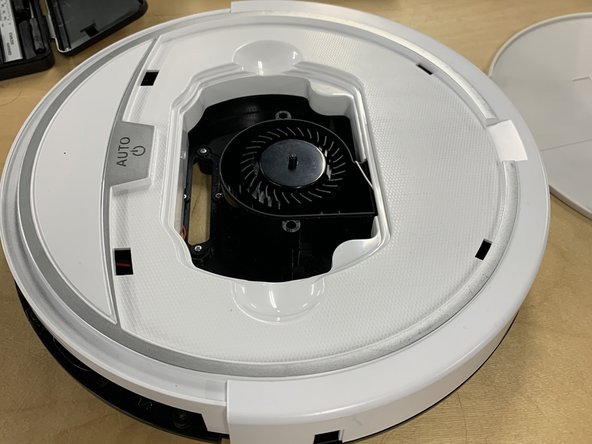
  3. Disassembling Unbranded Robot Vacuum (full disassembly): passo 3, immagine 1 di 3 Disassembling Unbranded Robot Vacuum (full disassembly): passo 3, immagine 2 di 3 Disassembling Unbranded Robot Vacuum (full disassembly): passo 3, immagine 3 di 3
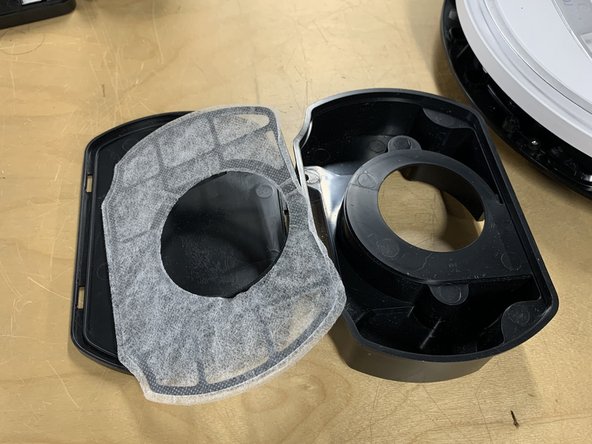
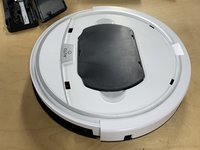
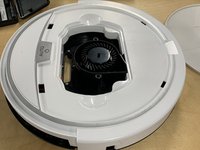
    • Remove the top white plate.

    • Remove the fan housing part.

    • Remove the filter from the part by popping the lid off the part. (this can be done with your hands.)

  4. Disassembling Unbranded Robot Vacuum (full disassembly): passo 4, immagine 1 di 2 Disassembling Unbranded Robot Vacuum (full disassembly): passo 4, immagine 2 di 2
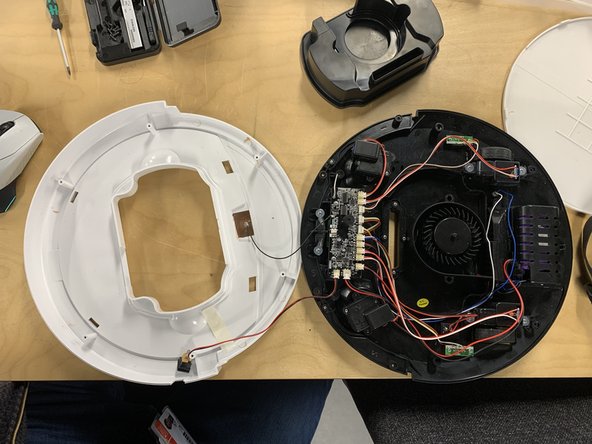
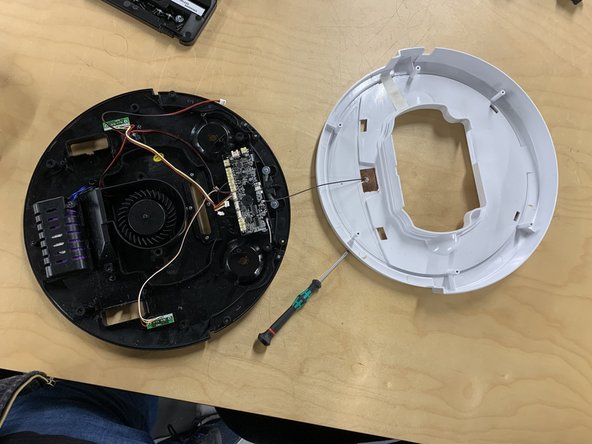
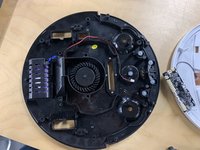
    • After Unscrew the rest of the plates from the base.

    • Next remove the base from the top as shown. (make sure to be careful as the lid and the base are attached by a wire.

  5. Disassembling Unbranded Robot Vacuum (full disassembly): passo 5, immagine 1 di 3 Disassembling Unbranded Robot Vacuum (full disassembly): passo 5, immagine 2 di 3 Disassembling Unbranded Robot Vacuum (full disassembly): passo 5, immagine 3 di 3
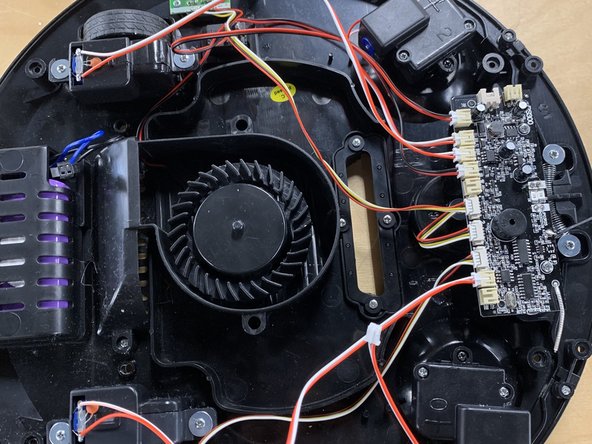
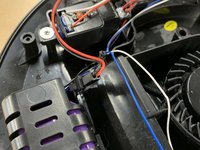
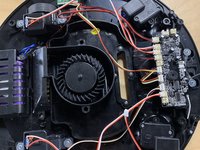
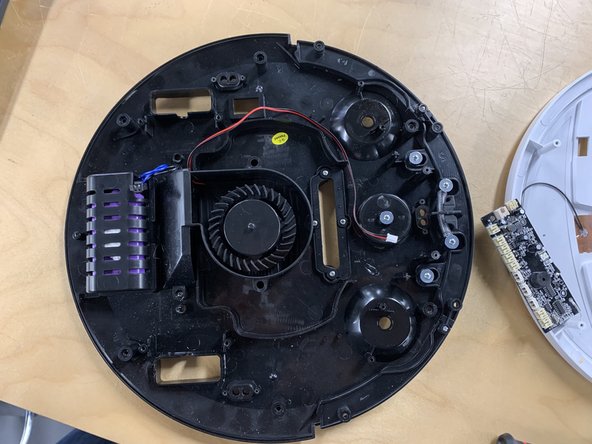
    • Now unplug the battery.

    • After unplug all the components MAKING SURE TO KEEP TRACK OF WHAT GOES WHERE!

    • Once done unscrew the motors and remove them from the chasis.

  6. Disassembling Unbranded Robot Vacuum (full disassembly): passo 6, immagine 1 di 3 Disassembling Unbranded Robot Vacuum (full disassembly): passo 6, immagine 2 di 3 Disassembling Unbranded Robot Vacuum (full disassembly): passo 6, immagine 3 di 3
    • Now the motherboard must be removed. Unscrew the motherboard and remove so that other components can be removed.

    • Once removed all of the IR sensors can be removed.

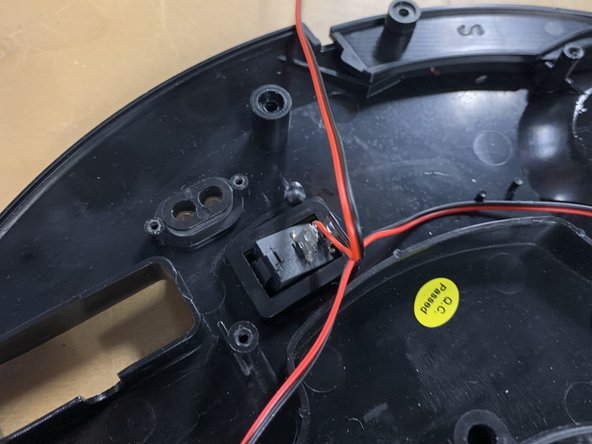
    • Unscrew and remove the IR sensors followed by popping out the power switch (this will require some force.)

  7. Disassembling Unbranded Robot Vacuum (full disassembly): passo 7, immagine 1 di 3 Disassembling Unbranded Robot Vacuum (full disassembly): passo 7, immagine 2 di 3 Disassembling Unbranded Robot Vacuum (full disassembly): passo 7, immagine 3 di 3
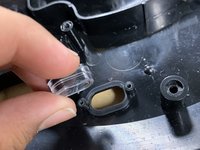
    • Remove the IR sensors casing and place the 2 parts next to the IR sensors.

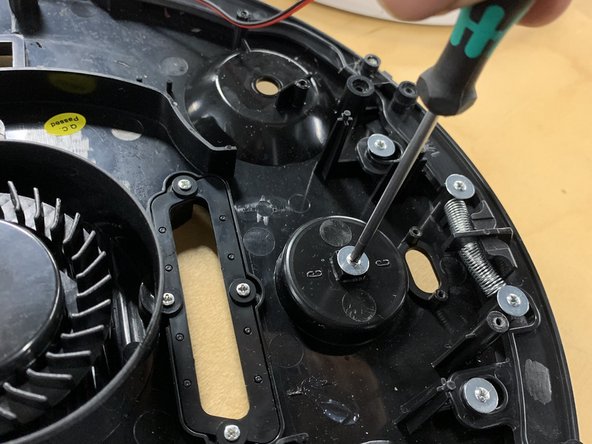
    • Next unscrew the universal directional wheel.

    • Next unscrew the lower bumper and remove it.

  8. Disassembling Unbranded Robot Vacuum (full disassembly): passo 8, immagine 1 di 3 Disassembling Unbranded Robot Vacuum (full disassembly): passo 8, immagine 2 di 3 Disassembling Unbranded Robot Vacuum (full disassembly): passo 8, immagine 3 di 3
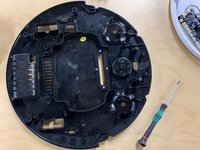
    • Now unscrew the lower fan housing and remove.

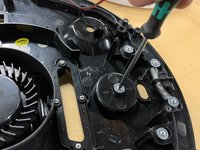
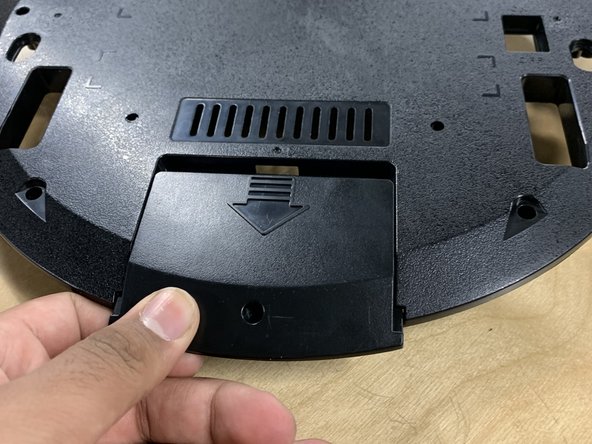
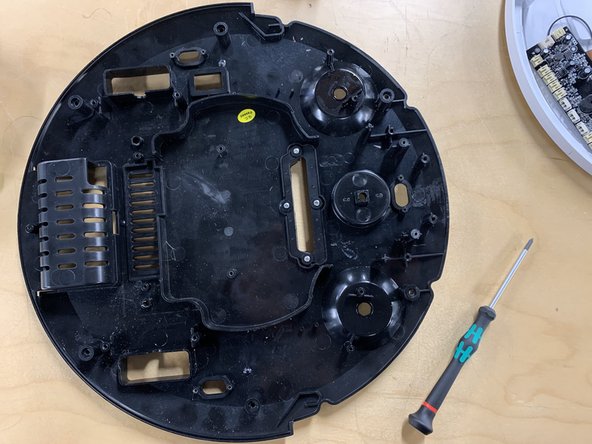
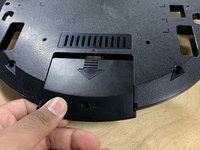
    • Flip over the product and unscrew the back panel. Then remove the battery.

  9. Disassembling Unbranded Robot Vacuum (full disassembly): passo 9, immagine 1 di 3 Disassembling Unbranded Robot Vacuum (full disassembly): passo 9, immagine 2 di 3 Disassembling Unbranded Robot Vacuum (full disassembly): passo 9, immagine 3 di 3
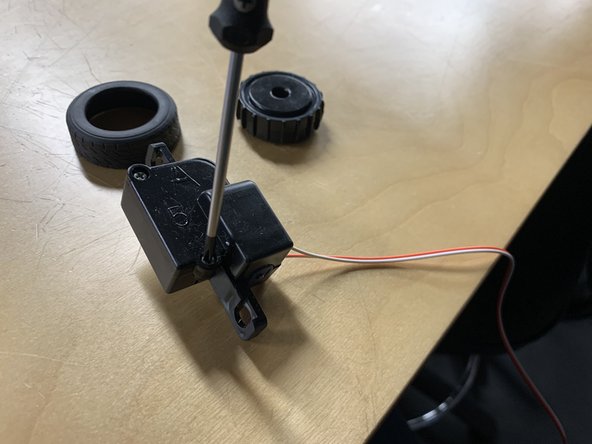
    • Sub assembly of Motor and Wheel.

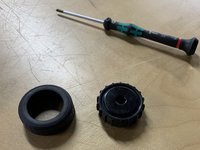
    • First unscrew the wheel from the motor.

    • Next remove the tyre from the wheel.

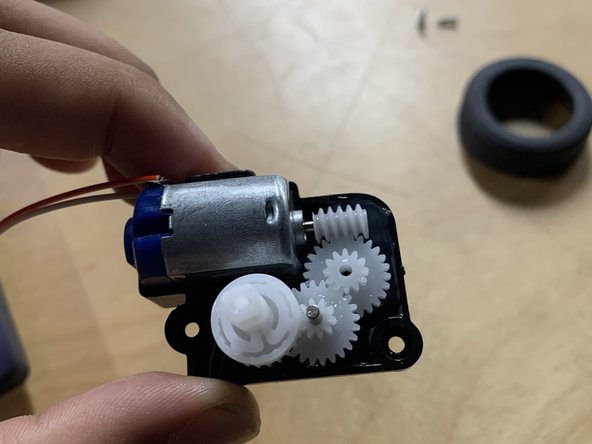
    • After unscrew the motor and open it.

  10. Disassembling Unbranded Robot Vacuum (full disassembly): passo 10, immagine 1 di 2 Disassembling Unbranded Robot Vacuum (full disassembly): passo 10, immagine 2 di 2
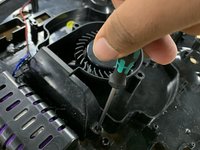
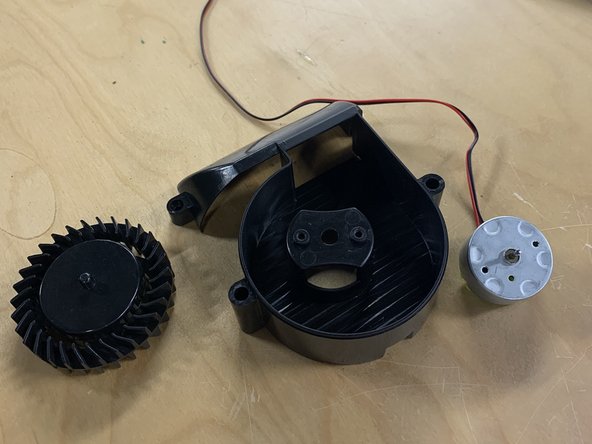
    • Disassembly of fan and holder.

    • First remove the fan. (This will require some force.)

    • Next unscrew the motor and remove.

  11. Disassembling Unbranded Robot Vacuum (full disassembly): passo 11, immagine 1 di 2 Disassembling Unbranded Robot Vacuum (full disassembly): passo 11, immagine 2 di 2
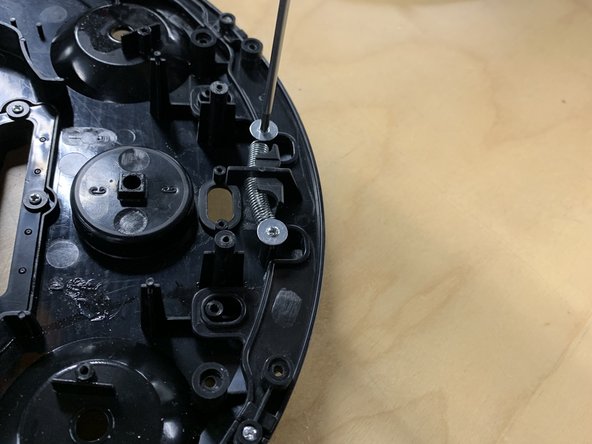
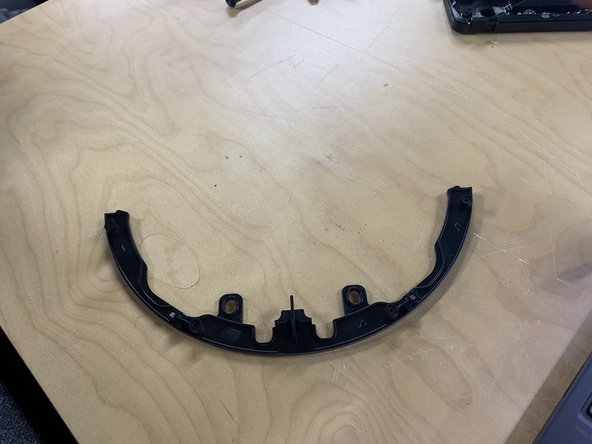
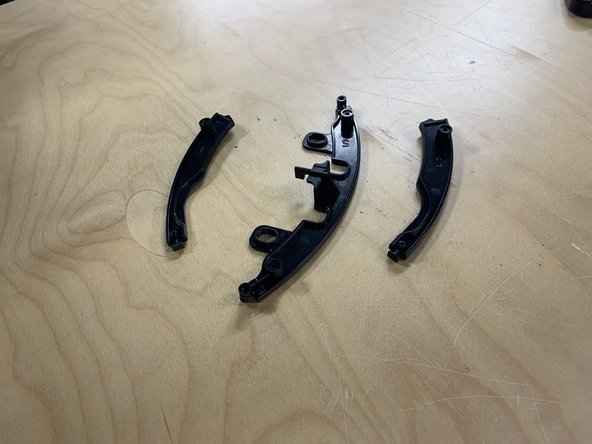
    • Disassembly of lower bumper.

    • Unscrew the plates and remove.

Conclusione

To reassemble your device, follow these instructions in reverse order.

Jonty Bhumbra

Membro da: 11/05/24

193 Reputazione

1 Guida realizzata

0Commenti sulla guida

Aggiungi Commento

Visualizza Statistiche:

Ultime 24 Ore: 0

Ultimi 7 Giorni: 2

Ultimi 30 Giorni: 15

Tutti i Tempi: 137