-
-
Remove the SIM card tray with a metal pin or a paperclip (the pin should be sold with the phone)
-
-
-
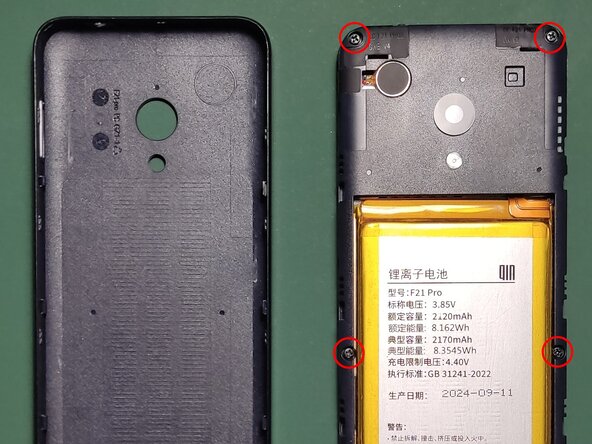
Remove the back piece of plastic by clipping it off. This can be done with fingernails or a piece of plastic. Locate the 7 screws.
-
-
-
-
Unscrew the screws holding the inner frame in place.
-
WARNING: there's a warranty seal on one of the screws so technically, doing this makes the warranty void.
-
-
-
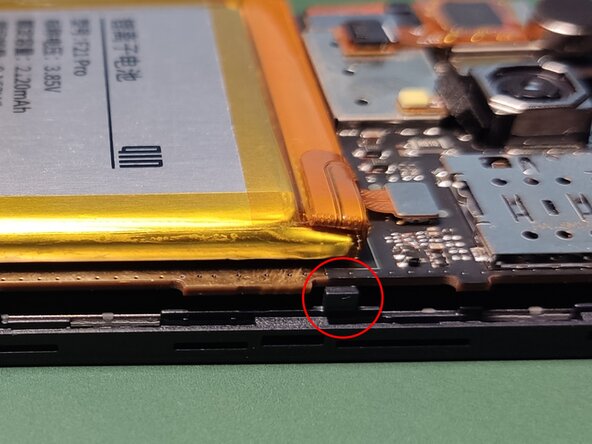
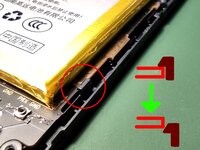
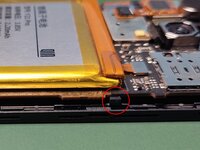
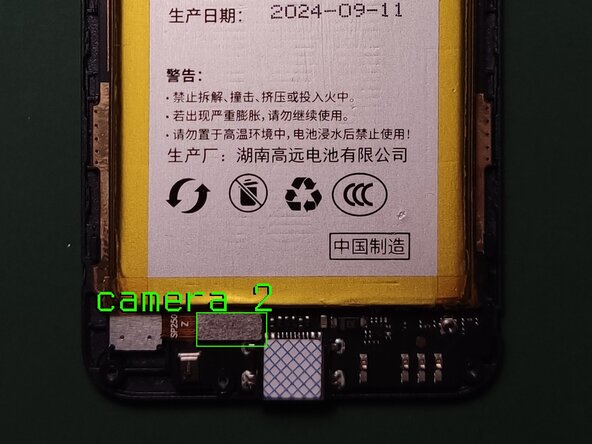
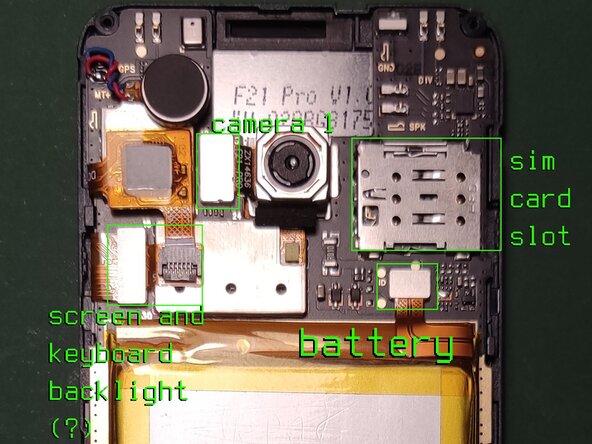
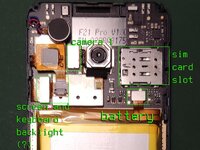
If you only want to disconnect the battery, you do not need to proceed. If you do need to get under the motherboard, you need to unclip these 2 clips (on the photo) from the motherboard. Be delicate not to break them! On the other (left) side there are 2 more.
-






To reassemble your device, follow these instructions in reverse order.
Annulla: non ho completato questa guida.
Altre 2 persone hanno completato questa guida.


