Salta al contenuto principale

DRECELL VC021 Battery Replacement

Cosa ti serve

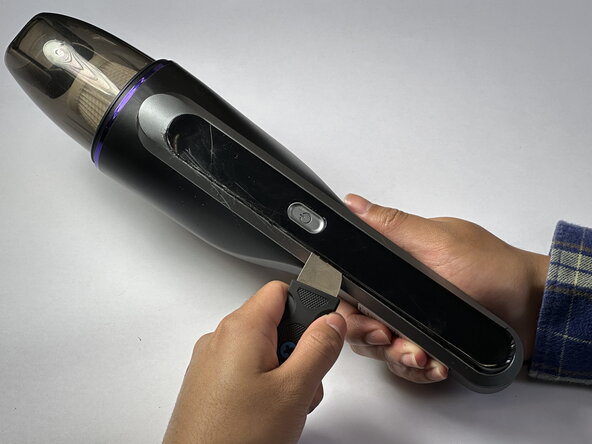
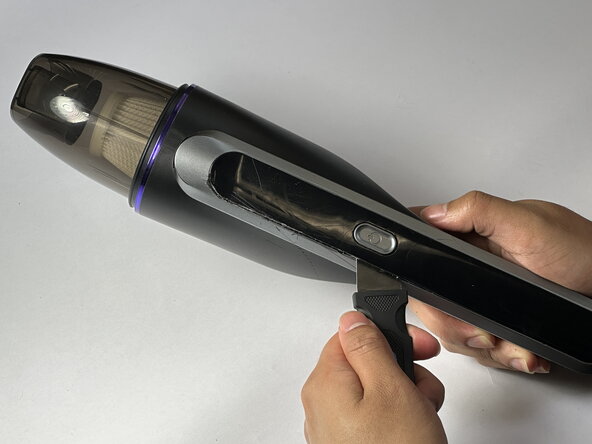
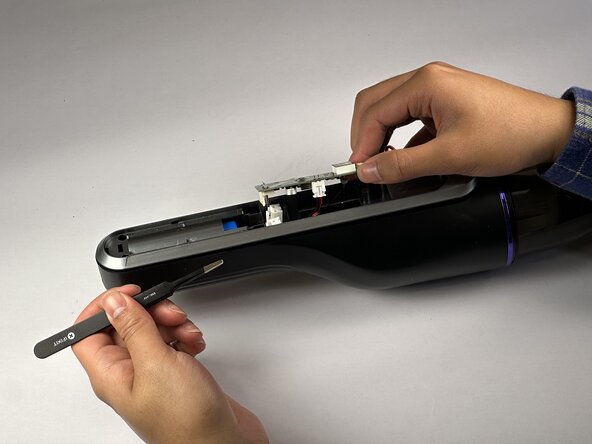
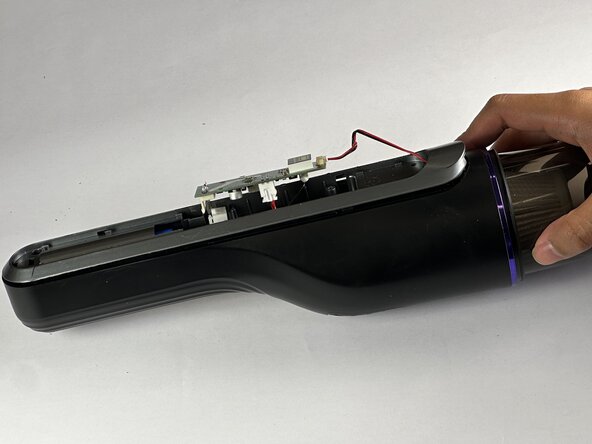
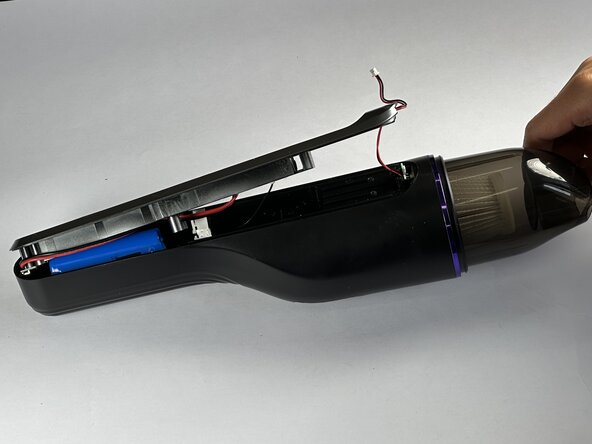
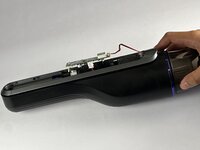
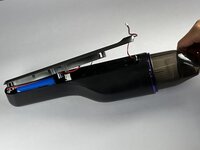
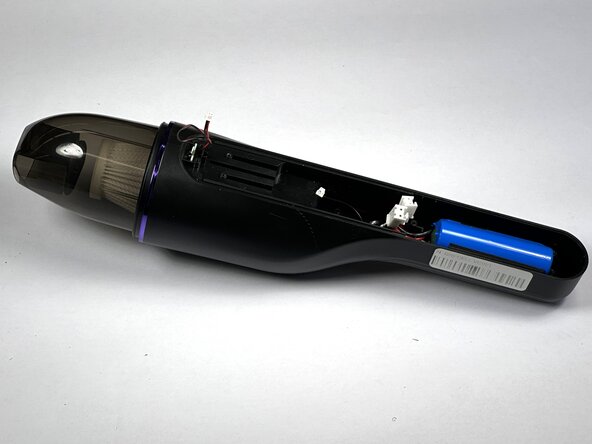
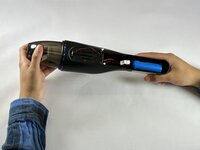
  1. DRECELL VC021 Battery Replacement, Battery: passo 1, immagine 1 di 3 DRECELL VC021 Battery Replacement, Battery: passo 1, immagine 2 di 3 DRECELL VC021 Battery Replacement, Battery: passo 1, immagine 3 di 3
    • Use a Jimmy to pry open the panel to access the battery.

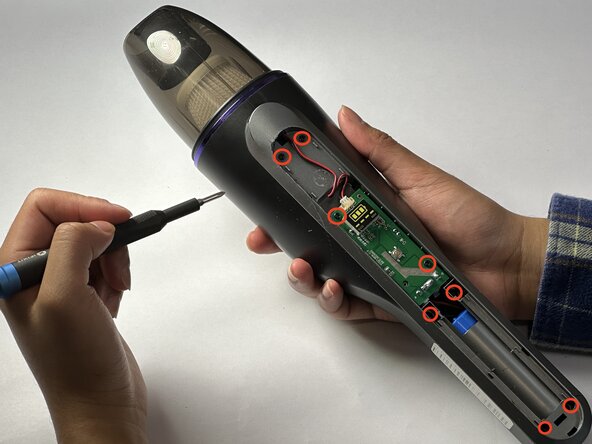
  2. DRECELL VC021 Battery Replacement: passo 2, immagine 1 di 3 DRECELL VC021 Battery Replacement: passo 2, immagine 2 di 3 DRECELL VC021 Battery Replacement: passo 2, immagine 3 di 3
    • Using a Phillips #00 screwdriver, remove the eight screws from the vacuum.

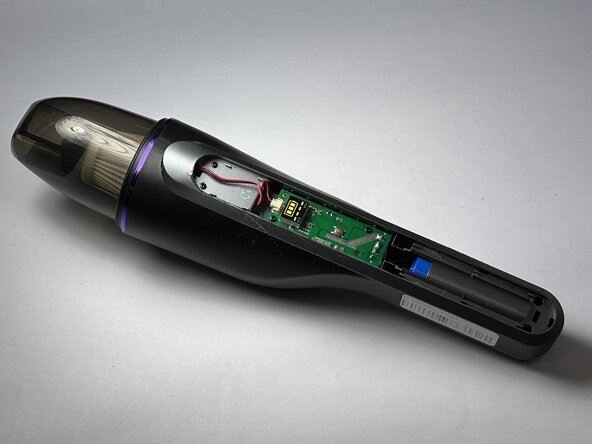
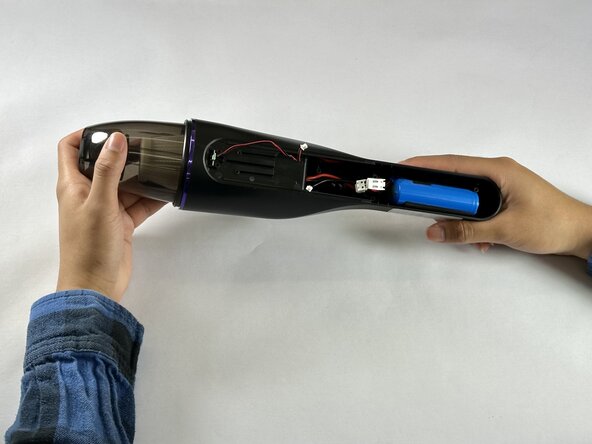
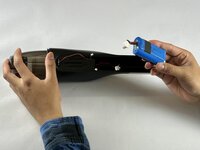
  3. DRECELL VC021 Battery Replacement: passo 3, immagine 1 di 3 DRECELL VC021 Battery Replacement: passo 3, immagine 2 di 3 DRECELL VC021 Battery Replacement: passo 3, immagine 3 di 3
    • Remove the motherboard simultaneously with the wire connecting to motor and the battery.

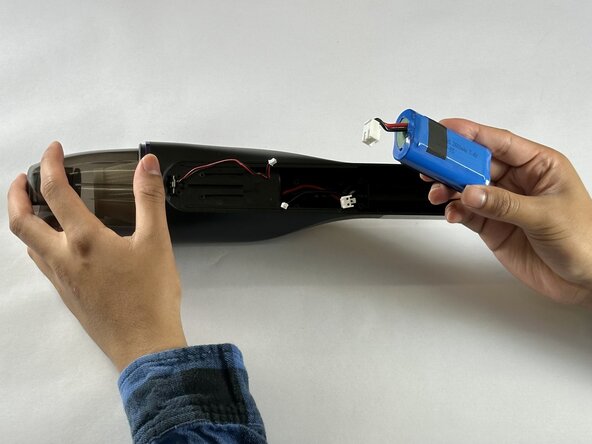
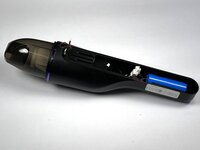
  4. DRECELL VC021 Battery Replacement: passo 4, immagine 1 di 3 DRECELL VC021 Battery Replacement: passo 4, immagine 2 di 3 DRECELL VC021 Battery Replacement: passo 4, immagine 3 di 3
    • Carefully remove the battery from the vacuum shell.

Conclusione

To reassemble your device, follow these instructions in reverse order.

Un'altra persona ha completato questa guida.

Charles

Membro da: 02/20/25

184 Reputazione

1 Guida realizzata

Team

0Commenti sulla guida

Aggiungi Commento

Visualizza Statistiche:

Ultime 24 Ore: 0

Ultimi 7 Giorni: 0

Ultimi 30 Giorni: 8

Tutti i Tempi: 126