Salta al contenuto principale
Unisciti alla Community delle riparazioni - Crea un account
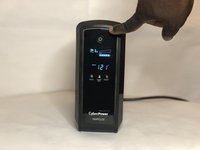
CyberPower UPS Battery Replacement

Cosa ti serve

    1. CyberPower UPS Battery Replacement, Battery: passo 1, immagine 1 di 2 CyberPower UPS Battery Replacement, Battery: passo 1, immagine 2 di 2
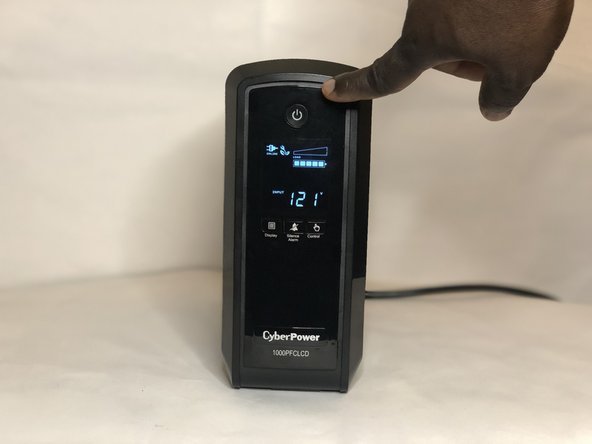
      • Power down the unit by pressing the power button until the display goes black.

      • This is usually about 3 seconds.

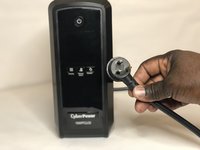
      • Unplug the power cord from the wall outlet.

      Chiedi a FixBot

      Aggiungi Commento

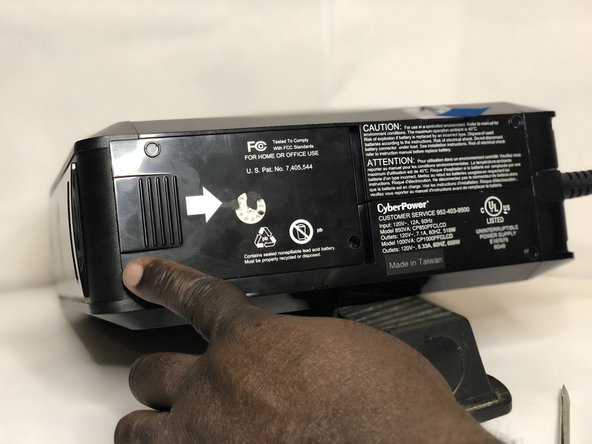
    2. CyberPower UPS Battery Replacement: passo 2, immagine 1 di 3 CyberPower UPS Battery Replacement: passo 2, immagine 2 di 3 CyberPower UPS Battery Replacement: passo 2, immagine 3 di 3
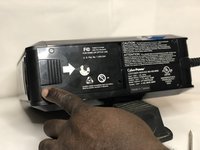
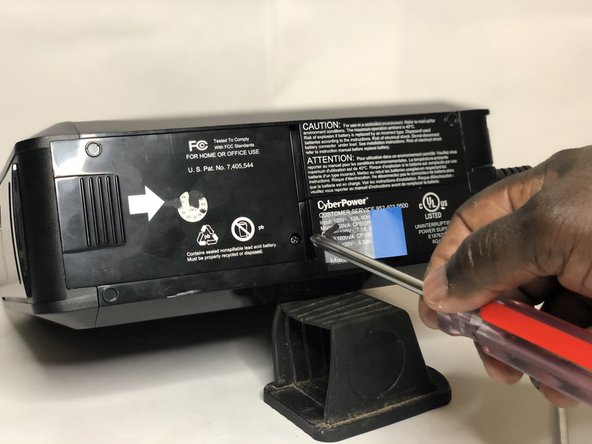
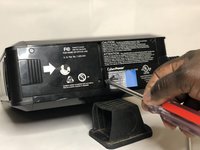
      • Remove the battery plate cover at the bottom of the UPS using a Phillips #1 screwdriver.

      • If the screwdriver is not magnetized, tap on the cover plate to completely remove the screw.

      Chiedi a FixBot

      Aggiungi Commento

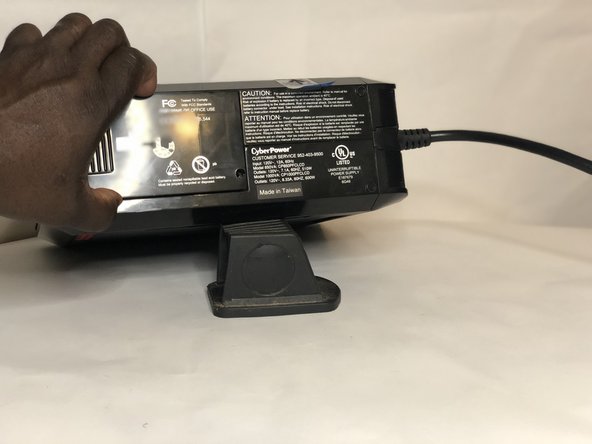
    3. CyberPower UPS Battery Replacement: passo 3, immagine 1 di 2 CyberPower UPS Battery Replacement: passo 3, immagine 2 di 2
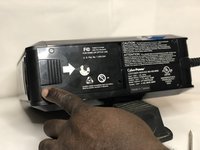
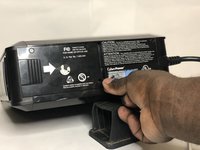
      • Slide the battery cover plate to the left.

      • Grasp the battery plate cover and lift it off the the UPS.

      Chiedi a FixBot

      Aggiungi Commento

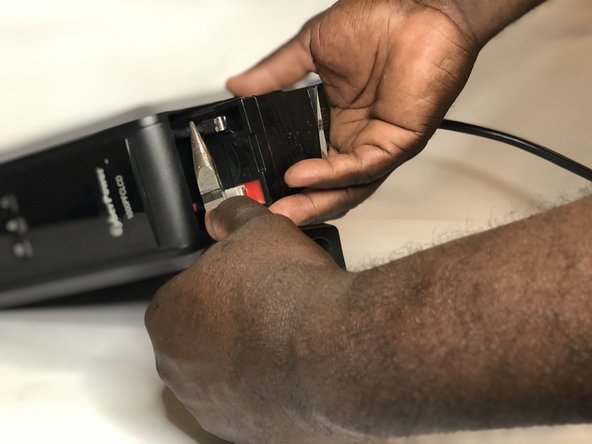
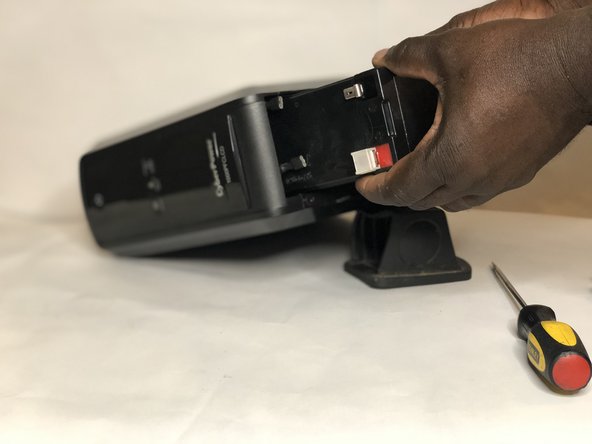
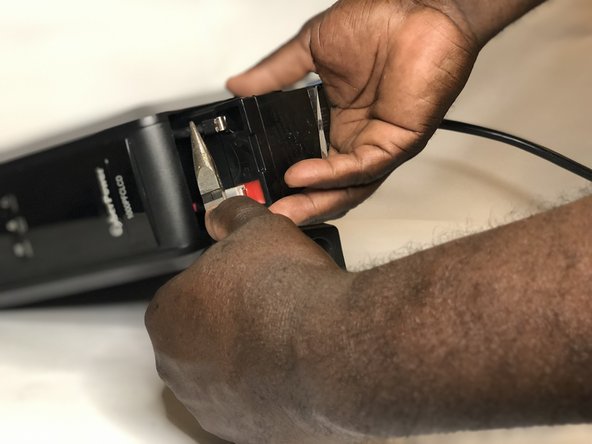
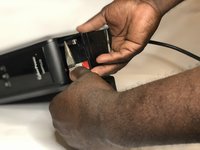
    4. CyberPower UPS Battery Replacement: passo 4, immagine 1 di 3 CyberPower UPS Battery Replacement: passo 4, immagine 2 di 3 CyberPower UPS Battery Replacement: passo 4, immagine 3 di 3
      • Pull out the battery to expose the terminal connectors.

      • Use needlenose pliers to disconnect both battery terminal connectors.

      • Do not pull the connectors by the wires, pull connectors by grabbing the connector itself.

      • With the battery terminal connectors disconnected, slide the battery all the way out.

      Chiedi a FixBot

      Aggiungi Commento

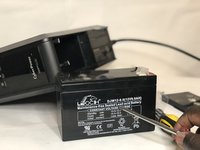
    5. CyberPower UPS Battery Replacement: passo 5, immagine 1 di 3 CyberPower UPS Battery Replacement: passo 5, immagine 2 di 3 CyberPower UPS Battery Replacement: passo 5, immagine 3 di 3
      • The replacement battery should be a 12 volt, 9 amp-hour, sealed lead acid battery with f2 type connectors.

      • Install the new battery and reconnect the terminals.

      Chiedi a FixBot

      Aggiungi Commento

    6. CyberPower UPS Battery Replacement: passo 6, immagine 1 di 3 CyberPower UPS Battery Replacement: passo 6, immagine 2 di 3 CyberPower UPS Battery Replacement: passo 6, immagine 3 di 3
      • Slide the battery cover plate to the left.

      • Insert the screw to secure the battery cover plate.

      • Tighten the screw with a Phillips #1 screwdriver.

      Chiedi a FixBot

      Aggiungi Commento

    7. CyberPower UPS Battery Replacement: passo 7, immagine 1 di 3 CyberPower UPS Battery Replacement: passo 7, immagine 2 di 3 CyberPower UPS Battery Replacement: passo 7, immagine 3 di 3
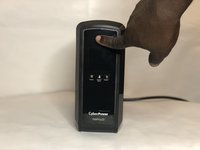
      • Plug system into the wall outlet.

      • Press the power button to turn on the unit.

      Chiedi a FixBot

      Aggiungi Commento

Conclusione

To reassemble your device, follow these instructions in reverse order.

Annulla: non ho completato questa guida.

Altre 3 persone hanno completato questa guida.

1Commento della guida

This guide is very educative and helpful.

Philip Saviour - Rispondi Condividi

Aggiungi Commento

Visualizza statistiche:

Ultime 24 ore: 13

Ultimi 7 giorni: 92

Ultimi 30 giorni: 454

Tutti i Tempi: 22,031