Salta al contenuto principale

Craig CMP801 Battery Replacement

Cosa ti serve

  1. Craig CMP801 Battery Replacement, Back Cover: passo 1, immagine 1 di 2 Craig CMP801 Battery Replacement, Back Cover: passo 1, immagine 2 di 2
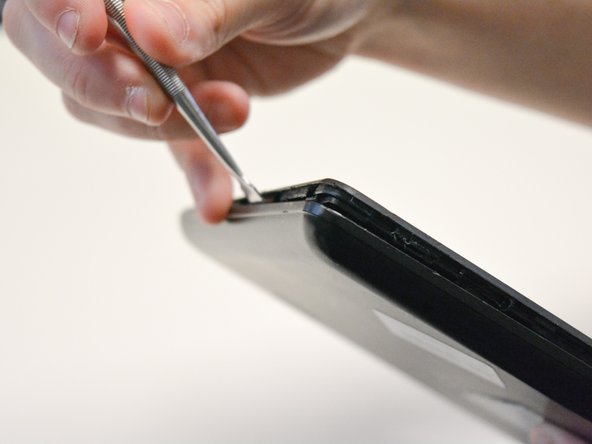
    • Locate the opening line between the cover and the device. Then locate the groove near the charging port.

  2. Craig CMP801 Battery Replacement: passo 2, immagine 1 di 2 Craig CMP801 Battery Replacement: passo 2, immagine 2 di 2
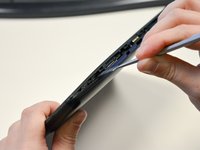
    • Use a metal spudger to separate the back cover from the front touch screen.

    • To do this, place the metal spudger in between the groove near the charging port of the device to unlatch the first clip.

  3. Craig CMP801 Battery Replacement: passo 3, immagine 1 di 2 Craig CMP801 Battery Replacement: passo 3, immagine 2 di 2
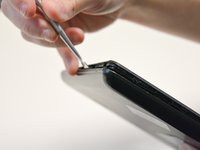
    • Continue to separate all of the clips around the device until the back cover comes off completely.

  4. Craig CMP801 Battery Replacement, Battery: passo 4, immagine 1 di 3 Craig CMP801 Battery Replacement, Battery: passo 4, immagine 2 di 3 Craig CMP801 Battery Replacement, Battery: passo 4, immagine 3 di 3
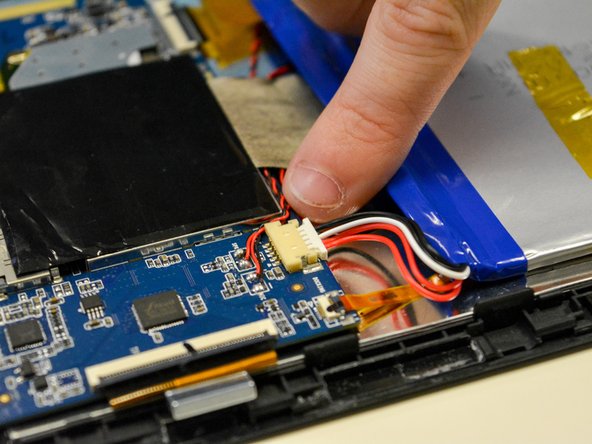
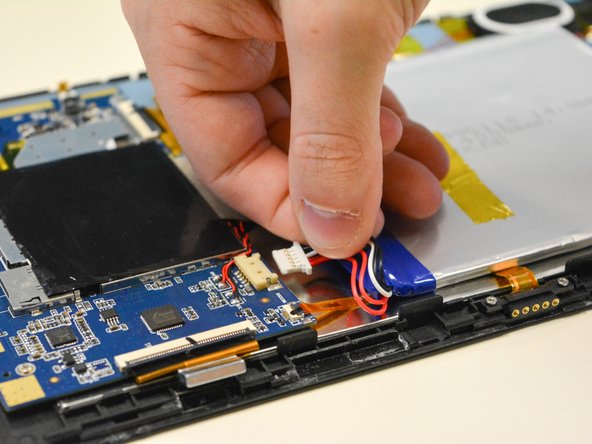
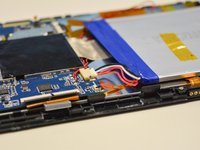
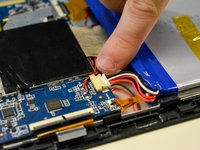
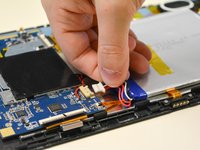
    • Locate the white plug next to the battery.

    • Use your fingers to pull off white plug that connected to the battery.

    • Be careful not to pull or break the wires on the bottom.

  5. Craig CMP801 Battery Replacement: passo 5, immagine 1 di 3 Craig CMP801 Battery Replacement: passo 5, immagine 2 di 3 Craig CMP801 Battery Replacement: passo 5, immagine 3 di 3
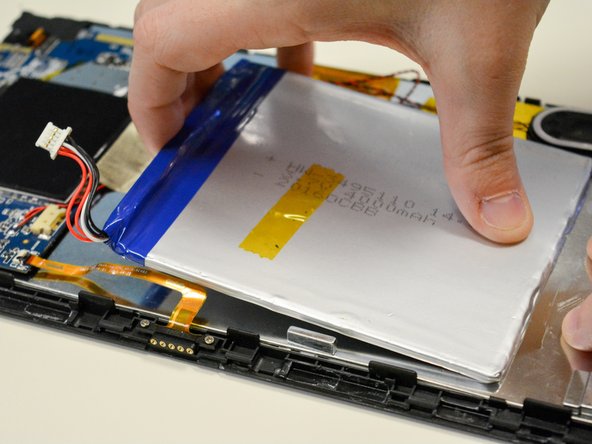
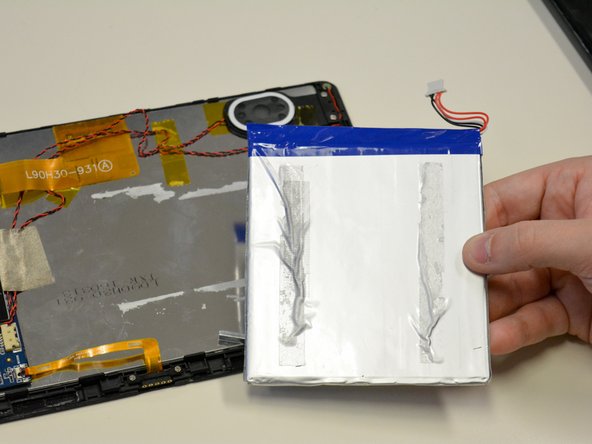
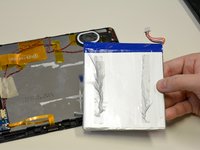
    • The battery should only be connected to the LCD by adhesive tape.

    • Using force, carefully remove the battery while holding the LCD in place.

Conclusione

To reassemble your device, follow these instructions in reverse order.

Altre 2 persone hanno completato questa guida.

1Commento della guida

Where do I find a battery cmp749 ???

kourriclay929 - Replica

Aggiungi Commento

Visualizza Statistiche:

Ultime 24 Ore: 2

Ultimi 7 Giorni: 6

Ultimi 30 Giorni: 20

Tutti i Tempi: 1,238