Salta al contenuto principale

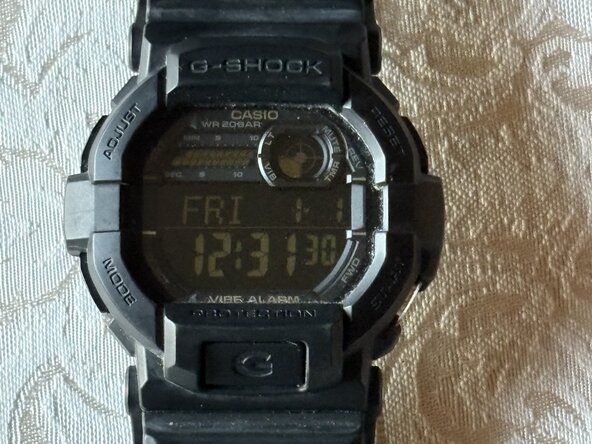
Casio G-Shock GD-350 Battery Replacement

Cosa ti serve
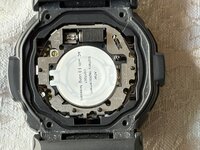
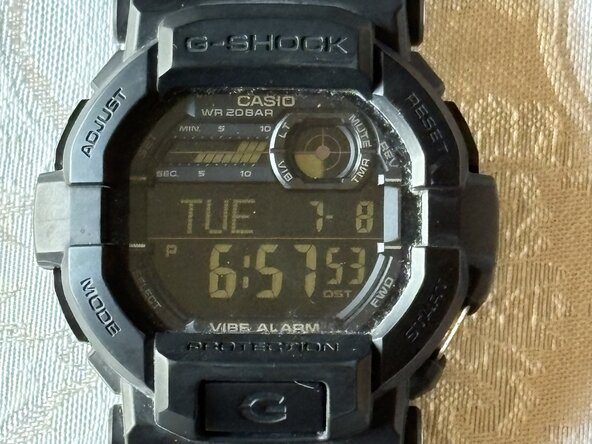
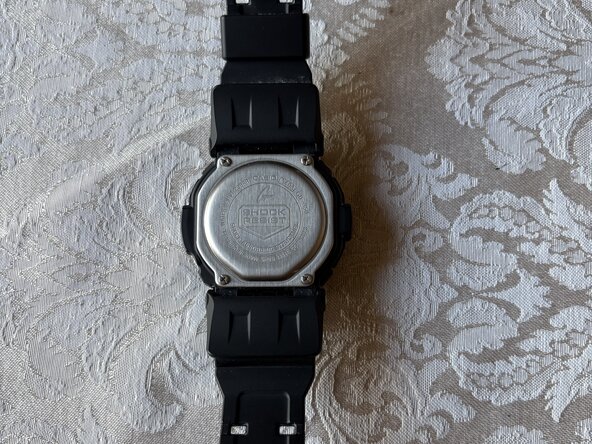
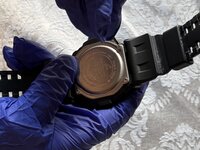
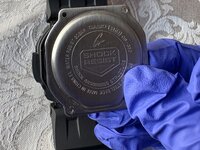
  1. Casio G-Shock GD-350 Battery Replacement, Battery: passo 1, immagine 1 di 2 Casio G-Shock GD-350 Battery Replacement, Battery: passo 1, immagine 2 di 2
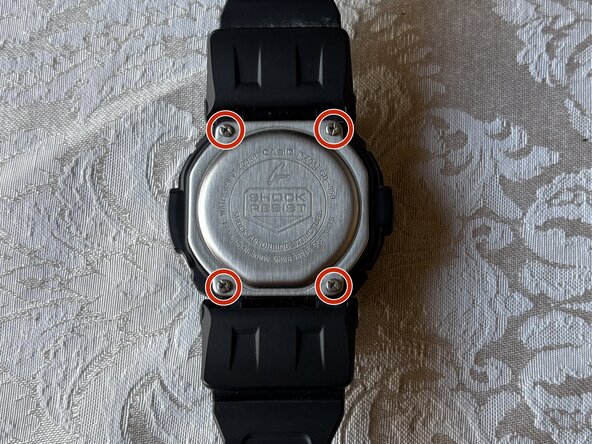
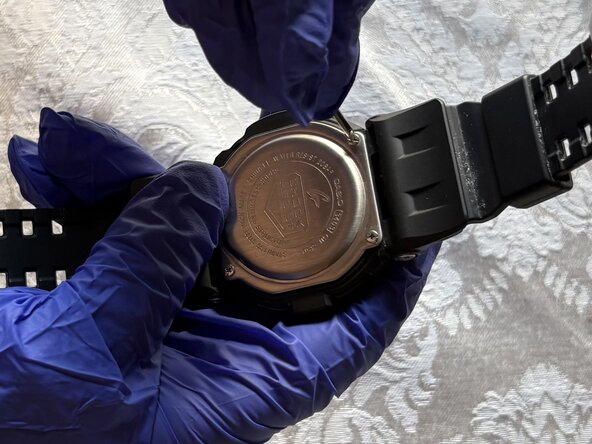
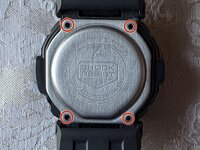
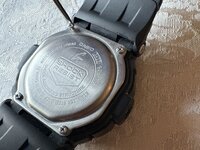
    • Flip your watch over so the bottom is facing up.

  2. Casio G-Shock GD-350 Battery Replacement: passo 2, immagine 1 di 3 Casio G-Shock GD-350 Battery Replacement: passo 2, immagine 2 di 3 Casio G-Shock GD-350 Battery Replacement: passo 2, immagine 3 di 3
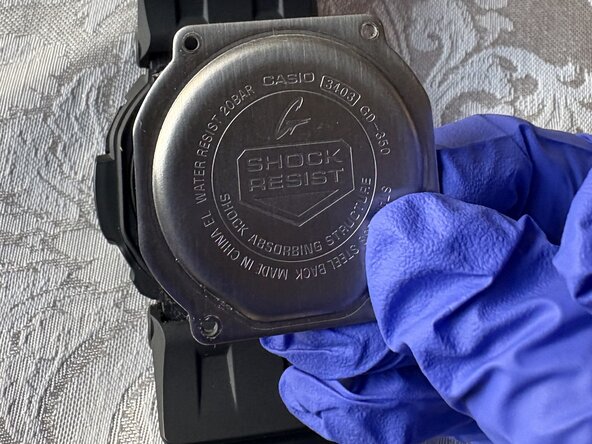
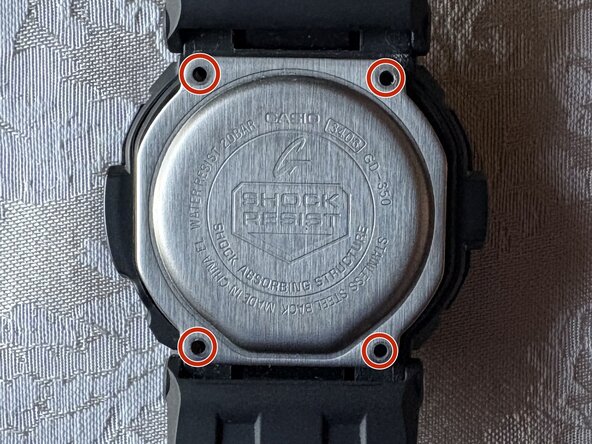
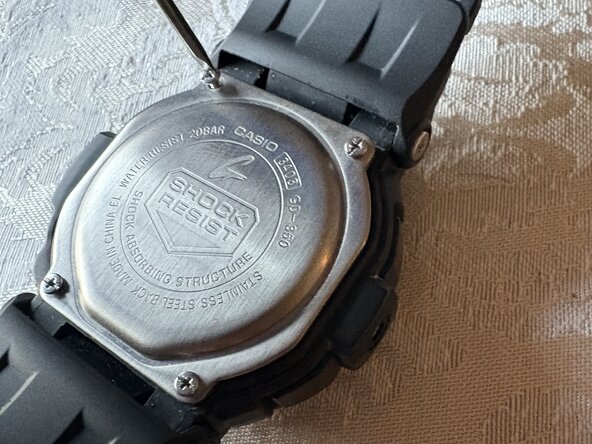
    • Use a small Phillips screwdriver to remove four screws from the caseback, and place the caseback and screws to the side for later.
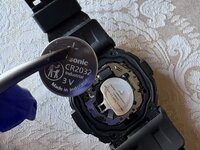
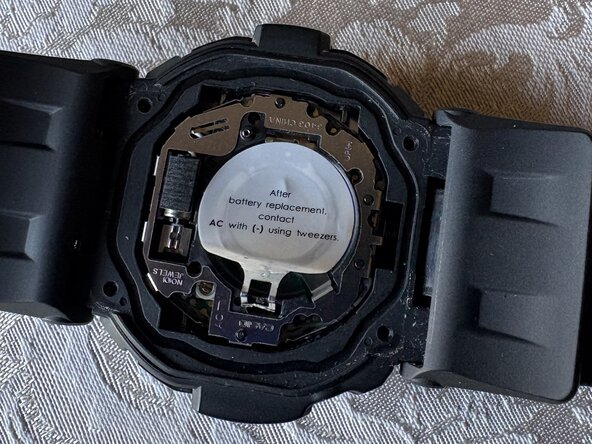
  3. Casio G-Shock GD-350 Battery Replacement: passo 3, immagine 1 di 3 Casio G-Shock GD-350 Battery Replacement: passo 3, immagine 2 di 3 Casio G-Shock GD-350 Battery Replacement: passo 3, immagine 3 di 3
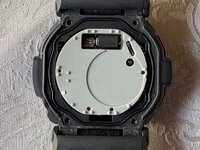
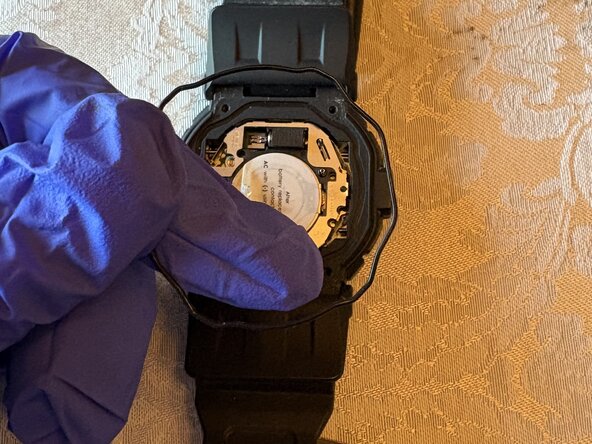
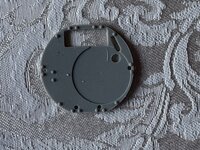
    • Use tweezers to remove the black gasket surrounding the rubber cover.

  4. Casio G-Shock GD-350 Battery Replacement: passo 4, immagine 1 di 3 Casio G-Shock GD-350 Battery Replacement: passo 4, immagine 2 di 3 Casio G-Shock GD-350 Battery Replacement: passo 4, immagine 3 di 3
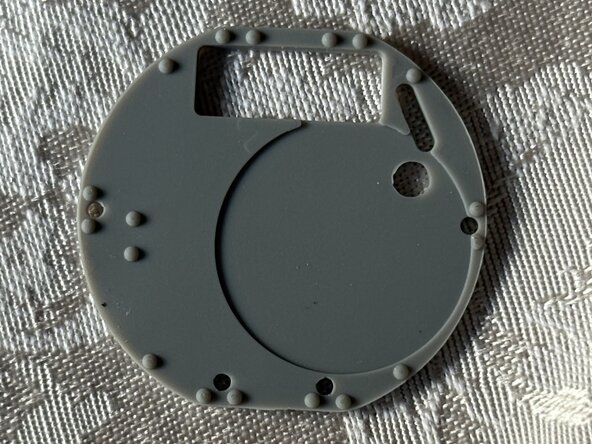
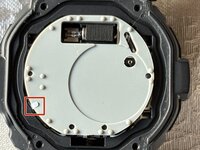
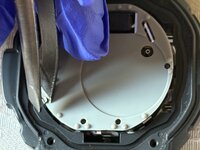
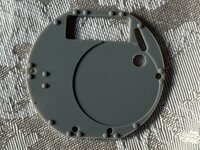
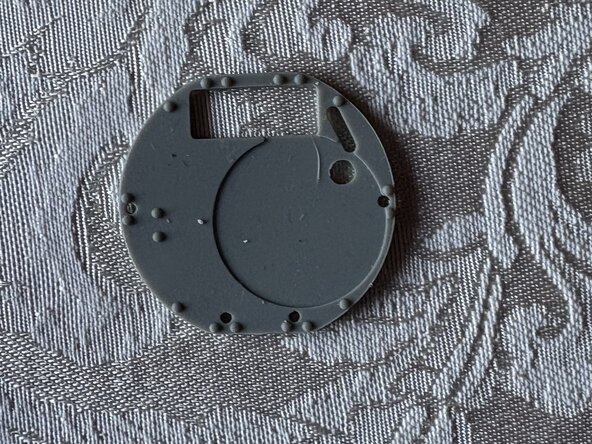
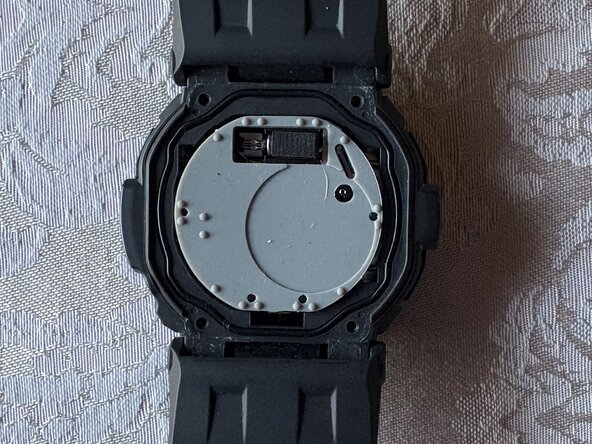
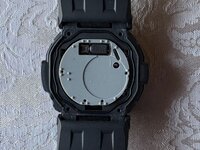
    • Use tweezers to lift the metal tab and remove the rubber cover from the watch and place it to the side.

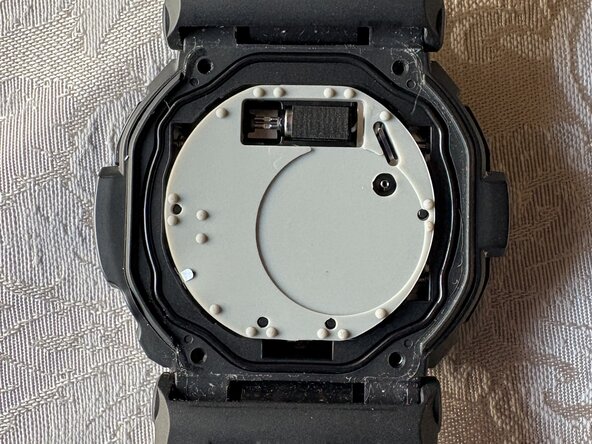
  5. Casio G-Shock GD-350 Battery Replacement: passo 5, immagine 1 di 3 Casio G-Shock GD-350 Battery Replacement: passo 5, immagine 2 di 3 Casio G-Shock GD-350 Battery Replacement: passo 5, immagine 3 di 3
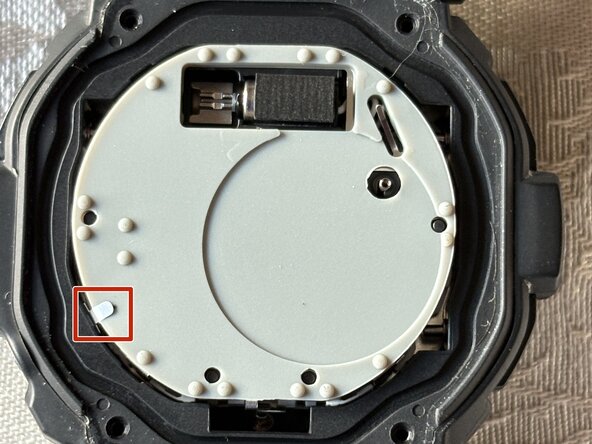
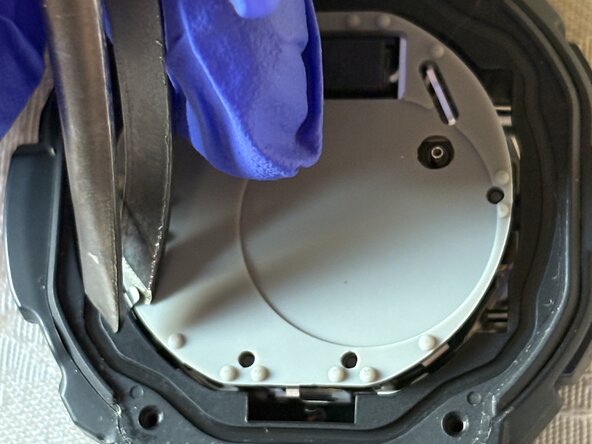
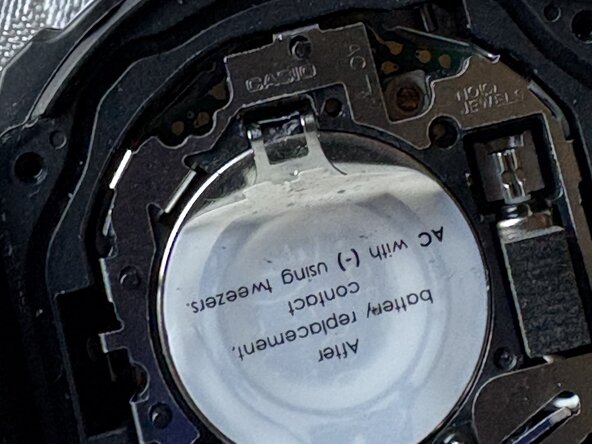
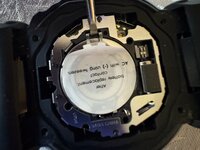
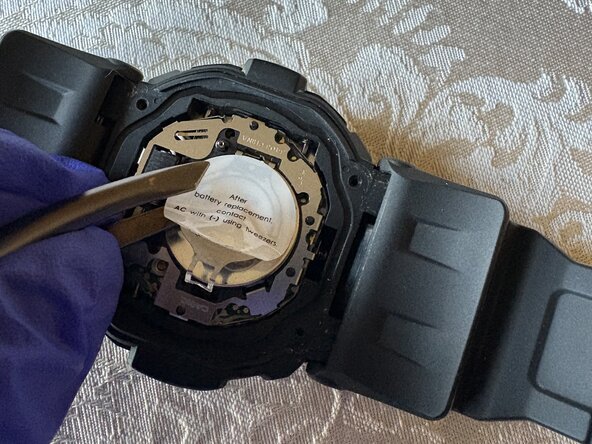
    • From the prong side, peel the sticker halfway or just enough to create an opening for the next step.

  6. Casio G-Shock GD-350 Battery Replacement: passo 6, immagine 1 di 3 Casio G-Shock GD-350 Battery Replacement: passo 6, immagine 2 di 3 Casio G-Shock GD-350 Battery Replacement: passo 6, immagine 3 di 3
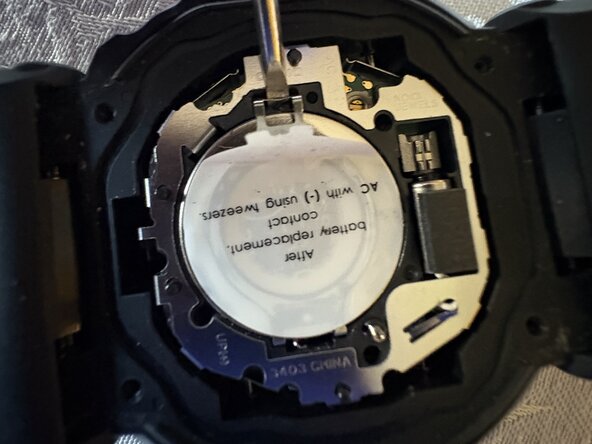
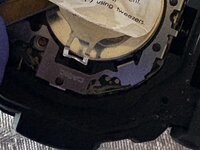
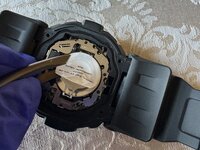
    • Place the pointed end of a spudger into the notch or gap of the silver latch that secures the battery, and gently pull the latch up.

    • Be careful when pulling the latch out to avoid damaging any internal components.

  7. Casio G-Shock GD-350 Battery Replacement: passo 7, immagine 1 di 2 Casio G-Shock GD-350 Battery Replacement: passo 7, immagine 2 di 2
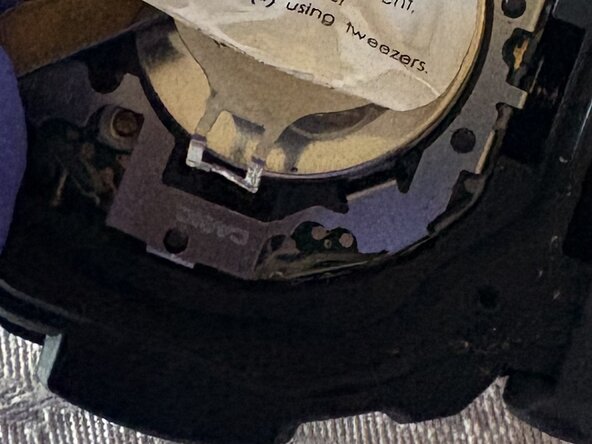
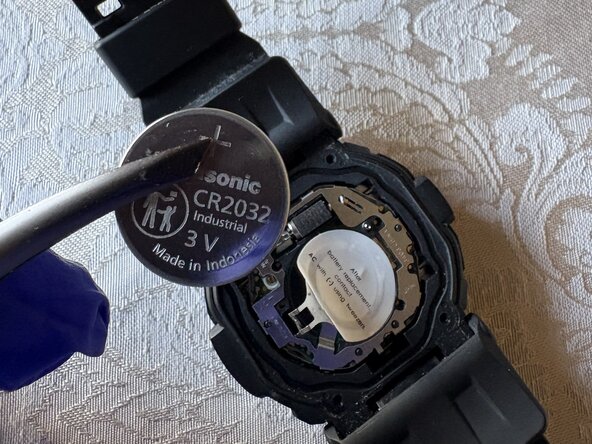
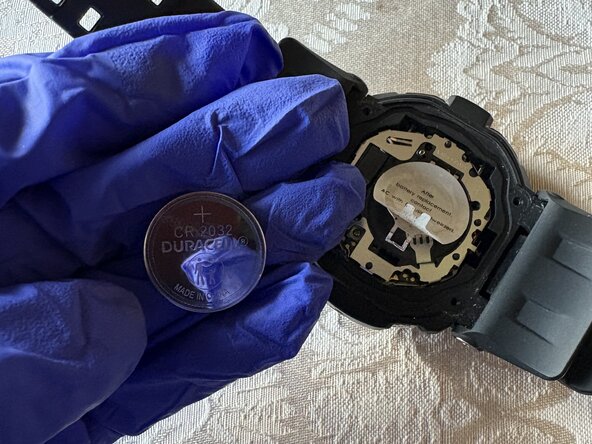
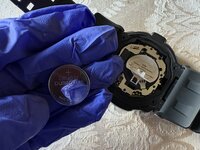
    • After lifting the latch, remove the battery with tweezers.

    • If the battery clamp that the latch is connected to does not open enough to remove the battery, peel back the sticker further to make room for the clamp to open.

  8. Casio G-Shock GD-350 Battery Replacement: passo 8, immagine 1 di 3 Casio G-Shock GD-350 Battery Replacement: passo 8, immagine 2 di 3 Casio G-Shock GD-350 Battery Replacement: passo 8, immagine 3 di 3
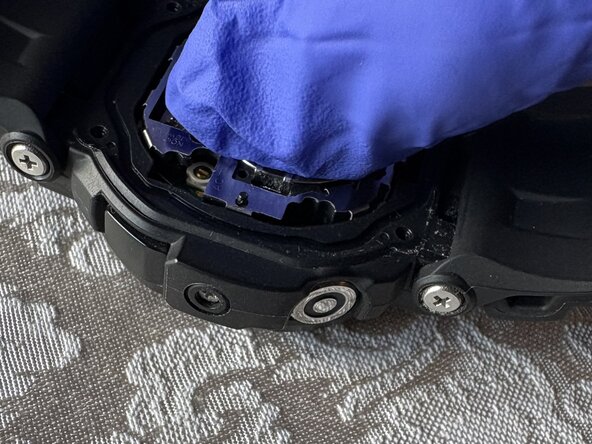
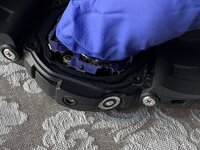
    • Use your hand to place the new battery underneath the clamp.

    • Close the clamp after installing the new battery.

    • If the latch doesn’t stay down when the clamp is closed, it may be bent. Straighten the latch by bending it back into its proper position so it will stay closed.

  9. Casio G-Shock GD-350 Battery Replacement: passo 9, immagine 1 di 3 Casio G-Shock GD-350 Battery Replacement: passo 9, immagine 2 di 3 Casio G-Shock GD-350 Battery Replacement: passo 9, immagine 3 di 3
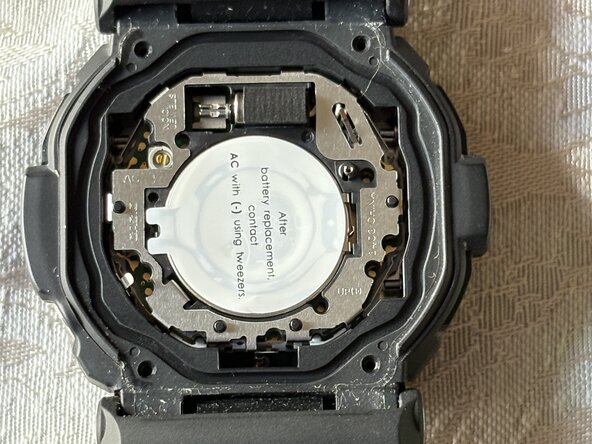
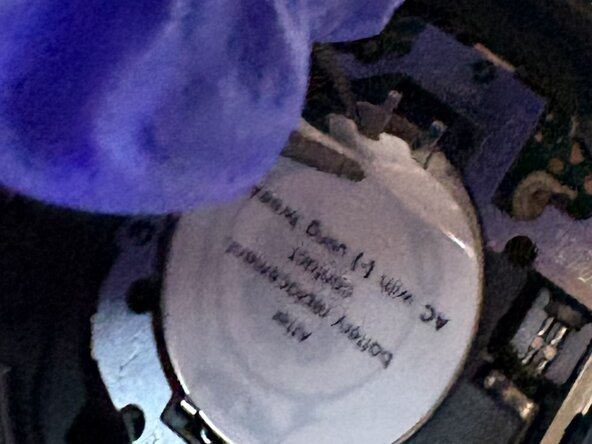
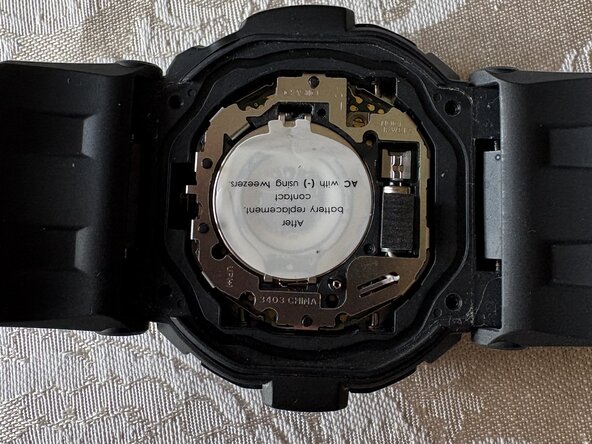
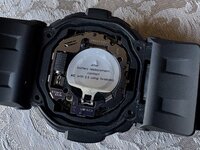
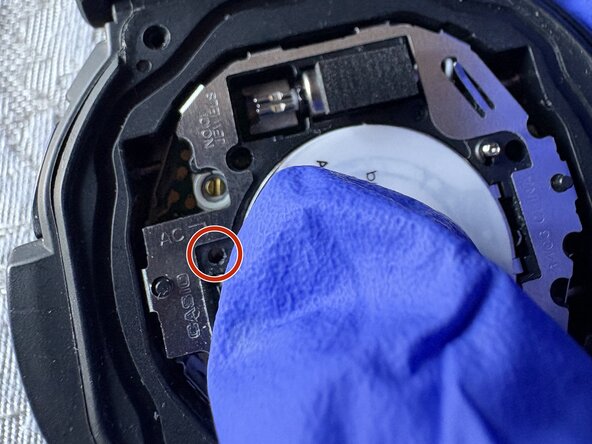
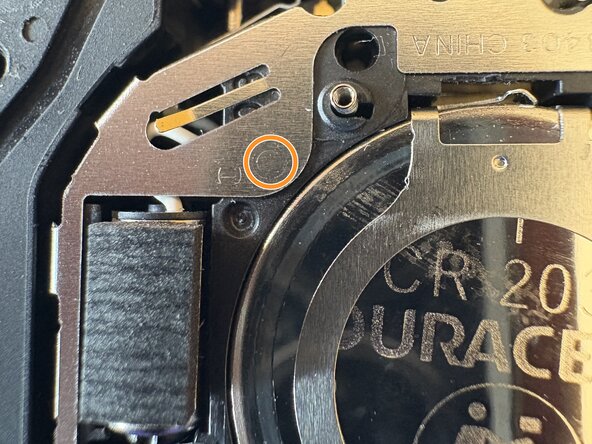
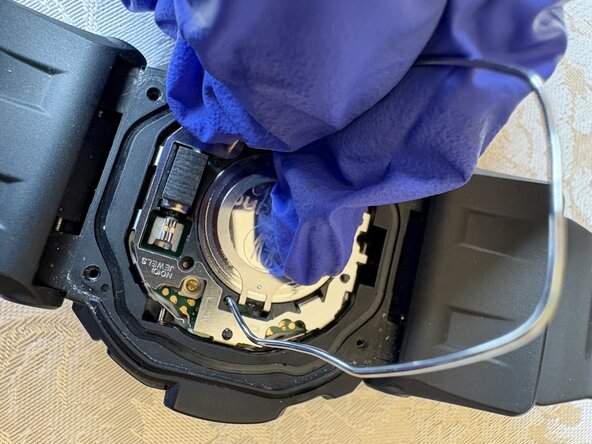
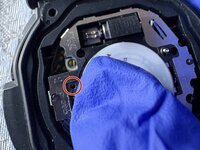
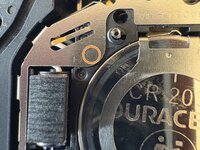
    • Find the AC sign and the arrow that points to a hole, then look for a (-) sign.

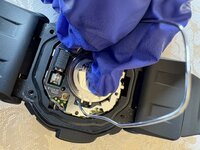
    • Stick one end of the tweezers on the hole where the AC sign points to, then another end of the tweezers on the circle next to the (-) sign, and hold it for 2 seconds.

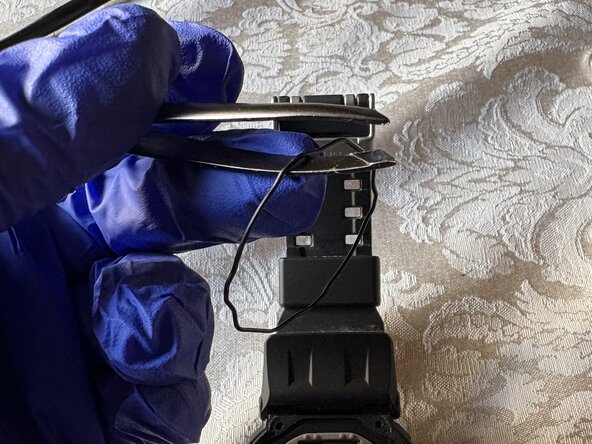
    • If the tweezers are not pointy enough to stick into the AC hole, bending a paperclip into an arch will do the job.

  10. Casio G-Shock GD-350 Battery Replacement: passo 10, immagine 1 di 3 Casio G-Shock GD-350 Battery Replacement: passo 10, immagine 2 di 3 Casio G-Shock GD-350 Battery Replacement: passo 10, immagine 3 di 3
    • Place the black gasket and rubber cover back on the watch.

  11. Casio G-Shock GD-350 Battery Replacement: passo 11, immagine 1 di 3 Casio G-Shock GD-350 Battery Replacement: passo 11, immagine 2 di 3 Casio G-Shock GD-350 Battery Replacement: passo 11, immagine 3 di 3
    • Place the caseback on the watch.

    • Use a Phillips screwdriver to replace the four screws that secure it.

Conclusione

To reassemble your device, follow these instructions in reverse order.

Matthew Ayala

Membro da: 06/14/25

202 Reputazione

1 Guida realizzata

0Commenti sulla guida

Aggiungi Commento

Visualizza Statistiche:

Ultime 24 Ore: 2

Ultimi 7 Giorni: 18

Ultimi 30 Giorni: 123

Tutti i Tempi: 415